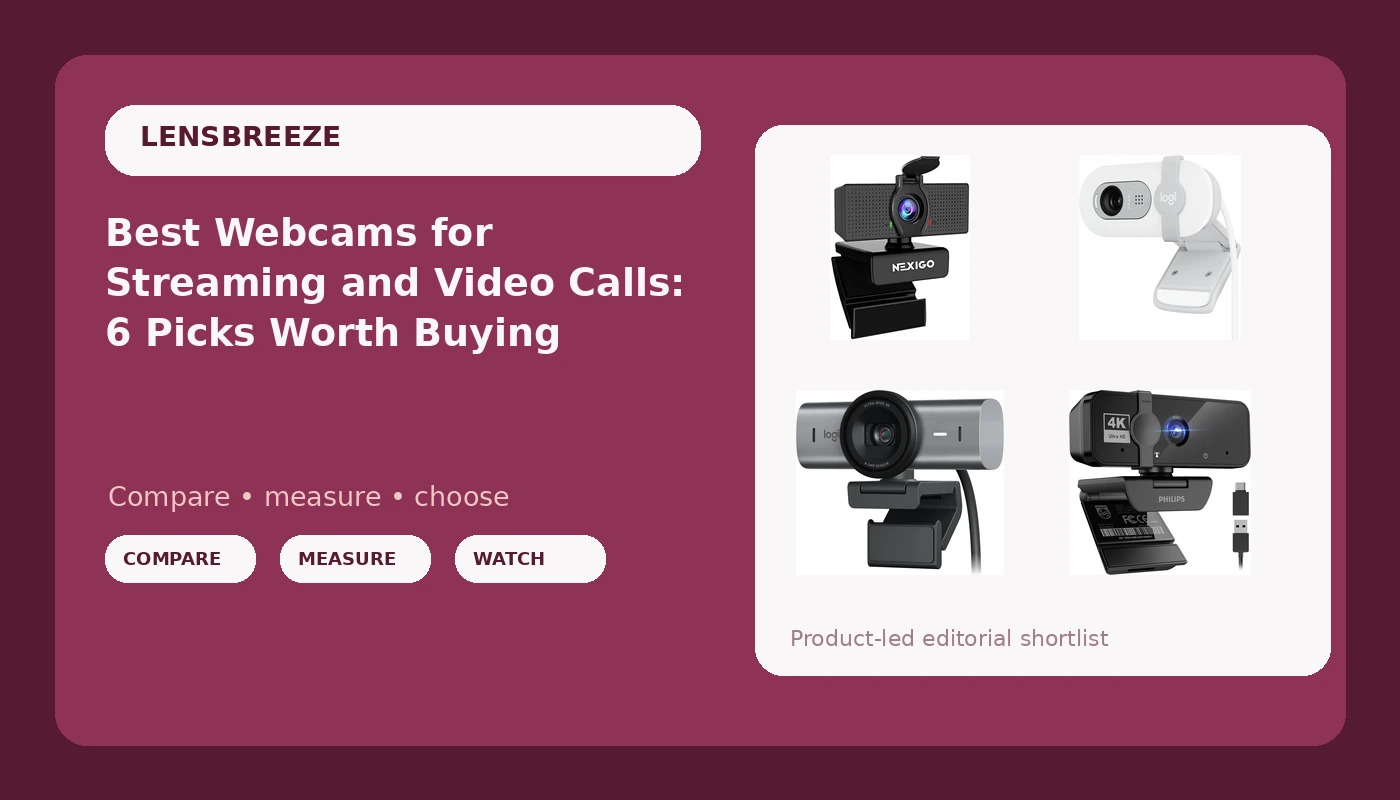
Most people shopping for a webcam hit the same wall. Every box says 1080p or 4K, prices run from roughly the cost of lunch to the cost of a camera lens, and nothing on the shelf tells you which one will actually make you look like yourself on a call. This guide narrows the field to six cameras that cover the realistic range, from the Logitech MX Brio at the top of the stack down to sub-$20 1080p models, and explains what separates them. If you want the best webcams for streaming, meetings, and everyday video calls, the differences that matter are sensor class, field of view, microphone quality, mounting, privacy, and whether the camera behaves without a driver fight.
Related: How to Fix Bad Webcam Lighting Without Buying New Gear
Quick answer
The Logitech MX Brio Ultra HD 4K Webcam is the strongest fit for streaming and meeting-heavy desks because it is a 4K Ultra HD camera with noise reducing microphones, AI-enhanced image quality, a built-in privacy protector, and a USB-C connection. Choose the Logitech Brio 100 instead when you want a simple 1080p Full HD Logitech camera for everyday meetings and you would rather spend the difference on lighting.
Webcam features worth comparing
Before you compare model names, compare what the names leave out. A webcam purchase comes down to five things, and only one of them is the resolution printed on the front of the box.
Sensor class versus resolution claims. Resolution describes how many pixels the camera outputs. Sensor class describes how much light those pixels collect. A 4K output on a very small sensor and a 4K output on a larger one can look dramatically different in a normally lit room, and the difference shows up fastest in skin tone and shadow detail. When a camera advertises 4K, the useful follow-up question is what the rest of the spec sheet says about low-light behavior and dynamic range. This is where the price gap between the budget 4K models and something like the MX Brio comes from.
Field of view. A wide-angle lens fits more of the room into the frame, which is helpful for desk setups, whiteboards, and showing a product on camera. A narrower field of view flatters a single face and hides background clutter. The generic 1080p camera in this roundup leans wide-angle, while most premium cameras let you trade between a wider and tighter view. If you stream from a small room, wide is not automatically better.
Microphone quality. Almost every webcam in this list includes a microphone, and the marketing language ranges from "with microphone" to "noise reducing." Treat the built-in mic as a backup plan. It is fine for a standup meeting and marginal for a podcast. Noise reduction helps with fan hum and keyboard clatter, but it cannot fix a mic that sits three feet from your mouth.
Privacy. A physical privacy cover or privacy protector is a genuine feature, not a gimmick. Several cameras here include one, including the two Logitech models and both of the budget entries. If a camera lacks a cover, a cheap sliding shutter solves it, but it is easier when the hardware includes it.
Connection and mounting. USB-C is the modern standard, and USB-A still rules on older desktops. One camera in this roundup ships with a USB-A to USB-C adapter in the box, which matters if your machine has no USB-C port. Check how the camera mounts too: monitor clips are common, tripod threads are not universal, and a camera that will not sit securely on your display will annoy you daily.
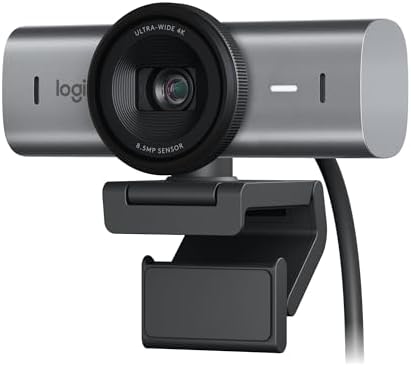
Logitech MX Brio Ultra HD 4K Webcam with Noise Reducing Microphones, AI-Enhanced Image Quality, Privacy Protector and USB-C Connection - Graphite
A 4K Ultra HD camera with noise reducing microphones, AI-enhanced image quality, a built-in privacy protector, and a USB-C connection, aimed at streaming and meeting-heavy desks.
Visit on Amazon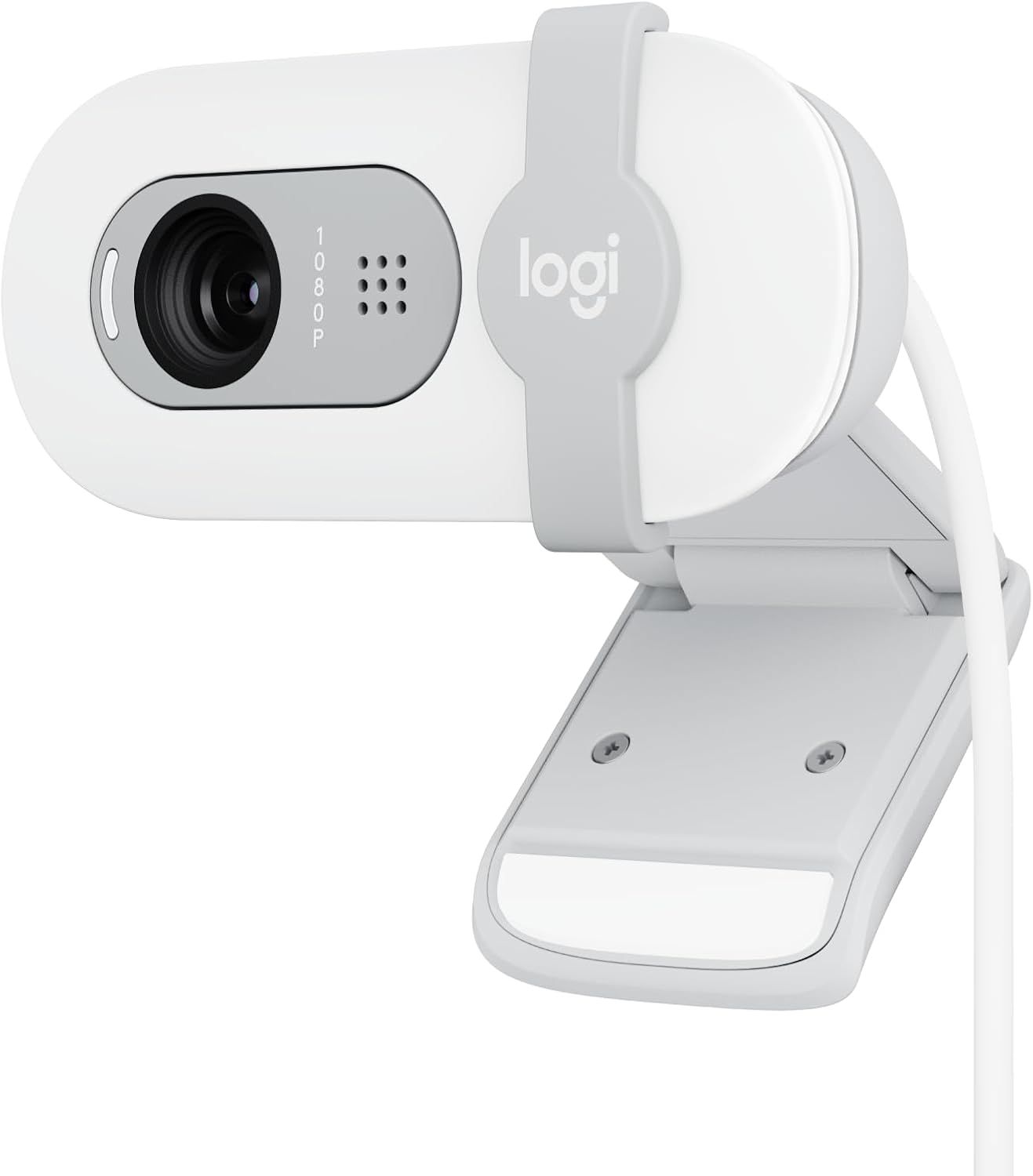
Logitech Brio 100 Full HD 1080p Webcam for Streaming and Meetings - White
A 1080p Full HD Logitech camera built for streaming and meetings, finished in white, for people who want a familiar name without paying for 4K.
Visit on Amazon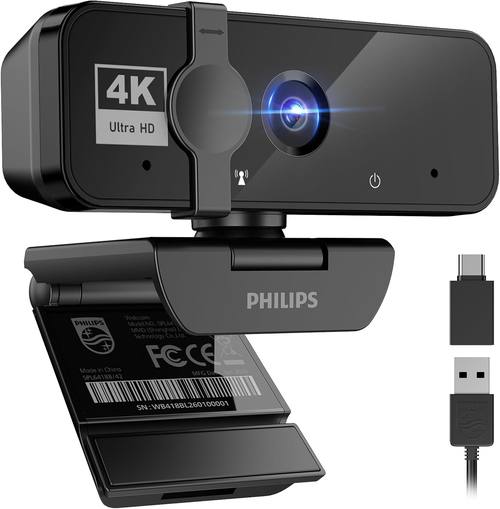
PHILIPS 4K Webcam for PC with Microphone, Computer Camera for Meetings
A 4K camera with a built-in microphone, positioned for PC meetings and everyday calls rather than streaming overlays.
Visit on Amazon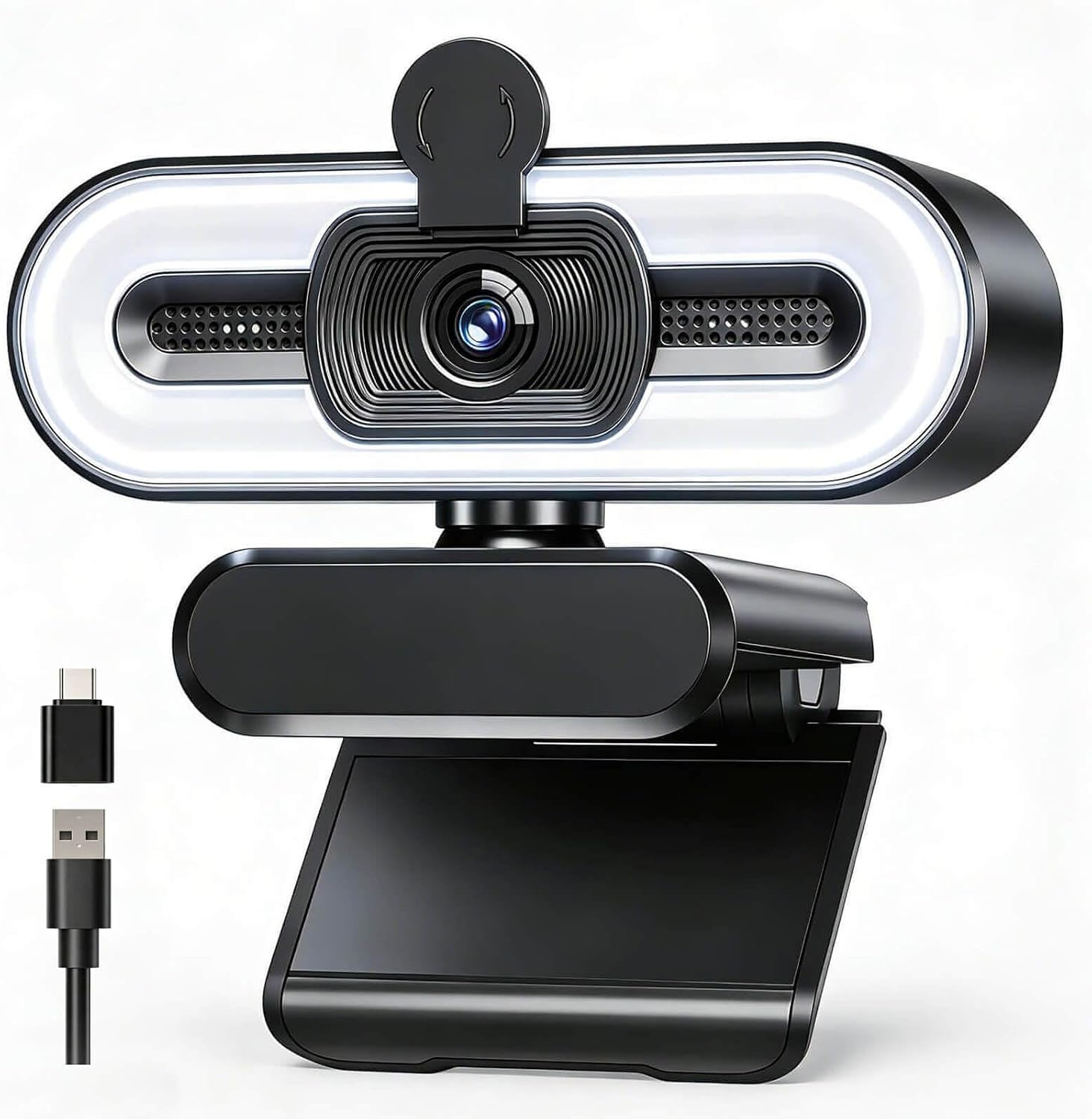
4K Webcam with Fill Light, Computer Camera with Privacy Cover & Noise-Reducing Microphone, Webcam for PC/Laptop/Mac/Monitor, USB-A to USB-C Adapter Included, Adjustable , Plug & Play
Check current Amazon price
A 4K camera with an integrated fill light, a privacy cover, a noise-reducing microphone, monitor and laptop mounting, and a USB-A to USB-C adapter included in the box.
Visit on Amazon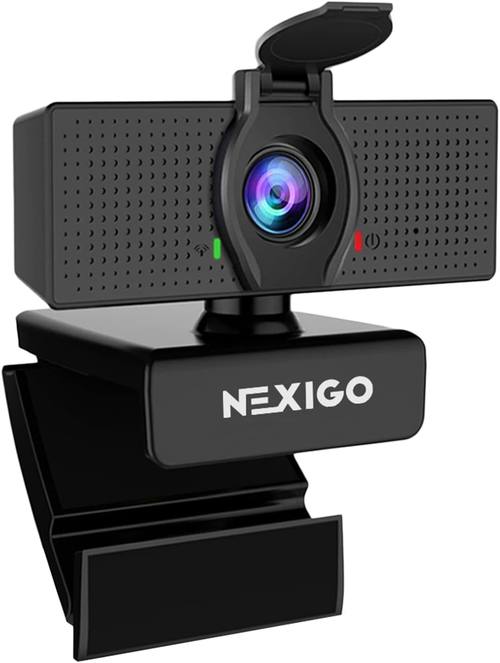
NexiGo N60 1080P Webcam with Microphone, Software Control & Privacy Cover, USB HD Computer Web Camera, Plug and Play, for Zoom/Skype/Teams, Conferencing and Video Calling
A 1080p camera with a microphone, software control, and a privacy cover, aimed at Zoom, Skype, Teams, conferencing, and video calling.
Visit on Amazon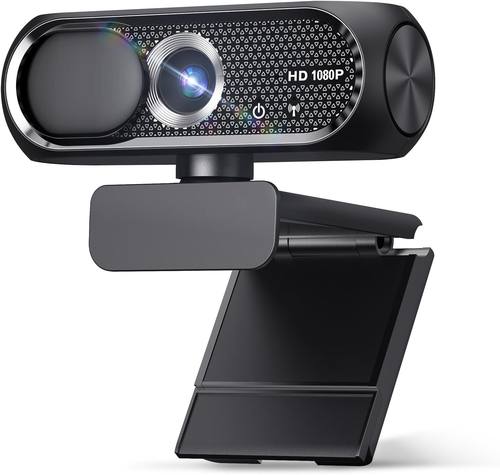
1080P HD Webcam with Microphone, Privacy Cover, Wide-Angle Lens, Plug & Play USB Webcam for Laptop, Desktop, PC, Mac, Zoom, Skype (Deep Black)
Check current Amazon price
A low-cost 1080p camera with a wide-angle lens, privacy cover, and microphone, listed for laptop, desktop, PC, and Mac use with Zoom and Skype.
Visit on AmazonPrices and availability may change. Check the retailer for current details.
How these products were compared
This guide compares resolution class, connection type, microphone inclusion, privacy hardware, and mounting and compatibility support. Product names, images, and retailer links are matched by product identifier so that every card points to the product shown, and every recommendation below is based on the features each manufacturer lists for that exact model.
The comparison is spec-based rather than a lab report. Where a feature is not stated by the manufacturer, this guide does not assume it exists. That is why you will see "with microphone" treated differently from "noise reducing microphone," and why no camera here is credited with a sensor size or low-light result that the listing does not publish. The right move is to treat these categories as a shortlist, then confirm the specifics that matter to your setup before you buy.
How to choose the right webcam
Start with the job, not the resolution. If your camera is mainly for internal meetings and the occasional family call, a 1080p model with a privacy cover and a working microphone is enough, and the money you save is better spent on a lamp. The Logitech Brio 100 and the NexiGo N60 both sit in that lane, and the budget 1080p wide-angle camera covers the same ground for less. None of them will be the limiting factor in a well-lit room.
If you stream, record, or appear on client calls where you are the product, step up. A 4K camera gives you room to crop in post and holds more detail when your face fills the frame, and the premium models add the extras that make daily use easier: a privacy protector, better microphones, and a modern connection. The MX Brio is the clearest example here, with 4K Ultra HD output, noise reducing microphones, AI-enhanced image quality, and USB-C in one package. The PHILIPS 4K camera and the 4K model with a built-in fill light occupy the middle of that range.
Then check the boring stuff, because it decides whether you actually enjoy using the camera. Confirm the port on your computer matches the cable in the box, or that an adapter is included, which is one of the genuine advantages of the fill-light model. Confirm the mount fits your display. Confirm the camera has a privacy cover if that matters to you, and confirm whether changing settings requires proprietary software or works through the apps you already use.
Finally, be skeptical of 4K labels on very inexpensive cameras. A 4K output is a specification, not a guarantee of image quality, and the gap between a cheap 4K camera and a premium 4K camera usually shows up in dynamic range and low-light behavior rather than in the resolution number. If a listing promises 4K at a price that seems impossible, the honest comparison is against a good 1080p camera, not against a flagship.
Logitech MX Brio Ultra HD 4K Webcam
The MX Brio is the top pick here because it is the only camera in this group that combines 4K Ultra HD output with the features that make a daily camera pleasant: noise reducing microphones, AI-enhanced image quality, a built-in privacy protector, and a USB-C connection. The Graphite finish is a small thing, but a camera that sits on your monitor all day should not look like a webcam from 2012.
It is also the most expensive option in this roundup, and that is the trade-off to be honest about. If your lighting is poor, no amount of 4K fixes it, and a $35 camera plus a decent light can beat a flagship in a dim room. The MX Brio makes sense when your lighting is already reasonable and you want the headroom that 4K output provides, along with the microphone and privacy hardware built in. If those things are not on your list, the Brio 100 does the basic job for far less.
Alternatives to consider
The Logitech Brio 100 is better suited to everyday meetings and casual streaming where 1080p Full HD is plenty, while the PHILIPS 4K Webcam is a stronger fit when you want 4K output and a built-in microphone for PC meetings without moving to flagship pricing.
The 4K Webcam with Fill Light, the NexiGo N60, and the 1080P HD Webcam with Privacy Cover cover the value end of the list. The fill-light model is the interesting one, because the integrated light addresses the problem that actually ruins most webcam footage, and it ships with a USB-A to USB-C adapter so older desktops are covered. The NexiGo N60 adds software control and a privacy cover at 1080p, and the wide-angle 1080p camera is the cheapest way to get a working camera with a privacy cover onto a laptop or desktop.
Day-to-day use and maintenance
Webcams are low-maintenance hardware, but a few habits keep them useful. Wipe the lens with a microfiber cloth rather than a shirt sleeve, since the lens is small and a smudge is very visible at 1080p and worse at 4K. Keep the privacy cover closed when the camera is not in use, both for privacy and to keep dust off the glass. If your camera mounts on a monitor, check the clip tension occasionally, because a camera that shifts mid-call is more distracting than any image quality difference in this guide.
On the software side, install the camera before you need it. Test it in the app you actually use, whether that is Zoom, Teams, Skype, or OBS, and confirm the microphone and camera are both selected as inputs. Cameras that rely on proprietary software for settings should have that software installed and updated, because settings applied once do not always survive a driver update.
Buying checklist
- Measure the space above your monitor or on your desk, and confirm the mount fits it.
- Choose 1080p or 4K based on how you use the camera, not on the number that sounds better.
- Confirm the exact model includes the feature you care about, whether that is a privacy cover, a fill light, or a noise-reducing microphone.
- Check the cable and port type, and whether an adapter is included.
- Verify the current retailer price, availability, and return terms before ordering.
Final recommendation
Choose the Logitech MX Brio Ultra HD 4K Webcam when you stream or take client-facing calls regularly, your lighting is already sorted, and you want 4K output, noise reducing microphones, AI-enhanced image quality, a privacy protector, and USB-C in a single purchase. Choose the Logitech Brio 100 when 1080p Full HD covers your meetings and you would rather put the savings into better light. If the budget is tight but you still want a privacy cover and a working microphone, the NexiGo N60 and the wide-angle 1080p camera are the sensible floor, and the 4K model with the built-in fill light is the pick when your room is the problem rather than your camera.