The Webcam Mounting Mistakes I Keep Seeing (And How to Fix Them)
You bought a webcam with a 78-degree field of view and now your forehead takes up half the screen. Sound familiar? I've been testing webcams from my converted garage shop since 2020, and I've lost count of how many times I've watched someone on a call look like a floating head because of a mounting mistake, not a camera problem.
Here's the blunt truth: most webcam issues have nothing to do with the sensor and everything to do with where you put the thing.
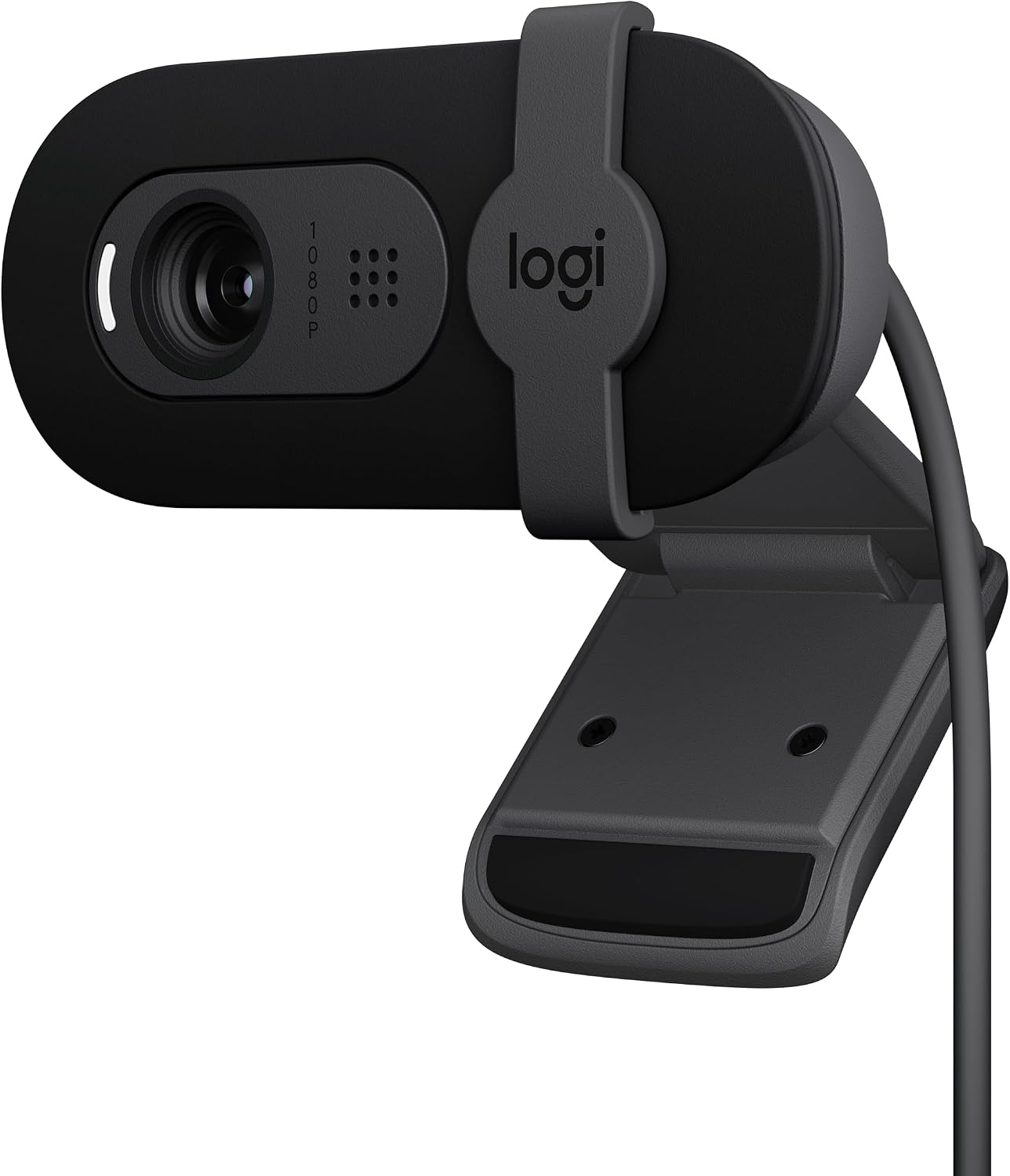
Logitech Brio 101
Plug-and-play, solid low light, privacy shutter
Slightly zoomed FOV, you'll need to push your chair back
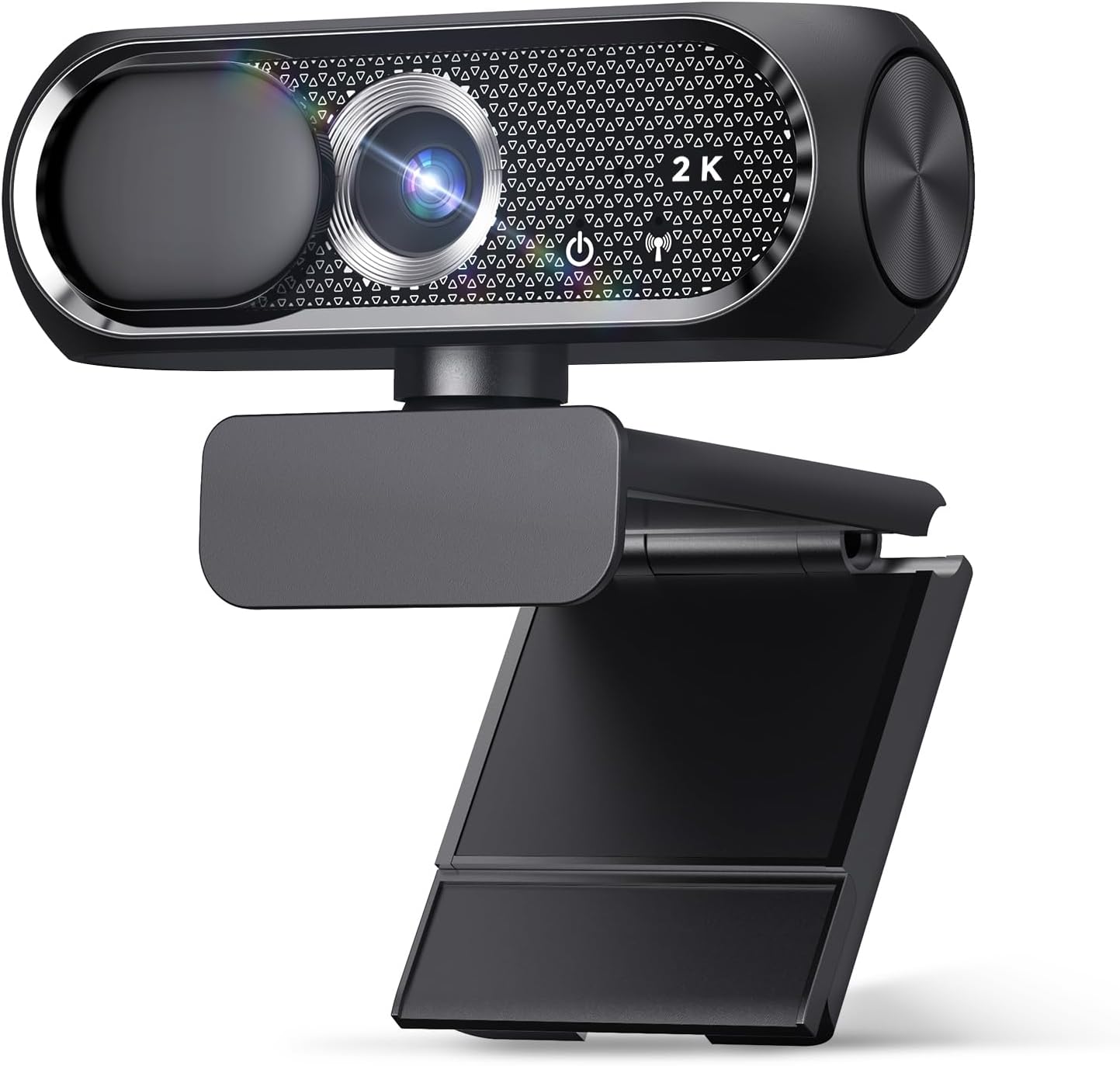
Shcngqio 1080P
Budget king, dead simple for non-techies
Weak low light, average mic
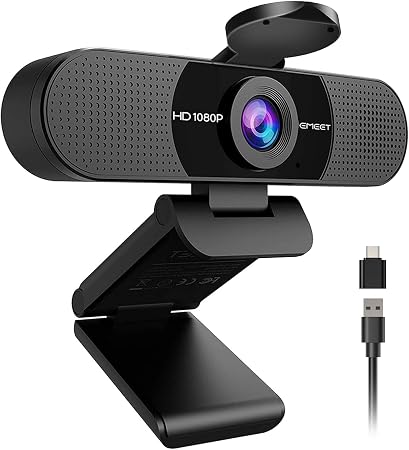
EMEET C960
Great value, sharp image
Wide angle with no zoom, autofocus hiccups
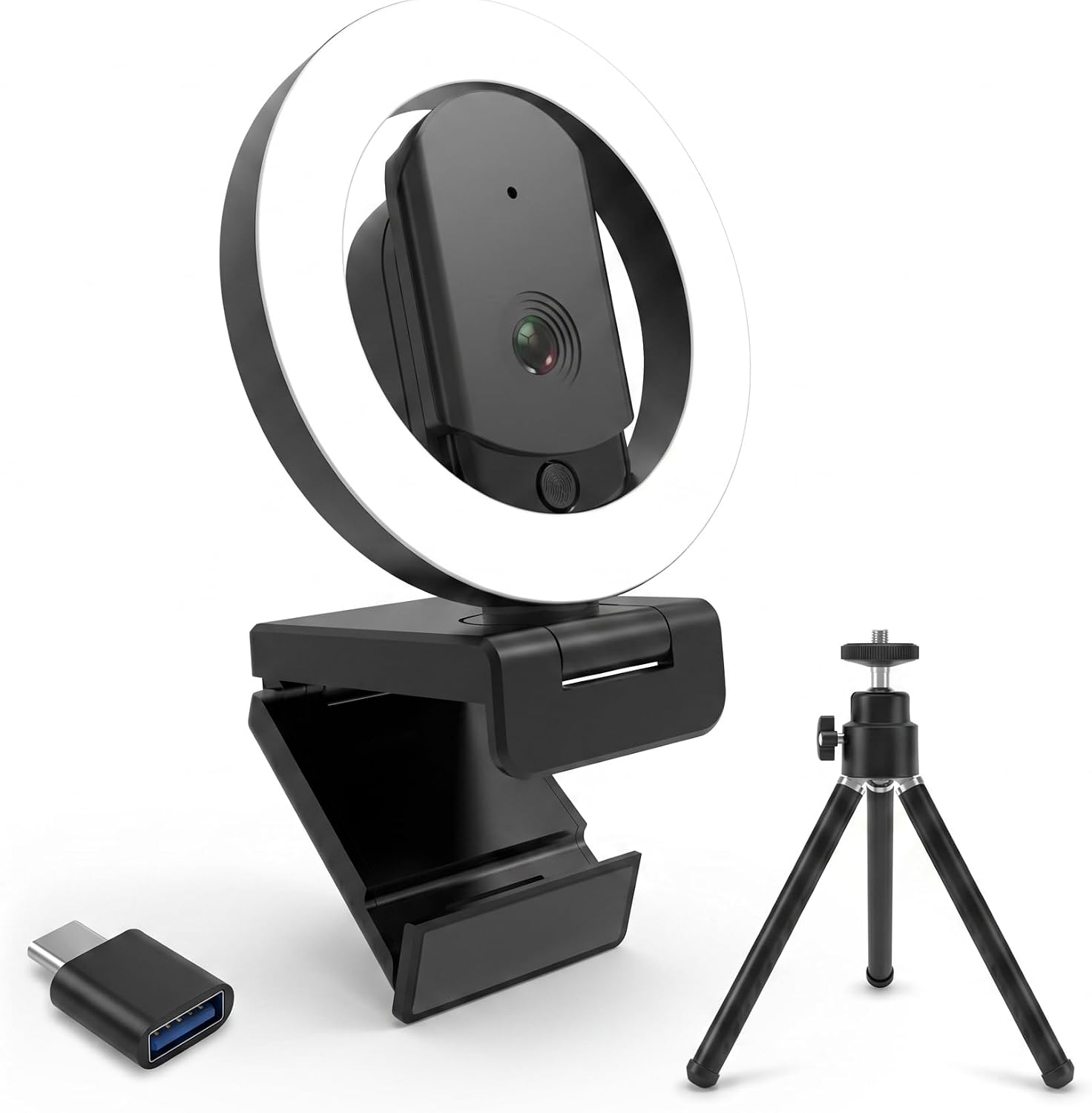
HUYEOOG 4K
Built-in fill light is genuinely useful
Setup troubleshooting, flimsy tripod, 4K doesn't deliver
Prices and availability were captured from Amazon Creators API and may change.
The Mount That's Too High
I see this more than anything else. People perch their webcam on top of a monitor that's already elevated on a stand, and suddenly the camera is pointing down at the top of your head. You look like you're being filmed by a ceiling security camera.
I've got a 27-inch monitor on a riser in my shop, and when I first set up the Logitech Brio 101, I made this exact mistake. The Brio's fixed FOV is already slightly zoomed in, so combined with the height, my face was cut off at the eyebrows. I had to push my chair back about a foot just to get my whole face in frame.
The fix is simple: the lens should be at eye level. If that means stacking books under your monitor or using a separate stand, do it. My grandfather's setup has the Shcngqio 1080P clipped to a shelf at eye level next to his laptop, and he's never had a complaint about how he looks on calls.
The USB Hub Trap
Here's a mistake that has nothing to do with physical mounting but causes more "my camera keeps freezing" complaints than anything else. I've said this a hundred times and I'll say it again: plug your webcam directly into your computer, not a USB hub.
I bought six Logitech Brio 101s for my company's office, and for the first week, two of them kept dropping the video feed. I was ready to send them back. Turns out both were plugged into the same powered USB hub that was also running a headset and a phone charger. Moved them to direct ports on the desktop towers, and they've been flawless for six months.
The Brio 101 is genuinely plug-and-play, but even the best camera will struggle if it's fighting for bandwidth through a hub. This is the cheapest fix in this entire article, and it costs nothing.
The "I'll Just Use the Included Tripod" Mistake
The HUYEOOG 4K has a fill light that I genuinely like. It's got three color modes and it lights up my face nicely when the garage gets dark. But the included tripod is the wonkiest piece of plastic I've dealt with in years. It wobbles, it leans, and if my dog Baxter so much as walks past the desk, the whole thing sways.
I've seen this complaint pattern from other buyers too. The tripod can't hold the camera straight, which means you're constantly adjusting it mid-call. I ended up replacing it with a $15 desk clamp arm I had lying around, and the camera works fine. But that's an extra cost and an extra step that shouldn't be necessary.
If you're considering the HUYEOOG, budget for a separate mount. The camera itself does the job, but the included hardware is where it falls apart.
The Distance Math Nobody Does
Every webcam has a sweet spot, and most people never figure out where it is. I sit about 4 to 5 feet from my monitor, which is pretty normal for a desk setup. That distance is fine for the Brio 101. It's a disaster for the EMEET C960.
The EMEET's field of view is wide with no zoom. At my seating distance, I looked like I was sitting in an empty warehouse, small in the frame with tons of dead space on either side. I had to rig up an extension stick to bring the camera within two feet of me to get a decent view. That's a workaround, not a solution.
The math is simple: wide FOV cameras need to be closer to you. If you're more than three feet from your monitor, you need a camera with zoom or a narrower FOV. The Brio 101's slightly zoomed-in view is actually a feature for my setup, even though some buyers complain about it.
The Autofocus Hunt
The EMEET C960 has another quirk that I've seen mentioned by multiple buyers. Every so often, the video goes blurry for a second and then refocuses. It doesn't happen often, and it corrects itself quickly, but it's there. If you're on a call and you move around a lot, this will happen more.
This is one of those things that's hard to test for in a store. You only notice it after weeks of daily use. The EMEET otherwise has excellent image quality for the price, but the autofocus hunt is a real flaw, not a one-off.
The Privacy Shutter That Isn't There
I won't buy a webcam without a privacy shutter anymore. It's not paranoia, it's peace of mind. The Brio 101 has a sliding shutter that's smooth and stays put. The Shcngqio has a clip-on cover that my grandfather actually uses, which surprised me.
The HUYEOOG doesn't have one, and neither does the EMEET. That means either you're covering the lens with tape or you're leaving it exposed. For a camera that sits on your desk pointing at your face, that's a real consideration. I've bought cameras specifically because of the shutter, and I'll keep doing it.
What I'd Actually Buy
I don't track prices day to day, so I won't pretend to know next week's deals. But based on the last six months of living with these cameras, here's where I land.
The Logitech Brio 101 is the safest recommendation I can make. It's priced around $50 to $60, it's genuinely plug-and-play, and the low-light performance is better than anything else in this group. My only real complaint is the fixed FOV is slightly zoomed in, so you might need to adjust your seating.
But that's a minor issue compared to the driver headaches and mounting problems I've dealt with elsewhere.
I bought six for my company and never looked back.
The Shcngqio 1080P is the budget pick that gets it done. For $20 to $30, the image is clear and sharp, and it worked instantly on my grandfather's dying laptop. The low light isn't there and the mic is basic, but for a Sunday call with the grandkids, it's perfect.
The EMEET C960 has great value and solid image quality, but the wide FOV with no zoom was a dealbreaker for my setup. If you sit close to your monitor, this is a great camera. If you're five feet back like me, it's a constant battle with positioning.
The HUYEOOG 4K is the one I'd skip. The fill light is nice, but the setup troubleshooting and flimsy tripod aren't worth it. And honestly, the 4K sensor doesn't deliver the jump in quality you'd expect. It does the job, but it doesn't justify the price over the Brio 101.
Here's my bottom line: stop blaming the camera for mounting mistakes. Set it at eye level, plug it directly into your computer, and know your distance. The Brio 101 is my pick for most people because it removes the most variables. The Shcngqio is my pick if you're on a tight budget and don't need low-light performance. Everything else is a compromise you don't need to make.
for the Logitech Brio 101 if you want the one I recommend to everyone.
for the Shcngqio 1080P if you're looking for a budget option that just works.