The Webcam Field Of View Problem, Explained
Related: Webcam Resolution Explained: 720p vs 1080p vs 4K
You sit down for a call, and the person on the other end sees a floating head with no shoulders. Or you look like you're sitting in an empty warehouse with your desk as a tiny island in the distance. That's not your camera's resolution. That's field of view, and it's the spec most people ignore until they hate their first webcam.
I've tested webcams for years, from the Logitech C920 that started it all to 4K flagships that couldn't hold a candle to a decent 1080p sensor. I've bought six Logitech Brio 101s for my company. I've rigged up extension sticks for cameras with fixed wide angles.
I've sat through calls with my chair pushed back so far my knees hit the wall. Field of view is the difference between looking like a professional and looking like a witness sketch.
Here's the short version: a 1080p sensor with the right field of view beats a 4K sensor with the wrong one every single time.
The Logitech Brio 101 is the best webcam I've tested for most people, because it nails the balance between image quality, low-light performance, and a field of view that works for standard desk setups. It's not perfect, and the slightly zoomed-in view will bother some people. But it's the camera I recommend to everyone, and it's the one I've bought six of for my office.
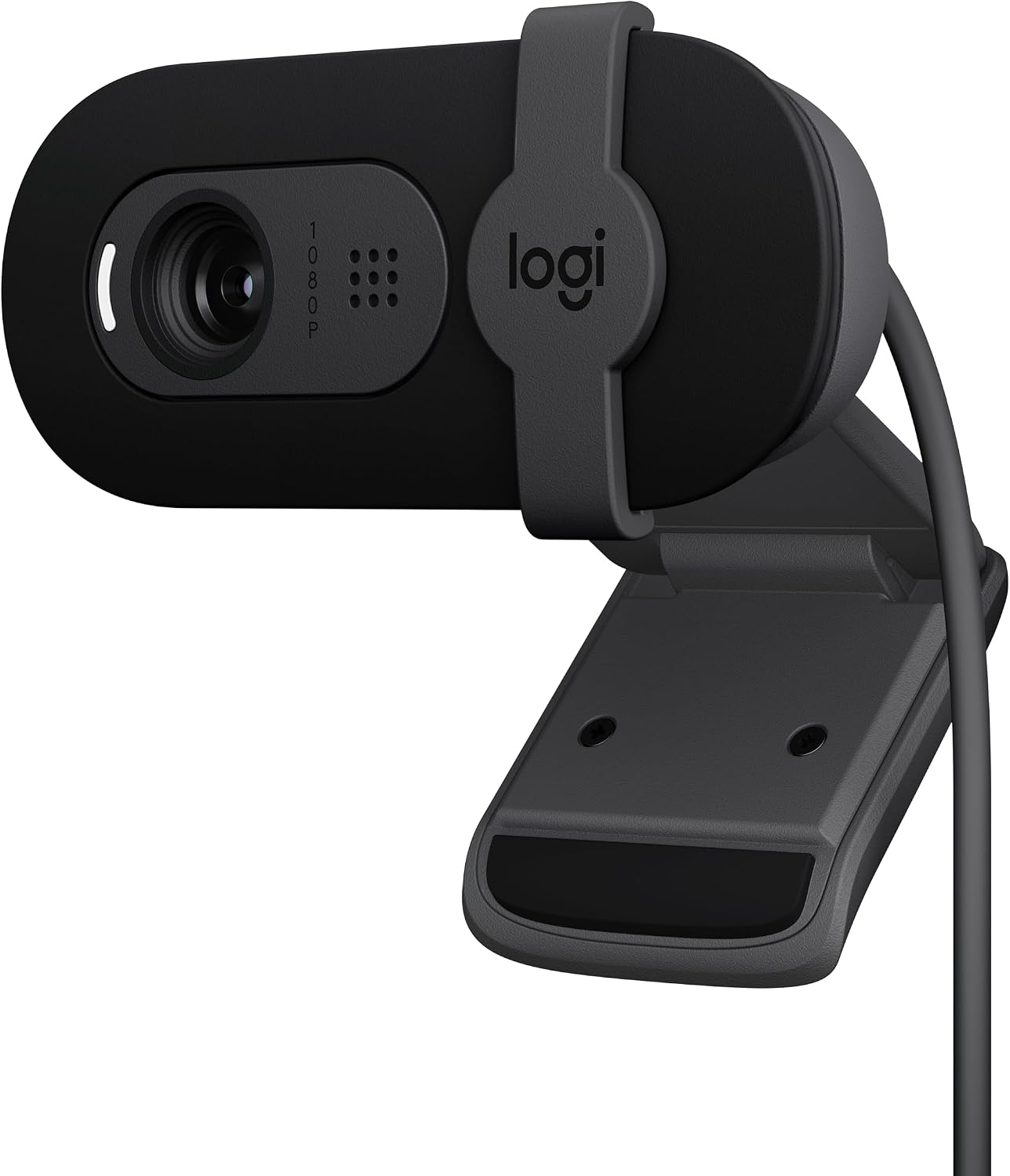
Logitech Brio 101
Plug-and-play, great low-light, sturdy mount, privacy shutter
Slightly zoomed-in FOV; you may need to push your chair back
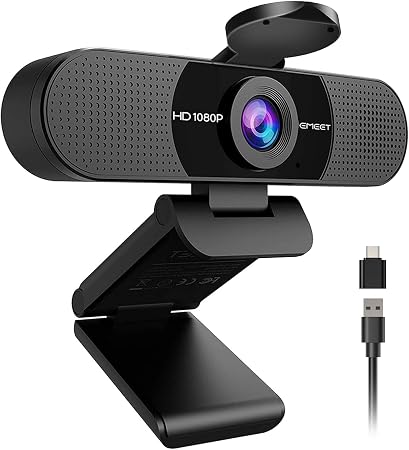
EMEET C960
Excellent value, solid image quality, plug-and-play
Fixed wide angle with no zoom; dealbreaker if you sit 4–5 ft away
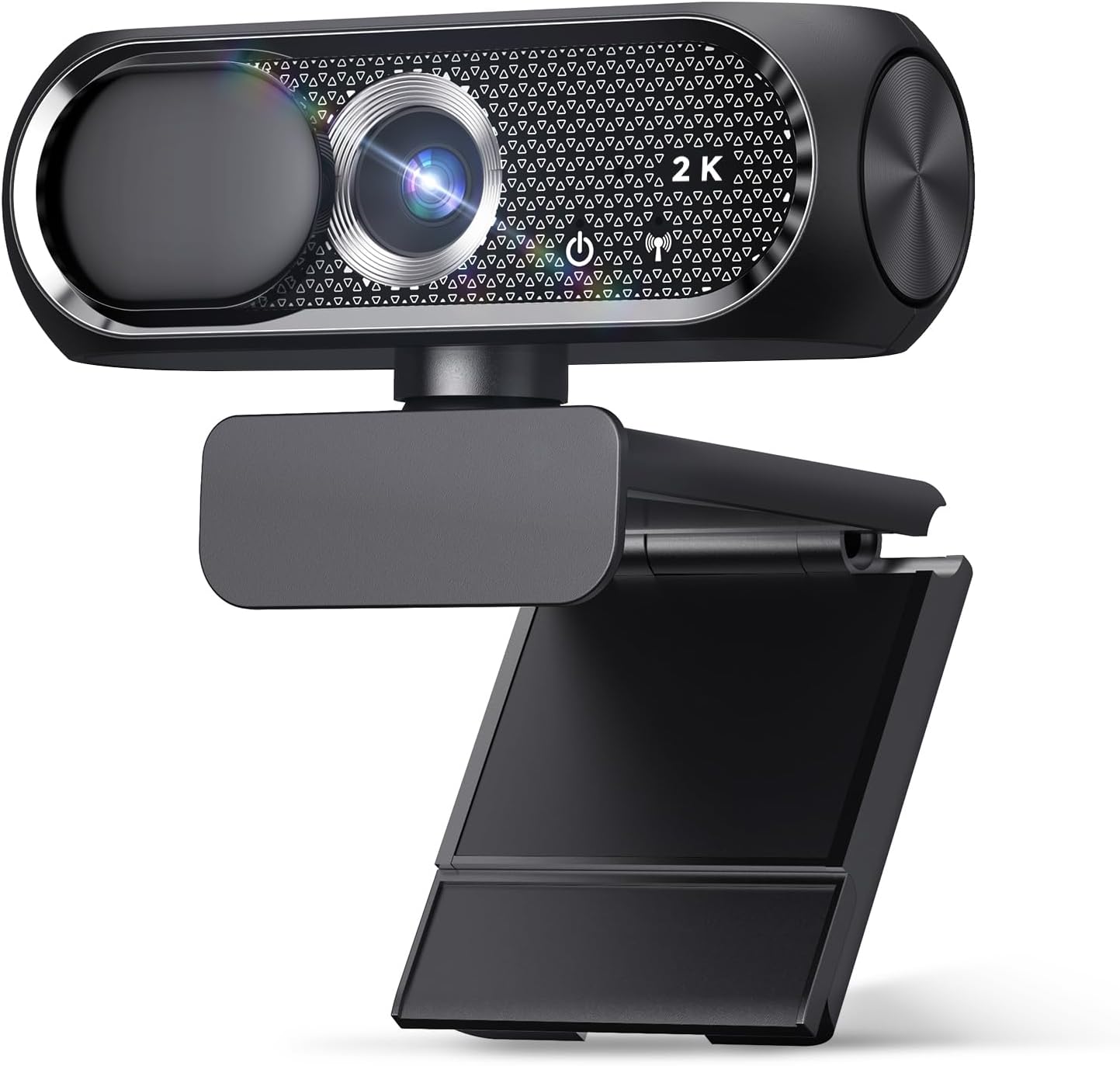
Shcngqio 1080P
Budget king, zero setup issues, privacy cover
Weak low-light performance, mediocre mic
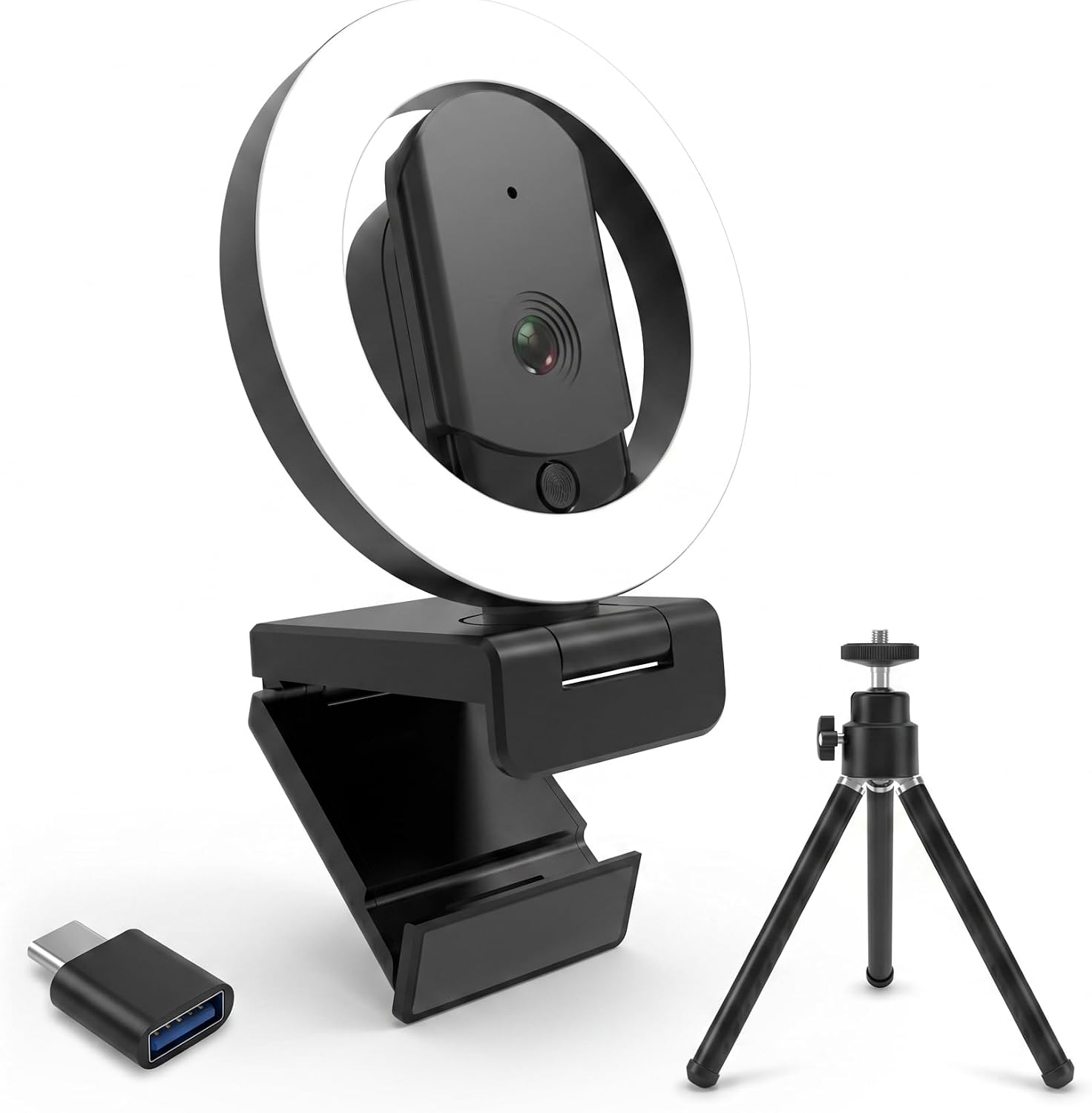
HUYEOOG 4K
Built-in three-color fill light is genuinely useful
Troubleshooting required, flimsy tripod, 4K doesn't deliver
Prices and availability were captured from Amazon Creators API and may change.
Pros
- More context in frame means you can gesture naturally without leaving the shot
- A wider view lets you show physical objects, whiteboards, or your dog Baxter wandering in
- Better for standing desks where your distance to the camera changes
Cons
- Too wide and you look small and distant, like you're at the far end of a conference room
- Fixed wide angles with no zoom force you to rig up workarounds
- Too narrow and you can't lean back without clipping your forehead
Compared To
The EMEET C960 sits at the opposite end of the field of view spectrum from the Brio 101. The EMEET's wide angle captures a huge room, but you have no way to zoom in. I'm about 4 to 5 ft from my monitor, so the Brio 101's slightly tighter view works better for me. The EMEET made me look like I was presenting from a podium in a ballroom.
The HUYEOOG 4K tries to solve the low-light problem with its built-in fill light, and that part genuinely works. But the 4K sensor doesn't deliver the jump in quality you'd expect over a good 1080p camera. It does the job, but it doesn't justify the price premium over the Brio 101.
The Shcngqio doesn't even try to compete on field of view or low-light. It's a $20–30 camera that gets it done for a specific person: someone who just wants to see their grandkids on a Sunday call.
Design
The Brio 101's mount is sturdy. That matters more than you'd think. I've had cheap cameras fall off my monitor mid-call, and Baxter has knocked over more tripods than I care to admit. The Brio's clip grips firmly and the camera stays put. The privacy shutter is a nice touch, and it gives my grandfather peace of mind on his Shcngqio.
The EMEET C960's build is solid for the price, but the mount is hard to keep straight on top of a monitor. It slowly tilts down over time, and you'll find yourself adjusting it between calls. I had to plan on getting a proper stand.
The HUYEOOG 4K's included tripod is on the wonky side. It can't hold the camera straight, and the legs feel like they'd snap if you looked at them wrong. If you're going to include a tripod, make it not wonky.
Performance
The Brio 101 works nicely with minimum light. That's rare. Most cameras in this price range turn into grainy messes when the sun goes down. My shop has terrible overhead lighting, and the Brio handles it without complaint. It's plug and play, no-fuss, and it works with Teams and Zoom without any driver nonsense.
The EMEET C960's image quality is excellent for the price. The video occasionally goes blurry for a second and then refocuses. It doesn't happen often, and it corrects itself quickly, but it's there. Multiple buyers mention this same autofocus hunting, so it's not just my unit.
The Shcngqio's image quality exceeded my expectations. Clear and sharp for a budget camera. But the low-light performance isn't there, and the mic is usable but nothing special. For a $20–30 camera, it's fine. You're not going to stream on it.
The HUYEOOG 4K's fill light is the standout feature. Three colors, adjustable brightness, and it genuinely lights up your face without needing extra gear. But getting it recognized and working took a bit of troubleshooting upfront. Drivers, utilities, a restart. Not exactly plug and play.
Field of View
This is where the Brio 101's only real complaint lives. The fixed FOV is slightly zoomed in. One buyer said they had to push their chair back to fit their face in frame. I had the same issue. It's not a dealbreaker, but it's worth knowing.
The EMEET C960's field of view is the opposite problem. It's wide, with no zoom. I had to rig up an extension stick to bring it within 2 ft of me to get a decent view. The quality was solid, but I need a camera with zoom for my setup. If you sit close to your monitor, this is great. If you're 5 ft back, the fixed wide angle will be a problem.
The Shcngqio's field of view is middle-of-the-road. Not too wide, not too tight. For my grandfather, who sits about 3 ft from his laptop, it works fine.
The HUYEOOG 4K's field of view is adjustable through its software, which is a plus. But the software is part of the troubleshooting problem.
Value
At $50–60, the Brio 101 is priced very fairly. If you use it for a year of daily calls, that's about 15 cents a day. Worth it.
The EMEET C960 is great value for the money at $40–50. If the field of view worked for my setup, I'd recommend it without hesitation.
The Shcngqio at $20–30 is the easiest recommendation I can make. It doesn't break the bank, and it does exactly what it says.
The HUYEOOG 4K at $60–80 is the hardest to justify. The fill light is nice, but the troubleshooting and the wonky tripod undermine the experience. It's a camera that does one thing really well and everything else average.
Should You Buy It?
If you're a remote worker who sits 2–4 ft from your monitor and wants a camera that just works, buy the Logitech Brio 101. It's plug and play, handles low light better than anything in its price range, and the slightly tight field of view is a minor issue you'll adjust to in a day.
If you're on a tight budget and just want to see your family on calls, buy the Shcngqio. It's $20–30, it works the moment you plug it in, and the privacy cover gives you peace of mind.
If you sit close to your monitor and want to save some money, the EMEET C960 is worth a look. Just know the wide angle is fixed, and you can't zoom in.
Skip the HUYEOOG 4K unless you specifically need the built-in fill light and don't mind troubleshooting your webcam before a call.
What I'm Testing Next
I'm working on a comparison of webcams for different setups: the streamer, the remote worker, and the person who just wants to see their grandkids. I'm also testing whether the $20 budget cameras are finally good enough to recommend without caveats. The Shcngqio is close, but the low-light performance still isn't there. I'll update this when I've got more data.