Webcam shopping is a mess of identical spec sheets. Three cameras on the same page can all say 1080p and still behave nothing alike the moment you open Zoom, Teams, or OBS, because resolution is one line on the box and it rarely decides whether you look good. The things that actually matter are field of view, autofocus behavior, microphone placement, low-light handling, and whether the camera will do what you want without a proprietary app standing between you and a settings menu. This guide covers the best webcams for streaming and everyday meetings across the range most people are actually buying, from a decade-old Logitech workhorse to a 4K model with a built-in fill light. Everything below sticks to what each product's own listing states, so treat the specs as the starting point and your own lighting as the deciding vote.
Related: Webcam Lighting Basics: Fix the Room Before You Buy a Camera
Quick answer
The Logitech C920x HD Pro PC Webcam Full 1080p/30fps Video - Black is the strongest fit for most desks because it is a proven 1080p/30fps design from a company whose cameras are recognized by the major meeting and streaming apps, so setup is usually a matter of plugging it in. Choose the Logitech Brio 101 Full HD 1080p Webcam for Streaming and Meetings - Black instead when you want a current-generation Logitech camera at the same 1080p resolution, or the 4K Ultra HD Webcam with Microphone, 3-Color Fill Light & Privacy Cover, 90° Wide Angle AutoFocus Webcam with Tripod & USB C Adapter, Plug & Play for PC/Laptop/Zoom/Streaming/Gaming (Black) when you want a higher-resolution sensor, a built-in light, and a bundled tripod in one box.
Webcams worth comparing
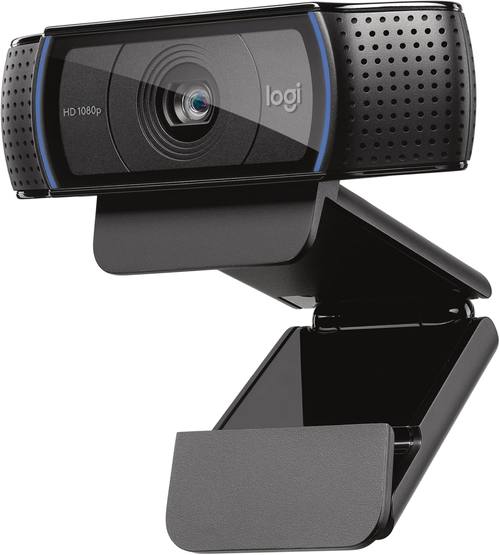
Logitech C920x HD Pro PC Webcam Full 1080p/30fps Video - Black
A long-running 1080p/30fps Logitech camera with the broad app compatibility that keeps it the default recommendation for meetings and streaming.
Visit on Amazon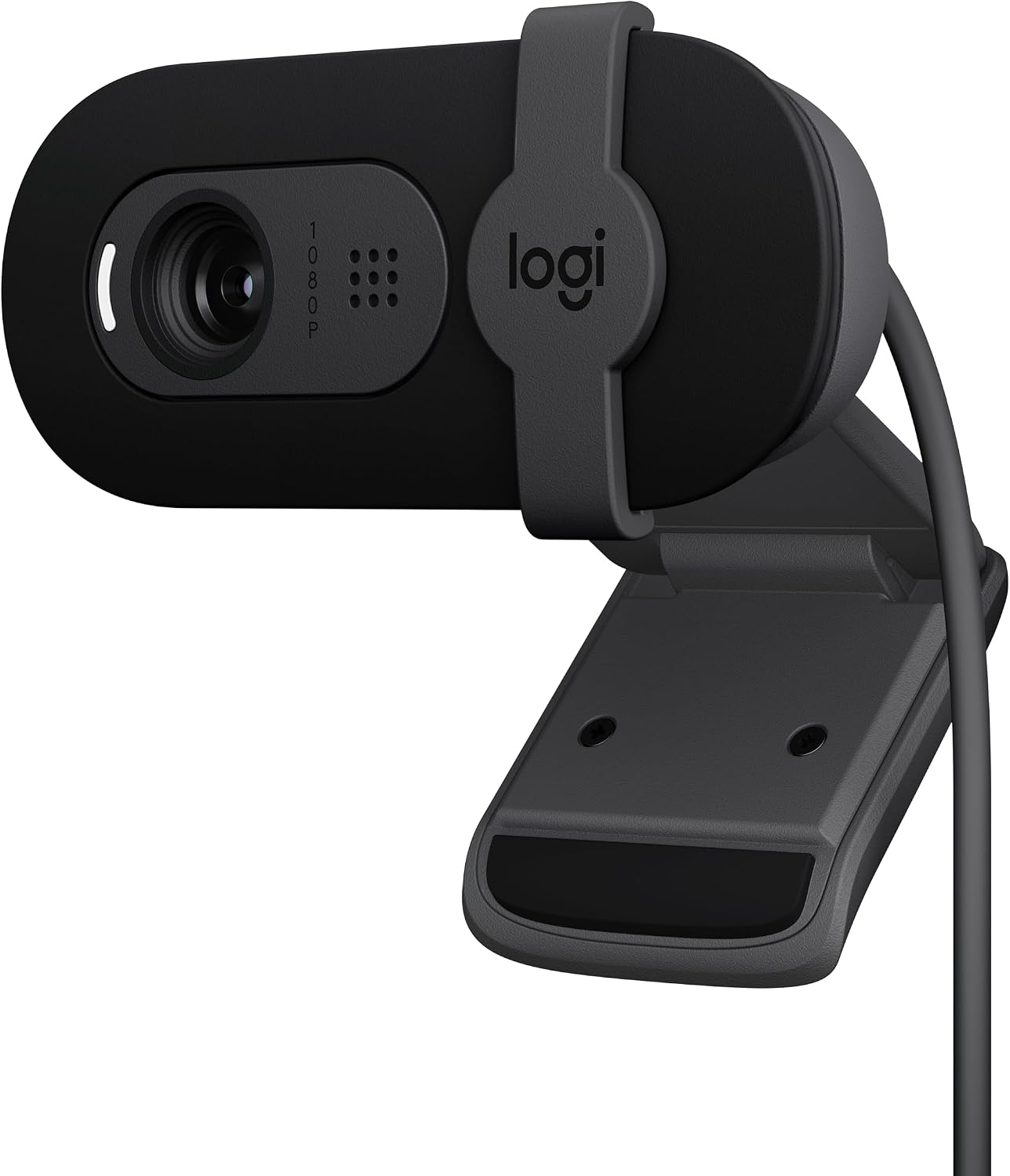
Logitech Brio 101 Full HD 1080p Webcam for Streaming and Meetings - Black
A current Logitech 1080p model built for streaming and meetings, in a plain black body with the company's present-day software support.
Visit on Amazon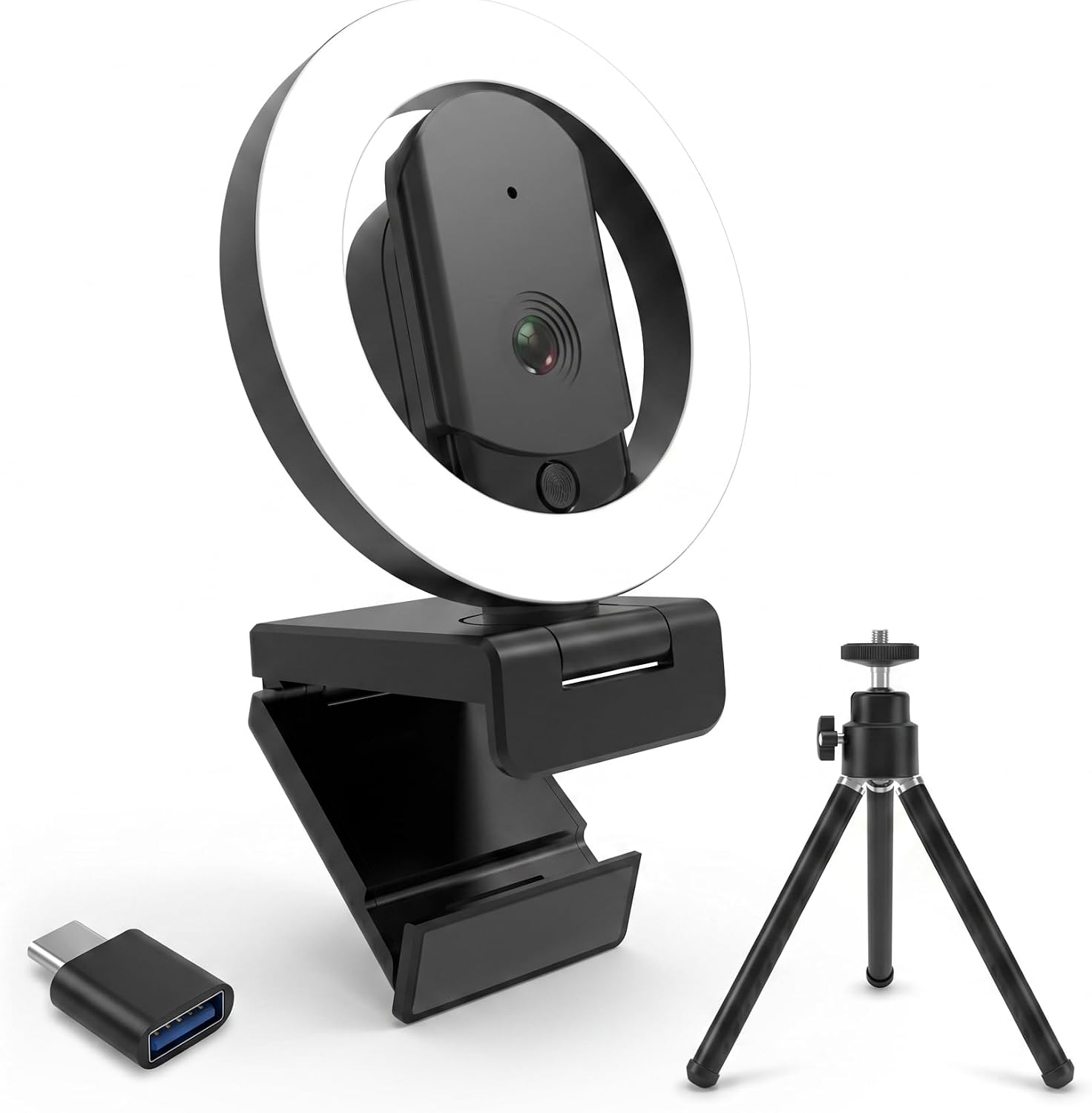
4K Ultra HD Webcam with Microphone, 3-Color Fill Light & Privacy Cover, 90° Wide Angle AutoFocus Webcam with Tripod & USB C Adapter, Plug & Play for PC/Laptop/Zoom/Streaming/Gaming (Black)
Check current Amazon price
A 4K webcam with a three-color fill light, privacy cover, 90-degree wide-angle autofocus lens, plus a tripod and USB-C adapter in the box.
Visit on Amazon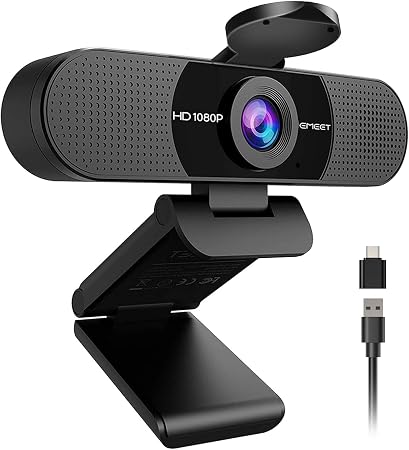
EMEET C960 1080P Webcam with Microphone, 2 Mics, 90° FOV, Computer Camera
1080p resolution, two built-in microphones, and a 90-degree field of view that fits a desk-wide shot rather than just a face.
Visit on Amazon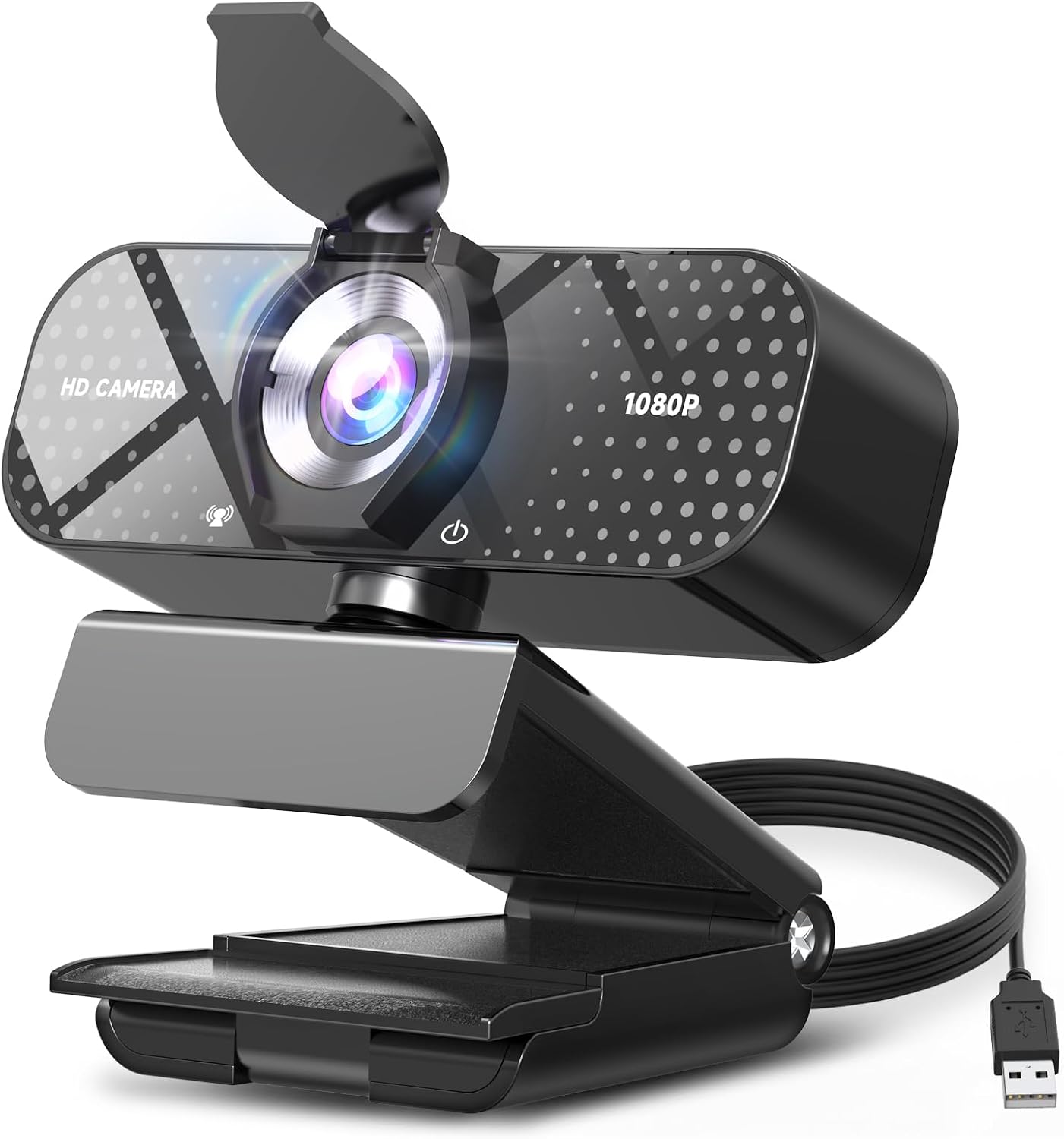
TRAUSI 1080P FHD Webcam with Noise-Canceling Mic, Auto Light Correction, Privacy Cover and Wide Angle Lens, Plug & Play USB Camera for Laptop/Desktop/PC/Mac, Compatible with Zoom/Teams/Streaming
A 1080p plug-and-play USB camera listing a noise-canceling mic, auto light correction, a privacy cover, and a wide-angle lens.
Visit on Amazon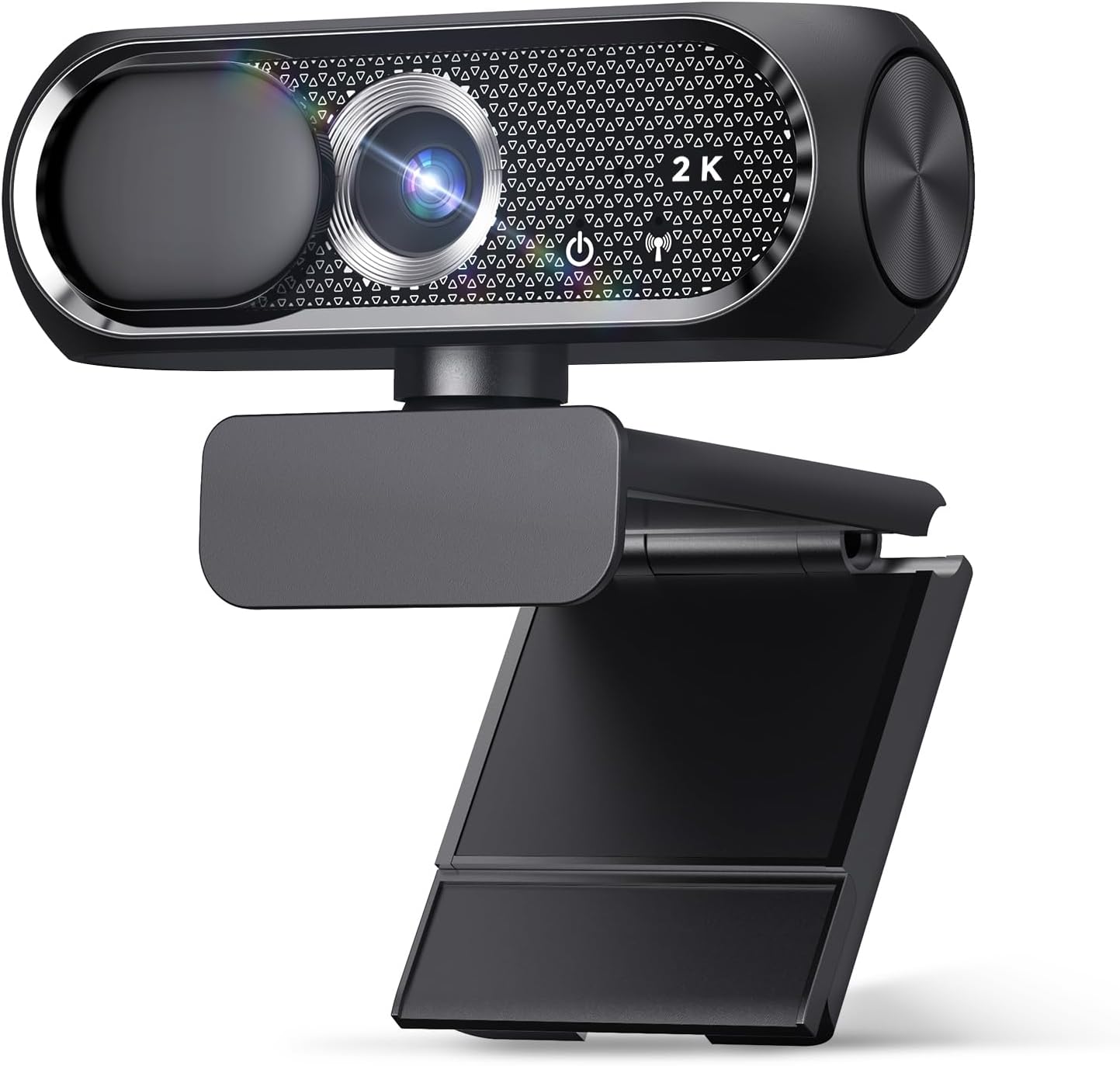
1080P HD Webcam with Microphone, Noise Cancellation, Privacy Cover, Wide-Angle Lens, Auto Light Correction, Plug & Play USB Webcam for Laptop, Desktop, PC, Mac, Zoom, Skype, Streaming (Black)
Check current Amazon price
A budget 1080p USB camera listing a microphone with noise cancellation, a privacy cover, a wide-angle lens, and auto light correction.
Visit on AmazonPrices and availability may change. Check the retailer for current details.
How these products were compared
This guide compares listed resolution and frame rate, field of view, microphone arrangement, privacy and physical controls, and connection and compatibility. Product names, images, and retailer links are matched by product identifier so that every card points to the product shown.
Nothing here is presented as hands-on testing. The distinctions below come from what each product's listing states about its own hardware, plus general guidance about how webcams behave in meeting and streaming software. Use the retailer link on any card to confirm the current price, the exact bundle contents, and the return terms before you buy.
How to choose the right webcam
Resolution is the first thing people compare and the last thing that changes how you look. A 1080p camera with a decent sensor and good light will beat a 4K camera in a dim room almost every time, because the smaller pixels on a high-resolution sensor have less light to work with. If your room is dark, put your effort into a lamp or a soft light before you put it into more pixels. If your room is well lit, 1080p at 30fps is plenty for meetings and streaming, and a higher-resolution model becomes a real upgrade mainly when you crop or zoom into the frame.
Field of view decides how much of the room ends up on camera. The EMEET C960 lists a 90-degree field of view, which is wide enough for a desk shot, a second chair, or a bit of your setup behind you. Wider angles show more background, so they are less forgiving if your room is cluttered, and they make your face smaller in the frame. If you stream solo and want your face to fill more of the picture, a tighter field of view or a gentle crop is usually the better answer.
Autofocus is the spec nobody lists clearly and everybody notices. The 4K model here lists autofocus, which is convenient when you move around and a liability when it hunts during a quiet moment. Fixed-focus cameras never hunt, but they also will not hold you sharp if you lean in and out. If you talk with your hands and lean toward the lens, autofocus helps. If you sit still for an hour, either behavior is fine.
Microphones on webcams are a backup plan. Every camera in this roundup lists a built-in microphone, and several list noise cancellation or dual mics, which is genuinely useful for a quick call. For anything you record and publish, a dedicated microphone is still the right call, because a webcam mic sits right next to your laptop fan and keyboard. Treat the built-in mic as the thing that gets you through a standup meeting, not the thing you build a podcast on. For more on that trade-off, see our notes on choosing a microphone for streaming.
Finally, check the boring parts. A privacy cover matters if the camera sits on your desk all day. Plug-and-play USB matters if you move between a laptop and a desktop. A bundled tripod or a USB-C adapter matters if your monitor has no good place to clip a camera. These are the differences you will notice every day, long after you stop thinking about resolution.
Logitech C920x HD Pro PC Webcam Full 1080p/30fps Video - Black
The C920x is the camera most people should start with. It lists full 1080p video at 30 frames per second, which is the standard for meetings and for streaming at a typical bitrate, and it comes from the line of Logitech cameras that meeting and streaming software tends to recognize without extra setup. That combination of a known 1080p/30fps pipeline and broad app compatibility is why it stays on the short list year after year.
The trade-off is that it is a 1080p camera in a market full of higher-resolution numbers. If you crop your frame, zoom in for a product shot, or want a built-in light, the C920x does not offer those things. It is the safe, boring pick, and boring is exactly what you want from a camera that has to work at the start of every meeting.
Alternatives to consider
The Logitech Brio 101 Full HD 1080p Webcam for Streaming and Meetings - Black is better suited to someone who wants a current-generation Logitech camera for streaming and meetings at the same 1080p resolution, with the company's present-day design and software support behind it. It is the natural alternative if the C920x feels dated to you but you do not need 4K.
The 4K Ultra HD Webcam with Microphone, 3-Color Fill Light & Privacy Cover, 90° Wide Angle AutoFocus Webcam with Tripod & USB C Adapter, Plug & Play for PC/Laptop/Zoom/Streaming/Gaming (Black) is a stronger fit when you want the most features in a single box: a 4K sensor, a three-color fill light that helps in a dim room, a privacy cover, autofocus, a 90-degree view, a tripod, and a USB-C adapter. It is the pick for someone assembling a setup from scratch who would rather buy one bundle than five accessories. Just remember that a higher-resolution sensor in poor light is still a sensor in poor light, so pair it with real lighting.
The EMEET C960 1080P Webcam with Microphone, 2 Mics, 90° FOV, Computer Camera sits in the middle: 1080p resolution, two microphones, and a 90-degree field of view for a desk-wide shot. The TRAUSI 1080P FHD Webcam with Noise-Canceling Mic, Auto Light Correction, Privacy Cover and Wide Angle Lens, Plug & Play USB Camera for Laptop/Desktop/PC/Mac, Compatible with Zoom/Teams/Streaming and the 1080P HD Webcam with Microphone, Noise Cancellation, Privacy Cover, Wide-Angle Lens, Auto Light Correction, Plug & Play USB Webcam for Laptop, Desktop, PC, Mac, Zoom, Skype, Streaming (Black) cover the budget end of the list. Both list auto light correction, a privacy cover, and a wide-angle lens, and both are plug-and-play USB cameras aimed at laptop, desktop, and Mac users who want a working camera without configuring anything. The differences between them come down to the microphone description, the mounting hardware, and the exact bundle, so read both listings carefully.
Day-to-day use and maintenance
Mount the camera at eye level or slightly above it. A camera that looks up at your chin from the desk is the most common reason people dislike their own video, and no resolution fixes an unflattering angle. Keep the lens clean with a microfiber cloth, since a fingerprint on a small lens reads as a visible haze on every call. If your camera has a privacy cover, use it, and check that it is fully open before you start a meeting.
Wipe the body and the lens housing with a dry or slightly damp cloth rather than spraying cleaner directly onto the camera, and keep liquids away from the ports. If your model includes a fill light or a tripod, store the tripod where it will not get knocked around, and follow the manufacturer's instructions for the light's power source. Cable strain is the other quiet failure point: leave a little slack where the USB cable meets the camera so the connector is not carrying the weight of the cable.
Buying checklist
- Decide whether you need a wide field of view for a desk shot or a tighter frame for a solo face shot.
- Choose 1080p at 30fps as the baseline unless you crop or zoom and want the extra resolution.
- Confirm that the exact model includes the privacy cover, tripod, or adapter you are expecting.
- Check that the camera connects over standard USB and works with the apps you actually use.
- Read the maintenance instructions and keep the lens clean.
- Verify the current retailer price, availability, and return terms before ordering.
Final recommendation
Choose the Logitech C920x HD Pro PC Webcam Full 1080p/30fps Video - Black when you want a dependable 1080p camera that the common meeting and streaming apps already know how to talk to. Choose the 4K Ultra HD Webcam with Microphone, 3-Color Fill Light & Privacy Cover, 90° Wide Angle AutoFocus Webcam with Tripod & USB C Adapter, Plug & Play for PC/Laptop/Zoom/Streaming/Gaming (Black) when you want a higher-resolution sensor, a built-in fill light, and the tripod and adapter included, and you are prepared to give it decent lighting. If neither extreme fits, the Logitech Brio 101 Full HD 1080p Webcam for Streaming and Meetings - Black splits the difference with a current Logitech design at 1080p, and the EMEET C960 1080P Webcam with Microphone, 2 Mics, 90° FOV, Computer Camera is the value pick when two microphones and a 90-degree view are what you need.