Well, the internet told me I could fix my webcam audio with a $3 microphone and some software. After two years of daily calls, a weekly podcast, and setting up six desks at my company, I can tell you that's about half true.
I'm Alex. I've been on video calls since 2020, and I've torn apart more than a few USB mics in my converted garage shop. My dog Baxter has knocked over more tripods than I care to count. I've learned that the camera matters, but if the audio is garbage, nobody cares how sharp your face looks.
Here's the blunt truth: you can't fix bad audio with software alone. You need a half-decent microphone and a basic understanding of where to put it. This guide is about the gear that actually works, the settings that matter, and the mistakes I've made so you don't have to.
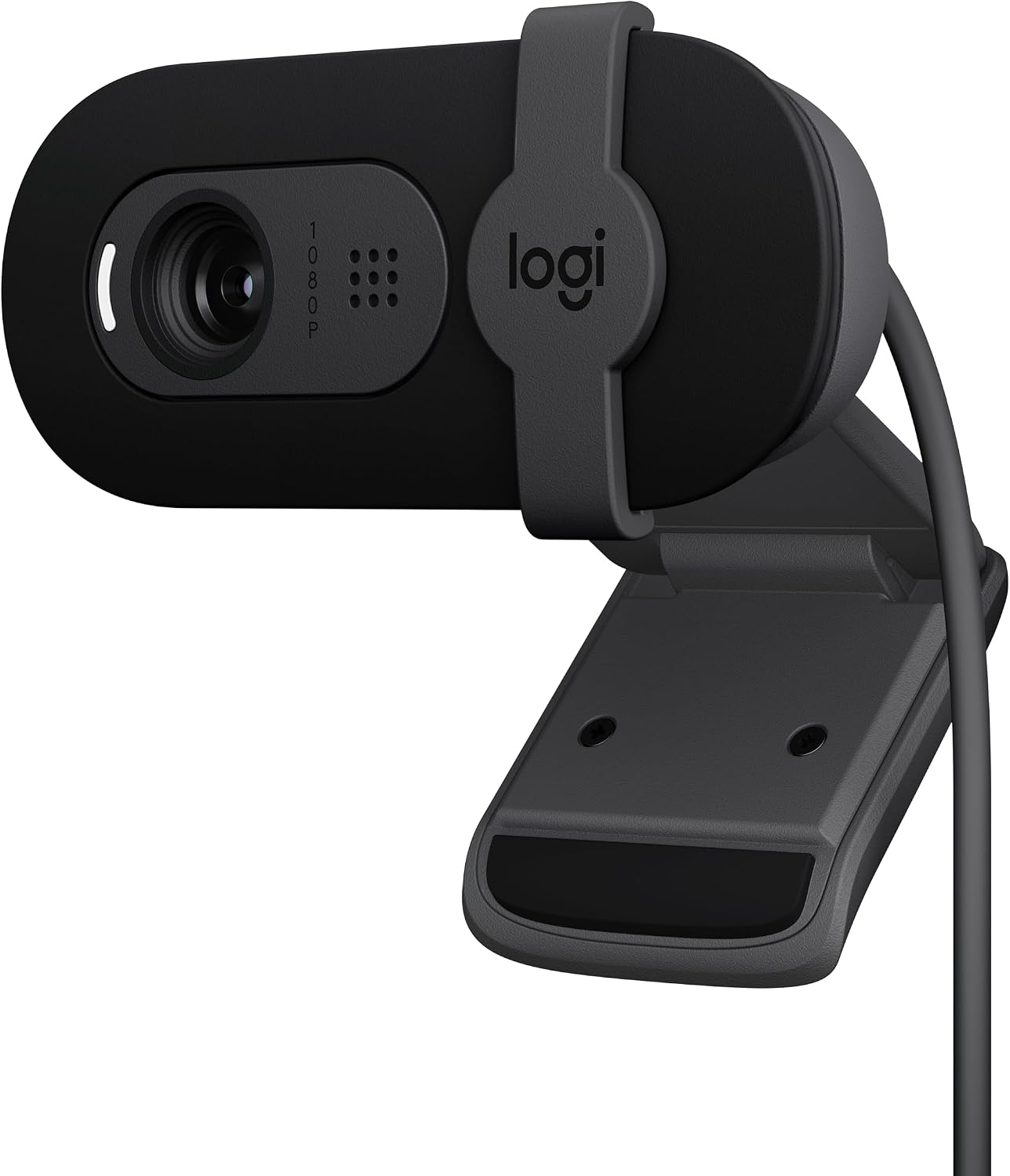
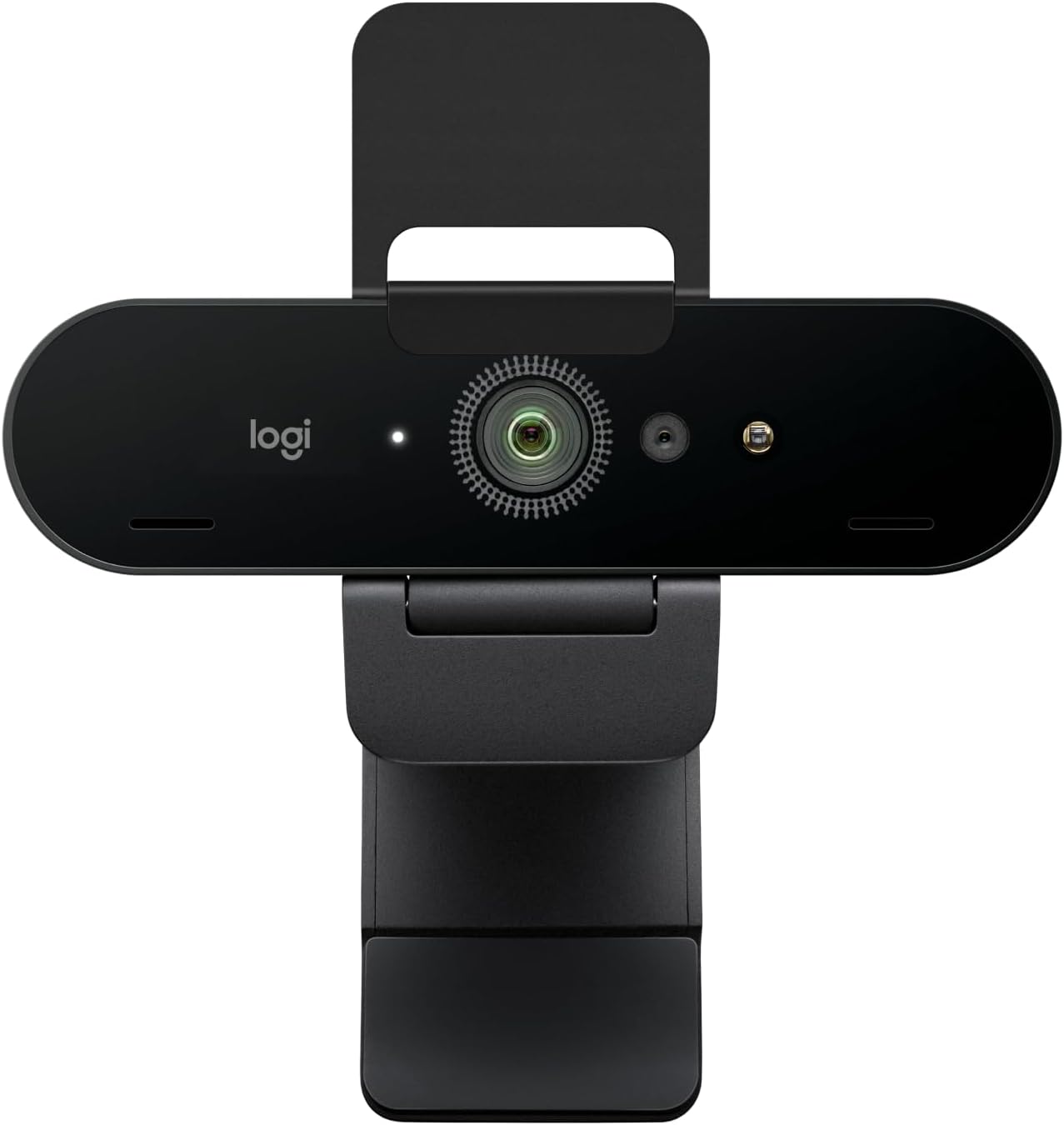
Logitech Brio 101
Best built-in mic on a webcam, plug-and-play, solid image
Fixed FOV is slightly zoomed; not a dedicated audio solution
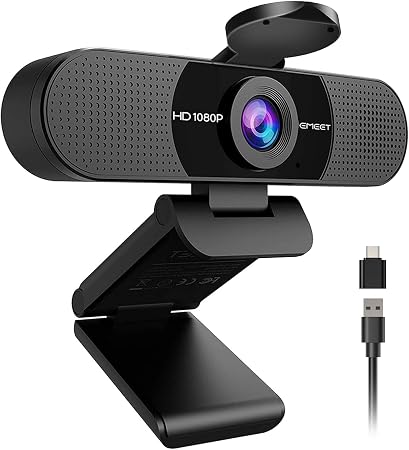
EMEET C960
Great value, decent audio for the price, solid video
Wide angle with no zoom; occasional autofocus blur
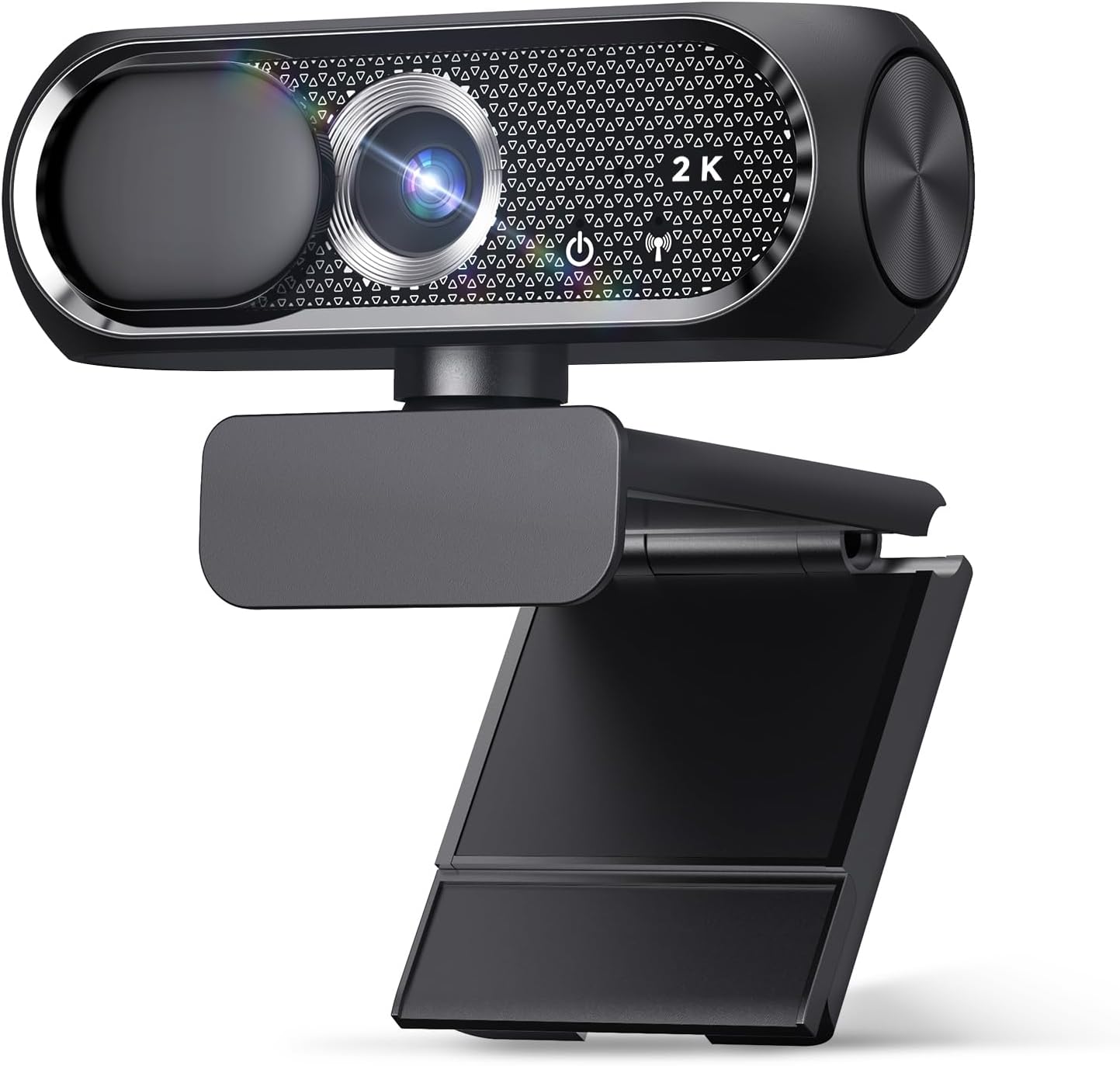
Shcngqio 1080P
Budget king, works on old laptops, privacy cover
Weak mic, poor low-light performance
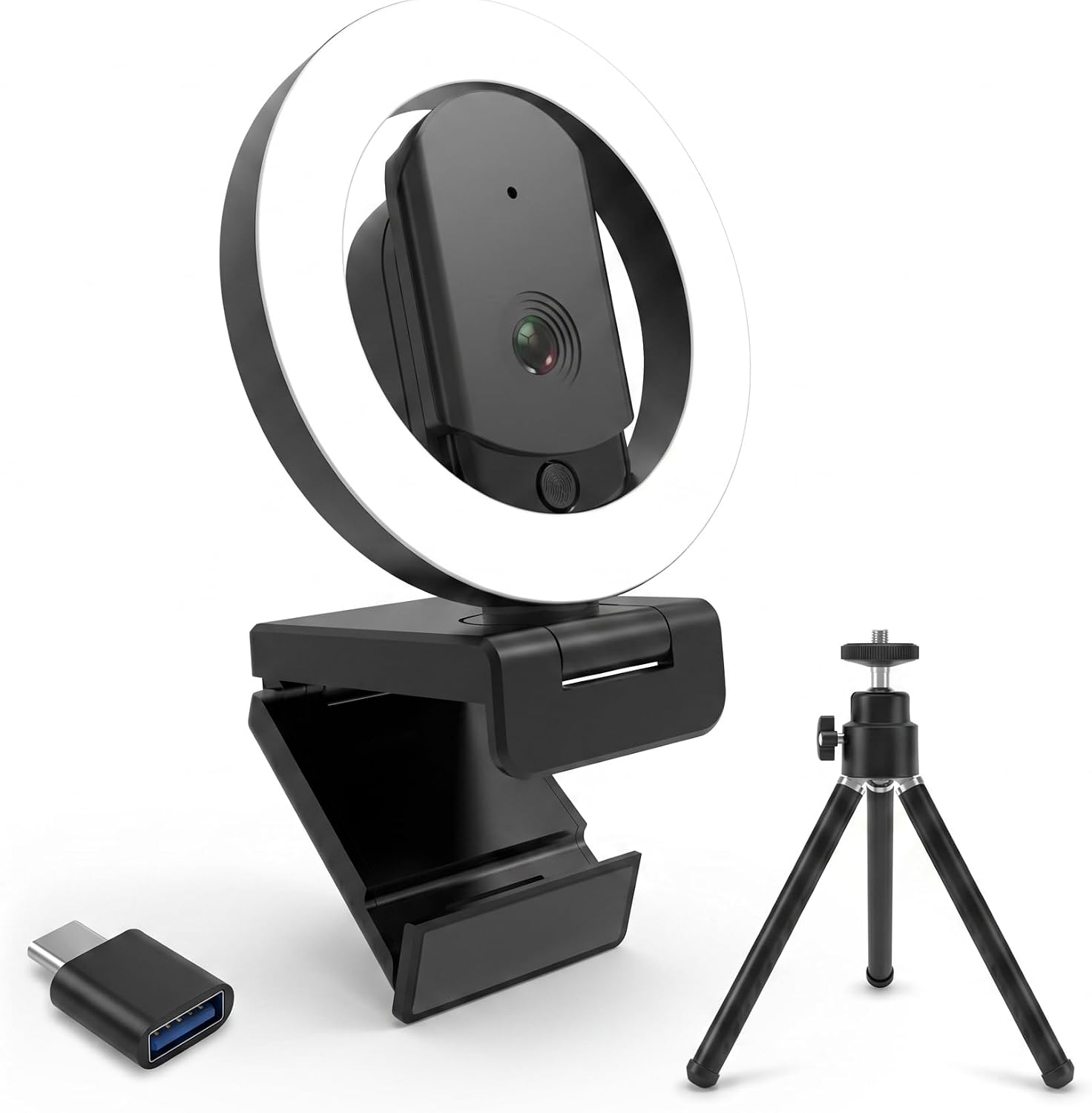
HUYEOOG 4K
Built-in fill light is genuinely useful
Troubleshooting required, flimsy tripod, average 4K
Prices and availability were captured from Amazon Creators API and may change.
The Setup That Actually Matters
Before you buy anything, understand this: your room is the problem. Not your gear. I've tested this in my shop, which has terrible overhead lighting and a concrete floor that echoes like a cave. You can spend $200 on a microphone and still sound like you're in a tin can if the room is bad.
The fix is boring. It's a towel under the door, a blanket on the wall behind you, and a $20 microphone placed six inches from your face. That's it. That's the secret.
Logitech Brio 101
 Visit on Amazon →Visit on Amazon →
I've bought six of these for my company. They've been flawless on every PC we've plugged them into. The image quality is fantastic, and it works nicely with minimal light. But the audio? That's where this camera surprised me.
Visit on Amazon →Visit on Amazon →
I've bought six of these for my company. They've been flawless on every PC we've plugged them into. The image quality is fantastic, and it works nicely with minimal light. But the audio? That's where this camera surprised me.
The built-in mic is genuinely usable. It's not a studio condenser, but it picks up my voice clearly without that hollow, distant sound you get from most webcams. On a Teams call with my grandfather, he said I sounded clearer than when I used my phone. That's a real compliment.
The privacy shutter is a nice bonus. The mount is sturdy. No driver nonsense, no troubleshooting, just plug it in and go. My only complaint is the fixed FOV is zoomed in a bit. I had to push my chair back to fit my face in frame. At around $50-60, it's the safest recommendation I can make for anyone who wants one device that does everything decently.
If you're going to use the built-in mic, sit close. I mean, a foot and a half from the camera. The closer you are, the better it sounds. That's true for every webcam mic, but the Brio 101 handles proximity better than most.
EMEET C960
Great value for the money. Around $40-50, and it started working for virtual meetings right away. Quality is excellent, value is top notch. But the field of view is wide with no zoom, and I'm about four to five feet from my monitor. I had to rig up an extension stick to bring it within two feet of me to get a decent view.
Visit on Amazon →
The audio is solid for a webcam mic. It's not as clear as the Brio 101, but it's fine for meetings. The problem is that the wide angle means you're likely sitting further away, and that kills the mic quality. Physics wins every time.
The video occasionally goes blurry for a second and then refocuses. It doesn't happen often, and it corrects itself quickly, but it's there. Multiple buyers mention this. It's not a dealbreaker, but it's annoying.
If you sit close to your monitor, this is a great pick. If you're like me and you lean back, the fixed wide angle will be a problem, and the audio will suffer because of it.
Shcngqio 1080P
I bought one for my grandfather's laptop. He's not tech-savvy at all, and he just plugs it in via USB and it works. Zero problems. The privacy cover gives him peace of mind.
Visit on Amazon →
The image quality exceeded my expectations, clear and sharp for the price. But the mic? It's usable, barely. It picks up my voice, but it sounds thin and distant. My grandfather doesn't care because he's just talking to family. If you're doing anything more than casual calls, you'll want a separate mic.
For around $20-30, it's the easiest recommendation I can make for someone who just wants to see their grandkids on a Sunday call. But don't expect the audio to be anything more than acceptable.
HUYEOOG 4K
This one's around $60-80, and it's the most complicated relationship I've had with a webcam. The built-in three-color fill light is a genuinely nice feature for lighting up calls without needing extra gear. That's a real plus, and it helps the camera perform better in low light, which indirectly helps the mic because the image isn't noisy.
But getting it recognized and working took a bit of troubleshooting upfront. The included tripod is on the flimsy side. And honestly, the 4K sensor doesn't deliver the jump in quality you'd expect. It's pretty average overall. The mic is fine, nothing special.
Here's the thing: the fill light is the only reason to buy this. If you're in a dark room and can't fix your lighting, this camera will make you look better than any other webcam in this price range. But the audio is nothing to write home about, and the setup hassle is real.
The One Thing Nobody Tells You
Make sure you plug your webcam directly into your computer rather than a USB hub. I've seen video feeds go unstable and audio drop out because of a cheap hub. It's the most common fix I give people who think their camera is broken.
Also, check your software settings. Zoom and Teams both have noise suppression features that can help, but they can also make you sound like you're underwater if you enable them too aggressively. Turn on the moderate setting, not the aggressive one.
My Honest Bottom Line
The Brio 101 is the one I'd buy with my own money. It's not perfect, but it's the only camera in this list that I'd trust for a client call without a separate microphone. The EMEET is close, but the wide angle kills it for anyone who sits far back. The Shcngqio is a fine budget pick if you're just chatting with family.
You don't need to spend a fortune. You need to sit close, reduce echo, and plug directly into your computer. That's 80% of the battle. The last 20% is picking a camera with a decent built-in mic, and the Brio 101 wins that contest.
I don't track prices day to day, so I won't pretend to know next week's deals. But at $50-60, the Brio 101 is worth every penny.