Choosing a webcam looks simple until you start reading the listings. Every box shouts 4K, every product photo was shot in flattering studio light, and the details that actually decide how you look on a call, the sensor, the field of view, and how the autofocus behaves when you lean back in your chair, are buried where nobody scrolls. This guide compares six webcams for streaming and meetings across the realistic budget range, from two 1080p Logitech models that became default recommendations for a reason to four 4K options from Logitech, Acer, EMEET, and a value brand that bundles a fill light, a tripod, and a USB C adapter in the same box.
Scope matters here. This is a specification comparison rather than a set of lab measurements. Everything below comes from the product names and the features each manufacturer publishes, and prices move constantly, so every card sends you to the retailer to confirm the current number. If you want the short version, the Quick answer section has it. If you want to understand why the answer changes depending on your room, your lighting, and what you do with the footage afterward, keep reading.
Related: Lighting for Video Calls: A Beginner's Setup Guide
Quick answer
The Logitech Brio Ultra 4K HD Webcam is the strongest fit for streaming and meeting use in this group because it is the only Logitech model here positioned for both streaming and meetings at 4K, which means one camera covers client calls and recorded content. Choose the Logitech C920x HD Pro PC Webcam instead when 1080p at 30fps is enough for your calls and the budget is better spent on a light.
Webcams worth comparing
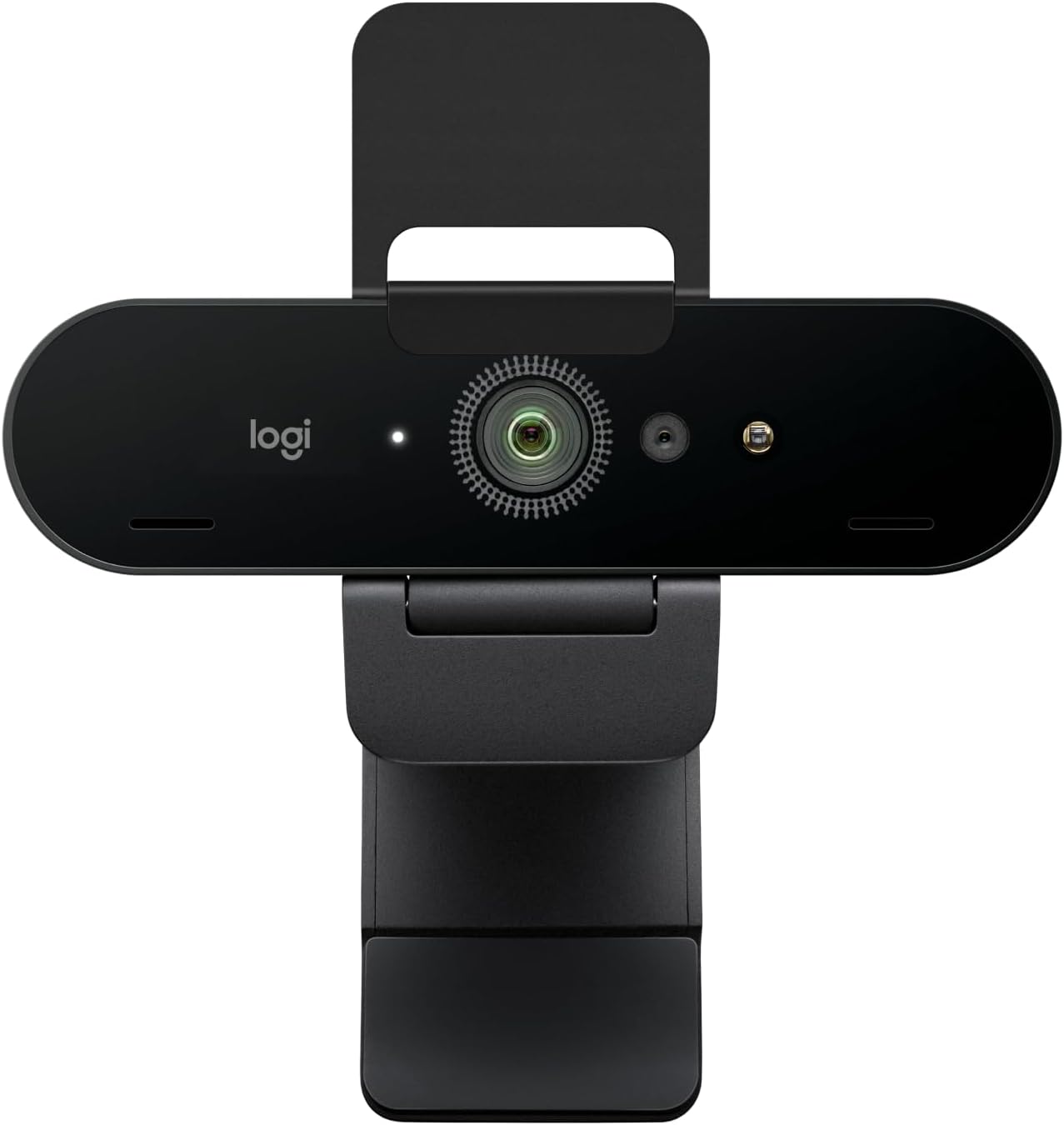
Logitech Brio Ultra 4K HD Webcam for Streaming and Meetings - Black
Logitech's 4K HD webcam listed for streaming and meetings, and the highest resolution Logitech model in this roundup. The pick when you record video as well as attend calls.
Visit on Amazon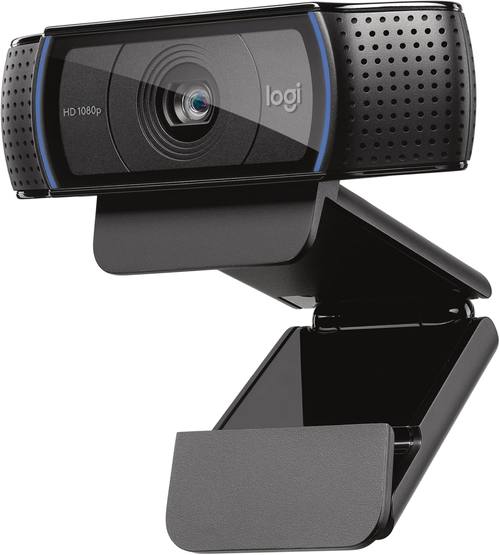
Logitech C920x HD Pro PC Webcam Full 1080p/30fps Video - Black
Full 1080p video at 30fps in the familiar Logitech monitor mounted design. The most straightforward 1080p Logitech option here for everyday meetings.
Visit on Amazon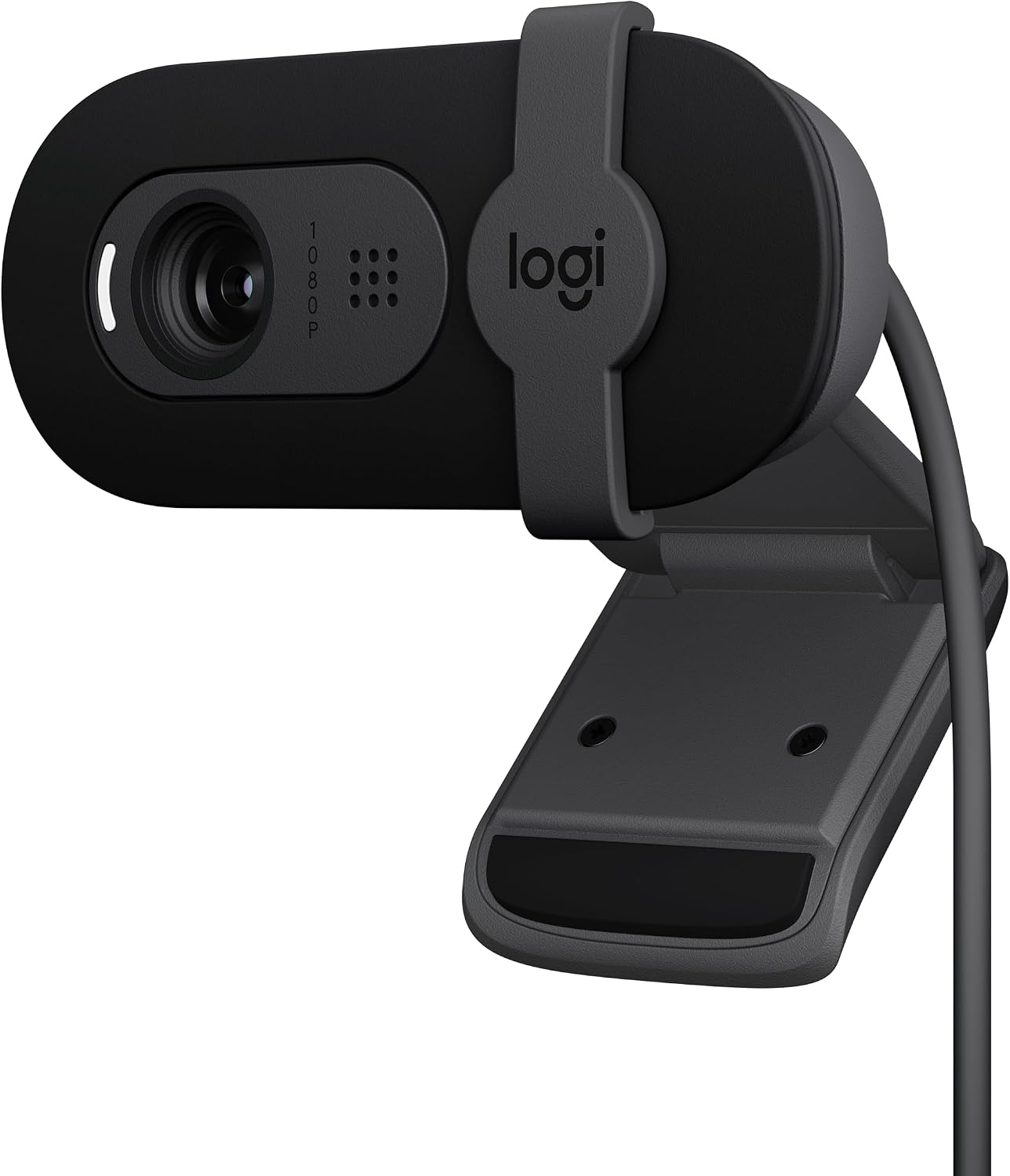
Logitech Brio 101 Full HD 1080p Webcam for Streaming and Meetings - Black
A Full HD 1080p Logitech webcam listed for streaming and meetings in a compact body. A current design for anyone who does not need 4K capture.
Visit on Amazon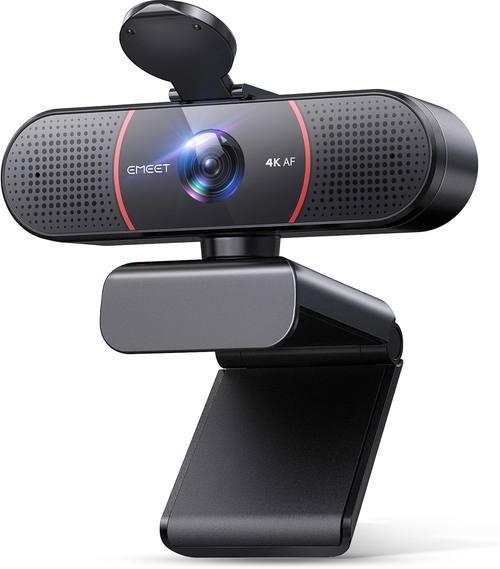
EMEET C960 4K Webcam for PC, PDAF Auto Focus, Dual Omni Mics, 73° FOV
A 4K webcam with PDAF autofocus, dual omni microphones, and a 73 degree field of view that keeps the frame tight on one person at a desk.
Visit on Amazon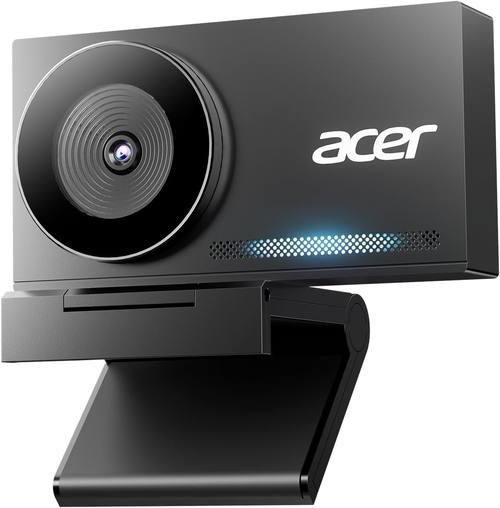
Acer 4K Webcam for PC/Mac with All-Metal Unibody Sculpted, Sony 1/2" Sensor, PDAF, 2 Noise Reduction Mics, Privacy Cover for Switch 2/Zoom/Teams/Facetime/YouTube/Google Meet
A 4K webcam with an all metal unibody, a Sony 1/2 inch sensor, PDAF autofocus, two noise reduction microphones, and a privacy cover for calls and recording.
Visit on Amazon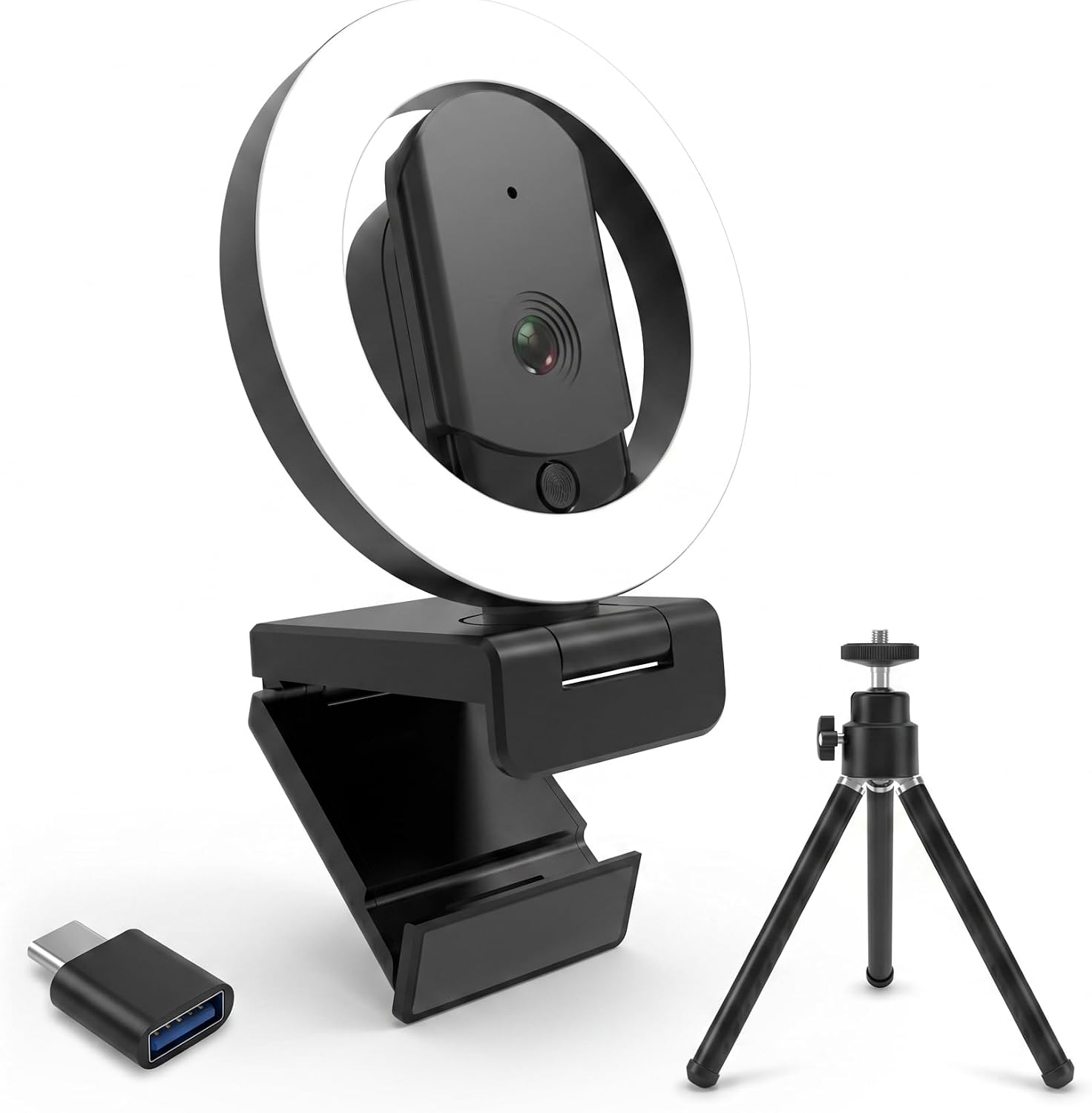
4K Ultra HD Webcam with Microphone, 3-Color Fill Light & Privacy Cover, 90° Wide Angle AutoFocus Webcam with Tripod & USB C Adapter, Plug & Play for PC/Laptop/Zoom/Streaming/Gaming (Black)
Check current Amazon price
A 4K webcam with a three color fill light, a privacy cover, a 90 degree wide angle autofocus lens, and a tripod plus USB C adapter included in the box.
Visit on AmazonPrices and availability may change. Check the retailer for current details.
How these products were compared
This guide compares five things: the resolution and frame rate each manufacturer states, the sensor and autofocus technology named in the product listing, the field of view, the microphone arrangement, and the mounting, privacy, and accessory features included in the box. Product names, images, and retailer links are matched by ASIN so that every card points to the product shown.
The comparison stops at what is published. A listing that names a Sony 1/2 inch sensor, phase detection autofocus, and dual noise reduction microphones is telling you something concrete, and that is worth weighing. A listing that says 4K and nothing else about the imaging chip is telling you less. Neither replaces seeing a camera in your own lighting, so treat the specifications as a shortlist and the return window as your test bench.
How to choose the right webcam
Start with resolution and sensor together, because they answer different questions. Full 1080p at 30fps is the long standing standard for video calls, and it is what the Logitech C920x HD Pro and the Logitech Brio 101 both deliver. It is enough for Zoom, Teams, and Google Meet at typical window sizes. A 4K camera starts to matter when you crop, when you record locally, or when you hand footage to an editor who needs room to reframe. The catch is that resolution is only half the story. The Acer 4K Webcam names a Sony 1/2 inch sensor in its listing, which is the most specific sensor claim in this group, and sensor size governs how much light the camera has to work with. When a listing advertises 4K and stays quiet about the sensor, ask yourself what you are actually buying.
Field of view is the second decision. The EMEET C960 lists a 73 degree field of view, which frames you and a little of the room, the sort of framing that suits a solo presenter or a podcast host. The 4K Ultra HD Webcam with Microphone lists 90 degrees, which fits two people at a desk or a demonstration where your hands need to be in frame. Wider is not automatically better. A 90 degree lens at normal desk distance makes your face smaller and pulls in more ceiling and more laundry behind you, which is why so many streamers crop. If you are setting up a room rather than buying for one camera position, our notes on lighting for video calls matter more than the lens, because a 1080p camera in good light beats a 4K camera fighting a bright window behind it.
Autofocus is the third variable, and this group splits into two camps. The EMEET C960 and the Acer 4K Webcam both name PDAF, or phase detection autofocus, which measures distance instead of hunting for contrast. The 4K Ultra HD Webcam with Microphone lists autofocus without naming the technology. No camera here is listed as fixed focus, so if you want a lens that never moves, check the companion software before you commit. On audio, three of these cameras name microphones: the EMEET C960 lists dual omni mics, the Acer lists two noise reduction mics, and the value 4K model lists a microphone. Treat all of them as a backup plan. A webcam mic picks up the room, the fan, and the keyboard, and a separate microphone is the upgrade that changes how you sound.
Finally, look at what ships in the box and how the camera attaches. The 4K Ultra HD Webcam with Microphone includes a tripod and a USB C adapter, which matters if your laptop only has USB C ports or if you want the camera off the monitor entirely. The Acer 4K Webcam includes a privacy cover. The Logitech models rely on the folding monitor clip and the software that comes with the brand, and all three of them are positioned as meeting and streaming cameras rather than webcams with bundled accessories.
Logitech Brio Ultra 4K HD Webcam
The Brio Ultra 4K is the highest resolution Logitech camera in this roundup, listed as a 4K HD webcam for streaming and meetings. In a group where two of the six cameras top out at Full HD, it is the pick for anyone who records as well as calls, because 4K footage leaves room to crop a vertical clip out of a horizontal frame or to reframe a two person interview without softening the final 1080p export. It is also the most versatile choice on paper for a mixed week of client calls, recorded walkthroughs, and the occasional stream.
The trade-offs are real. 4K capture produces larger files and asks more of your machine during encoding, which matters if you stream and record at the same time. It also sits above the 1080p options here, and if your calls happen in a small meeting window at 1080p, you may never see the difference. The honest framing is this: choose the Brio Ultra 4K if you produce content, and choose the C920x if you mostly attend meetings. The camera is the purchase, but the light is what people notice.
Alternatives to consider
The Logitech C920x HD Pro PC Webcam is better suited to everyday meetings, with 1080p at 30fps and the familiar Logitech mounting design, while the Logitech Brio 101 Full HD 1080p Webcam is a stronger fit when you want a current Logitech body at Full HD without paying for 4K capture.
The EMEET C960, the Acer 4K Webcam, and the 4K Ultra HD Webcam with Microphone cover the middle of the market. The EMEET pairs 4K with PDAF autofocus, dual omni mics, and a 73 degree field of view, which suits a single presenter. The Acer pairs 4K with a Sony 1/2 inch sensor, PDAF, two noise reduction mics, a privacy cover, and an all metal unibody, making it the most detailed specification sheet in the group. The value 4K model adds a three color fill light, a privacy cover, a 90 degree wide angle autofocus lens, a tripod, and a USB C adapter, which is the most complete bundle of the six.
Day-to-day use and maintenance
Most of these cameras mount on a monitor with a folding clip, and the 4K Ultra HD Webcam with Microphone also ships with a tripod for desk or shelf placement, which is the better option if your monitor has a thin bezel or a curved back. Route the cable so it is not tugging on the clip, and leave a little slack at the camera end so a bumped monitor does not unplug you mid call. If your computer stops seeing the camera after sleep, unplug and replug before you start troubleshooting drivers.
Keep the lens clean with a dry microfiber cloth and avoid solvents, which can damage lens coatings. Close the privacy cover on the models that include one when the camera is not in use, and check the manufacturer's software periodically for firmware updates. Remember that settings you change in a companion app may not travel with the camera to another computer, so note anything you rely on, such as exposure or white balance adjustments, before you move it.
Buying checklist
- Measure the space around your monitor or tripod so the mounting clip has something to grip.
- Choose resolution based on normal use rather than an occasional edge case, since 1080p at 30fps covers most meetings.
- Confirm that the exact model includes the field of view and autofocus technology you want, especially if you share a desk or demonstrate with your hands.
- Check whether the box includes a privacy cover, tripod, or USB C adapter, because those extras are easy to overlook.
- Read the cleaning and maintenance instructions for the lens and the housing.
- Verify the current retailer price, availability, and return terms before you buy.
Final recommendation
Choose the Logitech Brio Ultra 4K HD Webcam when you record video as well as attend meetings and want the highest resolution in this group. Choose the Logitech C920x HD Pro PC Webcam when your work happens in 1080p meeting windows and the money is better spent on lighting. The EMEET C960 and the Acer 4K Webcam are the picks when you want 4K and PDAF autofocus, with the EMEET favoring a tight solo frame and the Acer favoring the most detailed sensor and microphone specification. The 4K Ultra HD Webcam with Microphone is the one to consider when you want a fill light, a tripod, and a USB C adapter in a single box. If none of those differences matches how you actually use a camera, save the money and buy the 1080p model.