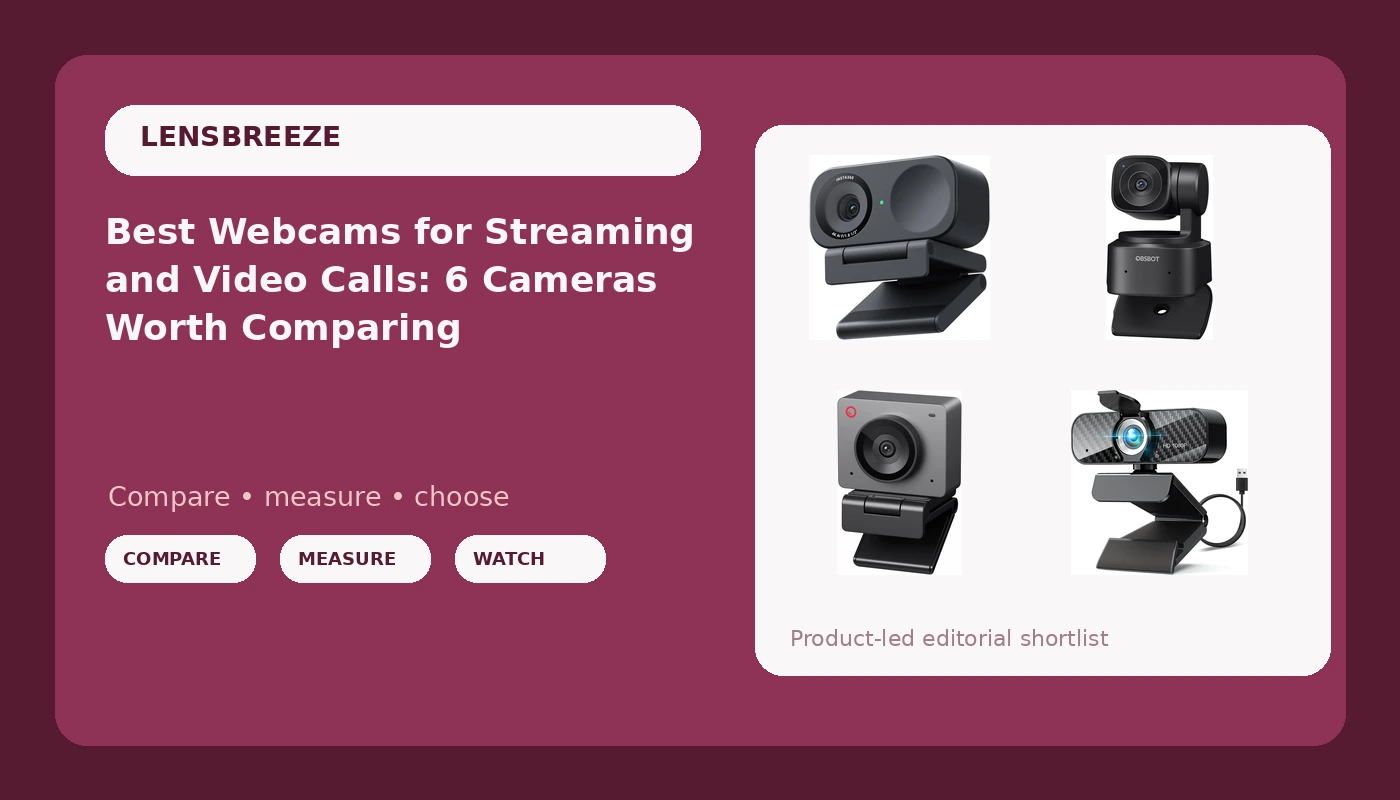
Picking a webcam is mostly an exercise in ignoring the box. A camera can advertise 4K and still look soft, because resolution is a number while the sensor behind it decides how your face actually renders in a dim room at 9pm. This guide is built around that problem. It covers the best webcams for streaming, video calls, and recorded video across a range of budgets, from 1080p everyday models to 4K60 studio hardware, and it describes each one by what the listing actually supports: sensor size, resolution, frame rate, framing features, mounting, microphone, and the software that controls it. Six cameras made the list, and none of them are ranked by the sticker on the front.
Related: Webcam Lighting Basics: How to Make Any Camera Look Better
Quick answer
The Elgato Facecam 4K is the strongest fit for streaming and recorded video because it combines 4K60 capture with DSLR-like manual control, so exposure and color can be set deliberately and stay consistent. Choose the Insta360 Link 2C instead when you want the camera to handle framing on its own, since it adds auto framing, HDR, and a 1/2-inch sensor.
Webcams worth comparing
The six models below fall into three rough groups: 4K cameras with serious manual or AI control, 1080p cameras with high frame rates and tracking features, and budget 1080p cameras that cover the basics. Each card describes what the product is, and the link on each card goes to the retailer listing for that exact model.
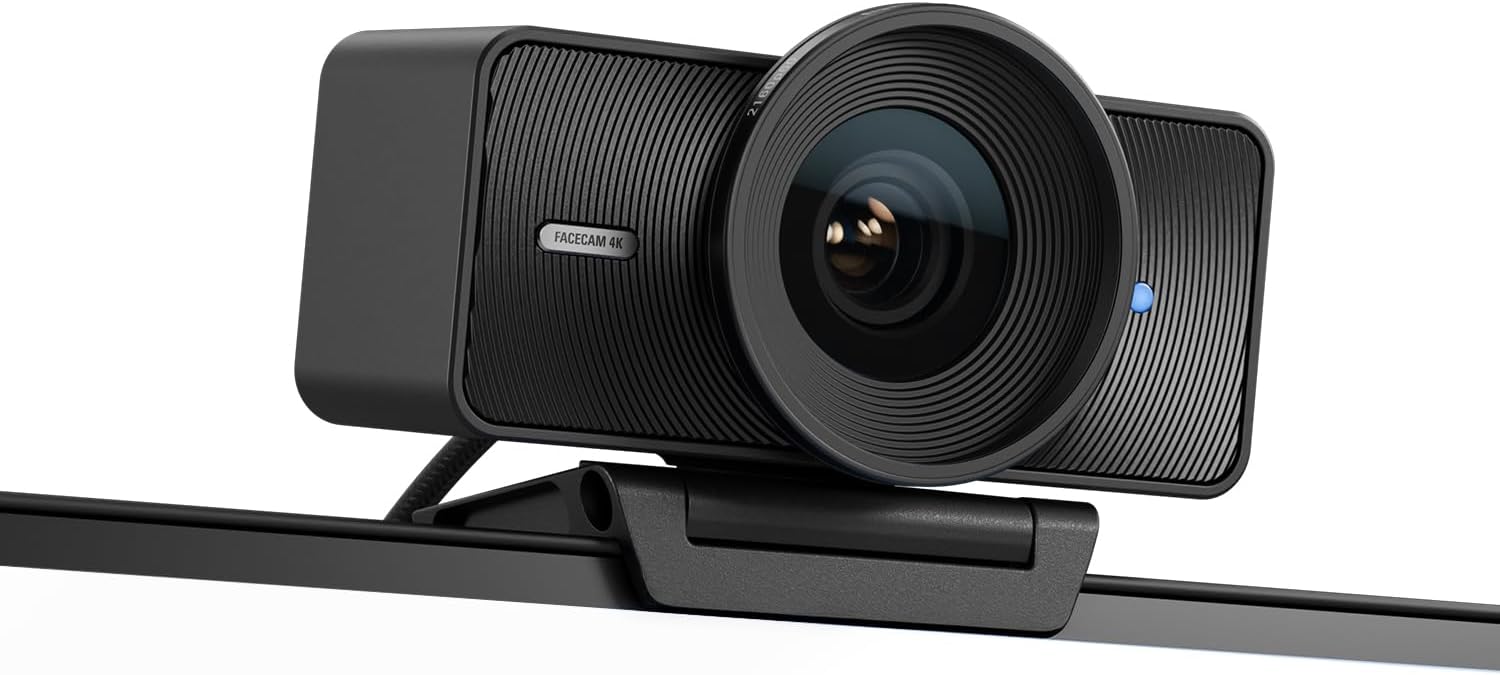
Elgato Facecam 4K, 4K60 Studio Webcam, DSLR-Like Control
A 4K60 studio webcam built around DSLR-like control, which means image settings can be dialed in by hand instead of left to automatic logic that changes mid-sentence.
Visit on Amazon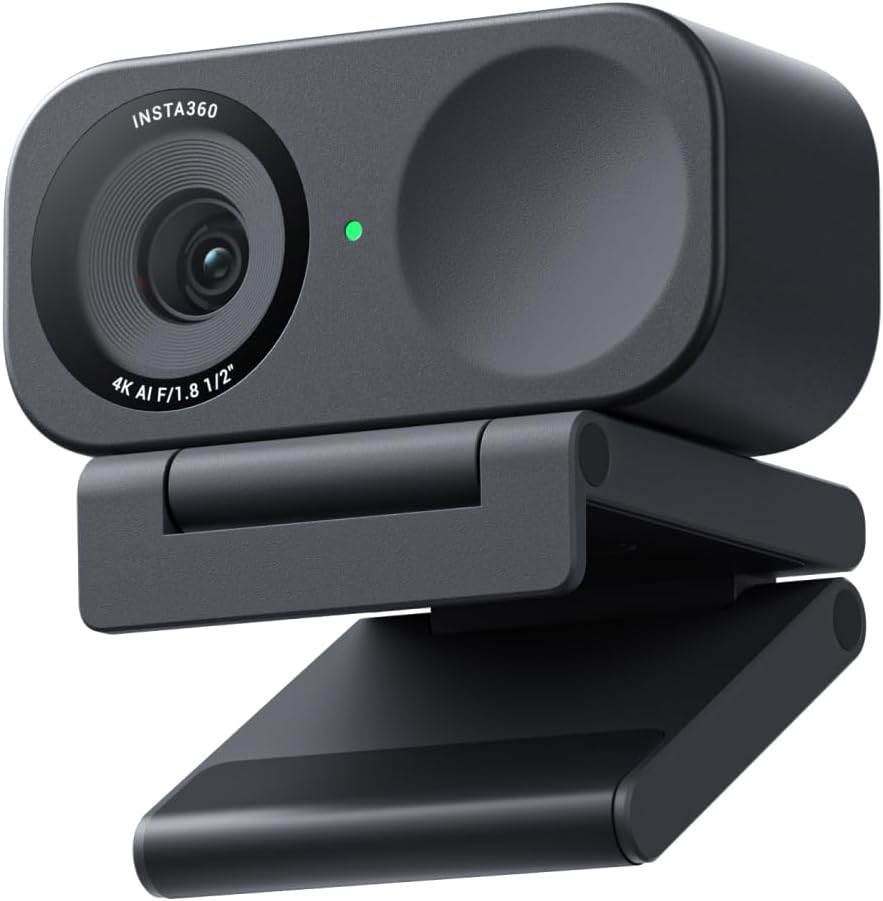
Insta360 Link 2C - 4K Webcam for PC/Mac, 1/2" Sensor, Auto Framing, HDR, AI Noise-Canceling Mic, Gesture Control for Streaming, Video Calls, Gaming, Works with Zoom, Teams, Twitch & More
A 4K webcam with a 1/2-inch sensor, auto framing, HDR, an AI noise-canceling mic, and gesture control, aimed at streaming and video calls on Zoom, Teams, and Twitch.
Visit on Amazon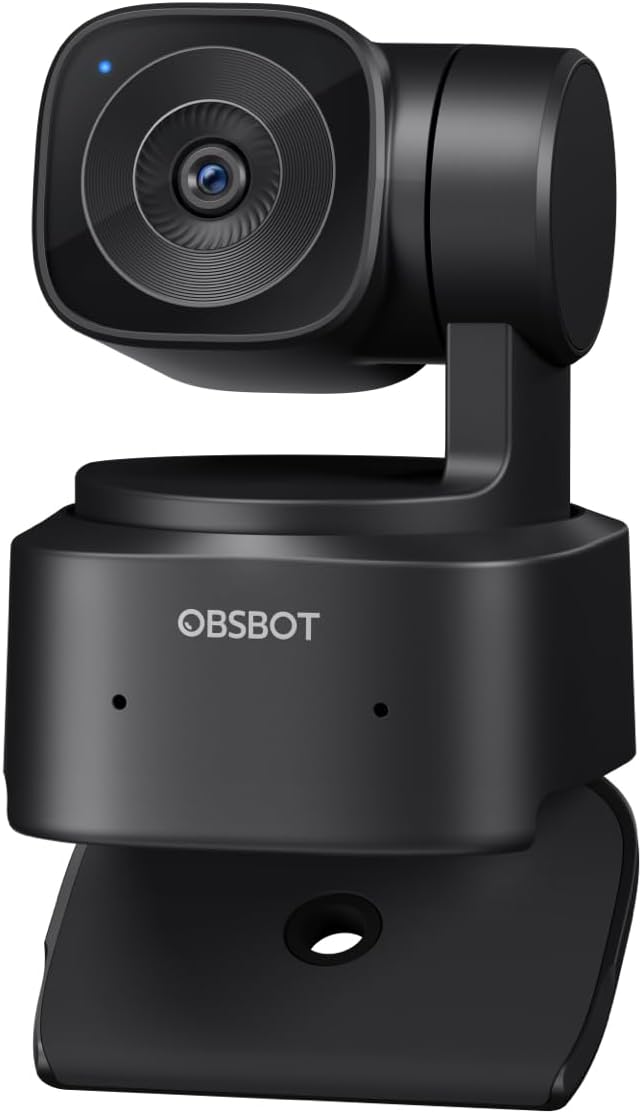
OBSBOT Tiny SE 1080P 100FPS Webcam for PC, AI Tracking PTZ Streaming Camera
A 1080p streaming camera that captures up to 100 frames per second and adds AI tracking with pan, tilt, and zoom movement, so the camera can follow a subject around the room.
Visit on Amazon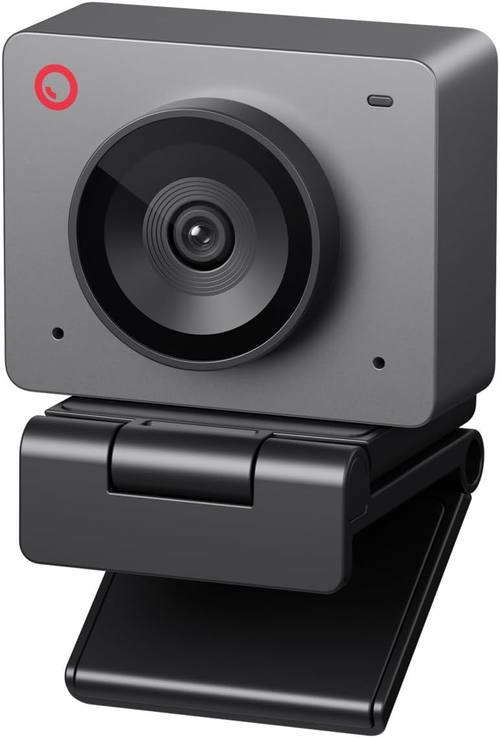
OBSBOT Meet SE 1080P 100FPS Webcam for PC, AI Framing Streaming Camera
A 1080p webcam running up to 100 frames per second with AI framing, which keeps a subject centered without the moving head that full tracking requires.
Visit on Amazon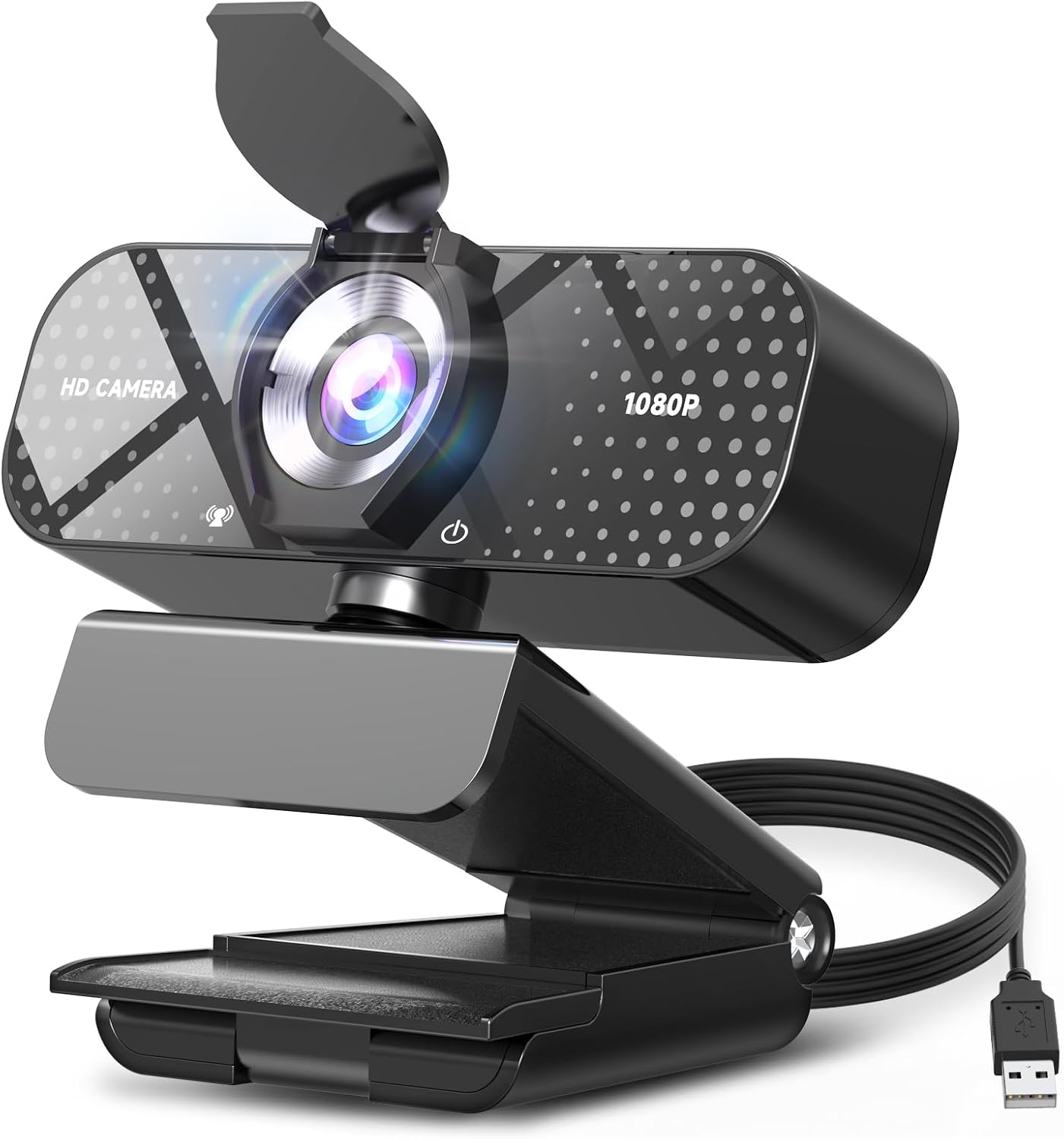
TRAUSI 1080P FHD Webcam with Noise-Canceling Mic, Auto Light Correction, Privacy Cover and Wide Angle Lens, Plug & Play USB Camera for Laptop/Desktop/PC/Mac, Compatible with Zoom/Teams/Streaming
Check current Amazon price
A 1080p USB camera with a wide angle lens, noise-canceling microphone, auto light correction, and a privacy cover, built as a plug and play option for laptops and desktops.
Visit on Amazon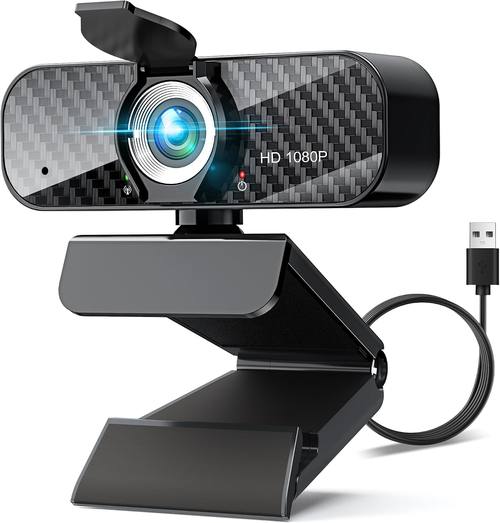
Webcam Full HD 1080P with Built-in Microphone and Rotatable Tripod, Carbon Fiber Board and Privacy Cover, Auto Light Correction, Adjustable FOV, Plug&Play for Zoom/Skype/Facetime/YouTube, Laptop/PC
Check current Amazon price
A 1080p webcam with a built-in microphone, rotatable tripod, carbon fiber board, privacy cover, auto light correction, and an adjustable field of view, aimed at everyday calls and recording.
Visit on AmazonPrices and availability may change. Check the retailer for current details.
How these products were compared
This guide compares sensor size and native resolution, frame rate at that resolution, framing and tracking features, manual image controls and companion software, and mounting plus microphone and privacy features. Product names, images, and retailer links are matched by the retailer listing identifier so that every card points to the product shown.
The comparisons here come from the published specifications and feature lists for each model rather than from laboratory measurement. Where a listing does not state something, this guide does not guess at it. Readers should use the link on each card to confirm current price and availability, and to check return terms before ordering.
How to choose the right webcam
Start with the sensor, not the resolution. The Insta360 Link 2C lists a 1/2-inch sensor, which is physically larger than the sensors typical of budget 1080p models, and sensor area is the part that determines how much light the camera has to work with. Resolution and frame rate come next. The Elgato Facecam 4K captures 4K at 60 frames per second, the OBSBOT Tiny SE and OBSBOT Meet SE both run 1080p at up to 100 frames per second, and the remaining models in this guide are 1080p. A higher frame rate mostly matters when you move on camera or record gameplay alongside your face, since a static talking-head shot gains little from it.
Then decide whether you want a camera that thinks or a camera you drive. The OBSBOT Tiny SE uses AI tracking with pan, tilt, and zoom, which means the camera can physically follow you around a room. The OBSBOT Meet SE uses AI framing instead, keeping you centered without the moving head. The Insta360 Link 2C adds auto framing alongside HDR and gesture control. The Elgato Facecam 4K takes the opposite approach and hands you DSLR-like control, so nothing moves unless you move it. Which is better depends on the shot. If you already have a lighting setup you like, the camera matters less than you would expect, because a well-lit 1080p camera often looks better than a 4K camera fighting a dark room. The related article above on webcam lighting goes deeper on that, and it is worth reading before you spend the difference on resolution.
Elgato Facecam 4K
The Elgato Facecam 4K is a 4K60 studio webcam built around DSLR-like control. In practice, that means the camera exposes the settings you would normally adjust on a dedicated camera, so exposure, white balance, and other image parameters can be set deliberately rather than left to an algorithm that changes its mind mid-sentence.
The trade-off is that it is the most expensive model in this group and it assumes you want to do that work. There is no AI tracking and no auto framing in the feature list, so if you stand up, pace, or present at a whiteboard, the camera will not follow you. It also asks more of your computer than a 1080p camera, since 4K60 capture is a heavier encode. If your priority is set-and-forget image quality for a fixed talking-head stream, it is the most capable option here. If your priority is following you around the room, one of the tracking cameras is a better match.
Alternatives to consider
The Insta360 Link 2C is better suited to presenters and anyone who moves during a call, because its auto framing, 1/2-inch sensor, HDR, and gesture control are all aimed at keeping a moving subject framed and exposed. The OBSBOT Tiny SE is a stronger fit when you want the camera to physically follow you, since it combines 1080p capture at up to 100 frames per second with AI tracking and pan, tilt, and zoom movement.
The OBSBOT Meet SE, the TRAUSI 1080P FHD Webcam, and the Webcam Full HD 1080P with Built-in Microphone and Rotatable Tripod cover the everyday-call end of the range. The OBSBOT Meet SE keeps AI framing at 1080p and 100 frames per second without a moving head. The TRAUSI model pairs a wide angle lens with a noise-canceling mic, auto light correction, and a privacy cover, which suits a desk where the camera sits close to your face. The 1080p model with the rotatable tripod adds an adjustable field of view and a carbon fiber board, and because it stands on its own tripod it can be positioned independently of your monitor.
Day-to-day use and maintenance
Most of these cameras mount on a monitor or a tripod thread, and the two things that go wrong are almost always the same: a mount that does not fit the space above the screen, and a lens cleaned with the wrong cloth. Check the clearance above your monitor before you buy, and remember that a camera on a tripod can sit anywhere on the desk, which is often better for framing than hanging off a display.
For care, use a dry microfiber cloth on the lens rather than a liquid cleaner, and keep the camera out of direct sun when it is not in use. If a model includes a privacy cover, close it when the camera is idle, since it also keeps dust off the glass. Software is the other maintenance item. The 4K and tracking models here rely on companion software for framing and image settings, so keep that software updated and confirm your settings persist after a restart. Any camera that needs a driver fight before it shows up in OBS is not worth the time, which is a good reason to test the connection in your streaming software while the return window is still open.
Buying checklist
- Measure the space above or beside your monitor and confirm the mount fits.
- Choose resolution and frame rate based on normal use rather than an occasional edge case.
- Confirm that the exact model includes the microphone, privacy cover, or tripod you expect.
- Read the cleaning and maintenance instructions.
- Verify the current retailer price, availability, and return terms.
Final recommendation
Choose the Elgato Facecam 4K when you want 4K60 capture with manual, DSLR-like control and you stream from a fixed position. Choose the Insta360 Link 2C when you move during calls and want auto framing, HDR, and a 1/2-inch sensor doing the work for you. If the budget is tighter, the OBSBOT Meet SE and the two 1080p models cover everyday calls without the studio price tag, and the OBSBOT Tiny SE is the pick when physical tracking matters more than resolution.