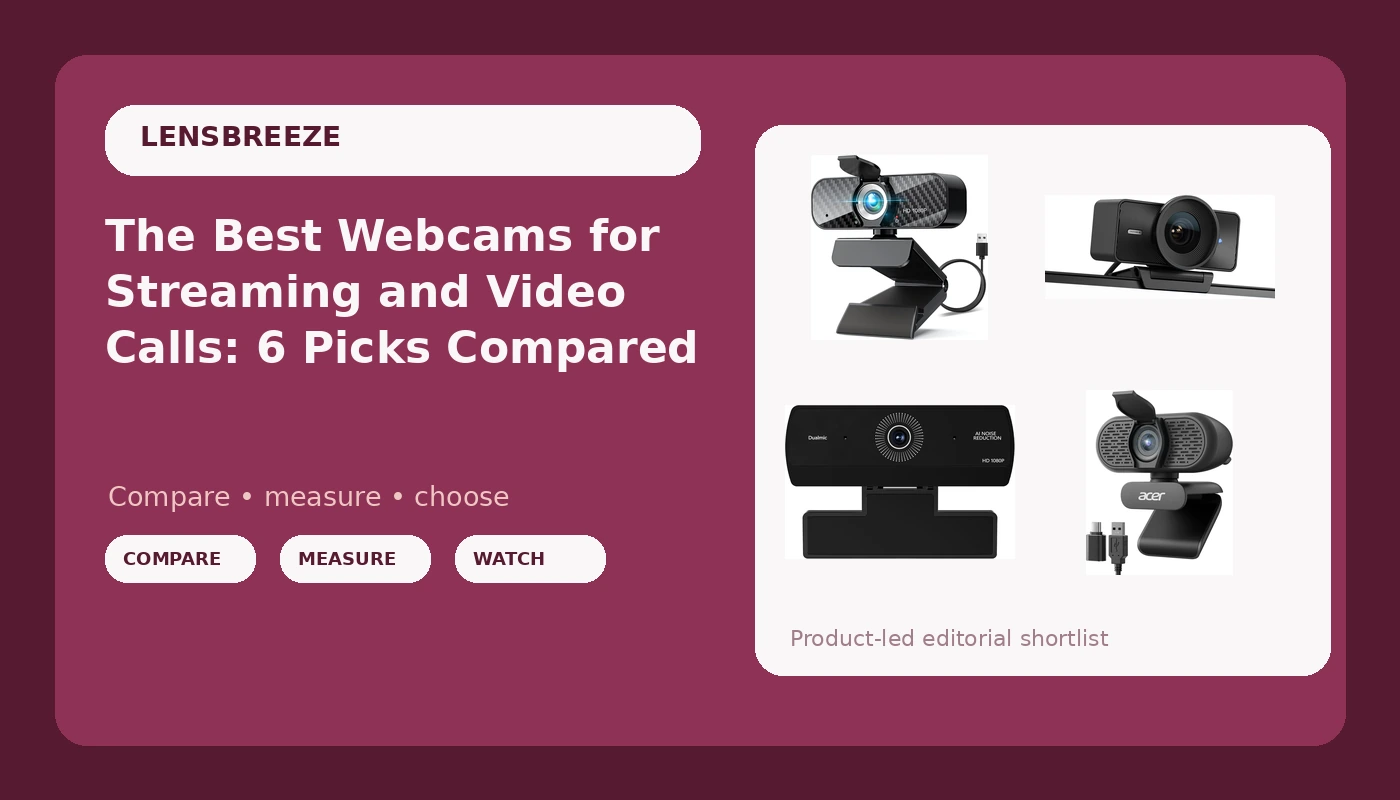
Buying a webcam looks simple until you are staring at a page of listings that all promise high definition and none of them explain what actually changes the picture. Resolution is the headline, but framing, light handling, and how the camera behaves in the app you actually use matter more. This guide compares six webcams that cover the realistic range, from budget 1080p models that get the job done to a 4K studio camera built for people who care about how the frame looks. If you are hunting for the best webcams for streaming, meetings, or a laptop that has been limping along on its built-in camera, the differences below are the ones worth your attention.
Related: Best Webcams for Low Light: What Actually Helps
Quick answer
The Elgato Facecam 4K is the strongest fit for streaming and recorded video because it is the only camera in this group built around 4K60 capture with DSLR-like control, which is what lets you hold a consistent frame instead of letting the camera adjust itself mid sentence. Choose the Acer A610 instead when you want a straightforward 1080p meeting camera with built-in microphones and a familiar brand behind it.
Webcams worth comparing
The six models below cover the realistic spread: a wide-angle 1080p camera, a 1080p model with a rotatable tripod and adjustable field of view, a 2K camera with a built-in light, a name-brand 1080p meeting camera, a bare-bones 1080p USB camera, and a 4K studio camera at the top.
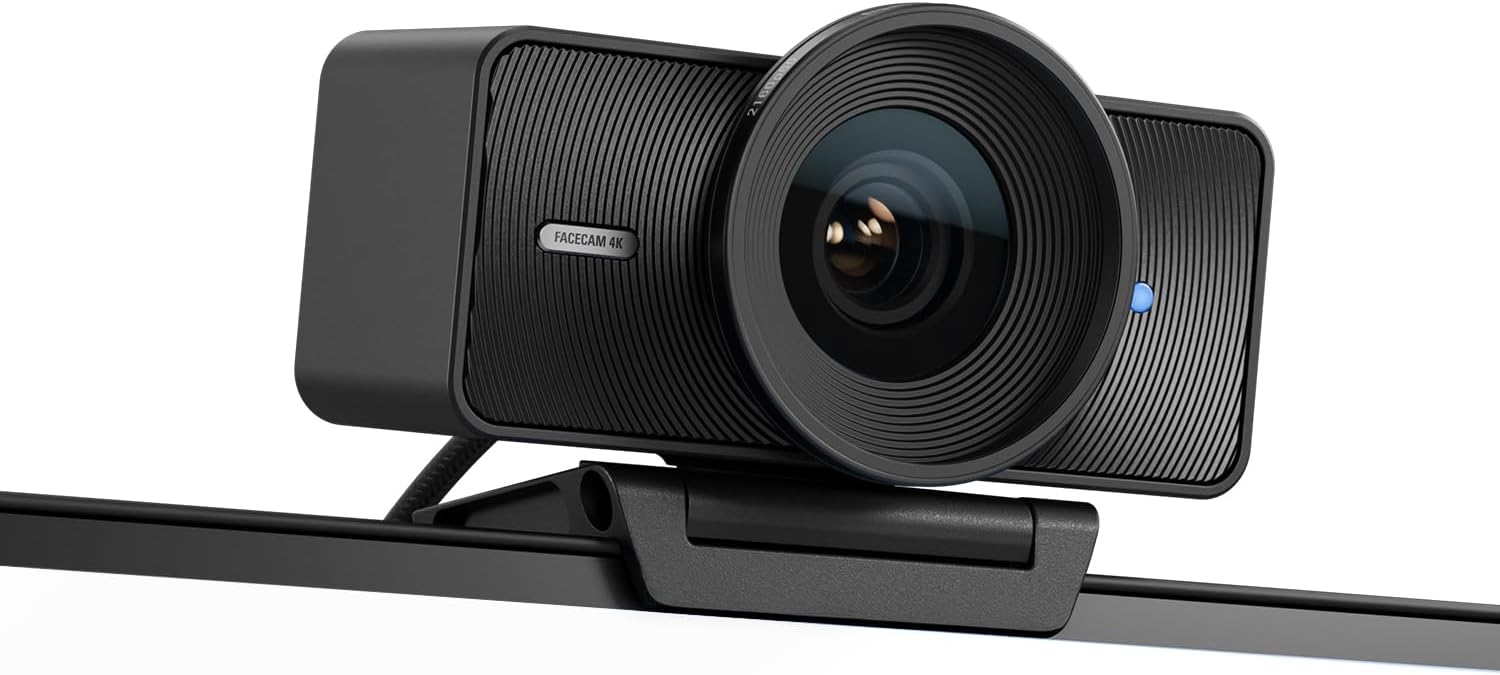
Elgato Facecam 4K, 4K60 Studio Webcam, DSLR-Like Control
A 4K60 studio webcam with DSLR-like control, aimed at streamers and creators who want more manual say over how the image looks rather than leaving every decision to the camera.
Visit on Amazon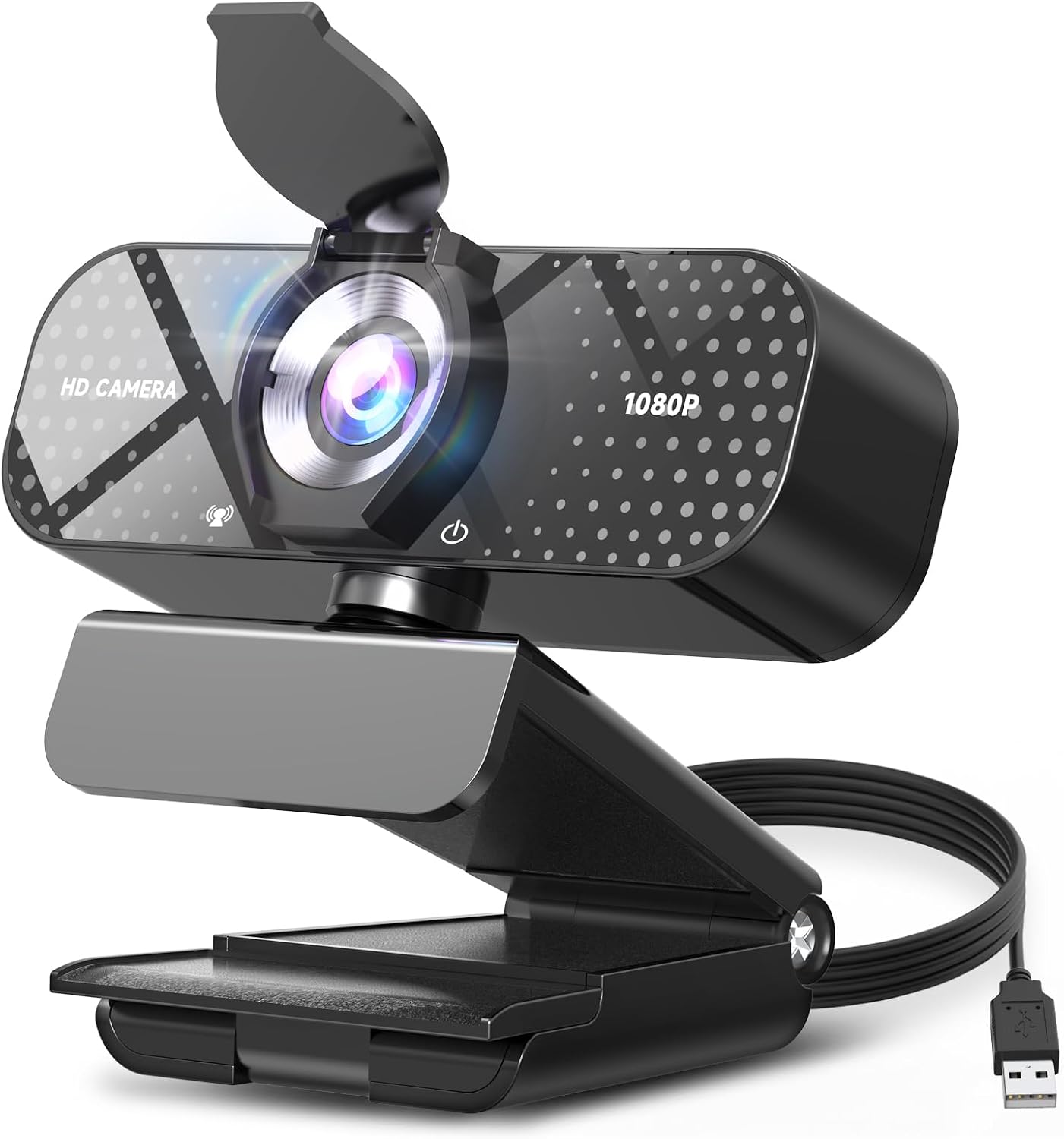
TRAUSI 1080P FHD Webcam with Noise-Canceling Mic, Auto Light Correction, Privacy Cover and Wide Angle Lens, Plug & Play USB Camera for Laptop/Desktop/PC/Mac, Compatible with Zoom/Teams/Streaming
1080p full HD capture with a noise-canceling mic, auto light correction, a privacy cover, and a wide angle lens, plus plug-and-play USB for Windows, Mac, and the usual meeting and streaming apps.
Visit on Amazon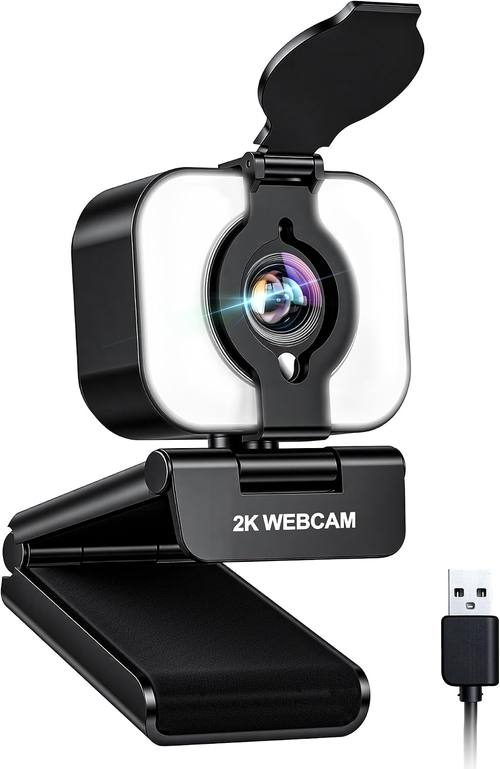
Atatat 2K Webcam for PC with Light, Microphone, Privacy Cover
Check current Amazon price
2K capture with a built-in light, a microphone, and a privacy cover, a middle option between basic 1080p models and 4K studio cameras.
Visit on Amazon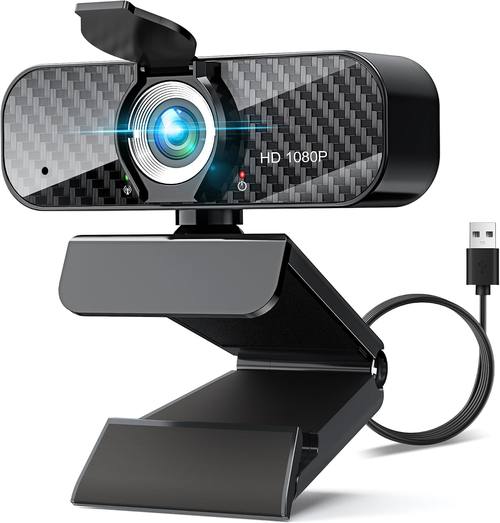
Webcam Full HD 1080P with Built-in Microphone and Rotatable Tripod, Carbon Fiber Board and Privacy Cover, Auto Light Correction, Adjustable FOV, Plug&Play for Zoom/Skype/Facetime/YouTube, Laptop/PC
1080p with a built-in microphone, a rotatable tripod, a carbon fiber board, a privacy cover, auto light correction, and an adjustable field of view for switching between desk-wide and tighter framing.
Visit on Amazon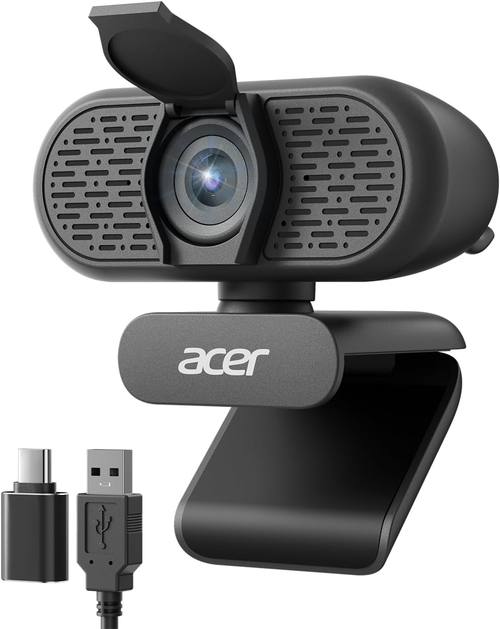
Acer A610 1080p Webcam for PC with Microphones Computer Camera for Meeting
A 1080p webcam for PC with built-in microphones, positioned for meetings and everyday calls where a clean, simple picture matters more than manual controls.
Visit on Amazon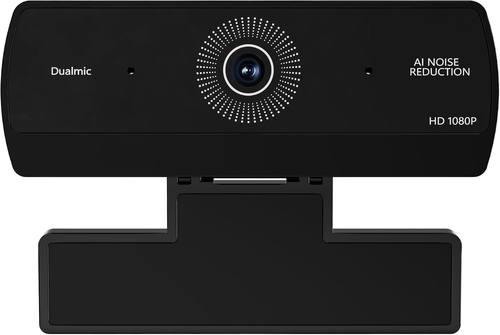
Webcam for PC, HD 1080P USB Plug-and-Play Computer Web Camera, High Definition Webcam for Desktop Laptop, Ideal for Online Class, Video Conference, Live Streaming & Gaming
Check current Amazon price
A 1080p USB plug-and-play camera for desktops and laptops, listed for online classes, video conferences, live streaming, and gaming, and the most stripped-down option in this group.
Visit on AmazonPrices and availability may change. Check the retailer for current details.
How these products were compared
This guide compares resolution and how each camera handles it, field of view and framing flexibility, microphone and privacy features, mounting and setup, and the amount of control each model gives you over the image. Product names, images, and retailer links are matched to the same listing so that every card points to the product shown.
Nothing here is presented as a measured lab result, and no camera was scored on a test bench. The distinctions below come from the features each listing documents, which is why the guide focuses on differences you can verify before you buy rather than on claims you cannot. You also will not find a hard-coded price anywhere in this article, because prices move. Use the link on each card to confirm the current price and availability for the model you are considering.
How to choose the right webcam
Start with resolution, but do not stop there. A 1080p camera remains the sensible default for video calls, online classes, and most streaming, because the platforms you send video to compress it anyway and most viewers are not seeing full detail. A 2K model like the Atatat sits between the budget tier and the top, and 4K capture, which is what the Elgato Facecam 4K is built around, earns its place when you crop and zoom in editing, record footage for later use, or want the sharpest possible frame on a large display. Resolution only helps if the camera can handle the light in your room, though. Auto light correction, listed on both the TRAUSI and the 1080p model with the rotatable tripod, is the feature that keeps your face from turning into a silhouette when a bright window sits behind you.
Field of view decides how much of the room ends up on camera. A wide angle lens, like the one on the TRAUSI, shows more of your desk and works well when two people share one machine, while a tighter frame keeps attention on your face. The adjustable field of view on the rotatable tripod model is the most flexible option here, because you can change framing without physically moving the camera. Microphones are worth treating as a backup plan rather than the reason to buy. Every camera in this group lists a built-in mic, and the TRAUSI goes further with noise canceling, but a webcam mic is still the weakest part of a webcam. If you already own a USB microphone or a decent headset, buy for the picture. Privacy covers, included on the TRAUSI, the rotatable tripod model, and the Atatat, are a small feature that matters in a shared room or a shared desk. For the cheapest improvement to any of these cameras, our guide to lighting a streaming setup covers the low-effort wins first.
Elgato Facecam 4K
The Elgato Facecam 4K is the top pick for anyone who treats a webcam as production gear rather than a convenience. It is the only model in this group built around 4K60 capture, and the listing pairs that with DSLR-like control, which is the part that matters most for streaming. A camera that decides everything for you is fine until it decides wrong, and having real say over how the image looks is what keeps a frame consistent from the first minute of a broadcast to the third hour.
The trade-off is that it asks more of everything around it. 4K60 capture needs a computer that can keep up with it, and it rewards good lighting far more than it rewards any resolution claim on a cheaper box. It is also more camera than a weekly team meeting requires. If your calls happen in a browser and your recordings are quick screen shares, the Acer A610 or the TRAUSI will cover that use without the extra commitment. The Facecam 4K makes sense when the camera itself is the point.
Alternatives to consider
The TRAUSI 1080P FHD Webcam is better suited to buyers who want a wide field of view and a noise-canceling mic without moving up a tier, while the Atatat 2K Webcam is a stronger fit when you want more resolution than 1080p, a built-in light, and a privacy cover in a single package.
The Acer A610, the 1080p USB plug-and-play camera, and the Full HD 1080P model with the rotatable tripod cover the practical end of the list. The Acer A610 is positioned for meetings, with built-in microphones and a 1080p picture. The 1080p USB camera is the simplest entry point, listed for online classes, video conferences, streaming, and gaming. The rotatable tripod model adds the most flexibility of the three, combining an adjustable field of view, auto light correction, a carbon fiber board, and a privacy cover, and its tripod mounting suits a desk where you would rather place the camera than hang it off a screen.
Day-to-day use and maintenance
Setup is the easy part for most of these cameras. The USB models here are plug and play, which means the operating system and your video app should recognize them without a driver hunt. If a camera does not appear in your app, check the app's own camera menu before you reinstall anything, and confirm that no other program is holding the device. Camera permissions on Windows and macOS can block an app that otherwise works fine, and that is a far more common cause of a black preview than a broken camera.
Keep the lens clean. A dry microfiber cloth is the safe routine, and it should be the first thing you try when the picture looks soft or hazy. Do not spray liquid cleaner onto the lens. If you use any cleaning solution, apply it to the cloth rather than the glass, and let the surface dry before you close a privacy cover over it. Close that cover when the camera is not in use, especially on a laptop that travels.
Lighting remains the biggest variable in how any of these cameras look. A model with auto light correction can rescue a mixed lighting situation, but no webcam fixes a bright window directly behind your head. Move the light source in front of you before you blame the camera. Finally, treat the cable as a wear item. A loose or damaged USB connection drops a camera mid call far more often than a software bug does, so route the cable so it is not pulling on the port, and check for companion software or firmware updates on models that ship with control software.
Buying checklist
- Measure where the camera will sit, and decide how much of the room you want in frame before you choose a field of view.
- Choose resolution based on normal use rather than an occasional edge case: 1080p for calls and everyday streaming, 2K or 4K when you crop, record, or want the sharpest frame.
- Confirm that the exact model includes the features you need, such as a privacy cover, a built-in light, or an adjustable field of view.
- Read the cleaning and care instructions for the lens and housing.
- Verify the current retailer price, availability, and return terms before you order.
Final recommendation
Choose the Elgato Facecam 4K when streaming and recorded video are the priority and you want manual control over how the frame looks. Choose the Acer A610 when you want a straightforward 1080p meeting camera with built-in microphones and a recognizable brand behind it. Choose the TRAUSI 1080P FHD Webcam when a wide field of view, a noise-canceling mic, and plug-and-play simplicity matter most. The Atatat 2K Webcam is the middle path, with a built-in light and a privacy cover, and the two remaining 1080p models cover the entry level, with the rotatable tripod version offering the most framing flexibility in the budget group.
If none of those distinctions change how you actually use a camera, buy the simplest model that includes the features you need and put the difference toward lighting. That is the upgrade most people notice first.