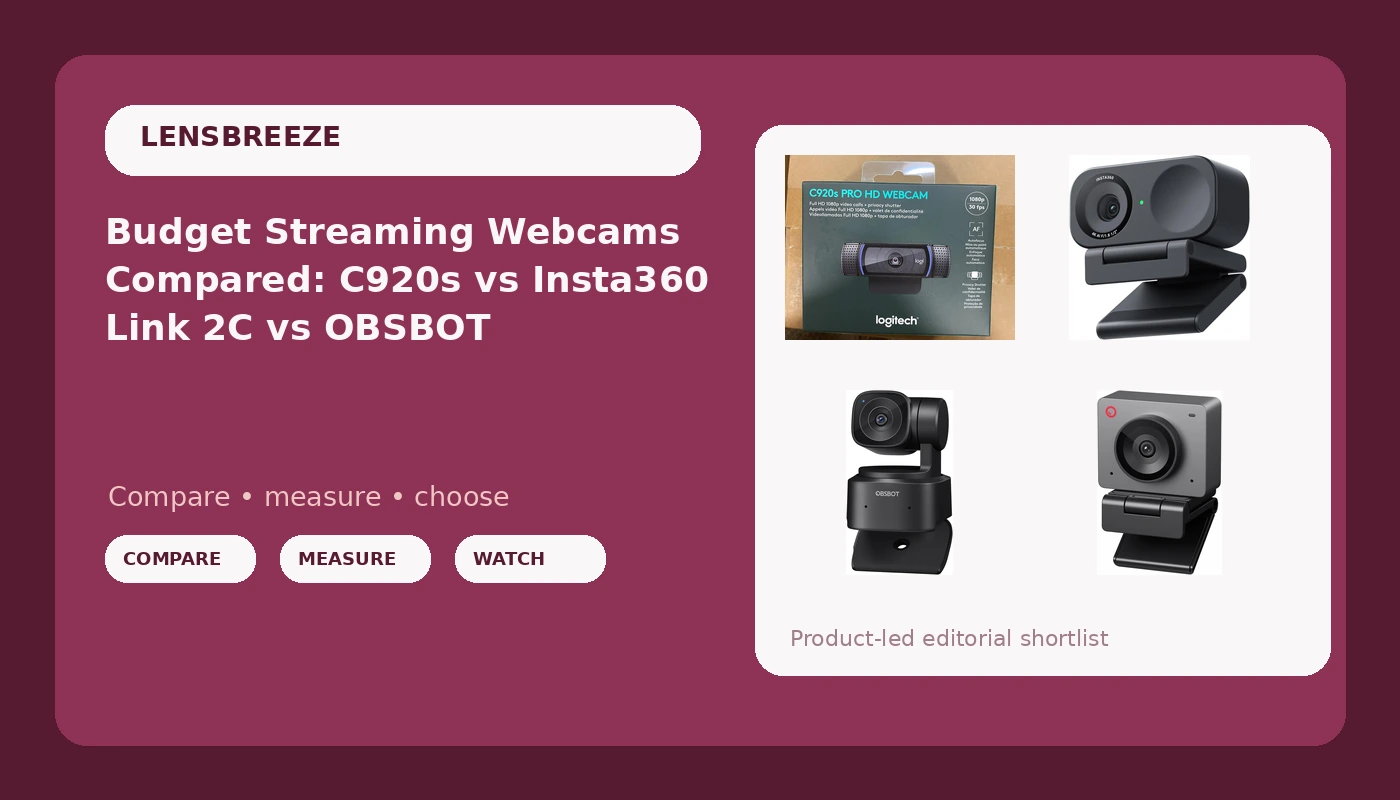
The C920 that started all of this is still plugged into a machine in my studio, which tells you something about how long a good 1080p webcam stays relevant. Since then I've cycled through 4K flagships, gimbal cameras, and a handful of cheap specials that made me look like a witness sketch. So when people ask me to compare budget streaming webcams, I start with the same question I ask about any camera: what is the actual sensor, and how much light does it need before you look like yourself?
This comparison covers four cameras that belong in the same conversation: the Logitech C920S, the Insta360 Link 2C, the OBSBOT Tiny SE, and the OBSBOT Meet SE. Two of them are 1080p workhorses, one claims 4K with a 1/2 inch sensor, and one sits in the middle with a motorized gimbal. Here is what each one is actually for.
Related: Webcam Lighting Basics: Ring Light vs Key Light
The best budget streaming webcam for most people is the OBSBOT Meet SE, because it gives you 1080p at 100fps and AI framing for the least money of the four, and the Insta360 Link 2C is the one to buy if you want 4K and a genuinely larger sensor and can accept the price. The Logitech C920S remains the safe, boring, always-works answer, and the OBSBOT Tiny SE only makes sense if you physically move around on camera.
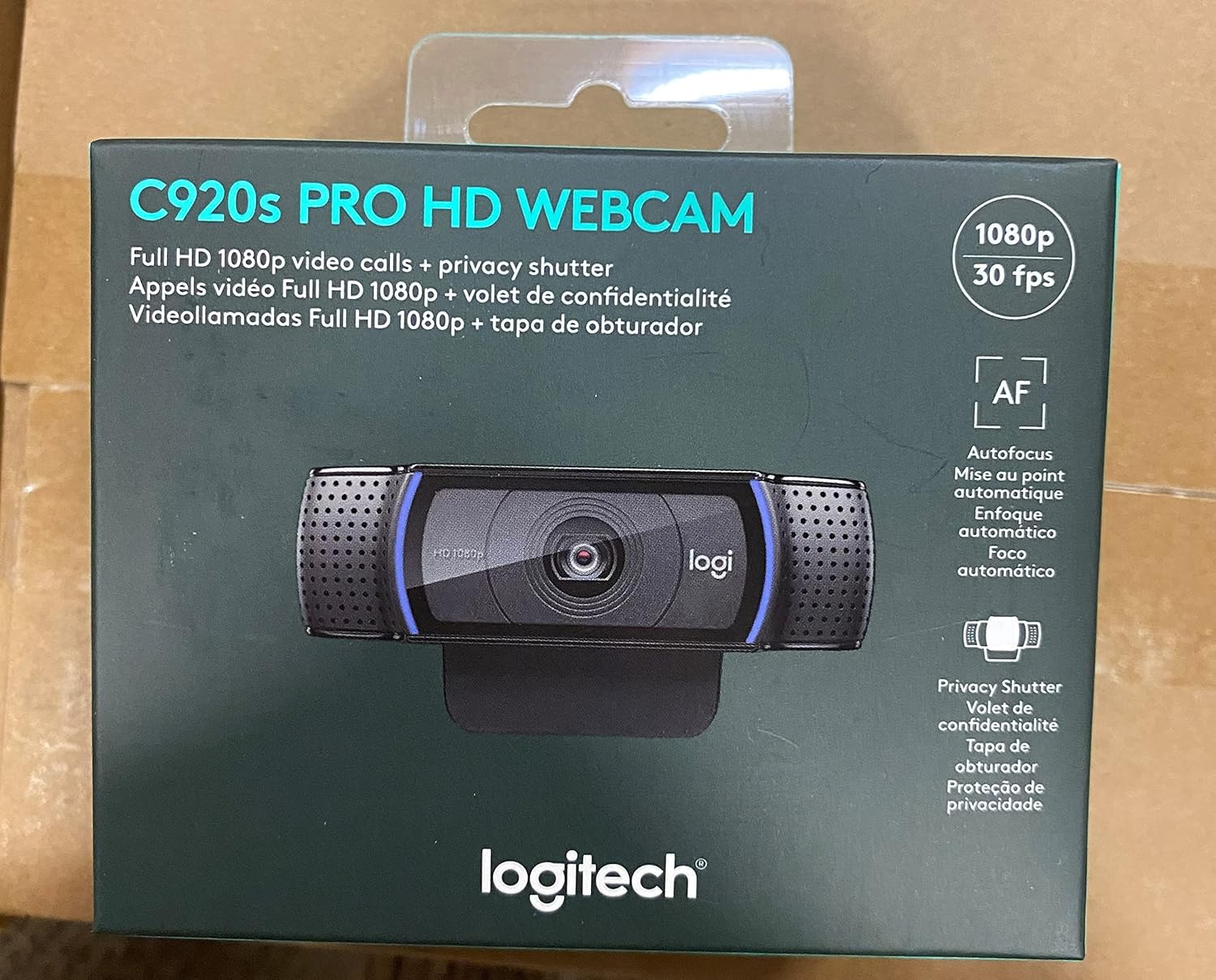
Logitech Prohd WebCam C920S 960-001257,1080p
The most predictable camera here; fixed focus that never hunts, and the widest software support of the four
Old sensor, 1080p at 30fps, no tracking and no HDR
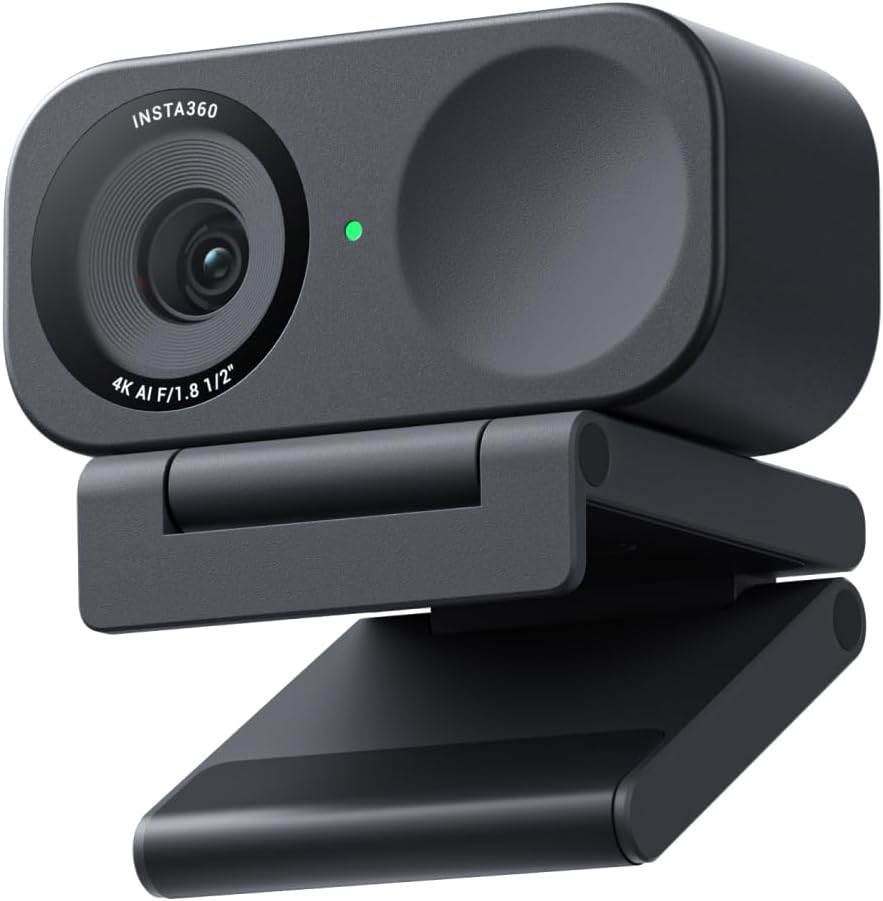
Insta360 Link 2C - 4K Webcam for PC/Mac, 1/2" Sensor, Auto Framing, HDR, AI Noise-Canceling Mic, Gesture Control for Streaming, Video Calls, Gaming, Works with Zoom, Teams, Twitch & More
The only 4K camera in the group and the only one listing a 1/2 inch sensor; HDR and gesture control on top
Priciest of the four, and you are paying for features you may switch off
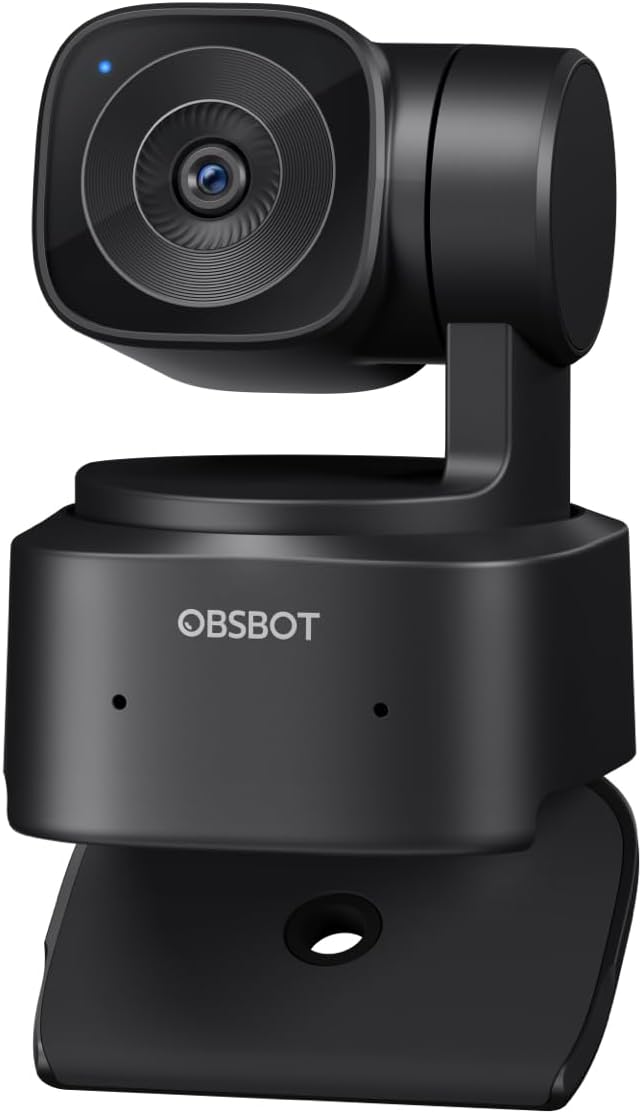
OBSBOT Tiny SE 1080P 100FPS Webcam for PC, AI Tracking PTZ Streaming Camera
A real PTZ gimbal plus AI tracking, so the camera follows you instead of cropping you
Still a 1080p sensor, and the gimbal is dead weight if you sit still
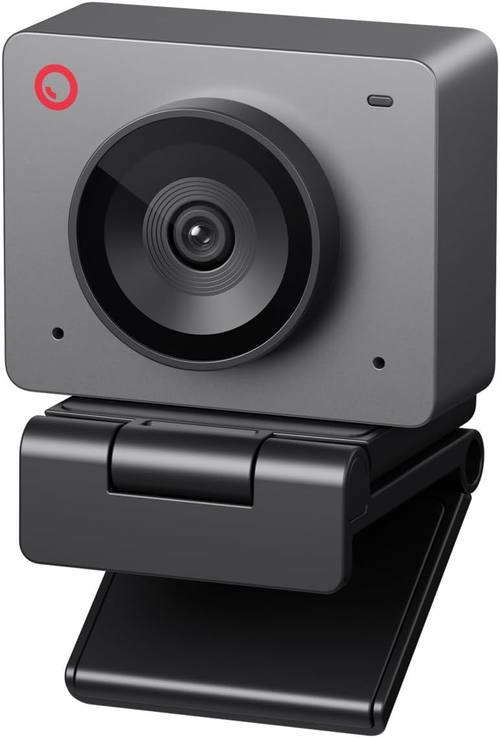
OBSBOT Meet SE 1080P 100FPS Webcam for PC, AI Framing Streaming Camera
100fps 1080p and AI framing at the lowest cost of the four
No gimbal, so AI framing crops the frame instead of moving the lens
Prices and availability were captured from Amazon Creators API and may change.
How I judge a webcam
Lighting first, always. A $60 camera in good light beats a $200 camera in a dim room, and that is not a slogan, it is just physics. Every camera in this comparison needs a window or a soft key light in front of you before any of the spec sheet matters. If your current setup is a single overhead bulb, fix that before you spend anything.
Sensor second. The imaging chip is the camera. A bigger sensor captures more light, holds more highlight detail, and renders skin tones with more nuance. A small sensor with a 4K sticker on the box is still a small sensor.
Software third. If a camera fights OBS, drops frames, or demands a proprietary app just to change exposure, it is a toy with a lens. The cameras that survive on my desk are the ones that show up as a standard video device and behave.
The sensor question: 4K versus 1080p
This is where most buying decisions go wrong. Four times the resolution sounds like four times the camera, but resolution only pays off when the sensor underneath it can feed those pixels with real detail. The Insta360 Link 2C is the only camera here that pairs 4K with a listed 1/2 inch sensor, which is the largest in this group by a meaningful margin. That combination is what makes its 4K claim credible rather than decorative.
The two OBSBOT cameras and the Logitech are 1080p. That is not a knock. At the distance you actually sit from a webcam, 1080p upscaled to a 4K stream looks fine, and 1080p buys you headroom for higher frame rates. What you give up is crop flexibility: with 4K you can punch into a tighter framing and still deliver a sharp 1080p output. If you never crop, you are not missing much.
Logitech Prohd WebCam C920S: the baseline that refuses to die
The C920S is the camera I recommend to people who want to stop thinking about webcams. It is 1080p at 30fps, it has a fixed focus that does not hunt, and it works in OBS, Zoom, Teams, and whatever else you throw at it without a driver fight. That reliability is the entire pitch, and it is a good pitch.
The limits are equally clear. There is no AI framing, no tracking, no HDR, and no 60fps option. In a dim room it will look soft and grainy compared to the Link 2C, and there is nothing in the settings that fixes that except adding light. What it does have is the widest ecosystem support of the four, which matters if you record in three different apps a week.
Insta360 Link 2C: the 4K pick
The Link 2C is the enthusiast choice here. A 1/2 inch sensor, 4K resolution, HDR, auto framing, and gesture control, plus an AI noise-canceling mic. That sensor is the headline for me, because it is the thing that decides whether your face holds detail in a room that is not perfectly lit. HDR is the second most useful item on that list, since it is what keeps a bright window behind you from turning you into a silhouette.
Gesture control is the feature I would test hardest before relying on it. Gestures are great in a demo and awkward in a live stream where you are mid-sentence and waving at a camera. The auto framing is more practical, and for a solo presenter who drifts in their chair it does real work. Just know that you are paying for the sensor first and the tricks second, and the price reflects that.
OBSBOT Tiny SE: the tracking pick
The Tiny SE is the one to buy if you stand up, walk to a whiteboard, or demo hardware on camera. It is 1080p at up to 100fps with a motorized PTZ head and AI tracking, which means the camera physically pans, tilts, and zooms to follow you. That is a different capability from digital auto framing, and it is the reason this camera exists.
The trade-off is the sensor. It is a 1080p chip, so it will not match the Link 2C in a dim room, and the gimbal does nothing for image quality. It also adds a moving part to your desk, and moving parts eventually make noise or need recalibration. If your content is a talking head in a chair, you are paying for a motor you will never see move.
OBSBOT Meet SE: the value pick
The Meet SE takes the useful half of the Tiny SE and drops the gimbal. You still get 1080p at 100fps and AI framing, but the framing is done by cropping the image rather than moving the lens. For a single person at a desk, that is the right trade. You get the auto framing that keeps your head in a sensible part of the frame, and you pay the least of the four.
The catch is exactly the same as any digital framing system: cropping a 1080p image means you are effectively delivering less than 1080p once the crop engages, and fast movement can look slightly soft as the frame chases you. In a well-lit room with a stationary subject, none of that shows up.
Why 100fps matters more than you think
Both OBSBOT cameras advertise 100fps at 1080p. Streaming platforms will not carry that, and most capture setups top out at 60. What high frame rate capability buys you is smoothness at 60fps with headroom, and a cleaner image if you record locally for editing. If you do a lot of motion on camera, hand gestures, product demos, or anything with quick movement, a camera that can shoot above your delivery frame rate will look better than one that is already maxed out at 30.
The C920S tops out at 30fps. That is fine for a podcast or a meeting. It is the first thing you notice when you switch to a 60fps camera and then switch back.
Software, drivers, and OBS
This is where the field separates. The Logitech has the longest track record of just working, and its settings are available in Logitech's utility and in most conferencing apps. The Insta360 and both OBSBOT cameras lean on their own software for the smart features, which is normal for tracking and framing, but it means one more app to keep updated.
Test this on day one, not on the day of a stream: plug the camera in, open OBS, add a video capture device, and confirm the frame rate and resolution you expect. If the smart framing needs a desktop app running in the background, decide now whether that is acceptable during a four-hour stream.
The mic is a backup plan
All four of these have microphones, and one of them advertises AI noise cancellation. Treat every webcam mic as an emergency backup. They are fine for a quick call and for the first week of a channel, and they will never match even a modest dedicated microphone. The camera is the purchase. Buy it for the picture and plan your audio separately.
Which one should you buy?
Buy the OBSBOT Meet SE if you want the best value: 1080p at 100fps, AI framing, and the lowest cost of the group. It is the camera I would hand to someone starting a channel this month.
Buy the Insta360 Link 2C if image quality is the priority. It is the only one here with 4K and a 1/2 inch sensor, and if you present in a room with tricky lighting, the HDR and the larger sensor are worth the extra spend.
Buy the OBSBOT Tiny SE if you move. The PTZ head and AI tracking do something the other three cannot, and that capability is the whole reason to pick it.
Buy the Logitech Prohd WebCam C920S if you want zero drama. It is the least exciting camera in this comparison and the one least likely to ruin a recording.
What I'm watching next
Two things are on my list. First, whether the software for the tracking cameras stays stable across long sessions, because a gimbal that drifts at hour three is worse than no gimbal. Second, how the 1080p cameras here compare to the next wave of 4K budget options, because if a larger sensor shows up at a lower price, this whole table gets rewritten. Until then, pick the one that matches how you actually sit, stand, and light your room.