
Is Cleaning a Webcam Lens Really That Simple?
You'd think a microfiber cloth and a breath of air would do it. Then you actually look at the smudge on your lens, try to wipe it, and make it ten times worse. I've been testing webcams since 2020, and I've cleaned more lenses than I can count, from the Logitech Brio 101s I bought for my company to the $20 Shcngqio I set up for my grandfather.
The truth is, cleaning a webcam lens is less about the cloth and more about knowing what you're touching.
Here's what actually works, what ruins your sensor, and what I do in my shop when Baxter knocks another camera off the tripod.
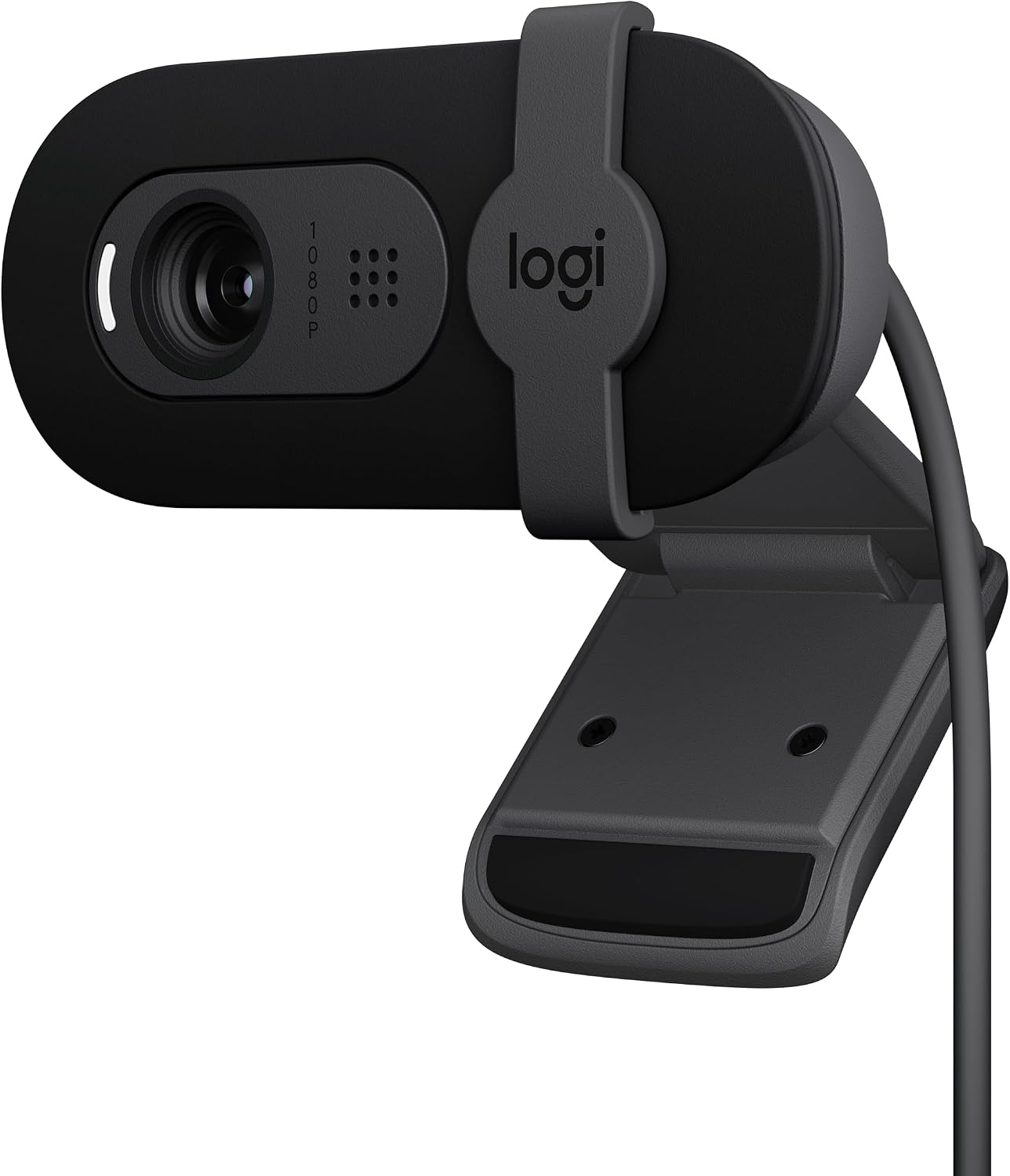
Logitech Brio 101
Best image quality, plug-and-play, works in low light
Fixed FOV is slightly zoomed in
Aispour Cleaning Kit
10-in-1 kit, good for lens cleaning
Its strength is narrow; the better pick covers more of the job.
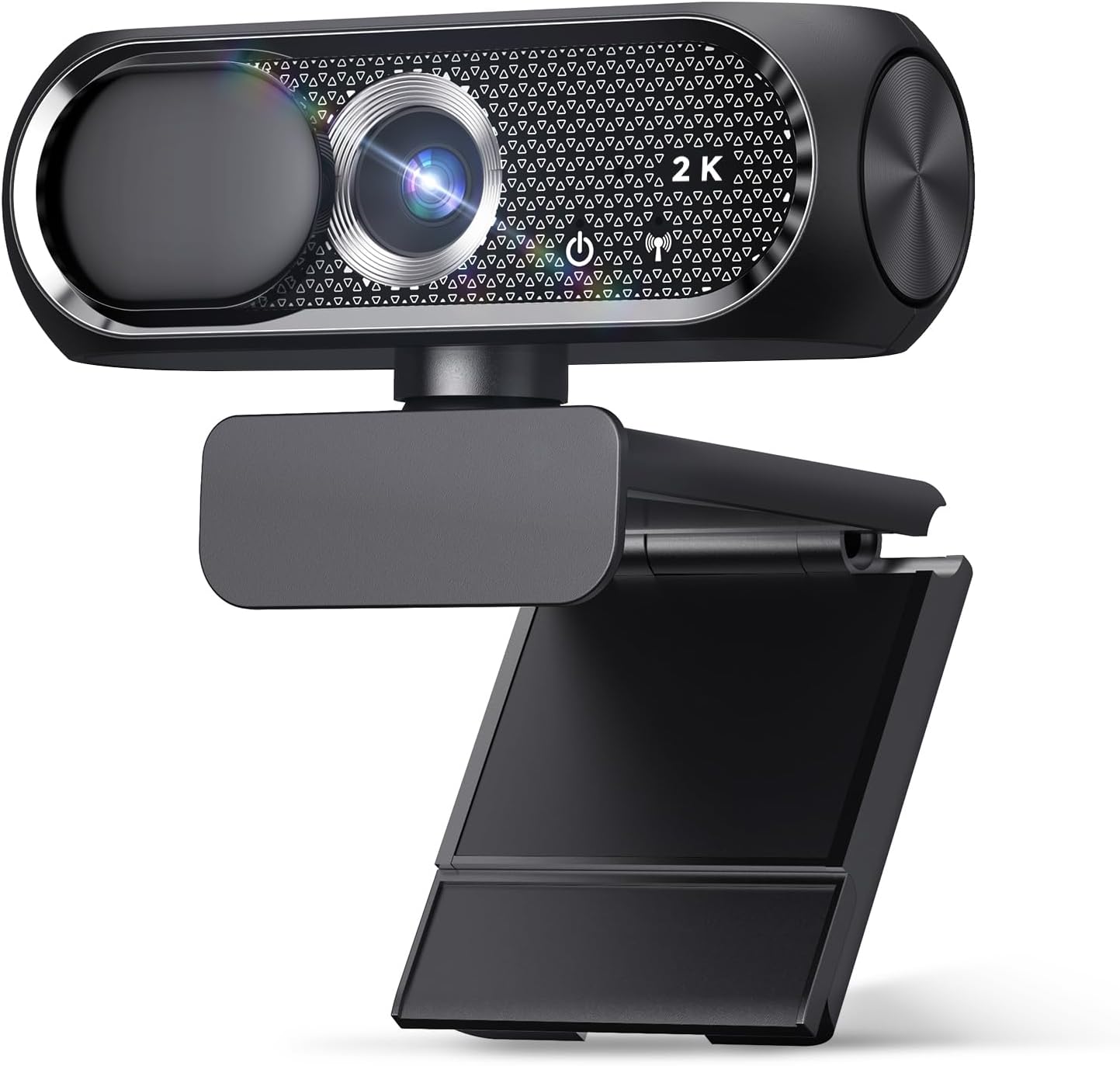
Shcngqio 1080P
Budget king, zero problems, privacy cover
Low-light performance isn't there
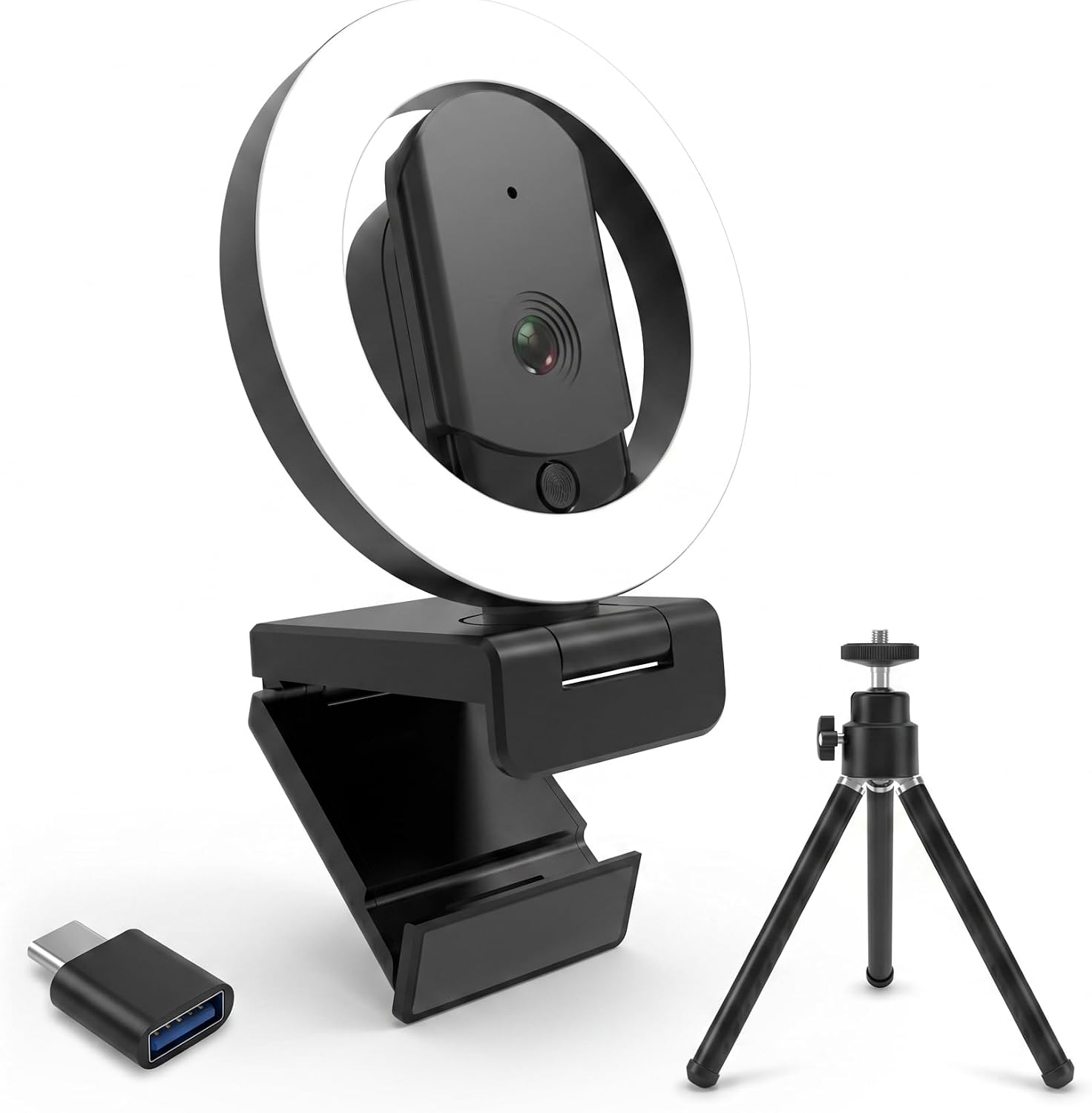
HUYEOOG 4K
Built-in fill light is genuinely useful
The built-in light is useful, but it does not make the 4K image special.
Prices and availability were captured from Amazon Creators API and may change.
What You Actually Need
Before I get into the cameras, let's talk about the cleaning part, because that's why you're here. I keep a simple kit in my shop: a microfiber cloth, a blower bulb, and isopropyl alcohol wipes at 70% or higher. That's it. No paper towels, no shirt sleeves, no "lens cleaning solution" that costs $15 for a bottle of mostly water.
The blower bulb is the most important piece. It's a rubber squeeze bulb that pushes air without any moisture. You use it first, every time. Blow off the dust and loose particles before you touch the lens with anything.
If you skip this and go straight to wiping, you're dragging grit across the glass. I've seen webcams with scratched lenses from exactly this.
The Brio 101's lens is protected by a cover, but the EMEET and Shcngqio aren't, so dust builds up fast.
Then the microfiber cloth, a gentle circular motion, and that's it. If there's something stuck, a single alcohol wipe, let it dry, then the microfiber cloth again. Don't press hard. The lens is small and the sensor is right behind it. You're not scrubbing a pan.
The Logitech Brio 101: The One I Recommend to Everyone
I've bought six of these for my company, and they've been flawless on every PC we've plugged them into. The version I own is the standard Brio 101, and I've had it for about a year now. It's priced around $50 to $60, and it does exactly what it says. Plug it in, it works. No drivers, no utility, no fuss.
The image quality is fantastic. It's a 1080p sensor, not some upscaled 4K marketing trick, and it works nicely with minimal light. My shop has terrible overhead lighting, and this camera still makes me look human on calls. The privacy shutter is a nice bonus. It slides over the lens with a click, and I've bought cameras specifically for that feature. It's peace of mind.
But there's a catch, and it's the one complaint I see across buyer reviews. The field of view is fixed and slightly zoomed in. One buyer said they had to push their chair back to fit their face in frame.
I had the same issue in my setup. You sit at a normal distance from your monitor, and the camera crops your forehead off.
It's not a dealbreaker, but it's worth knowing. If you're close to your screen, you'll be fine. If you're 3 feet back, you might be adjusting your chair.
The mount is sturdy. It clips onto my monitor and stays put, even with Baxter's tail whipping past it. I've dropped this camera twice, and it still works. For $50, that's solid.
The EMEET C960: Great Value, Terrible Positioning
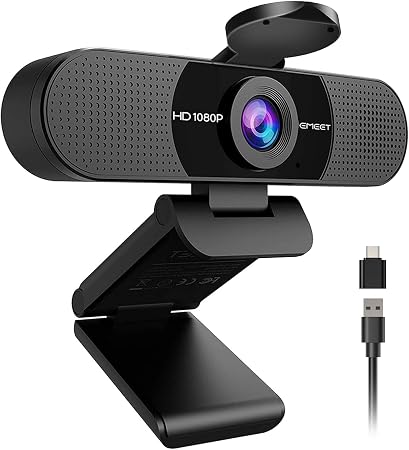
I picked up the EMEET C960 for around $40 to $50, and it's a good camera. The quality is excellent, the value is top notch, and it's plug and play. I plugged it in, opened Teams, and it worked right away. No troubleshooting, no driver downloads. Solid and reliable.
But here's the flaw, and it's a big one for me. The field of view is wide with no zoom. I'm about 4 to 5 feet from my monitor's top, and this camera made me look like I was sitting in an empty warehouse.
My desk, my keyboard, the wall behind me, all in frame. I had to rig up an extension stick to bring it within 2 feet of me just to get a decent view.
That's a workaround, not a solution. If you sit closer to your screen, this camera is great. If you're like me, it's a dealbreaker.
The other issue is the autofocus. The video occasionally goes blurry for a second and then refocuses. It doesn't happen often, and it corrects itself quickly, but it's there. Multiple buyers mention this in their reviews, so it's not just my unit. It's a hiccup, not a failure.
One buyer noted it's hard to keep straight on top of the monitor. I had the same issue. The clip is a bit loose, and the camera tilts forward. If you're going to buy this, plan on getting a proper stand or a piece of tape under the clip.
The Shcngqio 1080P: The Budget King
This one's around $20 to $30, and I bought it for my grandfather's laptop. He's not tech-savvy at all. He calls me when the Wi-Fi goes out. But he plugs this camera in via USB and it works. Zero problems. That alone is worth the price.
The image quality exceeded my expectations. It's clear and sharp, especially for $20. The adjustable clip holds securely on his old laptop, and the privacy cover gives him peace of mind. He doesn't have to worry about someone watching him through the camera, and neither do I.
But you're not going to win any awards with this camera. The low-light performance isn't there. In my shop, with the dim lighting I use for testing, the image gets grainy. The mic is usable but tinny. If you're calling your grandkids on a Sunday, it's fine. If you're streaming on Twitch, it's not.
For the price, it's the easiest recommendation I can make. It gets the job done, and it's the camera I'd buy for anyone who just needs to see and be seen on a call.
The HUYEOOG 4K: The Complicated One
This one's around $60 to $80, and it's the most complicated relationship I've had with a webcam. The built-in three-color fill light is a genuinely nice feature. It lights up your face without needing extra gear, which is useful in my shop where the overhead lighting is terrible. That's a real plus.
But getting it recognized and working took some troubleshooting upfront. I plugged it in, and nothing happened. No driver, no pop-up, no image. I had to go into the device manager, find it, and manually update the driver. That's not plug and play. That's a frustration.
The included tripod is on the wonky side. It's flimsy, and the camera doesn't sit straight. I swapped it out for a real tripod after a day. And honestly, the 4K sensor doesn't deliver the jump in quality you'd expect.
It's pretty average overall. I compared it side by side with the Brio 101, and the Brio looked better in low light.
The HUYEOOG does the job, but it doesn't justify the price premium.
I don't track prices day to day, so I won't pretend to know next week's. But at $60 to $80, you're paying for the fill light, not the image quality. If that light is worth $30 to you, buy it. If not, the Brio 101 is a better camera for less money.
What I Do When the Lens Gets Dirty
Here's the thing. Every camera in this list will get a dirty lens eventually. It's not a matter of if, it's when. And if you clean it wrong, you'll scratch it. I've done it. I've ruined a $70 camera with a paper towel and a bad attitude.
The blower bulb first. Then the microfiber cloth. Then, if needed, the alcohol wipe. Let it dry completely before you use the camera again. And never, ever use your shirt. I know it's tempting. I've done it. It leaves lint and oils on the glass, and you'll be cleaning it again in a week.
My Bottom Line
The Brio 101 is the camera I recommend to everyone, and the cleaning routine is the same for all of them. Blow, wipe, done. The EMEET is great if you sit close to your monitor. The Shcngqio is the budget pick for grandparents and Sunday calls. The HUYEOOG is only worth it for the fill light.
I've lived with these cameras for months, not days. I've cleaned their lenses, dropped them, set them up in bad lighting, and plugged them into dying laptops. The sticker on the box doesn't mean anything. A $30 camera can beat an $80 one. And the best camera is the one you actually use.