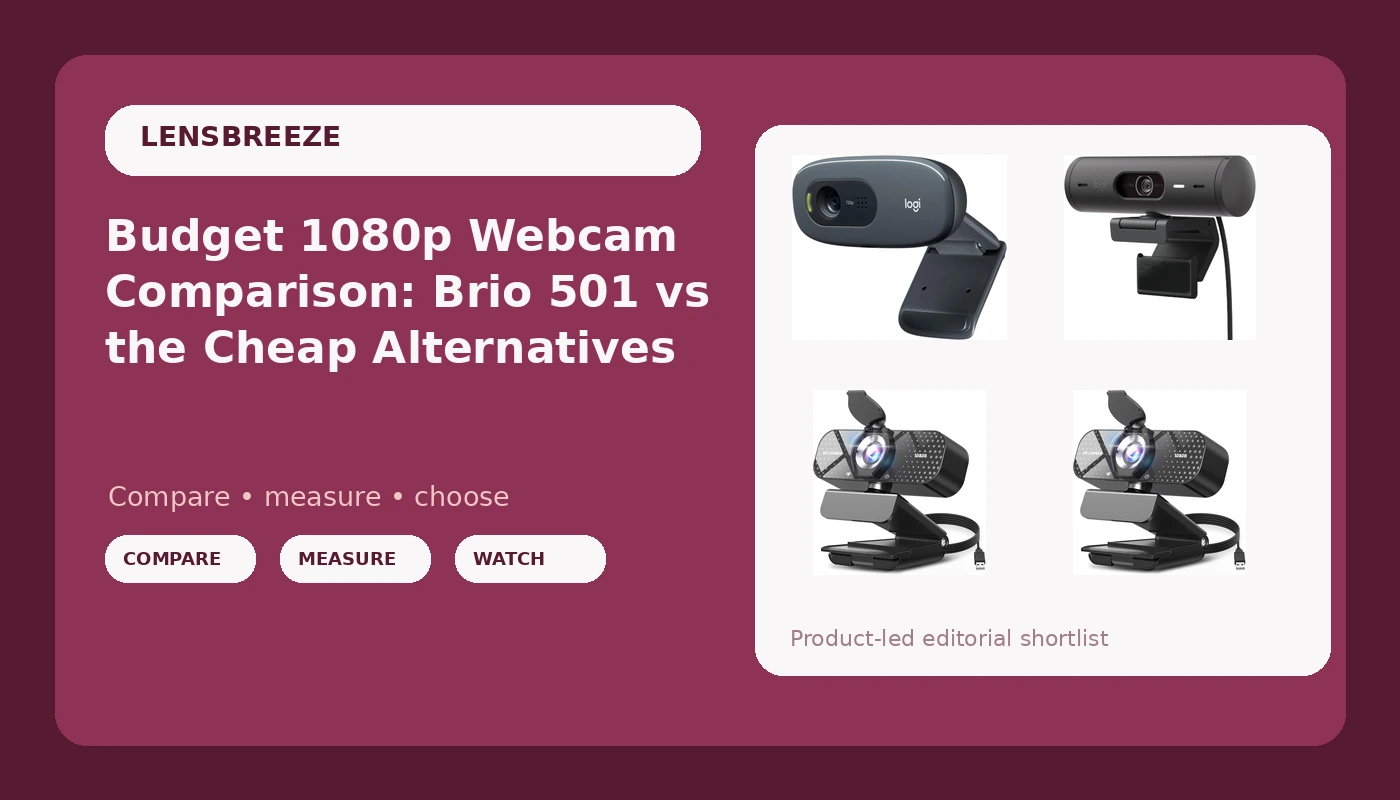
Eight years of streaming and corporate video work has taught me that the webcam market runs at two speeds. At the top, cameras are sold on sensor tech and dynamic range. At the bottom, they are sold on one number: 1080p. This budget 1080p webcam comparison covers both ends at once, because the four listings here span from the price of a fast-food lunch to the kind of money that makes you read the return policy twice. Two TRAUSI 1080P FHD webcams sit at the bottom, the Logitech C270 sits just above them, and the Logitech Brio 501 sits at the top. I have not run these four side by side in my studio, so what follows is a careful read of what each listing actually promises, filtered through years of living with webcams at every price point.
Related: Webcam Lighting Basics: Why Your Camera Looks Bad In A Dim Room
The short answer: the Logitech Brio 501 is the pick for anyone who cares how they look on camera, and a TRAUSI 1080P FHD is the pick for anyone who just needs to be clearly visible on a call. The C270 is the safe, boring middle ground for people who want a name they recognize and nothing more. Everything below is the reasoning behind those three sentences.
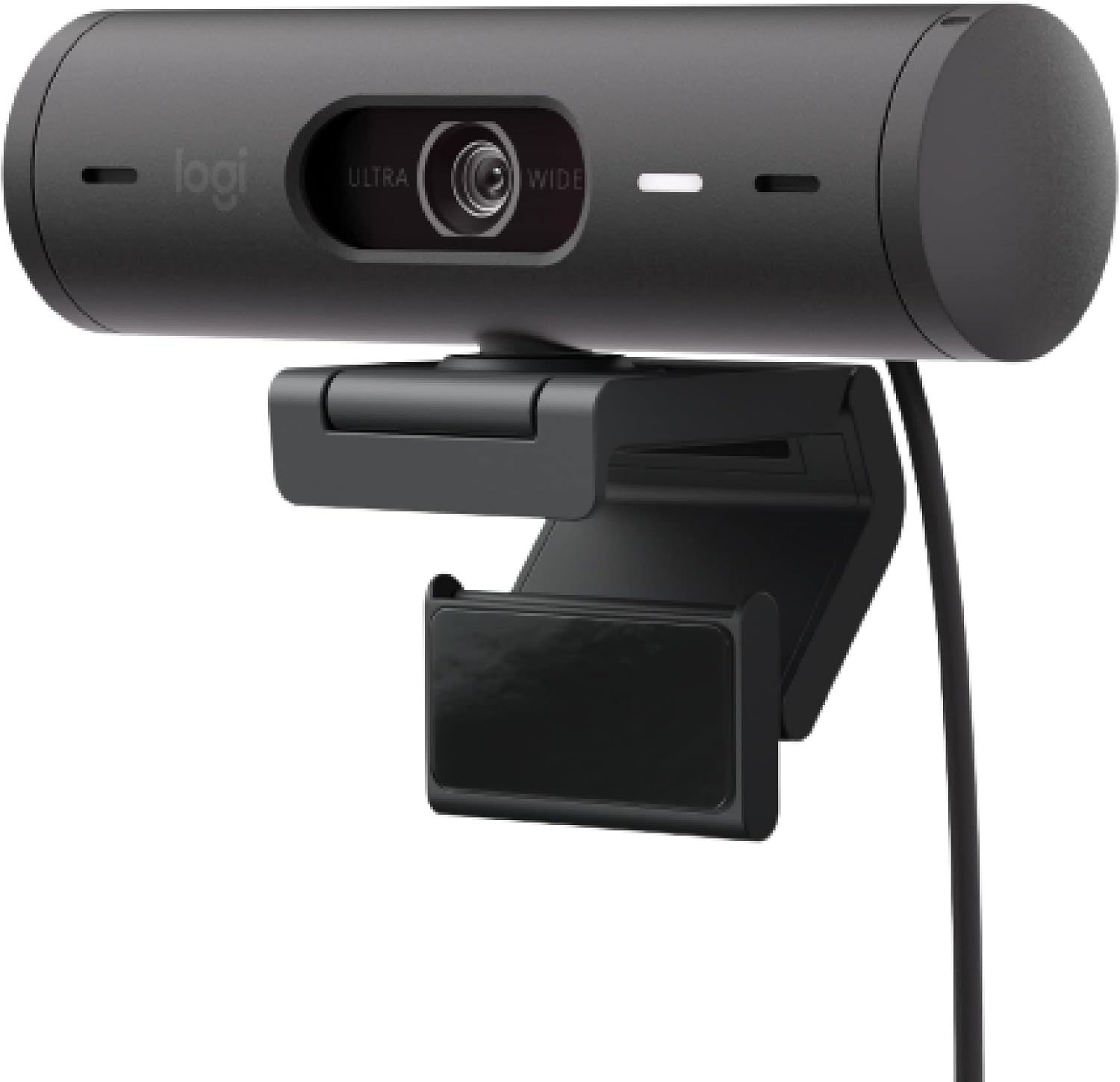
Logitech Brio 501 Full HD Webcam Auto Light Correction Show Mode - Black
Full HD plus auto light correction and Show Mode, the two features that survive contact with real rooms
The most expensive camera here by a wide margin, and it is not a 4K sensor
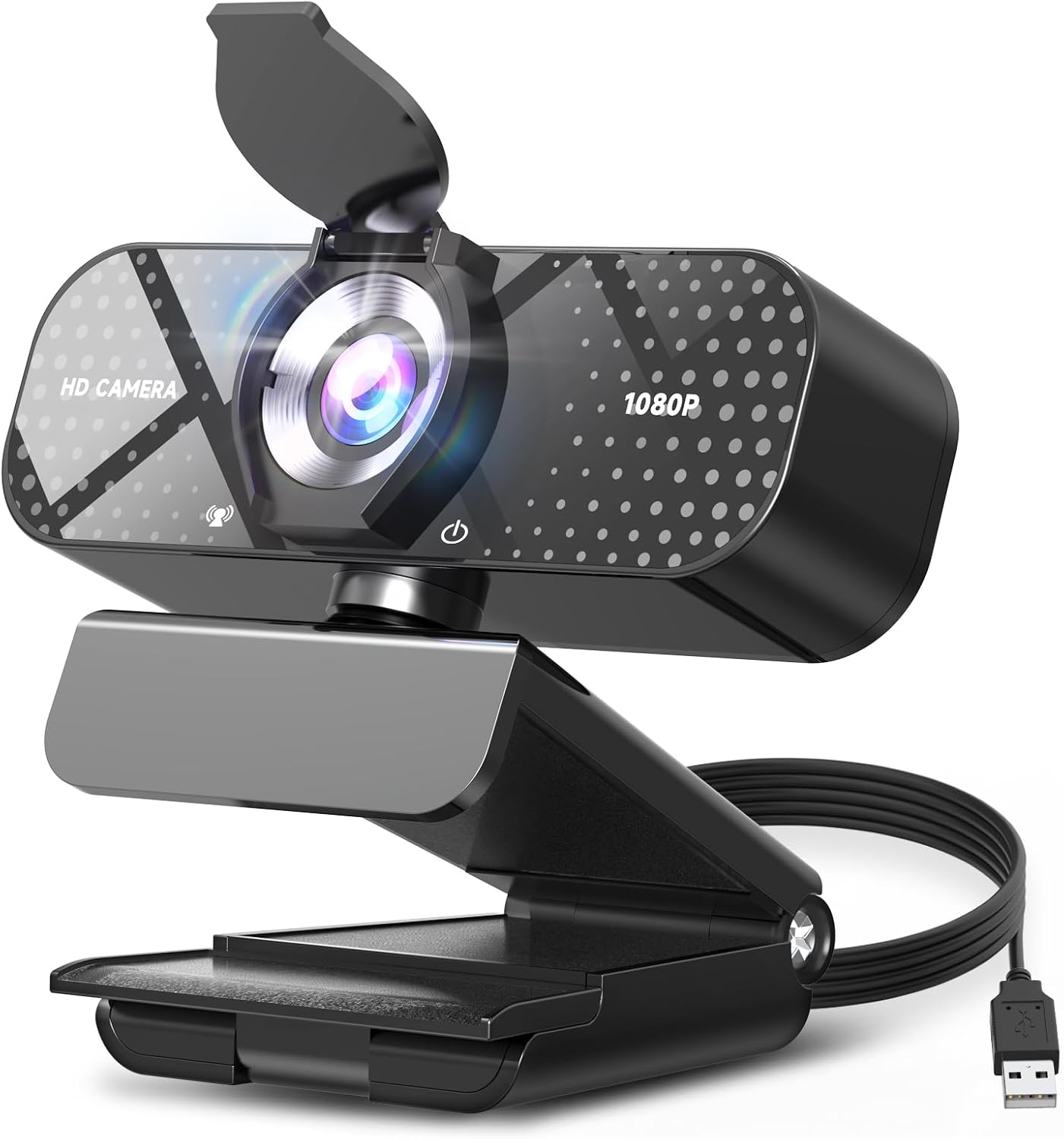
TRAUSI 1080P FHD Webcam with Noise-Canceling Mic, Auto Light Correction, Privacy Cover and Wide Angle Lens (first listing)
1080p, a privacy cover, and a wide angle lens for the price of a takeout order
A no-name brand with no track record and no software ecosystem
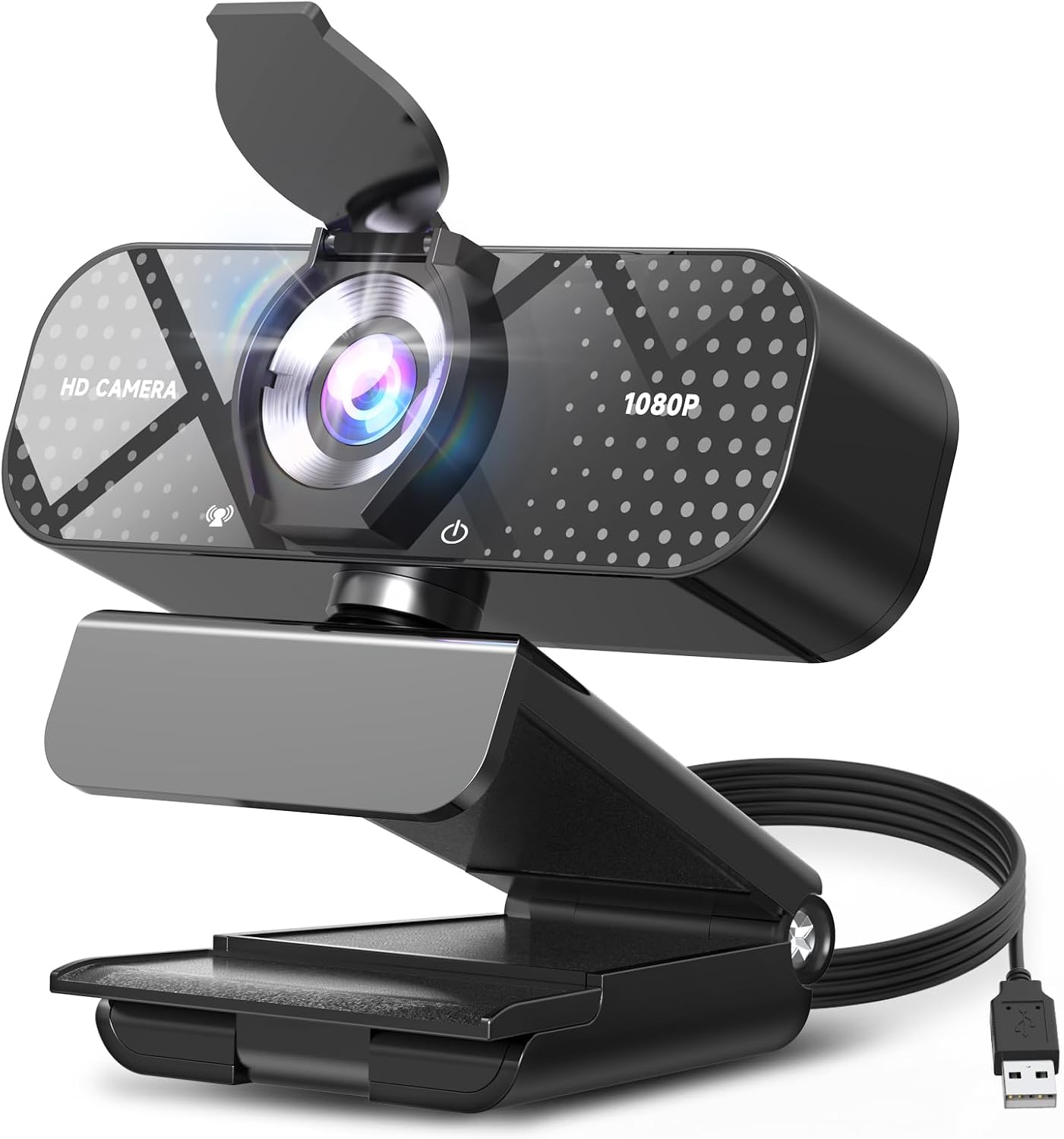
TRAUSI 1080P FHD Webcam with Noise-Canceling Mic, Auto Light Correction, Privacy Cover and Wide Angle Lens (second listing)
Identical spec sheet to the other TRAUSI listing, so the same value applies
Two listings for the same product is a shopping annoyance, not a feature
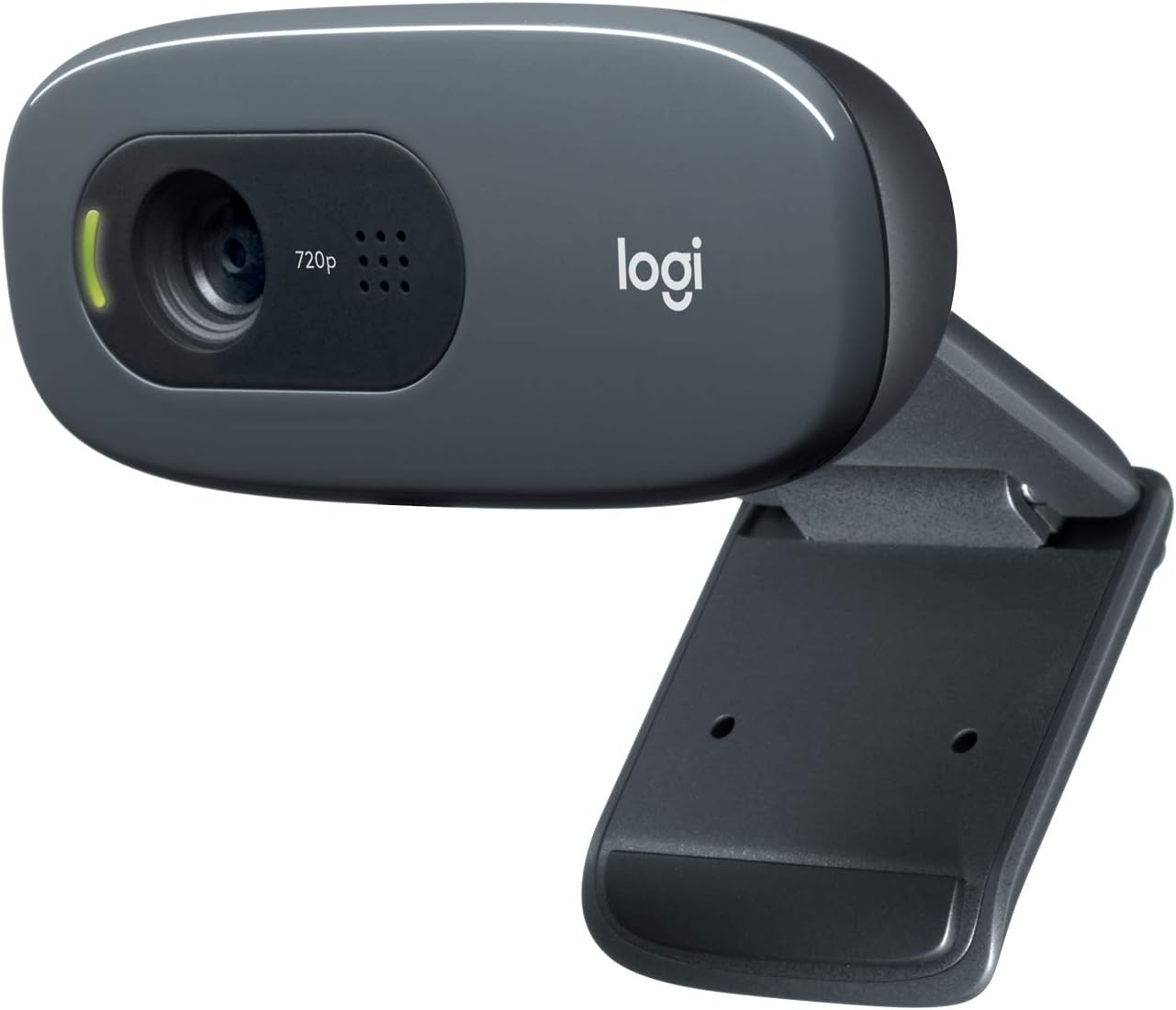
Logitech C270 720p Webcam Plug-and-Play Wide Screen Video Calling - Black
A known brand, genuinely plug and play, and enough for a voice-first call
720p is a ceiling, not a starting point, in 2026
Prices and availability were captured from Amazon Creators API and may change.
The shape of this comparison
There are really only three products here and four listings. Two of the TRAUSI entries carry the same name and the same spec sheet, which means Amazon is showing you the same camera from two catalog entries. That is worth knowing before you spend an evening comparing them line by line and wondering what you missed. You did not miss anything.
So the real decision is a three-way one: the cheapest 1080p option, the long-running Logitech 720p option, and the Logitech Brio 501 at the top. That is a useful spread, because it maps onto the three kinds of webcam buyer I run into: the person who wants to be seen, the person who wants a brand they trust, and the person who wants to look good.
The two TRAUSI listings are the same camera, twice
The TRAUSI 1080P FHD Webcam promises a lot on paper for very little money: 1080p, a noise-canceling mic, auto light correction, a privacy cover, a wide angle lens, and plug-and-play USB with Zoom, Teams, and streaming software named in the listing. If you have shopped the budget end of this category, that checklist will look familiar, because almost every listing in this bracket claims the same six things.
The privacy cover is the detail I actually respect here. It is a physical slider over the lens, it costs the manufacturer almost nothing, and it solves a real problem: the number of people I know who tape a sticky note over a webcam is not small. A built-in cover means you will actually use it.
The wide angle lens matters for a specific reason. A wider field of view is more forgiving of bad positioning. If your camera sits on a monitor and you sit slightly off-center, a wide lens keeps you in frame. It also pulls more of your room into the shot, which is a downside if your room is a mess and an upside if you want to show a whiteboard or a second person.
What you are giving up is everything that is not on the spec sheet. There is no software ecosystem here, no brand history, and no way to know from a listing how the auto light correction behaves when your only light source is a window behind you. That is the trade: you get the feature list, and you take the risk.
The Logitech C270 is the 720p default
The C270 has been Logitech's entry point for years, and the listing still reads the same way: plug and play, wide screen video calling, black. It is the camera that shows up in office supply orders and in the background of a thousand remote interviews.
The catch is in the name. It is 720p, and in 2026 that is a real limitation. On a video call where everyone is a small tile, you will not notice. In a recording you keep, or a stream where your face fills a third of the frame, you will notice. Detail falls apart faster, and text on a shared screen behind you gets mushy.
Where the C270 wins is trust. Logitech has been making these things for a long time, the drivers are boring in the best way, and plug and play usually means exactly that. If your priority is a camera that works the first time and every time, and you mostly do talking-head calls, the resolution gap may not bother you at all.
If you ever record something you intend to publish, though, the 720p ceiling becomes the thing you notice in every frame.
The Logitech Brio 501 is the one with headroom
The Brio 501 is Full HD with auto light correction and Show Mode. It is the camera in this group that was designed for people who appear on camera as part of their job.
Auto light correction is the headline feature, and it is the one I would pay for. The hard truth about webcams is that lighting beats hardware. A cheap camera in good light looks better than an expensive camera in a dim room, every time. Auto light correction is the camera's attempt to close that gap by adjusting exposure as the light changes, so you do not go from visible to silhouette when a cloud passes or someone turns on a lamp.
Show Mode is the second feature worth naming. It is aimed at people who need to point the camera down at a desk to show a document, a sketch, or a product. If you demo things on camera, that is a genuine convenience rather than a bullet point.
The honest criticism: it is not a 4K camera, and it is priced well above the other three listings here. You are paying for Full HD plus the processing and the software that make Full HD hold up in rooms that are not studios. Whether that is worth it depends entirely on whether you are the person on camera or the person in the meeting.
Resolution is the least interesting number on the box
Every listing here leads with a number. 720p. 1080p. Full HD. It is the easiest thing to compare and the least useful.
What actually determines whether you look good is the light hitting your face, the field of view, and how the camera handles the brightest and darkest parts of the frame at the same time. A 1080p camera with a wide lens and decent exposure control will beat a 1080p camera with a narrow lens and clumsy exposure in the same room, and both will lose to either one of them sitting next to a window in the late afternoon.
This is why the cheap end of the market is not automatically a bad buy. If you already have decent light, a 1080p camera at the bottom of this list can look perfectly respectable. If your room is a cave, no resolution number will save you.
Auto light correction means different things at different prices
Both the TRAUSI listings and the Brio 501 claim auto light correction. That phrase is not standardized, and the implementation behind it varies enormously.
On a budget camera, auto light correction is usually a simple exposure adjustment. It will brighten the frame when the room dims, which helps, and it will also brighten the noise along with it. On a camera built for people who work on video, the same phrase tends to mean a more careful balance between the exposure and the color, so skin tones do not go gray when the gain comes up.
You cannot tell which one you are getting from the bullet point. This is the single biggest reason I do not recommend buying a webcam purely on the feature list, and it is why the Brio 501 commands its price: the feature name is the same, the engineering behind it is not.
The mic is a backup plan
The TRAUSI listings lead with a noise-canceling mic. That is a smart marketing choice, because a bad mic is more obvious on a call than a soft image. But treat any webcam microphone as a backup plan rather than the purchase.
Webcam mics sit where your monitor sits, which is where your keyboard, your fan, and your air conditioning also live. Noise cancellation can help with a steady hum, and it can do very little about a mechanical keyboard. If you do calls or streams regularly, a separate microphone will improve how you sound more than any camera upgrade in this article will improve how you look. Buy the camera for the picture and let the mic be the safety net.
Privacy covers, mounting, and the details you only notice later
Three small things decide whether you like a webcam after a month.
The first is mounting. All four of these are designed to clip onto a monitor or stand on a desk, which is standard, but the clip matters more than it sounds. A camera that sits slightly too low gives you the under-the-chin angle that everyone recognizes and nobody wants. Check that your monitor allows the camera to sit at or just above eye level.
The second is the privacy cover. Only the TRAUSI listings explicitly include one. If you want that, it is a deciding detail, and it is cheap to add otherwise.
The third is the cable. Every one of these is a USB camera, and the cable length decides whether the camera lives on your monitor or dangles off the front of your laptop. Measure before you buy.
Which one to buy
If you want the best image you can get from this group and you are on camera regularly, the Logitech Brio 501 Full HD Webcam is the pick. Full HD plus auto light correction and Show Mode is the combination that holds up in a normal room rather than a studio. Visit on Amazon to check the current price before you commit.
If you want to spend as little as possible and still be clearly visible in 1080p, either TRAUSI listing does the job. The first TRAUSI 1080P FHD Webcam listing and the second TRAUSI 1080P FHD Webcam listing describe the same camera with the same features, so pick whichever one is available and stop comparing them. Visit on Amazon for either and confirm the listing details before you buy.
If you want a name you recognize and a camera that behaves like an appliance, the Logitech C270 720p Webcam is the conservative choice. Just go in knowing that 720p is the limit, not the starting line.
What I would skip
Skip paying Brio money if you only ever take audio-first calls with your camera on for two minutes. You will not see the difference.
Skip 720p if you record anything you plan to keep or publish. That limitation will follow the footage around forever.
And skip the assumption that the resolution number on the box is the thing you are buying. In this category, the light in your room and the field of view of the lens decide more about how you look than the label does.