Most people do not need a cinema camera to look good on a call. They need a sensor that copes with the light in their actual room, a mount that stays put, and a connection that does not turn into a driver fight five minutes before a meeting. That is the gap this guide fills. Below is a short list of the best webcams for streaming, remote work, and family video calls, followed by the small maintenance items that keep a camera, a keyboard, and a laptop in decent shape. Four of the six picks are cameras; two are cleaning kits that solve the problems cameras create, like dust on a lens and crumbs under a spacebar.
Related: Webcam Lighting Basics for Small Rooms
Quick answer
The Logitech C920e HD 1080p Mic Enabled Webcam Certified Zoom Microsoft Teams is the strongest fit for most desks because it pairs 1080p HD video with a built-in microphone and carries Zoom and Microsoft Teams certification, so it works with the meeting software people already use. Choose the TRAUSI 1080P FHD Webcam with Noise-Canceling Mic, Auto Light Correction, Privacy Cover and Wide Angle Lens instead when you want a privacy cover and a wider view of the room.
Webcams and care kits worth comparing
The list below covers the range most buyers actually shop in: a 720p starter camera, two 1080p options with different strengths, a business-certified 1080p camera, and two cleaning kits that support the whole setup. Every card links to the exact product shown, so the name, the image, and the retailer link all point to the same item.
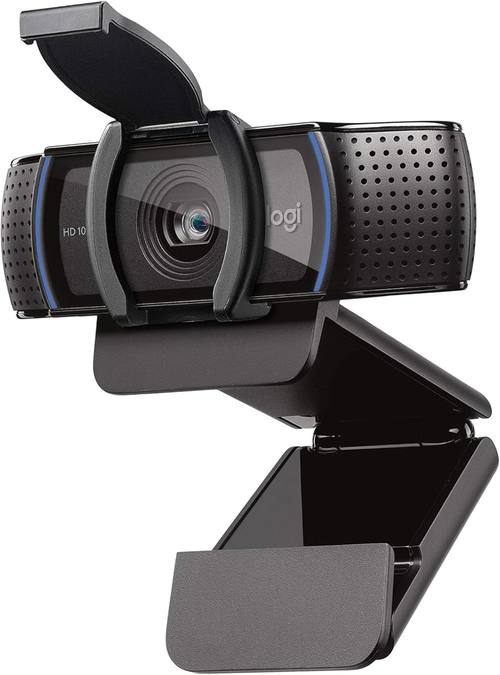
Logitech C920e HD 1080p Mic Enabled Webcam Certified Zoom Microsoft Teams
1080p HD video with a built-in microphone, plus certification for Zoom and Microsoft Teams so it slots into the meeting software most workplaces already run.
Visit on Amazon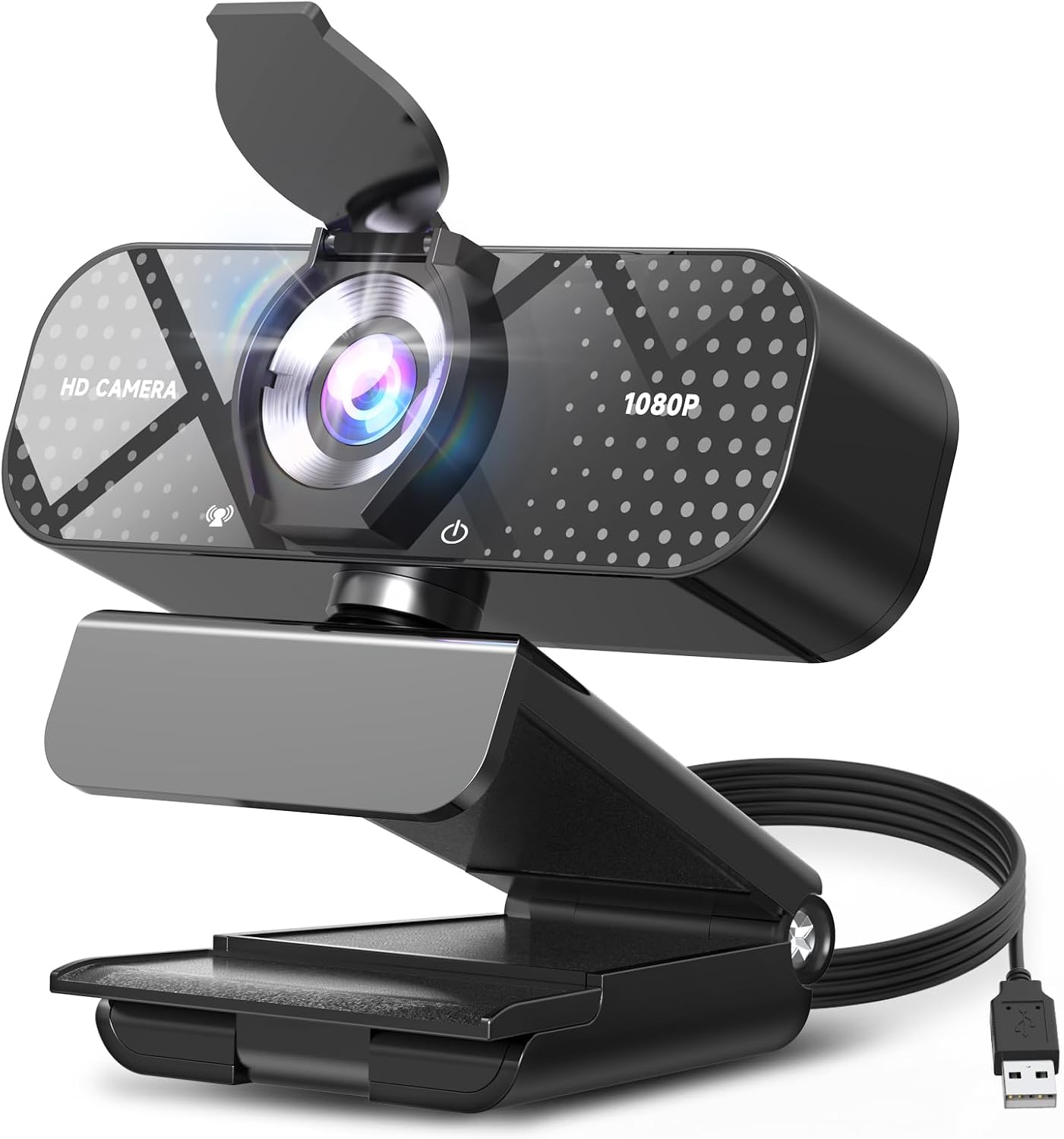
TRAUSI 1080P FHD Webcam with Noise-Canceling Mic, Auto Light Correction, Privacy Cover and Wide Angle Lens, Plug & Play USB Camera for Laptop/Desktop/PC/Mac, Compatible with Zoom/Teams/Streaming
Check current Amazon price
1080p FHD video with auto light correction, a noise-canceling microphone, a privacy cover, and a wide-angle lens over a plug-and-play USB connection.
Visit on Amazon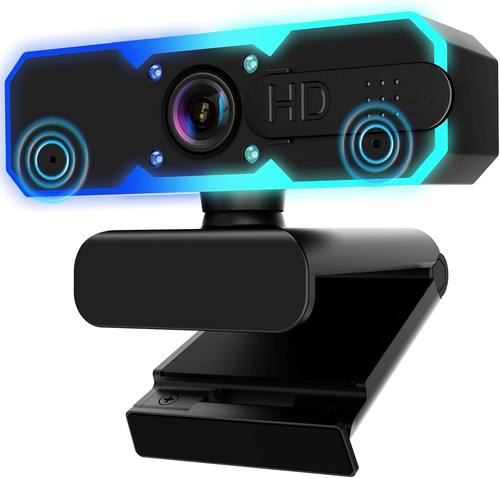
NBPOWER 1080P 60FPS Streaming Camera Webcam with Microphone and Fill RGB Light, Autofocus, Work with Laptop/Desktop Computer/Winsdows/Mac OS/PC Computer for Camera
1080p at 60fps with autofocus, a built-in microphone, and a fill RGB light for adding a little front light when the room runs dim.
Visit on Amazon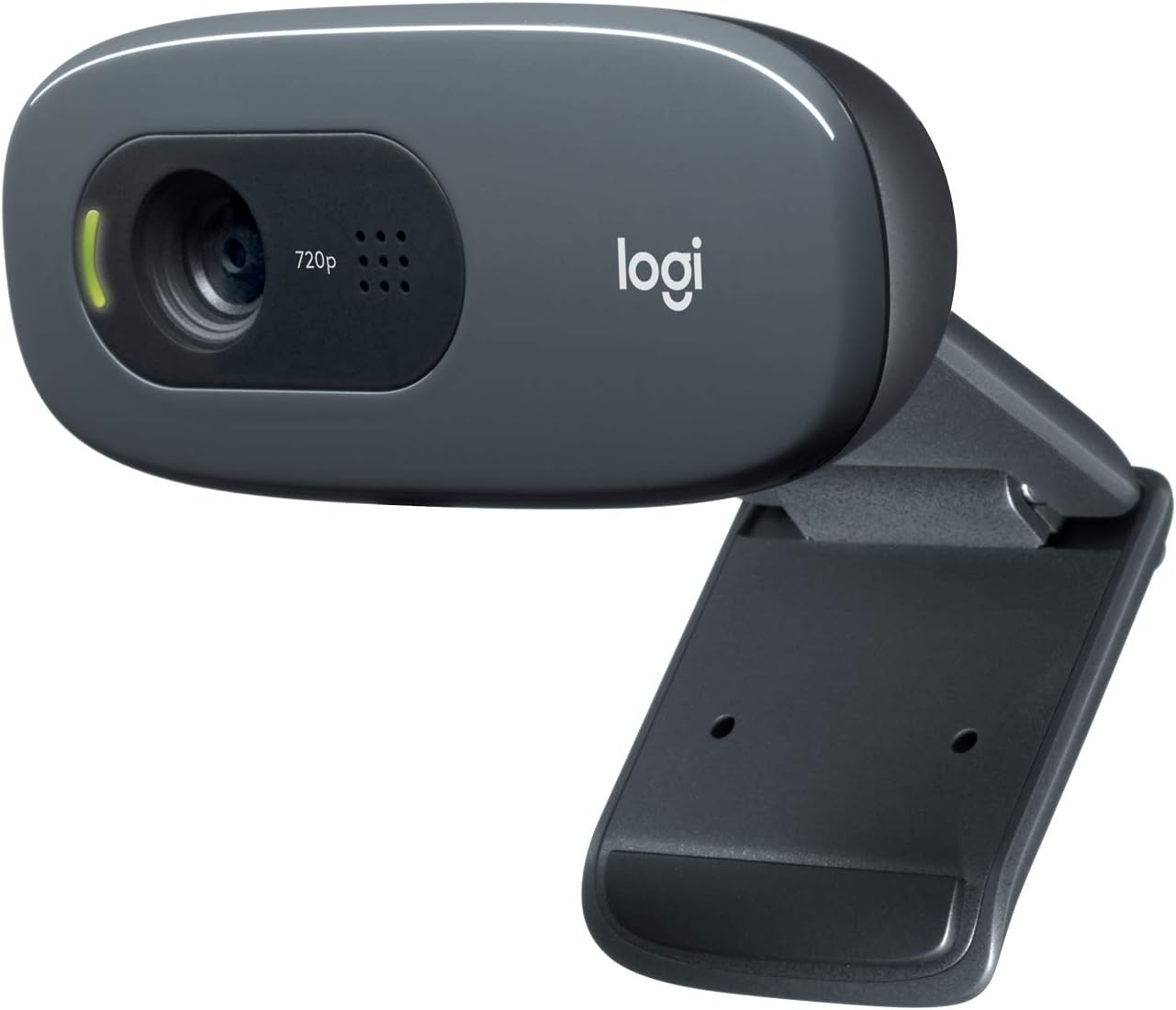
Logitech C270 720p Webcam Plug-and-Play Wide Screen Video Calling - Black
720p wide-screen video calling in a plug-and-play design, the long-standing entry-level pick for laptops and desktops that only need the basics.
Visit on Amazon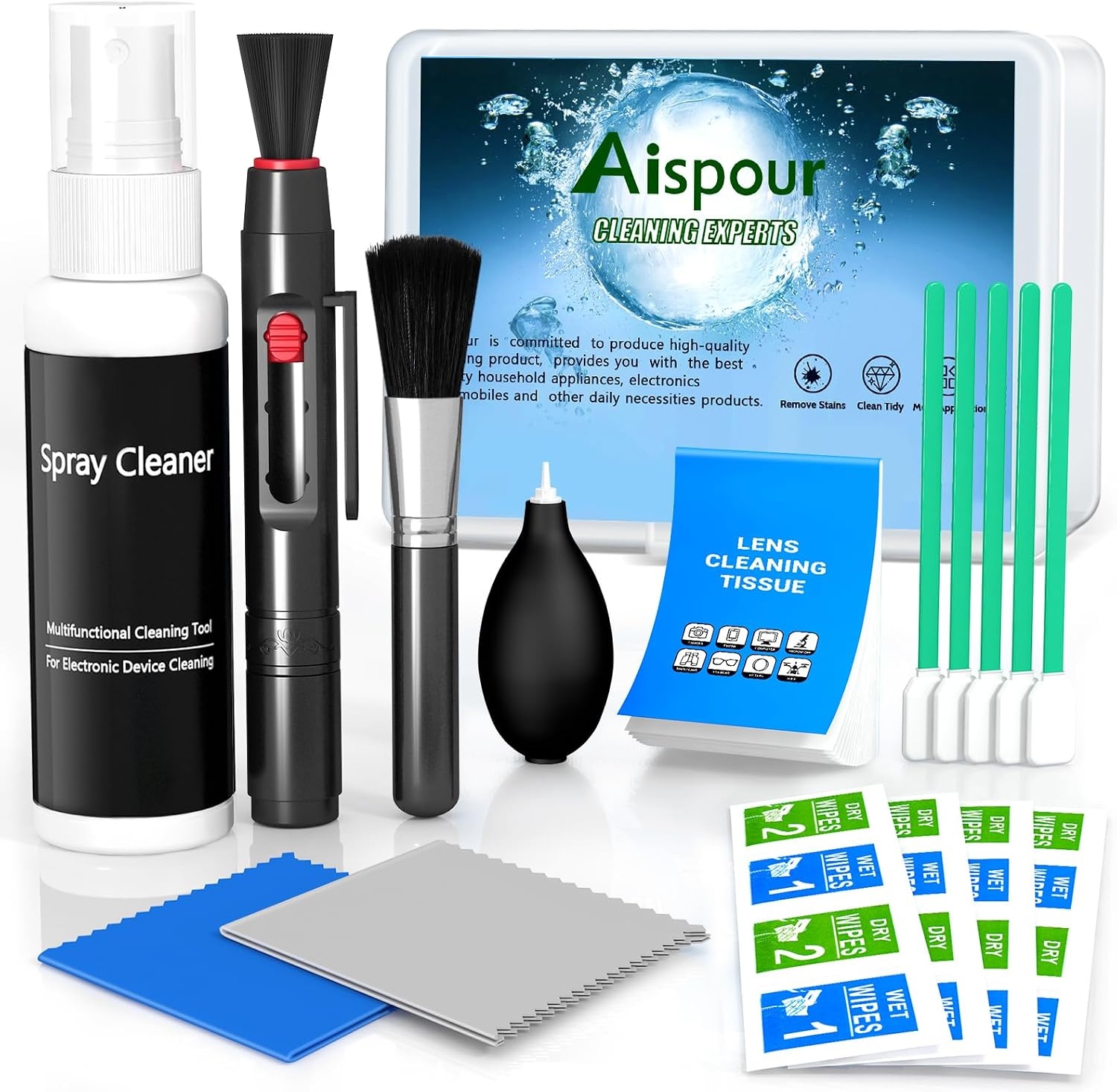
Aispour Camera Lens Cleaning Kit, 10-in-1 Camera Cleaning Kit
A 10-in-1 kit for clearing dust, fingerprints, and smudges from camera lenses and glass surfaces between shoots and calls.
Visit on Amazon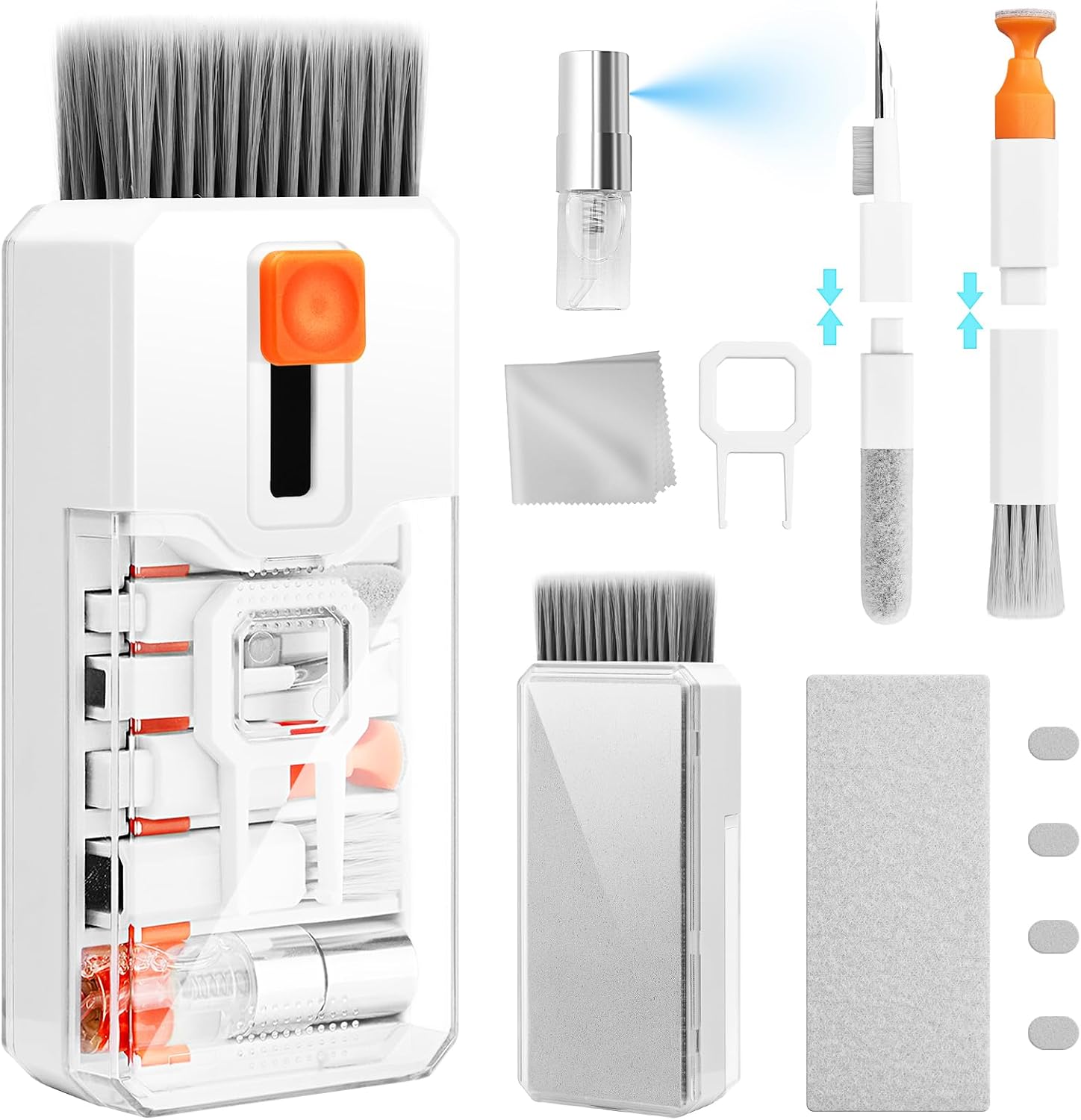
Ordilend Keyboard Cleaner & Laptop Cleaning Kit, All-in-1 for Computer PC
An all-in-one keyboard and laptop cleaning kit for the dust, crumbs, and smudges that collect around a working desk.
Visit on AmazonPrices and availability may change. Check the retailer for current details.
How these products were compared
This guide compares resolution and frame rate claims, field of view and mounting style, microphone and software compatibility, how the camera connects to a computer, and what each item needs in terms of cleaning and upkeep. Product names, images, and retailer links are matched by their catalog identifier so that every card points to the product shown and nothing else. The two cleaning kits are included because a camera is only as good as the glass in front of it, and a dusty keyboard shows up on camera more often than people expect. Nothing here is presented as lab measurement. Where a manufacturer lists a feature, the guide describes that feature as listed, and leaves the judgment about whether it matters to your setup in your hands.
How to choose the right webcam
Start with resolution, but do not stop there. A 720p camera like the Logitech C270 is enough for casual calls where you appear in a small window and nobody is recording. A 1080p camera is the sensible default for anyone who records, streams, or spends hours a day on video, because the extra detail survives compression better when the call software squeezes the picture. Frame rate matters more than most buyers expect: 30fps is normal for meetings, while 60fps gives smoother motion for gameplay capture and fast hand gestures. That is the main reason the NBPOWER camera lists 60fps alongside its 1080p resolution.
Then look at the field of view and the mount. A wide-angle lens shows more of the room, which helps when two people share a desk or when you want to show a whiteboard, but it also makes your face smaller in the frame and pulls in more background clutter. A narrower view flatters a single person at a single desk. Check how the camera attaches: clip mounts work on laptop lids and thin monitors, while a small stand is better on a thick bezel or a desk shelf. If you are building out a whole desk rather than just a camera, our guide to desk setup essentials covers the surrounding pieces.
Microphones deserve a mention, but keep expectations reasonable. A webcam microphone is a backup plan. It is fine for a standup meeting and usually enough for a call where the other person is also on a laptop mic. It is not the same as a dedicated microphone, and the difference shows up the moment you record a podcast or a stream where audio quality is part of the product. Buy the camera for the picture and treat the built-in mic as a convenience.
Finally, think about software. Some cameras expose their settings through the operating system and work immediately in common apps, which is the easiest path. Others lean on a companion app for finer control. If your priority is a camera that behaves the same way in every application, favor the models with clear plug-and-play language and broad compatibility listed in their names.
Logitech C920e HD 1080p Mic Enabled Webcam Certified Zoom Microsoft Teams
The C920e is the pick that fits the widest range of buyers. It records 1080p HD video, includes a built-in microphone, and carries certification for Zoom and Microsoft Teams, which is the detail that matters most for anyone whose calendar is full of meetings. Certification means the camera has been checked against those platforms rather than merely claiming to work with them, and that reduces the odds of a surprise on the morning of an important call.
It is also the safer choice for a mixed household. The same camera works for a work call in the morning, a family video chat in the afternoon, and a stream in the evening, without anyone needing to install a second piece of software or swap cables. The name and the branding are plain, which is exactly what you want from a device that sits on top of a monitor for years.
The trade-off is that the C920e is a 1080p camera, not a 4K one, and it does not include a privacy cover in the box the way some competing models do. Buyers who want a physical shutter over the lens, or who want a wider view of the room, should look at the alternatives below. For everyone else, this is the model that solves the problem with the fewest surprises.
Alternatives to consider
The TRAUSI 1080P FHD Webcam is better suited to buyers who want a privacy cover built in and a wide-angle lens that captures more of the desk, along with auto light correction that adjusts the exposure as room light changes through the day. The NBPOWER 1080P 60FPS Streaming Camera is a stronger fit when smooth motion matters, since it lists 60fps capture, autofocus, and a fill RGB light for brightening a dim face without adding a separate lamp.
The Logitech C270 720p Webcam, the Aispour Camera Lens Cleaning Kit, and the Ordilend Keyboard Cleaner and Laptop Cleaning Kit cover the rest of the picture. The C270 is the low-cost way to get a dedicated camera onto an older desktop that has no built-in one. The Aispour kit handles the glass, with tools for lifting dust and fingerprints off lenses and camera surfaces. The Ordilend kit handles everything else on the desk, from keyboard crevices to laptop chassis, which keeps the surfaces that appear in your background looking intentional.
Day-to-day use and maintenance
A webcam needs very little, but it does need a routine. Keep the lens clean, because a fingerprint on the front element softens the whole image and no amount of resolution fixes it. A kit like the Aispour set exists for exactly this job: brush away loose dust first, then wipe the glass with a proper cloth rather than a shirt sleeve, which pushes oil around and can leave lint behind. Do the same for the small LED fill light if your camera has one, since a smudged diffuser turns a soft glow into a hazy spot.
The rest of the maintenance is about the desk, not the camera. Keyboards collect dust and crumbs, and a laptop lid collects fingerprints, both of which end up in frame on a wide-angle shot. A kit like the Ordilend set is designed for that cleanup. Before using any liquid near a keyboard, check the manufacturer instructions and apply the cleaner to the cloth rather than the device, never directly onto electronics. Unplug a camera before wiping around its housing if you want to be careful, and let everything dry fully before reconnecting.
One more habit worth keeping: check the mount. Cameras that clip to a monitor can creep downward over months of adjustment, and a camera aimed at your chest instead of your face is the single most common reason a video call looks worse than it should. Straighten it, tighten it, and confirm the cable is not pulling the housing to one side.
Buying checklist
- Measure the space above your monitor and the thickness of the lid or bezel you plan to clip onto.
- Choose 1080p as the baseline resolution unless you only make occasional casual calls, in which case 720p is enough.
- Confirm the exact model includes the microphone, privacy cover, or fill light you actually want, since those features vary within a product line.
- Check that the listed compatibility covers your operating system and the apps you use most.
- Read the cleaning and maintenance instructions before using any liquid near a keyboard or a laptop.
- Verify the current retailer price, availability, and return terms before ordering.
Final recommendation
Choose the Logitech C920e HD 1080p Mic Enabled Webcam Certified Zoom Microsoft Teams when you want one camera that handles meetings, calls, and casual recording with 1080p video, a built-in mic, and certification for the two platforms most workplaces rely on. Choose the TRAUSI 1080P FHD Webcam when a privacy cover, a wide-angle lens, and auto light correction matter more to you than platform certification, or the NBPOWER 1080P 60FPS Streaming Camera when you want smoother motion and a fill light built into the camera body. Whichever you pick, add a lens cloth and a keyboard brush to the same order. The camera decides how you look on a good day; the upkeep decides how you look every day.