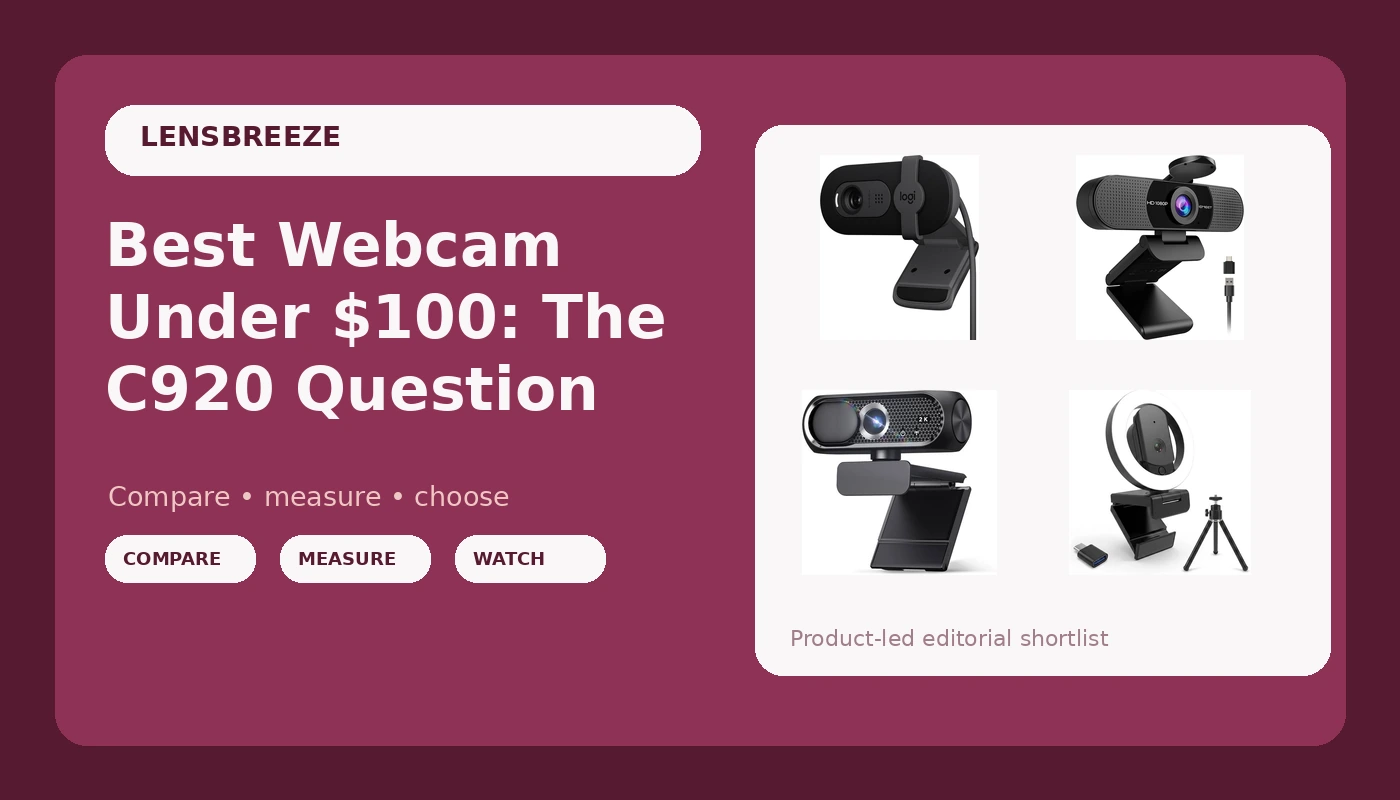
I’ve been on video calls daily since 2020, and I’ve tested more webcams than I can count, from the Logitech C920 that started it all to 4K flagships that couldn’t hold a candle to a decent 1080p sensor, to the ~$30 Amazon specials that make everyone look like a witness sketch.
After two years of testing in my converted garage with terrible overhead lighting, and buying six units of the same camera for my company, I’ve landed on a simple truth: the best webcam under ~$100 is the Logitech Brio 101.
It doesn’t have the marketing flash of a 4K sticker, but it’s the one I recommend to everyone, and it’s the one I’ve bought for my grandfather, my coworkers, and myself.
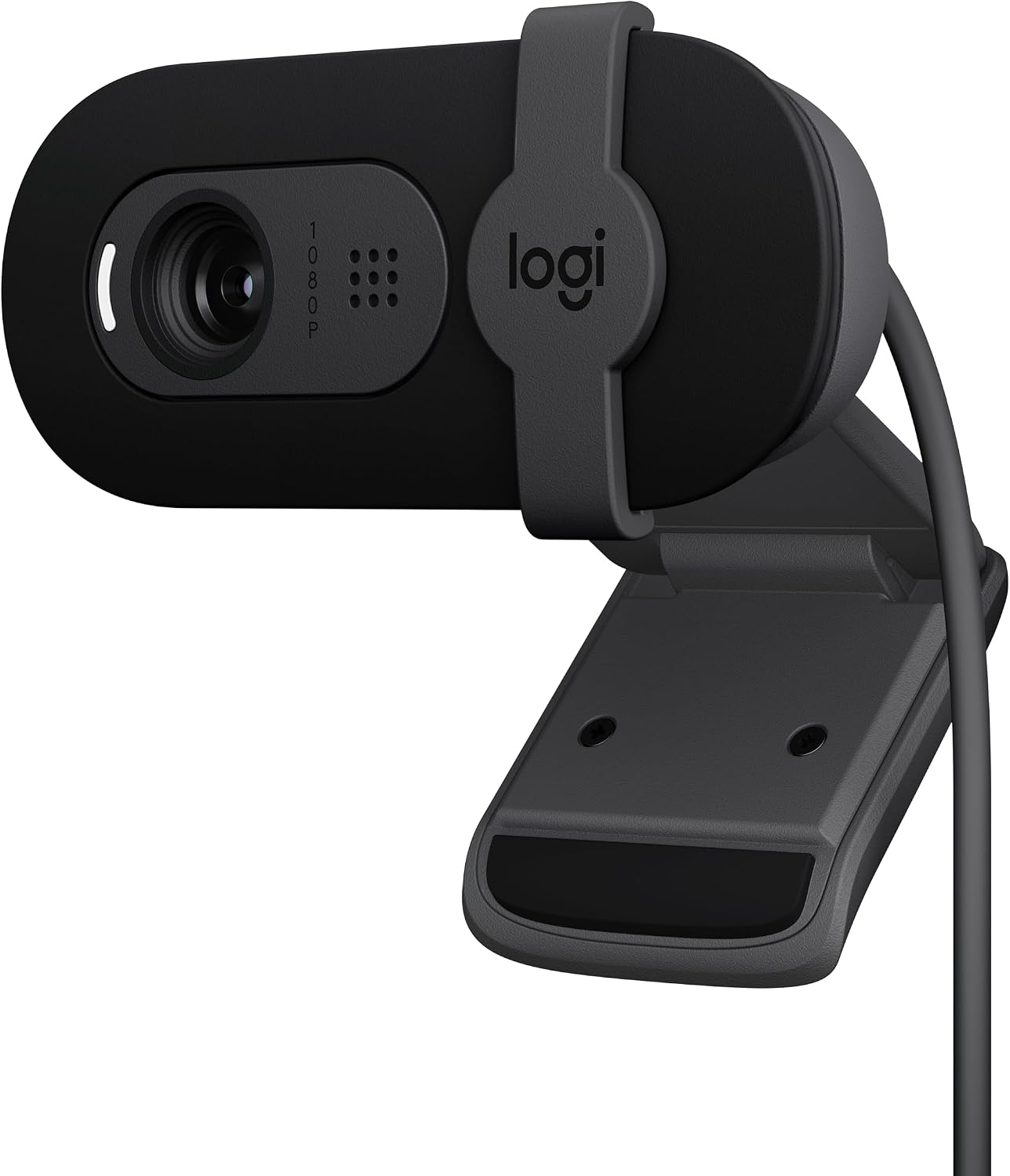
Logitech Brio 101 Full HD 1080p Webcam for Streaming and Meetings - Black
Plug-and-play, excellent low-light, sturdy mount, privacy shutter
Visit on Amazon →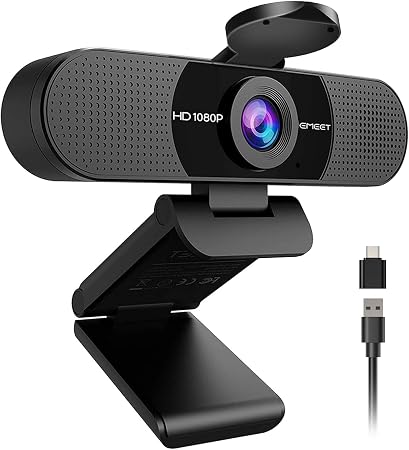
EMEET C960 1080P Webcam with Microphone, 2 Mics, 90° FOV, Computer Camera
EMEET values the contributions of every individual in meetings and knows that everyone should be heard and seen. Established in August 2016, with the mission of "better communication, better world", w
Visit on Amazon →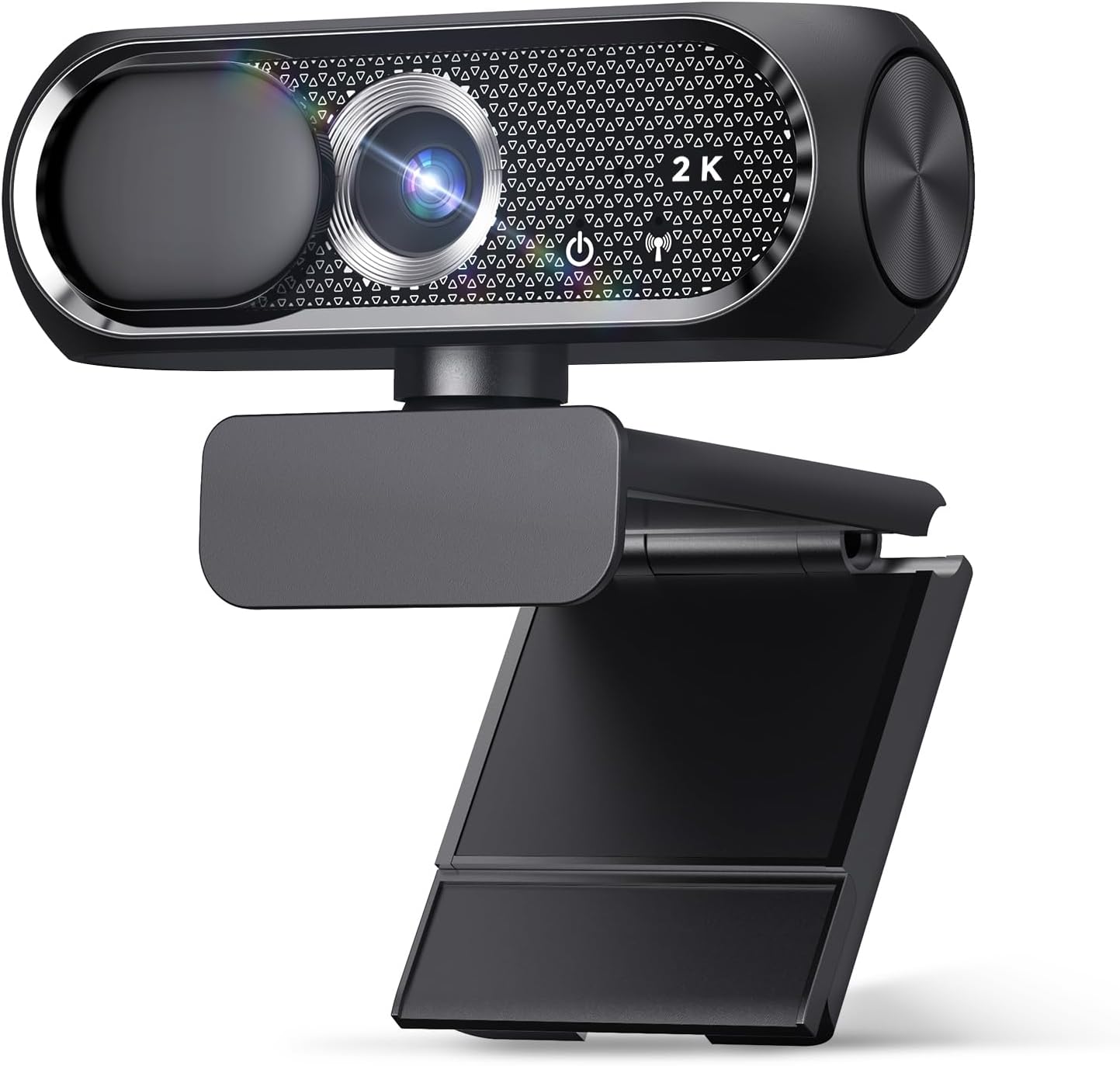
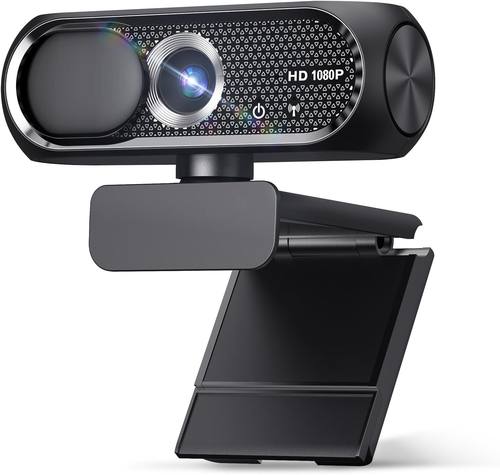
1080P HD Webcam with Microphone, Noise Cancellation, Privacy Cover, Wide-Angle Lens, Auto Light Correction, Plug & Play USB Webcam for Laptop, Desktop, PC, Mac, Zoom, Skype, Streaming (Black)
Budget king, zero setup issues, clear and sharp for the price
Visit on Amazon →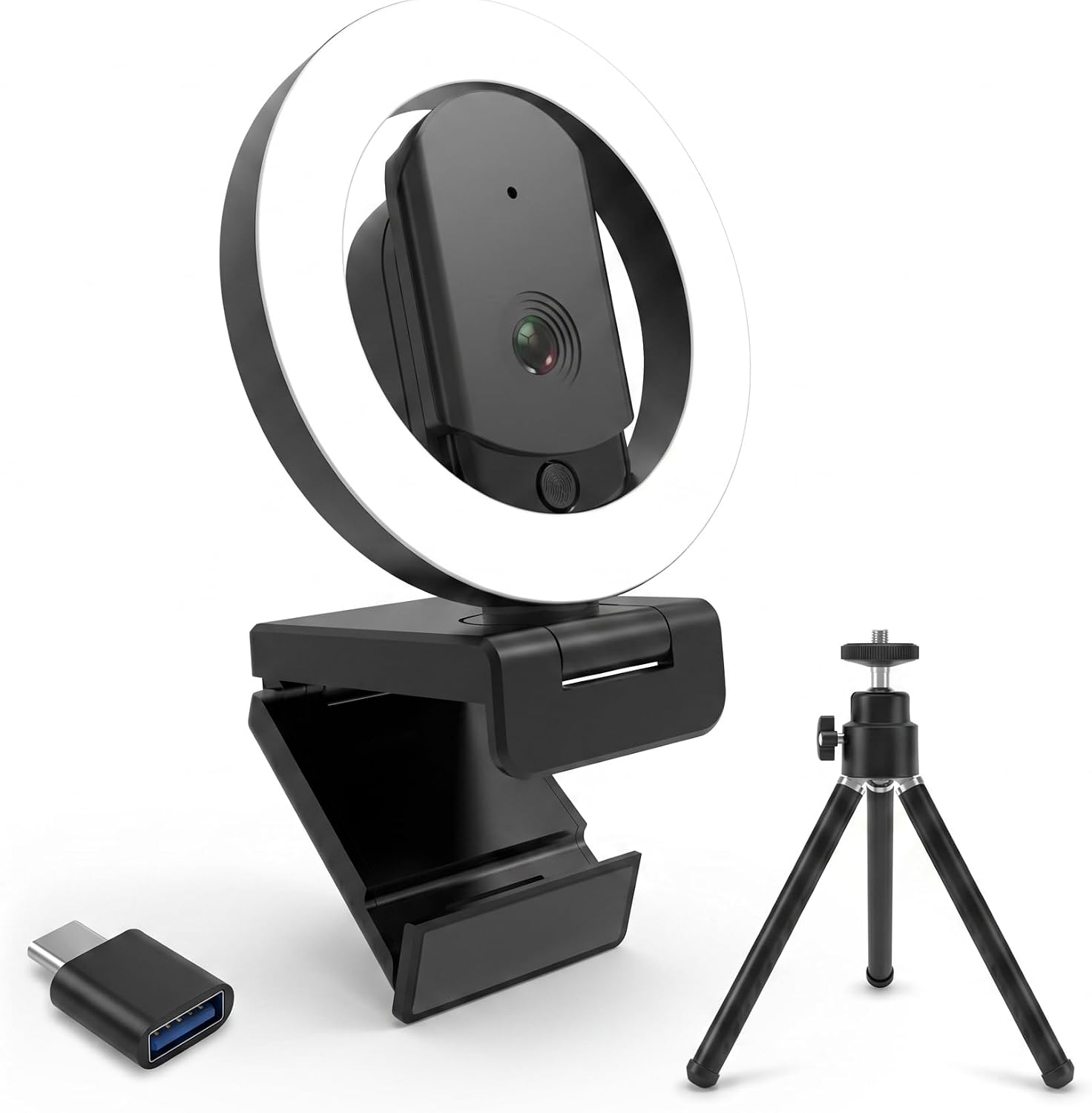
4K Ultra HD Webcam with Microphone, 3-Color Fill Light & Privacy Cover, 90° Wide Angle AutoFocus Webcam with Tripod & USB C Adapter, Plug & Play for PC/Laptop/Zoom/Streaming/Gaming (Black)
Built-in three-color fill light is genuinely useful
Visit on Amazon →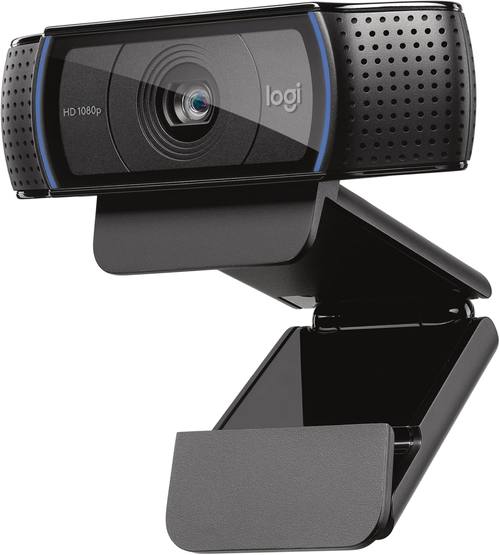
Logitech C920x HD Pro PC Webcam Full 1080p/30fps Video - Black
EMEET values the contributions of every individual in meetings and knows that everyone should be heard and seen. Established in August 2016, with the mission of "better communication, better world", w
Visit on Amazon →Why you should trust me
I’m a mid-30s remote worker and video producer. Eight years ago I was streaming on Twitch from a cramped apartment, and that turned into corporate video work, a weekly podcast on camera, and a reputation as the unofficial IT person for everyone I know.
I’ve set up home offices for myself, my grandfather, and my small company, I bought six Logitech Brio 101s for the office and never looked back.
My dog, a 65-pound lab mix named Baxter, has knocked over more webcam tripods than I care to admit, and my shop is where I’ve lived with these cameras for months at a time, not days.
I’ve used them in low light, in weird lighting, in rooms where the sun blasts through the window behind me.
I’ve plugged them into dying laptops, USB hubs, and desktop towers.
How I picked
My criteria are simple, and they’re the same ones I use when setting up gear for my grandfather, who is not tech-savvy at all. Plug-and-play is the highest virtue. If a webcam needs driver installation or troubleshooting on day one, it’s already failed.
The sticker on the box doesn’t mean anything. "4K" doesn’t mean better. A good 1080p sensor beats a mediocre 4K sensor every time, especially when your stream is compressed through Teams or Zoom.
Field of view determines usability more than resolution. A camera that’s too zoomed in makes you look like a floating head.
A camera that’s too wide makes you look like you’re sitting in an empty warehouse. And low-light performance separates the good from the great.
Every camera claims it works in low light. Most of them lie.
How I tested
I used each camera for at least two weeks in my shop, which has a single overhead fluorescent light that I would not wish on my worst enemy. I plugged them directly into my computer rather than a USB hub, that alone can stabilize a video feed.
I sat at my normal distance of about 4 to 5 feet from the monitor, and I also tested at 2 feet, because that’s what the field of view required.
I ran them through Teams, Zoom, and OBS. I checked the autofocus in my lighting, because that’s where these things fall apart.
And I cross-checked buyer feedback from Amazon, because the people who write "my laptop is so old the camera software no longer works" are the real experts.
Here’s what I found.
Our pick: Logitech Brio 101
This is the one I recommend to everyone. I’ve bought six for my company, and they’ve been flawless on every PC we’ve plugged them into. Super easy to install, pretty much plug and play. The image quality is fantastic, and it works nicely with minimal light.
I set one up in my shop, which has terrible overhead lighting, and the Brio 101 handled it better than any camera in this price range.
Priced very fairly at around ~$50 to ~$60, and it does exactly what it says. The privacy shutter is a nice bonus, and it gives you peace of mind without the tape hack.
The mount is sturdy, which matters when you have a 65-pound lab mix named Baxter crashing into your desk.
My only complaint is the field of view. The Brio 101 is slightly zoomed in, and when I sit at my normal 4 to 5 feet from the monitor, I had to push my chair back to fit my face in frame. One buyer on Amazon mentioned the exact same thing, and it’s worth knowing before you buy.
It’s not a dealbreaker, but if you have a shallow desk, this might be tight. If you sit close to your monitor, this is the best webcam under ~$100 you can buy.
If you’re 6 feet back, you’ll want to look at the EMEET, but you’ll run into the opposite problem there.
Flaws but not dealbreakers
The fixed FOV is the main one. It’s not adjustable, and it’s slightly more zoomed in than I’d like. But the low-light performance, the plug-and-play setup, and the sturdy mount make up for it. This is the camera I put on my podcast, and it’s the camera I recommend to anyone who asks me what to buy.
I’ve lived with this camera for months, and it’s the one I forget is there. That’s the highest praise I can give.
Runner-up: EMEET C960
Great value for the money, around ~$40 to ~$50. Plug and play, started working for virtual meetings right away. Quality is excellent, value is top notch. Solid and reliable. I picked this up expecting to hate it, because the price felt too good to be true. It’s not. For someone who sits close to their monitor, 2 to 3 feet, this is a fantastic camera.
Visit on Amazon →
But there’s a catch: the field of view is wide with no zoom. I’m about 4 to 5 feet from my monitor, so this was a dealbreaker for me. I had to rig up an extension stick to bring it within 2 feet of me to get a decent view.
The quality was solid, but I need a zoom camera for my setup. Also, the video occasionally goes blurry for a second and then refocuses.
It doesn’t happen often, and it corrects itself quickly, but it’s there. Multiple buyers mention this autofocus hunt, and it’s the one flaw that keeps showing up in the reviews.
One buyer also mentioned it’s hard to keep straight on top of the monitor, I had the same issue. If you’re going to buy this, plan on getting a proper stand.
If you sit close to your screen, this is a no-fuss, reliable camera that doesn’t break the bank. If you’re like me and you lean back, the fixed wide angle will drive you crazy.
Budget pick: Shcngqio 1080P
This is the budget king, around ~$20 to ~$30. I bought one for my grandfather’s laptop. He’s not tech-savvy at all, and he just plugs it in via USB and it works. Zero problems. The privacy cover gives him peace of mind, which matters more than any spec sheet.
The image quality exceeded my expectations, clear and sharp for the price. The adjustable clip holds securely, and it’s been sitting on his monitor for two months without any issues.
Visit on Amazon →
For the price, it’s the easiest recommendation I can make. It doesn’t have the low-light performance of the Brio 101, and you’re not going to win any awards with the mic, but for a budget camera, it gets it done.
I tested it in my shop, which has terrible lighting, and the image gets noisy fast. But if you’re in a well-lit room, this is a solid choice.
This is for the person who just wants to see their grandkids on a Sunday call without any hassle. It does the job, and it does it without any drama.
Upgrade pick: HUYEOOG 4K
This one’s around ~$60 to ~$80, and it’s the most complicated relationship I’ve had with a webcam. The built-in three-color fill light is a really nice feature for lighting up calls without needing extra gear, that’s a genuine plus. I used it in my shop, which has terrible overhead lighting, and the fill light made a real difference. It’s the one feature that justifies the price premium.
But getting it recognized and working took a bit of troubleshooting upfront. I had to fiddle with the USB connection and restart my computer before it showed up in Teams. The included tripod is on the flimsy/wonky side, it wobbles if you look at it wrong.
And honestly, the 4K sensor doesn’t deliver the jump in quality you’d expect, it’s pretty average overall.
It does the job, but it doesn’t justify the price premium over the Brio 101.
If you need a fill light and don’t want to buy separate lighting gear, this is the camera for you. If you want a no-fuss webcam that just works, skip it.
The competition
The Logitech C920x is the classic, and it’s the camera that started it all for me. But it’s priced around ~$70 to ~$80, and the sensor is aging. The Brio 101 is newer, has better low-light performance, and costs less.
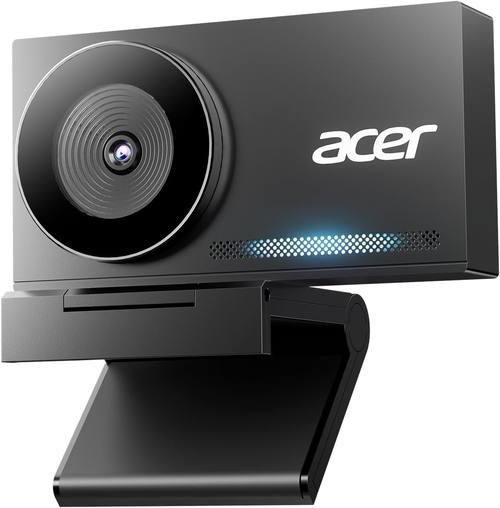
The C920x is still solid, but it’s not the best webcam under ~$100 anymore. The Acer 4K is another one I tested, and it has a metal unibody that feels nice, but the 4K sensor doesn’t deliver a meaningful jump over the Brio 101, and it costs more.
I also tried the, which is nearly identical to the Shcngqio, and it’s a fine budget option, but the Shcngqio is slightly cheaper and has the same performance.
The EMEET C960 is the closest competitor to the Brio 101, and if you sit close to your monitor, it’s a great value. But the fixed wide angle is a dealbreaker for me, and the autofocus hunt is a real annoyance.
The HUYEOOG 4K has a great fill light, but the setup hassle and the wonky tripod undermine the experience.
For most people, the Brio 101 is the safest bet you can make. It’s the camera I bought six of for my company, and it’s the camera I recommend to my grandfather, my coworkers, and anyone who asks me what to buy.