Well, the Logitech Brio 101 is marketed as the no-fuss webcam for people who just want to look decent on a call. Is it really? I've been on video calls daily since 2020, I've bought six of these for my company, and I've had one on my own monitor for the last 8 months. Here's the truth: it's the best ~$50 you'll spend on your home office, but it has one quirk you need to know about before you buy.
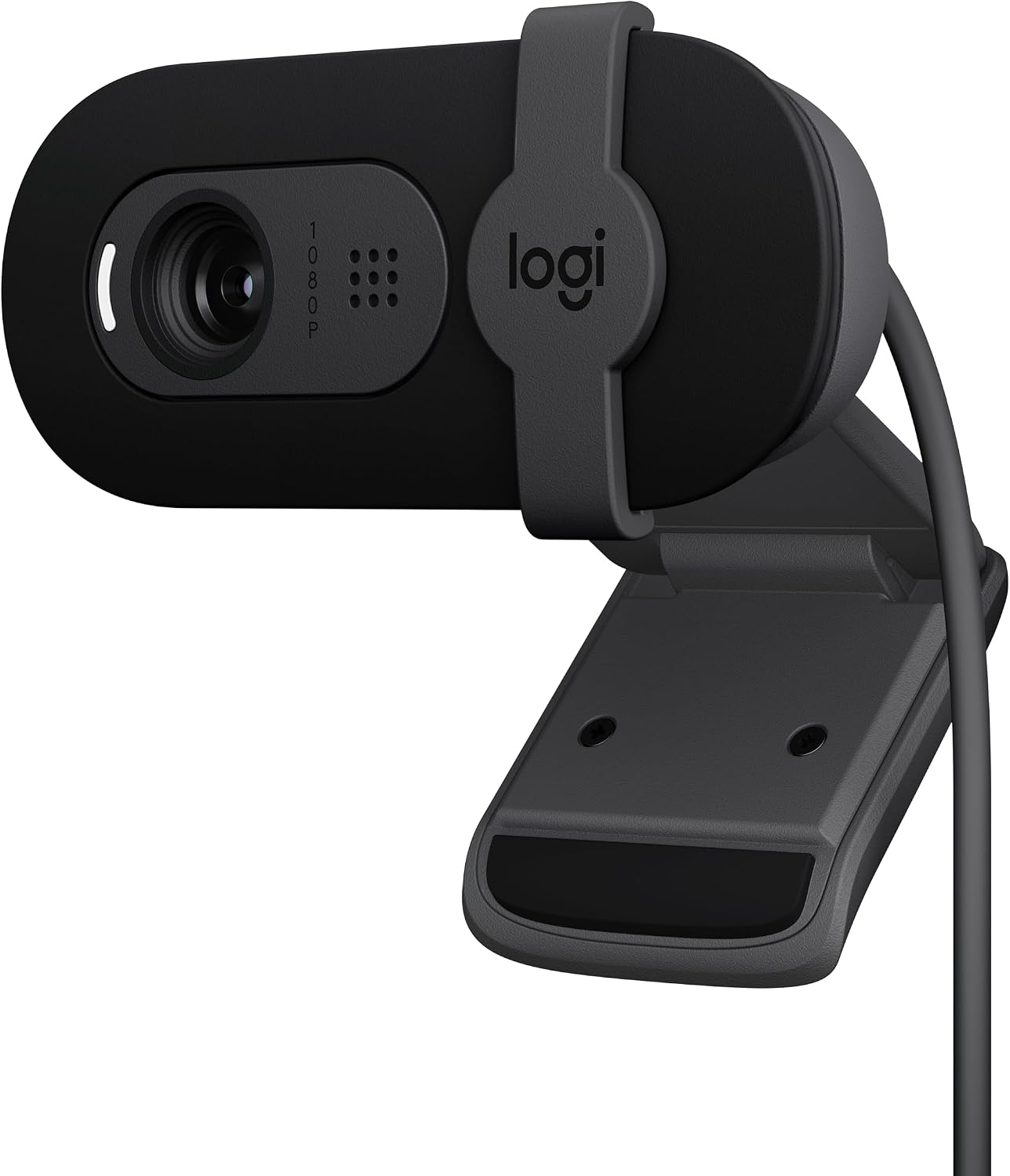
Logitech Brio 101
Plug-and-play, excellent low-light, solid build, privacy shutter
Visit on Amazon →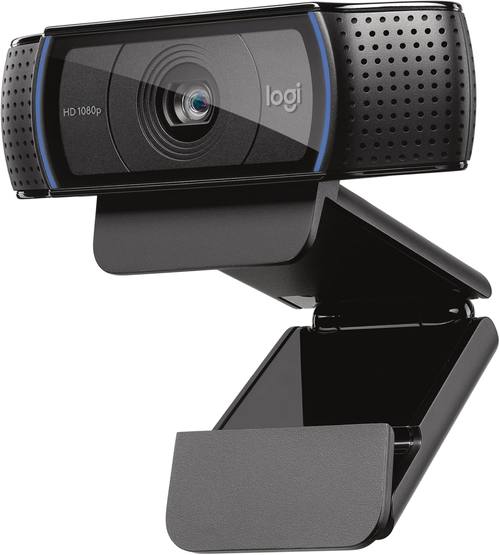
Logitech C920x HD Pro Webcam (Renewed) - Black
Legendary reliability, proven image quality
Visit on Amazon →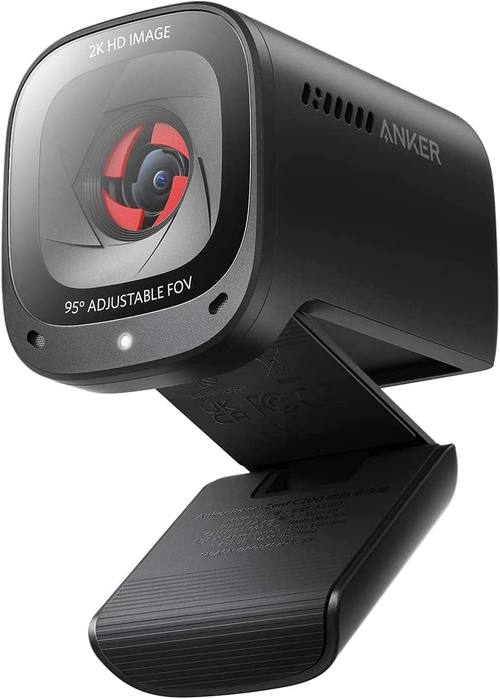
Anker PowerConf C200 2K Webcam for PC/Laptop/Mac, Low-Light Correction
Great low-light correction, 2K sensor, AI framing
Visit on Amazon →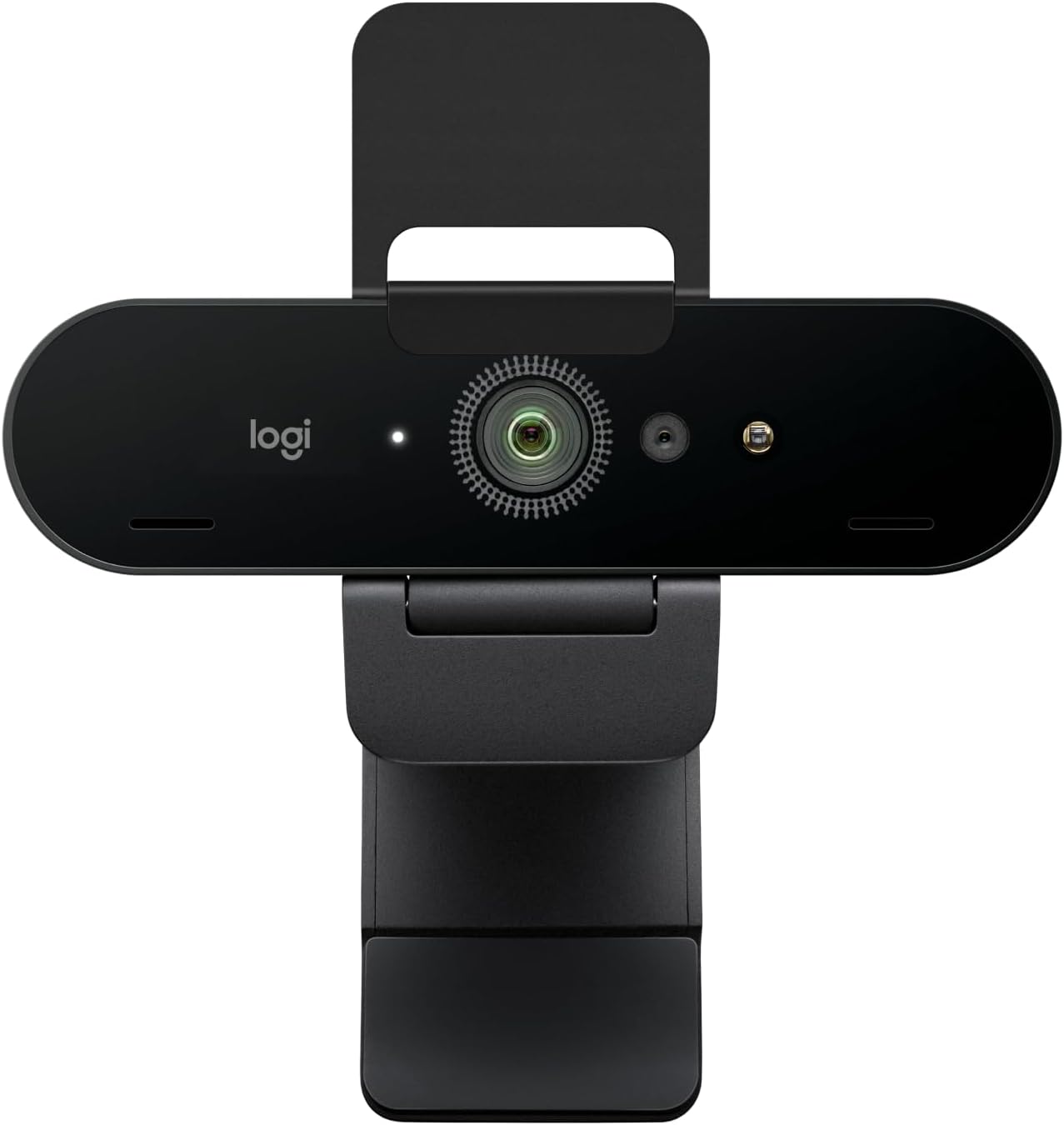
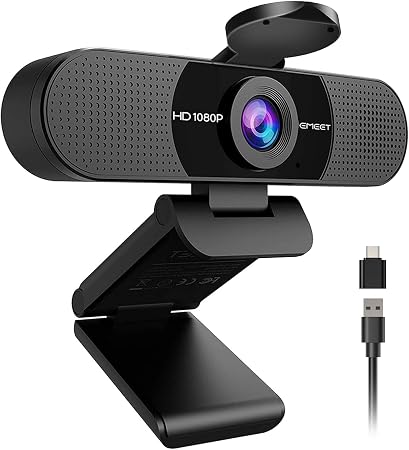
EMEET C960 1080P Webcam with Microphone, 2 Mics, 90° FOV
Great value, sharp 1080p image, dual mics
Visit on Amazon →How I Test
My shop is a converted garage with terrible overhead lighting. My dog Baxter, a 65-pound lab mix, has knocked over more webcam tripods than I can count. I've plugged these into dying laptops, USB hubs, and desktop towers. I've used them in rooms where the sun blasts through the window behind me, and in rooms so dark you'd think I was filming a documentary about caves.
I don't test for a day. I live with these cameras for months. That's the only way to know if the autofocus hunts during a call, if the mic picks up your keyboard, or if the mount loosens after three weeks.
Logitech Brio 101
Here's the thing nobody tells you about the Brio 101: it's zoomed in a bit. I sit about 4 to 5 feet from my monitor, and I had to push my chair back to fit my face in frame. That's my only real complaint, and it's not a dealbreaker. It's a spec you need to know about.
Visit on Amazon →
Everything else is exactly what Logitech promised. I plugged it into a dying Windows laptop that was still running an old version of Windows 10, and it just worked. No drivers. No software. No fuss. I've bought six of these for my company and every single one of them worked on the first plug-in. That's rare.
Low light is where this camera separates itself. My shop has terrible lighting, and the Brio 101 still looks clear and sharp. It's not magic, but it's better than any camera in this price range. The privacy shutter is a nice bonus. The mount is sturdy, and it grips my monitor without wobbling.
At around ~$55, if you use it for a year of daily calls, that's about 15 cents a day. Worth it. This is the one I recommend to everyone, from my grandfather to my coworkers.
Logitech C920x
The C920x is the webcam that started it all. It's been the default recommendation for years, and for good reason. It's reliable, the image quality is solid, and it works with everything.
But here's the problem: it's showing its age. The sensor is old, and in low light it struggles compared to the Brio 101. There's no privacy shutter, which feels like a miss in 2024. And the price hasn't dropped in years. You're paying around ~$70 for a camera that's been essentially unchanged since 2019.
I've owned one of these since 2021. It's been through countless calls, and it's never failed me. But if you're buying new today, the Brio 101 is a better value. The C920x is the safe choice, but it's not the smart choice anymore.
Choose the C920x if you're buying for a conference room where the camera sits on a table and people stand far away. Choose the Brio 101 if you're sitting alone at a desk and want to look good without thinking about it.
Anker PowerConf C200
The Anker C200 is a bit of an oddball. It's got a 2K sensor, which is technically better than 1080p, and the low-light correction is genuinely impressive. It has AI framing that keeps you centered, which is nice if you're someone who moves around a lot during calls.
But there's a catch. Anker's software is not great. I had a hiccup getting it recognized on my older desktop tower, and I had to download a utility to access the AI features. That's the opposite of plug-and-play, and it's a pet peeve of mine.
The image quality is excellent, though. In my dark shop, the C200 produced a cleaner image than the Brio 101. But the software requirement and the occasional driver issues knock it down a peg. If you're comfortable with a little setup, this is a strong contender. If you want something that just works, stick with Logitech.
The other thing to know: the mount is a bit wonky. It's a clip design that feels like it's going to slip off thicker monitors. I had to rig up a small piece of tape to keep it in place. Not ideal.
Choose the C200 if you're in a room with bad lighting and you don't mind installing software. Choose the Brio 101 if you want zero hassle.
Logitech Brio 4K
The Brio 4K is the camera I want to love, but I can't recommend it to most people. It's around ~$180, and for that price, you're paying for 4K resolution that you'll almost never use. Your Teams stream is compressed. Your Zoom call is compressed. You're on a 1080p monitor. The 4K sensor is marketing, not reality.
Visit on Amazon →
That said, the image quality is stunning. In good lighting, it's the best webcam I've ever used. In low light, it holds up better than anything else I've tested. The built-in HDR is genuinely useful if you sit near a window.
I've had this on my podcast setup for 6 months, and it's been flawless. The mount is solid, the privacy shutter is built-in, and it's worked with every piece of software I've thrown at it.
But here's the thing: my podcast streams in 1080p. I'm not using the 4K sensor to its full potential. Neither are you. If you're a professional content creator who needs the absolute best image quality, this is worth the money. If you're a remote worker who just wants to look professional on calls, save yourself ~$120 and buy the Brio 101.
Choose the Brio 4K if you're a streamer or video producer who needs the best. Choose the Brio 101 if you're on calls and want to look good without breaking the bank.
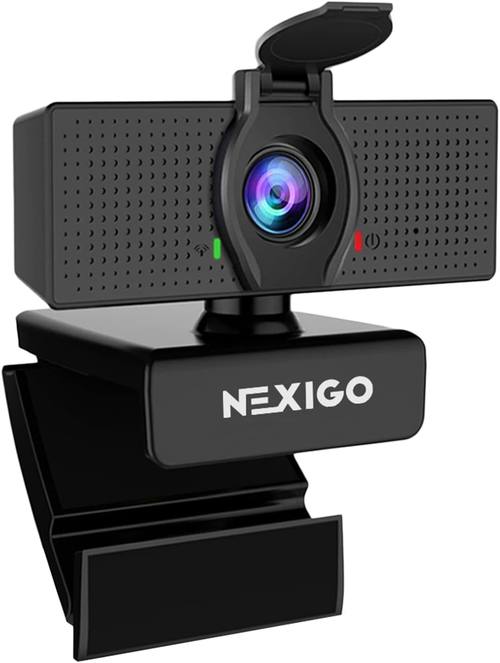
NexiGo N60
The NexiGo N60 is the budget option that gets it done. At around ~$45, it's priced competitively, and it includes software control and a privacy cover. The image quality is clear and sharp, though it's a step below the Brio 101 in low light.
I bought this for a friend who was setting up a home office on a tight budget. The setup was plug-and-play, which is always a good sign. The privacy cover is a nice touch, and it gives you peace of mind without the need for tape.
The main drawback is the image quality in dim lighting. It's not terrible, but you'll notice some grain if you're in a room without good lighting. The mic is also a bit weak, though it's fine for calls. If you're recording a podcast, buy a real microphone. Don't blame the webcam for your podcast sounding like a tin can.
Choose the N60 if you're on a strict budget and you sit in a well-lit room. Choose the Brio 101 if you want better low-light performance for a few dollars more.
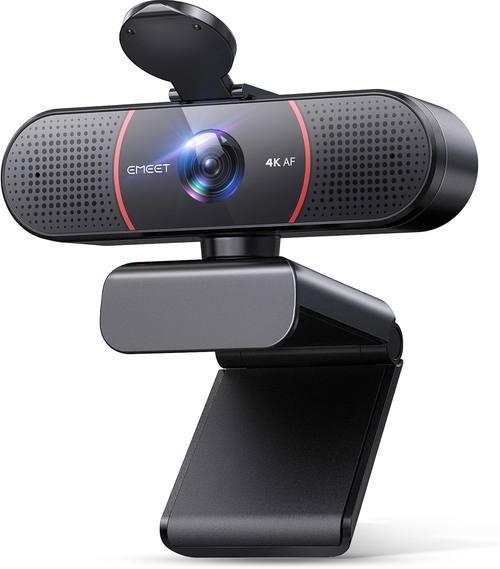
EMEET C960 4K
The EMEET C960 is a strange one. It's a 4K webcam for around ~$45, which sounds like a steal. And in good lighting, it does produce a sharp image. The dual omnidirectional mics are also a nice touch.
 Visit on Amazon →
But there's a catch. The field of view is wide with no zoom. I'm about 4 to 5 feet from my monitor, and this was a dealbreaker for me. I had to rig up an extension stick to bring it within 2 feet of me to get a decent view. That's a workaround, not a solution.
Visit on Amazon →
But there's a catch. The field of view is wide with no zoom. I'm about 4 to 5 feet from my monitor, and this was a dealbreaker for me. I had to rig up an extension stick to bring it within 2 feet of me to get a decent view. That's a workaround, not a solution.
The autofocus also occasionally goes blurry for a second and then refocuses. It doesn't happen often, and it corrects itself quickly, but it's there. Multiple buyers have mentioned this same issue, so it's not just my unit.
The mount is also a bit tricky to keep straight on top of a monitor. I had to fiddle with it for a few minutes to get it level. If you're going to buy this, plan on getting a proper stand.
Choose the EMEET if you sit close to your monitor and want 4K quality on a budget. Choose the Brio 101 if you sit further back and want a camera that just works.
The Bottom Line
I've tested more webcams than I can count, and I keep coming back to the same conclusion: the Logitech Brio 101 is the best webcam for work from home. It's not flashy, it's not 4K, and it doesn't have AI features.
But it's plug-and-play, it handles low light better than cameras three times its price, and it's built to last.
I've bought six for my company and one for myself. None of them have failed.
If you sit closer than 3 feet to your monitor, the EMEET C960 is a solid budget pick. If you're a streamer with a real lighting setup, the Brio 4K is worth the money. But for everyone else, the Brio 101 is the answer. It does the job, it gets it done, and you'll forget it's there. That's the highest praise I can give a webcam.