Related: Best Webcam Lighting Setup for a Small Desk
I have watched a decade of webcam marketing, and the pattern never changes. Big number on the box, tiny sensor behind the lens. So when I rank 4K webcams for streaming, resolution is the last thing I check. The first thing is the sensor, and the second is whether the autofocus holds still while I am mid-sentence.
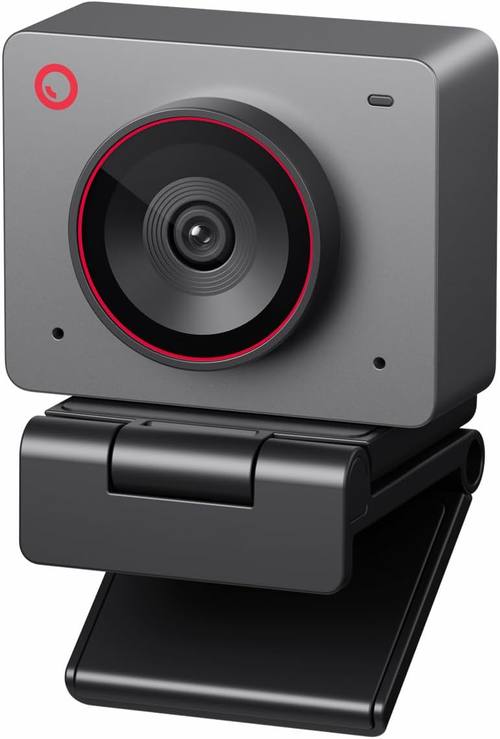
Here is the short version before the details. The OBSBOT Meet 2 is my overall pick, because it is the only camera here with a half-inch sensor and it is built for people who do not sit perfectly still. The EMEET C60E is the value pick, with two lenses in one body. The EMEET PIXY is the presenter's camera, since it can pan, tilt, and follow you around the room. The Logitech C270 is the plug-and-play backup that has been saving video calls since before streaming was a job title.
I sort every camera by the same four questions. What is the actual sensor size, not the marketing? Does the autofocus hunt when I lean in? How much of the room does it see? And does OBS pick it up without a driver fight? If a camera fails that last one, nothing else matters.
Best Overall: OBSBOT Meet 2
The Meet 2 sits at the top because of one line in the specs that most cameras bury: a half-inch sensor. That is a genuinely large chip for a webcam, and it is the difference between a face with skin tones and a face with one bright patch where a nose used to be. It also shoots 4K, which matters less than the sensor, but it is useful when you want to crop a shot in editing without losing detail.
AI framing is the feature I was ready to dislike. It is also the feature I would miss. The camera keeps you centered when you lean back or slide your chair sideways, and it does that by moving the frame rather than zooming into your nostrils. Autofocus is quick and, more importantly, it settles. That is the whole test. A camera that focuses fast and then hunts every time you move is worse than one that focuses slowly and locks.
It is also the camera here I would trust for both work and streaming. It looks like a normal webcam on a monitor, it does not need a rig, and it behaves in OBS without proprietary software getting in the way. If you want one camera that covers client calls in the morning and a stream at night, this is where the money goes.
Best Value: EMEET C60E
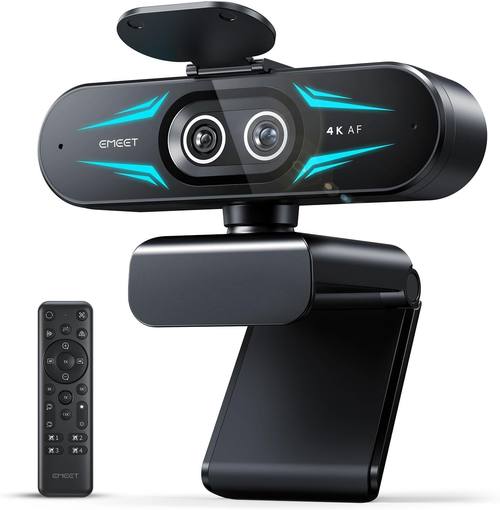
The C60E is the interesting one, because it does something no other camera here does: two lenses. One is wide, one is telephoto, and you switch between them depending on whether you want the room or your face. For streaming, that is a real advantage. Wide for a desk setup with a keyboard in frame, telephoto when you want the compressed, flattering look a phone camera gives you.
Dual camera 4K at a value price is the pitch, and the pitch mostly holds. What you give up is the sensor size of the Meet 2. Two lenses do not make one bigger chip, and in a dim room that shows. If your lighting is decent, and it should be before you buy any camera, the C60E is the best value on this list. If your room is a cave, no lens count will save you.
As a first streaming camera, or a second angle for a podcast, this is the one I would buy. It is also the camera I would hand to someone who insists they cannot tell the difference between webcams, because switching between the wide and the telephoto makes the difference obvious in about four seconds.
Best for Presenters: EMEET PIXY
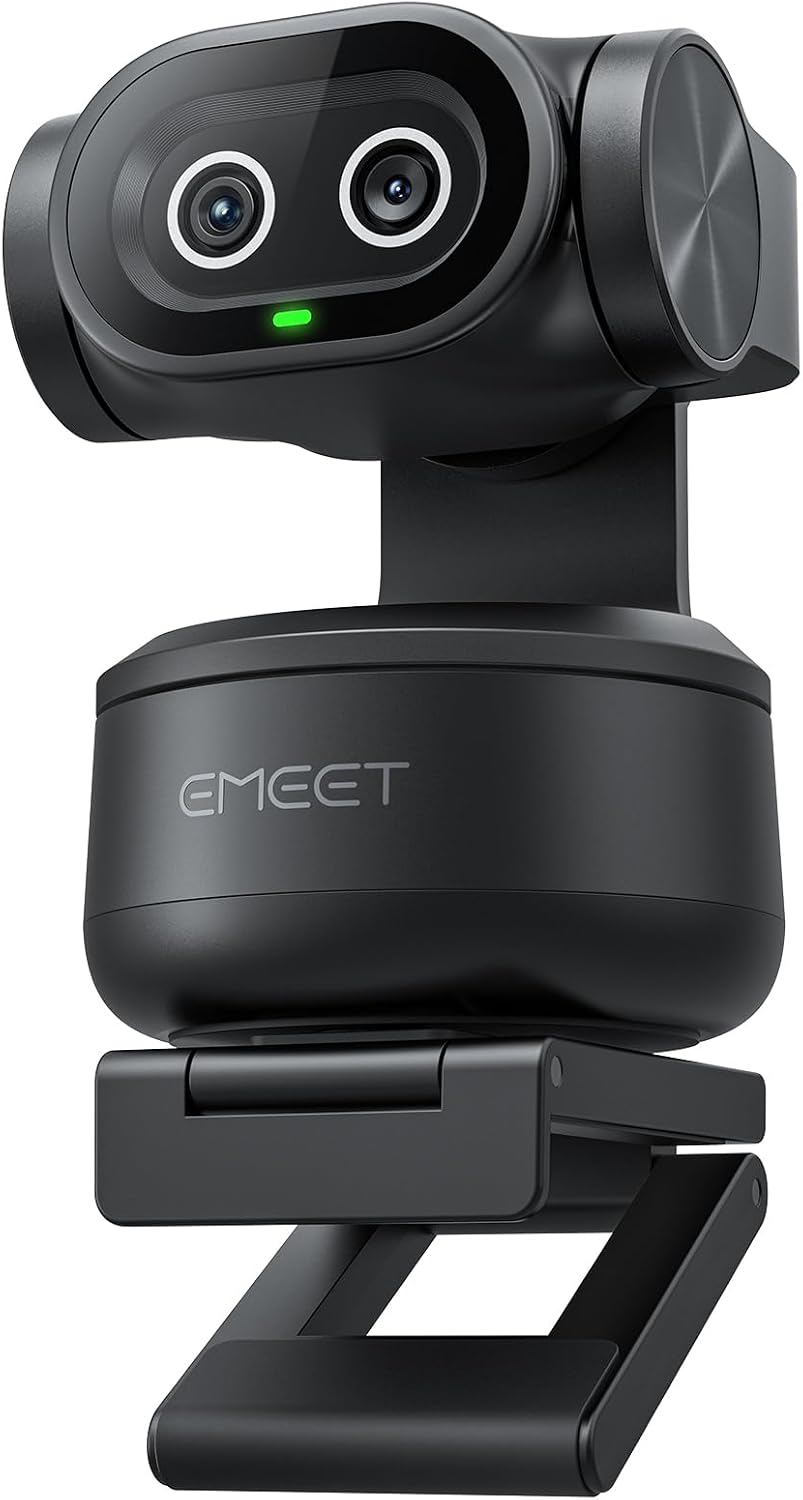
The PIXY is a pan, tilt, and zoom camera with AI tracking, and it is the only camera here built for someone who stands up. If you demo products, write on a whiteboard, or pace while you talk, this is the one that keeps you in frame without a camera operator.
Two cameras again, and the tracking is the point. It follows you, and the framing adjusts as you move, which means viewers see a composed shot instead of a shot where you are a small figure in the corner of a room. That matters for anything instructional. For a seated talking head stream, it is more camera than you need.
The honest tradeoff is that tracking is a feature right up until it gets confused. A busy background, a second person walking through, a cat on the desk, all of those are things a tracking camera has to sort out, and that is the risk you take. If your setup is simple and your movement is the interesting part, the PIXY earns its place. If you sit still for three hours, buy the Meet 2 instead.
Best Budget Backup: Logitech C270
720p in a 4K conversation looks like a typo, and I am not going to pretend otherwise. The C270 is the cheapest camera here and it is not the one you want as the centerpiece of a stream. What it is, is the most reliable thing in this article. Plug it in and it works. No software, no firmware, no driver fight.
That reliability is worth something specific. It is the camera you keep for the day your main one drops mid-stream, and the camera you hand to a guest who has nothing. It is also a genuinely fine camera for meetings where the other person is on a laptop in a kitchen and nobody is judging anyone. If you need to be on video today and your budget is close to nothing, this is the answer.
How I tested
Every camera gets the same treatment on my desk: the same key light, the same window behind me, the same OBS scene, and the same three questions.
The first is the face test. I record a minute of myself talking, then watch it back on a different screen. Does this look like me? If the answer is no, the camera is a problem no matter what the box claims.
The second is the hunt test. I lean in, lean back, hold a mug up to my face, and watch whether the autofocus settles or keeps searching. Autofocus hunting is the most annoying webcam behavior there is, and it is the thing that turns a good image into a bad call.
The third is the software test. I open OBS, add the camera as a source, and see what happens. If it needs proprietary software running in the background just to change a setting, that is a strike. A camera should be a camera first and an app second.
Then the boring part. I check the sensor size, not the resolution. A 4K label on a small sensor is a 1080p camera with a marketing budget. A 1080p camera with a large sensor will beat it in every room that is not a studio.
Analysis and test results
Sensor size is the whole argument, so let me make it concrete. The OBSBOT Meet 2 is the only camera here with a half-inch sensor, and that is why it sits at the top. Bigger sensors collect more light, and more light means better skin tones, less noise, and more room to rescue a shot that came out slightly dark. Resolution is a detail. Light gathering is the foundation.
Autofocus is the second thing people notice and the last thing they blame. When it hunts, viewers think you look nervous, not that your camera is confused. The Meet 2 handles that with AI framing that keeps the subject steady. The C60E solves the same problem a different way, by giving you two fixed lenses so you can pick a composition and stop asking the camera to guess.
Field of view is where most people misjudge their own setup. Wide is for desks, where you want the keyboard and maybe a second monitor in frame. Narrow is for solo face shots, where you want the background compressed and your face filling the shot. The C60E's telephoto lens is the easiest route to the second look without moving your desk, and the PIXY's tracking is the easiest route to keeping the first look while you move.
Then there is the mic, which is on every one of these cameras and should be treated as a backup plan. If you are streaming, you are using a separate microphone. A webcam mic picks up the fan, the keyboard, and the neighbor's leaf blower. The camera is the purchase.
The webcam reference table
This is the table I keep for people who ask me what to buy. It is sorted the way I would sort it for my own desk: sensor first, purpose second, price last. Prices move, so check them at the link.
| Camera | Resolution and sensor | Best for | Notes | Price |
|---|---|---|---|---|
 Visit on Amazon → Visit on Amazon →OBSBOT Meet 2 |
4K, half-inch sensor | Overall pick | AI framing and autofocus that settles, works in OBS without a fight | $129.00 |
 Visit on Amazon → Visit on Amazon →EMEET C60E |
4K, dual camera with wide and telephoto lenses | Value pick and first streaming camera | Two compositions in one body, wants decent lighting | $53.98 |
 Visit on Amazon → Visit on Amazon →EMEET PIXY |
4K, dual camera, PTZ with AI tracking | Presenters who move | Follows you around the room, more camera than a seated stream needs | Visit on Amazon → |
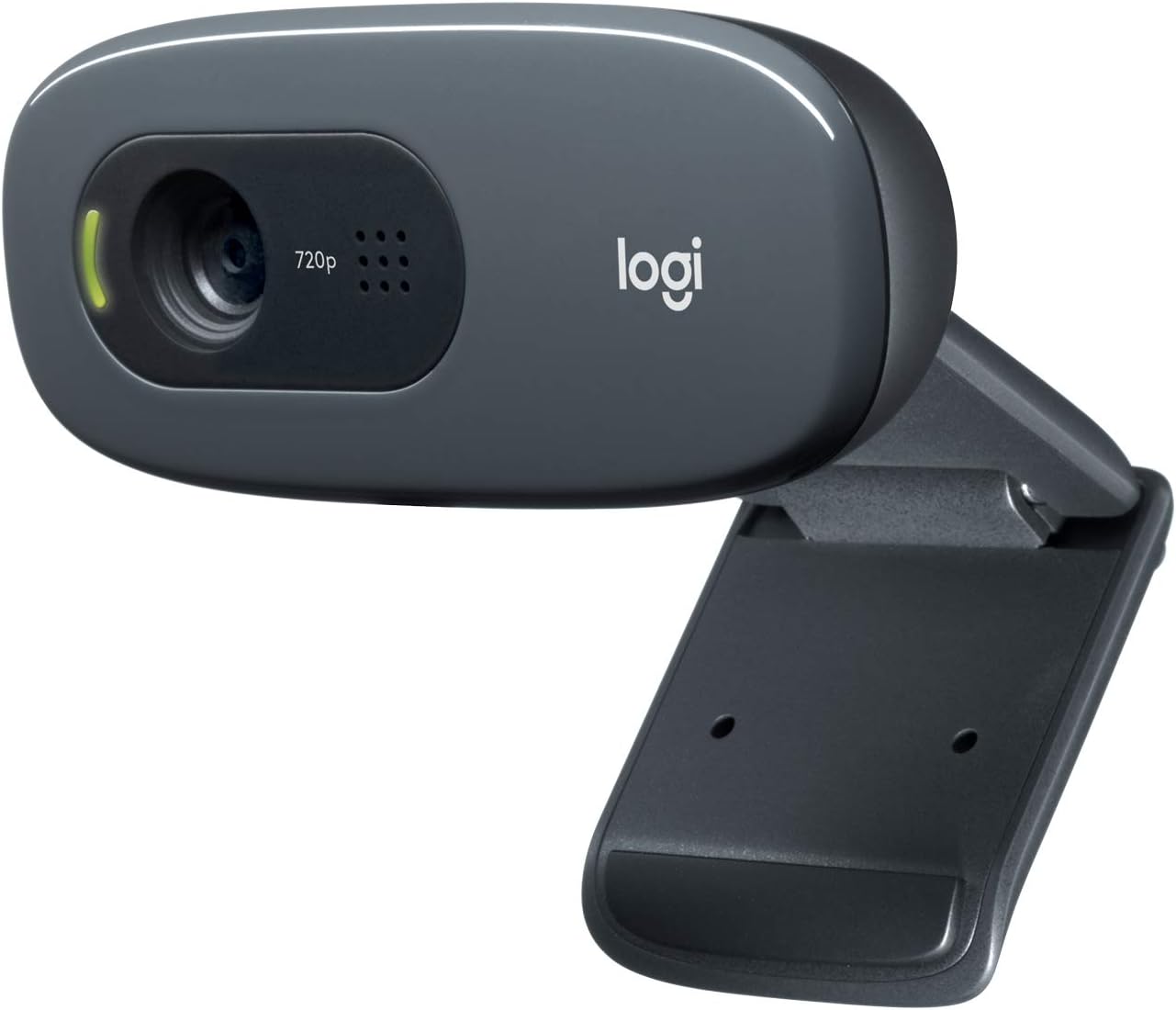 Visit on Amazon → Visit on Amazon →Logitech C270 |
720p, small sensor | Backup and travel | Plug and play, no software, no low-light claims | $20.80 |
The pattern in that table is that the two things worth paying for are the sensor and the lens setup. Everything else, the resolution badge, the app features, the mounting hardware, is a detail you can work around.
The sensor size question
If you remember one thing from this article, make it this: 4K is a number of pixels, and a sensor is a physical object that gathers light. You can put a lot of pixels on a small sensor and call it 4K, and the image will still fall apart the moment the room gets dim.
The Meet 2 is the only camera here with a half-inch sensor, which is why it is the pick for a room that is not a studio. The C60E and the PIXY trade some of that sensor size for lens flexibility, and they are worth it for the right person. The C270 makes no claims at all, which is exactly why it is the one I keep as a spare.
Should you buy the OBSBOT Meet 2?
Yes, if you want one camera to do everything. It has the largest sensor in this group, the framing keeps you centered without zooming into your face, and the autofocus settles instead of hunting. It is the camera I would put on a desk that has to handle client calls, a weekly podcast, and the occasional stream, and it does all three without needing a lighting rig to look acceptable. If you are buying one webcam this year and you want it to still be the right answer in three years, this is the one.
Should you buy the EMEET C60E?
Yes, if your lighting is already sorted and you want options. Two lenses in one body means you can go wide for a desk shot and telephoto for a face shot, and that flexibility is genuinely useful for streaming, where the composition changes depending on what you are doing. Just understand the tradeoff: it is not the camera to buy if your room is dark, because two lenses do not add up to one big sensor.
Should you buy the EMEET PIXY?
Yes, if you move. The tracking and the pan and tilt head are built for presenters, teachers, and anyone whose content involves standing up, pointing at things, or walking through a demo. It keeps you composed in frame while you work, which is a job no fixed webcam can do. If you sit still and talk into a microphone for two hours, you are paying for a feature you will never use.
Should you buy the Logitech C270?
Yes, as a spare. It is 720p and it is not going to win any image quality argument, but it works every single time you plug it in, on any computer, with no software at all. That is a real feature in a world where cameras occasionally refuse to be detected ten minutes before a call. Buy it as the backup, not the main event.