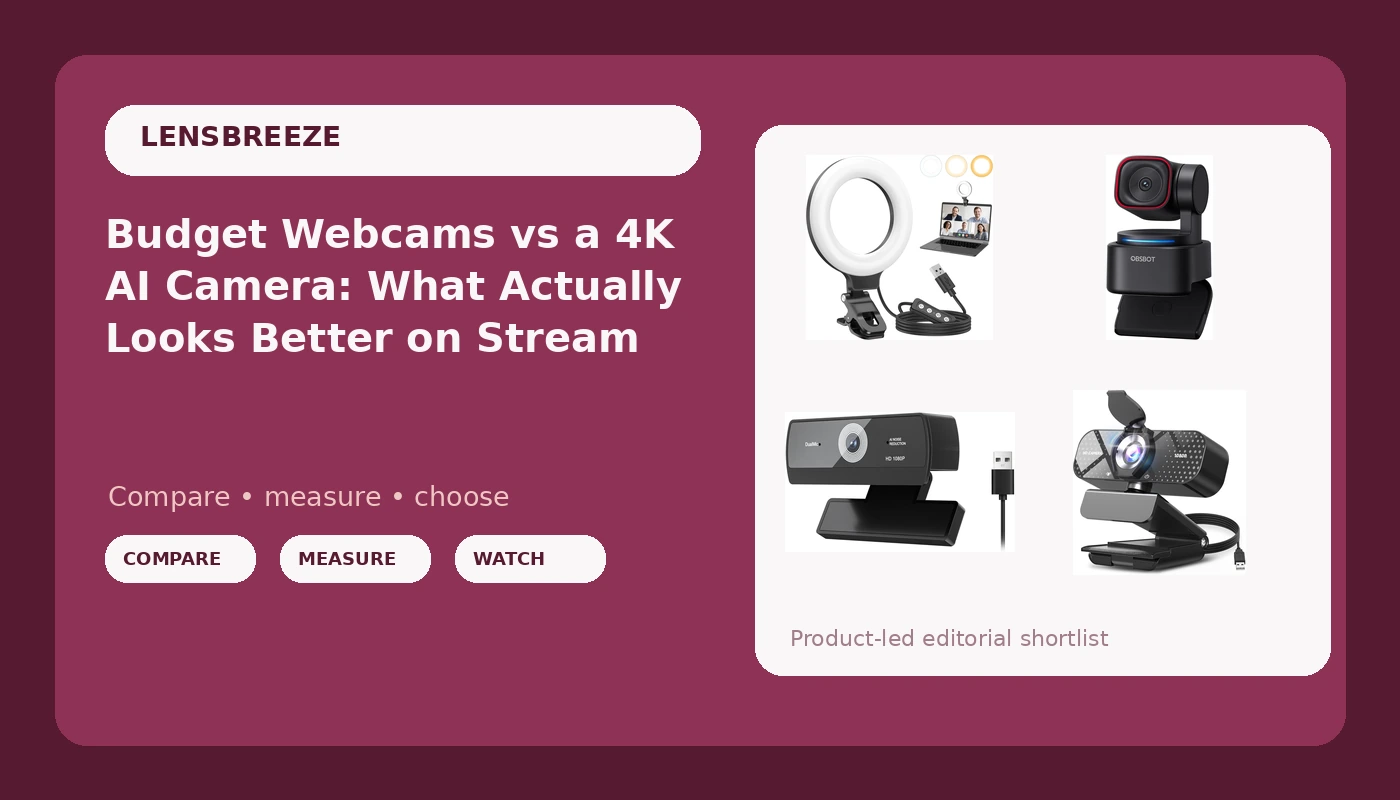
I have been streaming and producing video out of Austin for eight years, and the answer to the budget webcams for streaming question has not changed since my first Twitch setup: the light on your face matters more than the camera pointed at it. That said, the camera still matters, and the spread in this group is wide, from a webcam that costs less than lunch to an AI-tracking 4K unit that costs more than most people's keyboards. This comparison covers three webcams and one ring light, the four pieces of gear I get asked about most when someone wants to look better on Zoom, Teams, or a stream. I am judging these on published specs and stated features, plus eight years of watching what those specs actually do in real rooms.
The short answer: if you want one webcam, the TRAUSI 1080P FHD is the safest pick here, because it lists a privacy cover and a wide angle lens at a budget price. If your lighting is the real problem, the Anautin ring light will change how you look more than any camera swap. And if you want AI tracking and 4K and you are willing to pay for it, the OBSBOT Tiny 3 Lite is the premium pick.
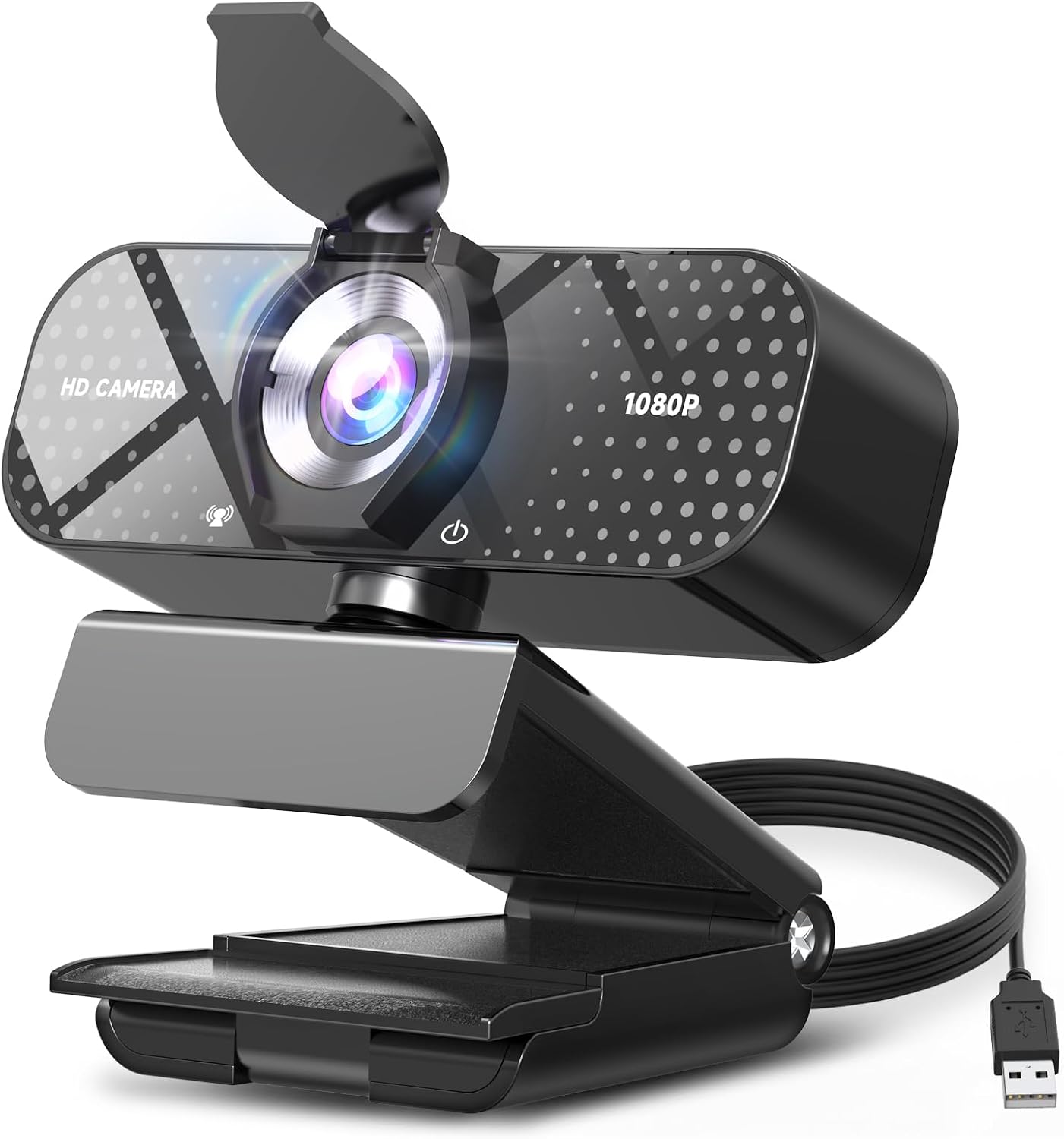
TRAUSI 1080P FHD Webcam with Noise-Canceling Mic
Privacy cover, wide angle lens, noise-canceling mic, auto light correction, plug and play
1080p only, no tracking, wide angle can distort if you sit too close
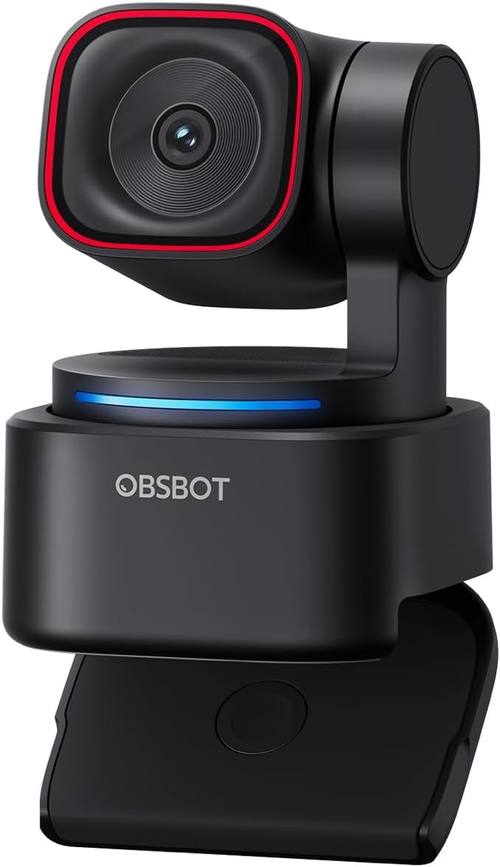
OBSBOT Tiny 3 Lite AI-Powered Spatial Audio 4K Webcam
4K capture, AI tracking, spatial audio, compact body
Highest price in the group, tracking is wasted if you sit still
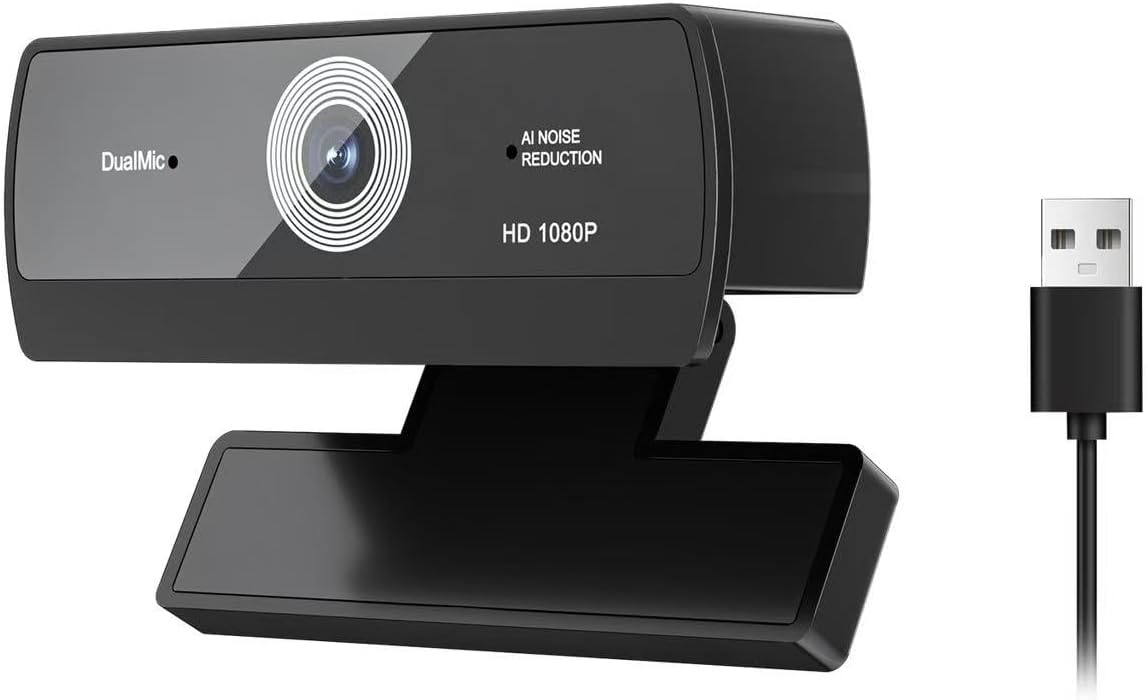
1080P HD Webcam with Built-in Microphone
Cheapest entry point, built-in mic, auto light correction, plug and play
No privacy cover listed, no wide angle or noise-canceling claim, spare-camera territory
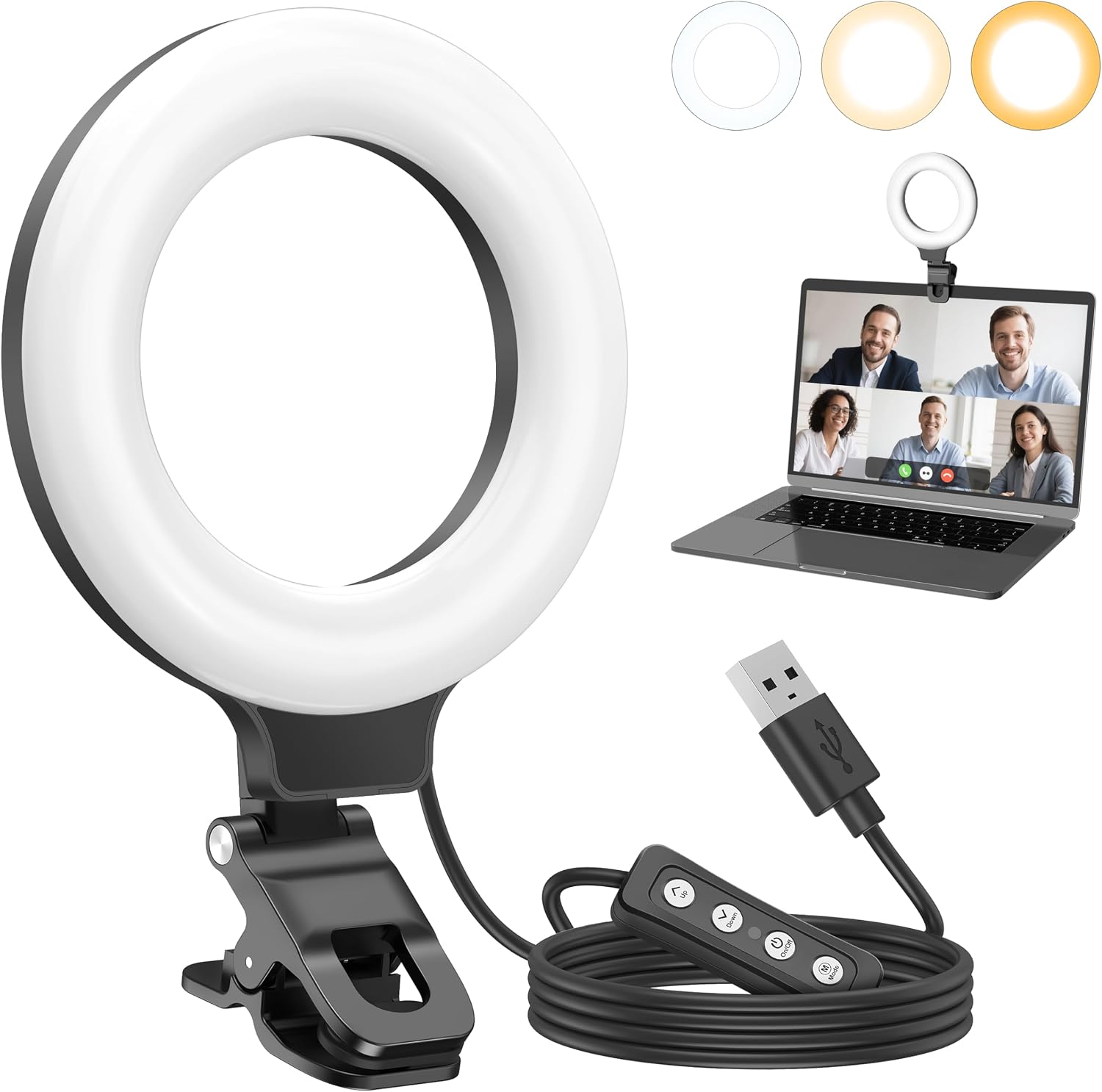
Anautin Ring Light for Video Conference Lighting
360 degree adjustable, portable, monitor and laptop mounting, fixes bad lighting
Not a camera, needs power, will not rescue a bad sensor
Prices and availability were captured from Amazon Creators API and may change.
What actually matters before you spend
Three things decide how you look on a call, in this order: light, sensor, and field of view. The microphone is a distant fourth, and I will explain why at the end.
Light first, because it is the cheapest variable and the one most people get wrong. The classic mistake is a bright window behind you, which turns your face into a silhouette and forces the camera to expose for the window instead of you. A camera with auto light correction, which every webcam in this comparison lists, will fight that situation, but no amount of correction beats simply putting light on the front of your face. That is the entire argument for the ring light in this group.
Sensor second, and this is where marketing gets slippery. A resolution number tells you how many pixels the camera records, not how much light each pixel receives. A small sensor in a dim room produces noise, smeared skin tones, and that flat, webcam look everyone recognizes. A larger sensor in the same room produces something that reads as video rather than a security feed. When a listing screams about resolution and stays quiet about the sensor, that is a signal. When a camera costs enough to plausibly carry real hardware, the resolution claim is at least worth reading.
Field of view third. Ninety degrees is the number I like for desk work, because it shows your hands and a bit of the room without turning you into a dot in the corner. Around 65 degrees is the right number for a solo face shot. A wide angle lens is genuinely useful, and it is also the reason a wide angle webcam can make your nose look enormous if you sit a foot from the screen. Distance fixes that, not settings.
Autofocus deserves a mention as its own category of pain. A camera that hunts, refocusing every few seconds while you talk, is worse than a fixed-focus camera with a slightly softer image, because the hunt is what viewers notice. If a camera lets you lock focus, use it.
The two 1080p webcams in this comparison
These two sit at opposite ends of the budget range, and the differences are all in the details rather than the resolution.
TRAUSI 1080P FHD Webcam with Noise-Canceling Mic
This is the one I would hand to someone who wants a single webcam and does not want to think about it again. The feature list is the reason: a privacy cover, a wide angle lens, a noise-canceling microphone, auto light correction, and plug and play USB across laptops, desktops, PC, and Mac. It is listed as compatible with Zoom, Teams, and streaming software, which is the compatibility statement that matters, because if a camera does not show up in OBS without a driver fight, it is a toy.
The privacy cover is the underrated item here. It is a mechanical shutter over the lens, and it settles the laptop-camera anxiety question permanently. The wide angle lens gives you the flexibility to frame a desk, and it also means you should sit back a bit rather than leaning into the lens.
Where it loses: it is a 1080p camera, so this is the practical, dependable choice rather than the impressive one. There is no tracking, no 4K, and no spatial audio. If you record in a very dark room, a 1080p sensor still needs light on it, which is exactly why the ring light below belongs in the same conversation.
1080P HD Webcam with Built-in Microphone
This is the entry point of the group, and it covers the basics competently on paper: 1080p HD video, a built-in microphone, auto light correction, USB, and plug and play for Zoom, Teams, streaming, and video calling. If your goal is simply to stop using the potato camera built into a five-year-old laptop, this does that job.
What the listing does not promise is as important as what it does. There is no privacy cover, no wide angle lens claim, and no noise-canceling claim on the microphone. That does not make it bad, it makes it basic. The honest use case is a second camera, a guest camera for a podcast, a backup you keep in a bag, or a first webcam for a kid's school calls.
If you are choosing between this and the TRAUSI for your main camera, the price gap is small and the feature gap is real. The privacy cover alone is worth the difference to me, because I have watched people tape over lenses for a decade and a built-in shutter is a better answer.
The premium pick: OBSBOT Tiny 3 Lite
This is the one that does not belong in a budget conversation, and that is the point of including it. The Tiny 3 Lite is a compact 4K webcam with AI tracking and spatial audio. In plain terms: it records at a higher resolution than everything else here, it can follow you as you move, and it captures audio in a way that is meant to sound like the room rather than a cup against a table.
The tracking is the headline feature, and it is genuinely useful for a specific kind of user. If you teach, present, demo something at a whiteboard, or walk around while you talk, a camera that follows you keeps you framed without a camera operator. If you sit in one chair for an hour-long call, tracking does nothing for you, and you are paying for a feature you will never see.
Two things to weigh before you buy it. First, the price puts it in a different bracket than the other three products combined, so it only makes sense if video is part of your work or your income. Second, a 4K claim is only meaningful if the sensor behind it can support the resolution, and that is the check I run on every camera at this price. A 4K number on a tiny sensor is a sticker. A 4K number on a camera built for it is a real upgrade in how much detail survives when you crop or zoom.
My honest framing: buy this if you move, present, or want the best image in the group and can pay for it. Buy a 1080p camera plus a ring light if you sit still, and put the difference into a better microphone.
The ring light that changes more than a camera swap
I have preached lighting first for years, and this is the product that proves the argument. The Anautin ring light is a portable LED panel built for video conference lighting, with a 360 degree adjustable mount for a monitor, laptop, or desktop. It is listed for Zoom meetings, streaming, video calls, and the selfie and makeup use case that ring lights have always served.
Here is the practical math. A camera upgrade changes how your image is captured. A light upgrade changes what there is to capture, and that is the difference between a sharp, well-exposed face and a grainy one. Put this ring light in front of a cheap 1080p webcam and you will look better than someone with a premium camera and a window behind them. I have watched that comparison play out more times than I can count, and the light wins almost every time.
The trade-offs are real. It needs power, so there is a USB cable running to your desk. A ring light puts a circular catchlight in your eyes, which some people love and some people find distracting. And it does not fix a bad sensor in a truly dark room, it just gives the sensor something to work with. Set it slightly off to one side rather than dead center, dial it down until your face looks like skin rather than a headlight, and stop there.
Trade-offs to weigh before checkout
Autofocus hunting is the number one webcam annoyance, and none of these listings promise a focus lock, so budget accordingly if you record long sessions.
Proprietary software is the second annoyance. Any camera that requires a specific app to change its settings is a camera that will frustrate you in six months. Plug and play USB, which all three webcams here list, is the safer bet.
The microphone question: a webcam mic is a backup plan, not a purchase reason. Every built-in mic here sits on top of a screen, which is exactly where your keyboard, your fan, and your desk thumps live. If your voice matters, the noise-canceling claim on the TRAUSI helps, and a separate microphone helps more.
The 4K question: resolution is not image quality. If a listing leads with resolution and hides everything else, treat the claim as marketing until you know more about the sensor.
Which one should you buy
- You want one webcam, done: the TRAUSI 1080P FHD, because the privacy cover and wide angle lens make it the most complete budget package here.
- You want the cheapest way to stop looking like a witness sketch: the 1080P HD Webcam with built-in microphone, understanding that it is basic by design.
- You present, teach, or move around: the OBSBOT Tiny 3 Lite, where the AI tracking and 4K capture earn their price.
- Your video looks bad and your camera is fine: the Anautin ring light, because lighting is the upgrade most people actually need.
Bottom line
If I had to pick one combination from this group for a normal desk setup, it would be the TRAUSI webcam and the Anautin ring light together. That pairing covers the two variables that matter, capture and light, for less than the premium camera alone, and it will look better on a Tuesday afternoon call than a 4K camera pointed at a dark room.
The OBSBOT Tiny 3 Lite is the right answer for a different person: someone whose video is the product, who moves while they talk, and who wants tracking and resolution handled automatically. And the budget 1080P webcam is the right answer for the person who just needs a camera that works.
Whichever way you go, do the lighting check first. Sit where you normally sit, look at your current image, and ask whether the problem is the camera or the room. Most of the time, it is the room.