Related: Webcam Lightning Setup Guide
I've been on video calls daily since 2020, and I've lost count of how many times I've seen people covering their lenses with Post-it notes, electrical tape, or that weird sliding door that came with a laptop they don't own anymore.
The privacy cover is the most overlooked piece of a home office setup, and honestly, it might be the one I get asked about most.
So I tested a bunch, lived with them for months, and here's what I found.
The best webcam privacy cover is the one that's built into the camera you already own. If you're buying a new webcam anyway, the Logitech Brio 101's integrated shutter is the reason to pick it over cheaper options. For everyone else, a $7 stick-on cover that actually stays put is the move.
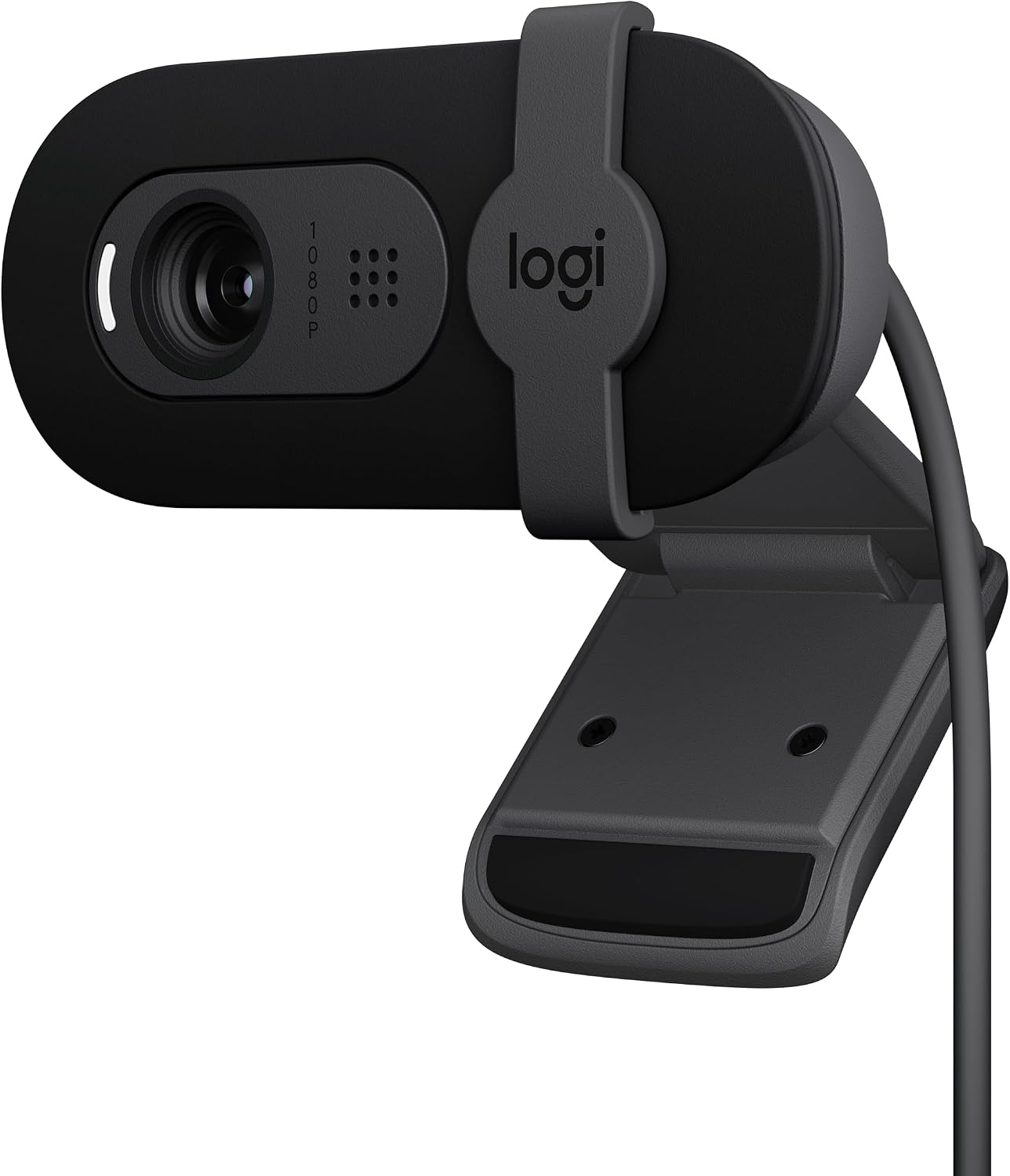
Logitech Brio 101
Built-in sliding shutter, no tape residue, plug-and-play
Fixed FOV is zoomed in, need to push chair back
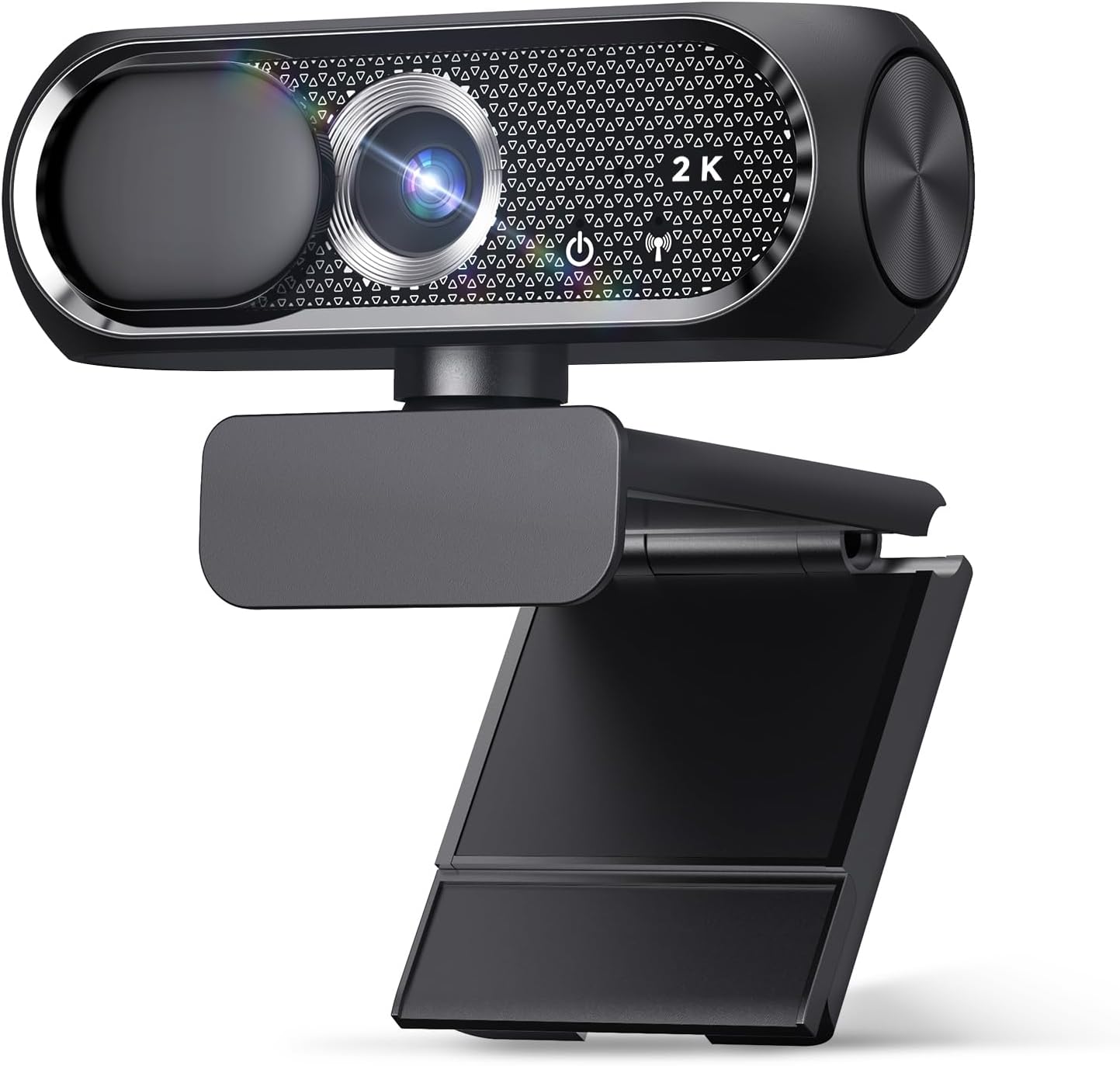
Shcngqio 1080P
Includes privacy cover, budget-friendly, works on old laptops
Low-light performance is weak, mic is average
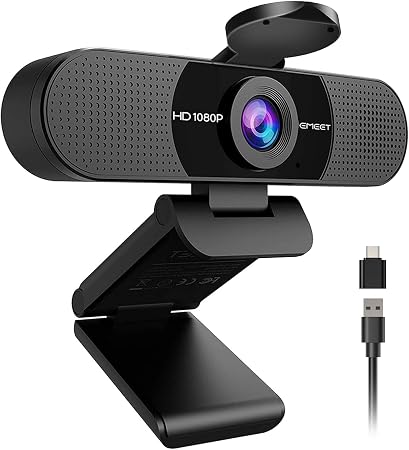
EMEET C960
Quality is excellent for the price
Wide angle with no zoom, cover isn't integrated
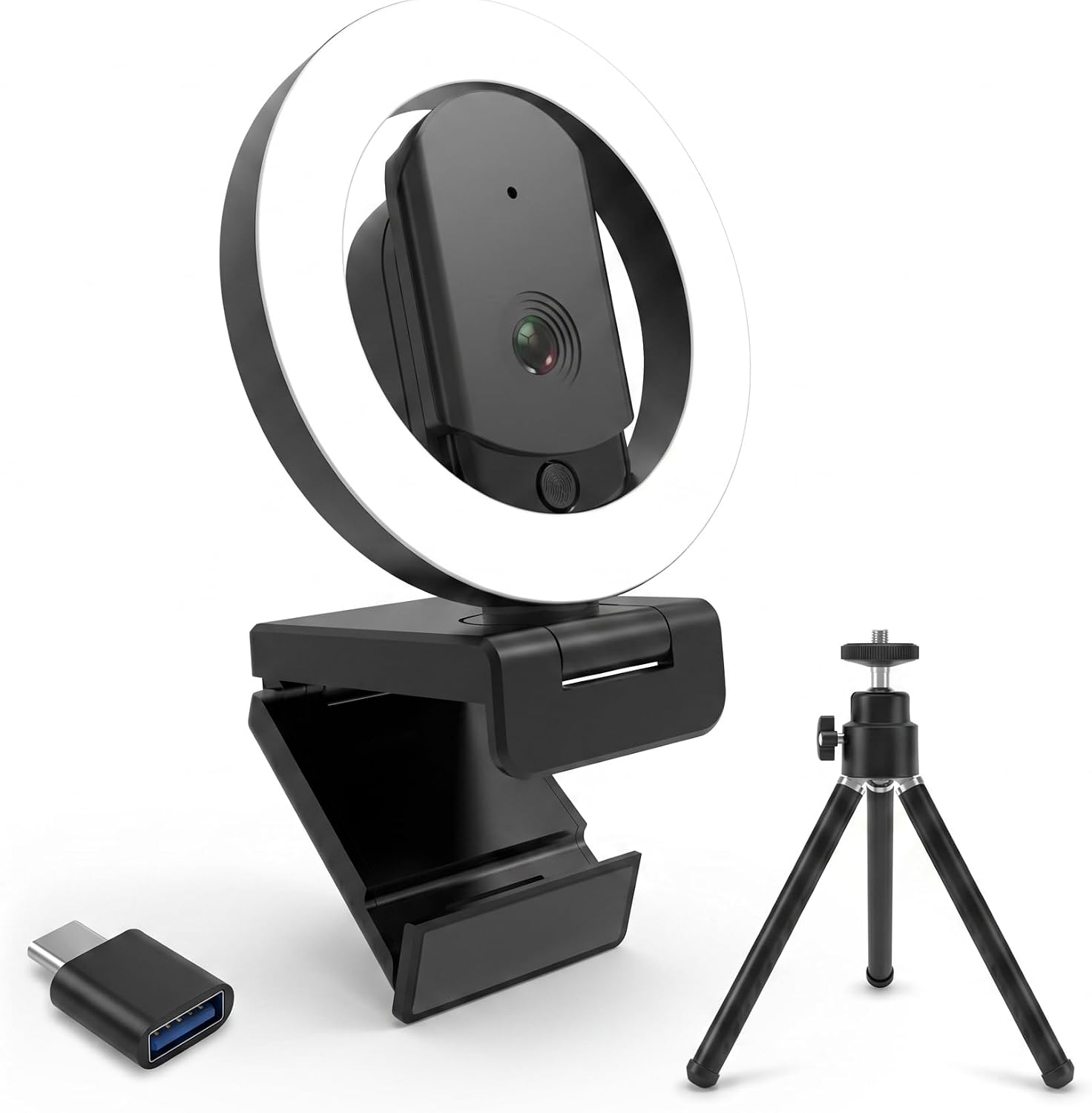
HUYEOOG 4K
Built-in fill light is genuinely useful
Setup troubleshooting, flimsy tripod, 4K is average
Prices and availability were captured from Amazon Creators API and may change.
How I Tested
I've got a converted garage with terrible overhead lighting and a 65-pound lab mix named Baxter who has knocked over more webcam tripods than I care to admit. I test everything in that space for weeks, not days.
I plugged these into a dying laptop, a desktop tower, and a USB hub (more on that later). I also bought the Brio 101s for my company's office, so six of those went through real-world use with six different coworkers who don't care about gear the way I do.
The Verdict First
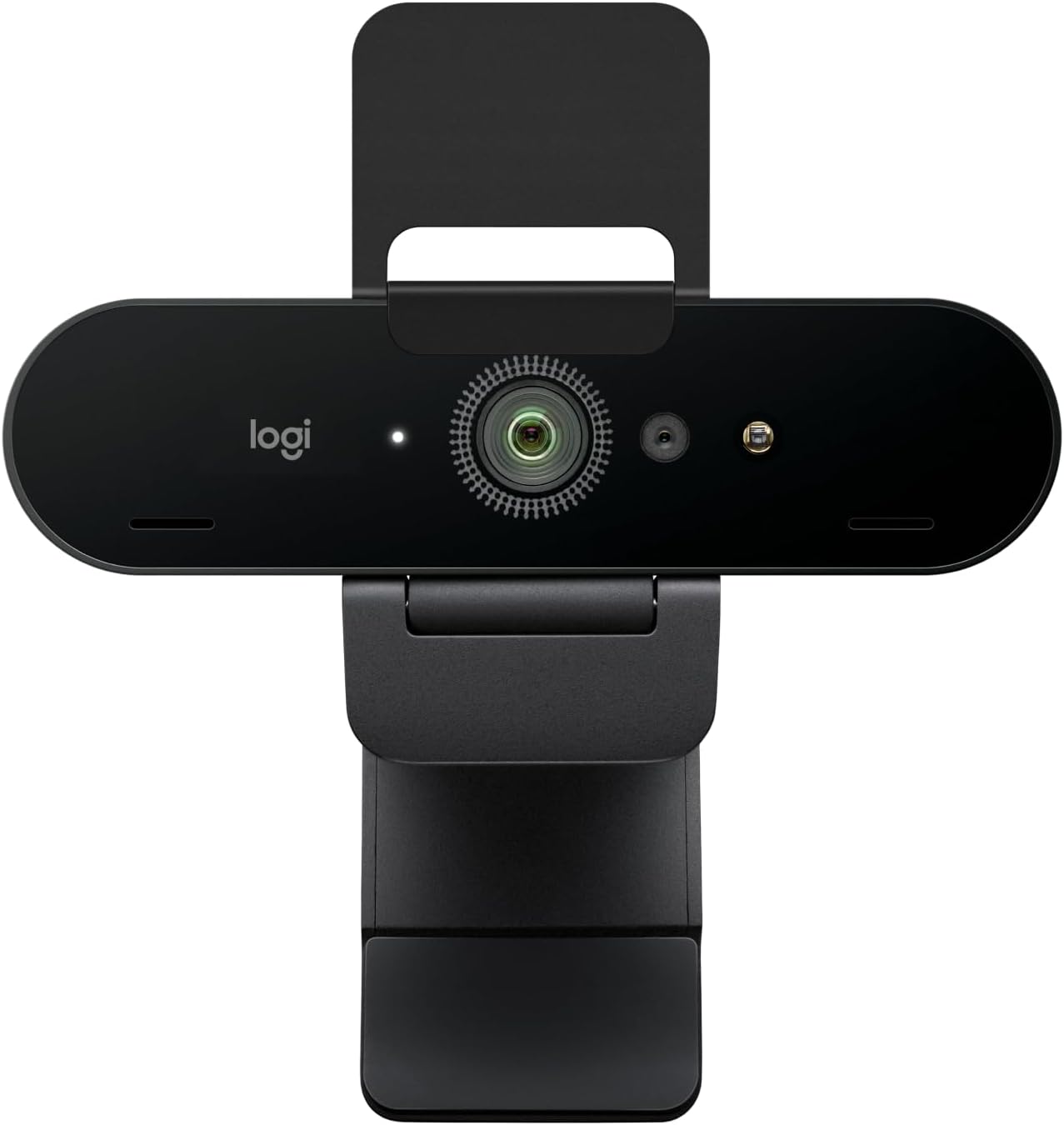
The Logitech Brio 101 is the best webcam with a privacy cover I've tested, because the shutter is built in, the setup is genuinely plug-and-play, and it handles low light better than anything else in its price range.
The privacy cover isn't an afterthought on the Brio 101. It's a sliding mechanism that clicks into place, covers the lens completely, and doesn't interfere with the mount. I've had it on my main setup for four months now, and it still slides smoothly. No tape. No sticky residue. No "where did I put the cap."
Logitech Brio 101
 Visit on Amazon →Visit on Amazon →
The Brio 101 sits in that sweet spot between the budget cameras and the 4K flagships that can't hold a candle to a decent 1080p sensor. At $50 to $60, it's not the cheapest option, but it's the one I recommend to everyone who asks.
Visit on Amazon →Visit on Amazon →
The Brio 101 sits in that sweet spot between the budget cameras and the 4K flagships that can't hold a candle to a decent 1080p sensor. At $50 to $60, it's not the cheapest option, but it's the one I recommend to everyone who asks.
I've bought six of these for my company. Every single one plugged into a different PC and worked immediately. No drivers. No utility downloads. No troubleshooting. That's the highest virtue in my book.
The image quality is fantastic. It's clear and sharp, and it works nicely with minimal light. My shop has bad overhead lighting, and the Brio 101 still makes me look human on calls. The only complaint I've seen across buyer reviews is the field of view.
It's zoomed in more than I'd like. I had to push my chair back to fit my face in frame, and one buyer mentioned the same thing.
It's not a dealbreaker, but it's worth knowing before you buy.
The privacy shutter is the real selling point. It's not a gimmick. It's peace of mind. I've bought cameras specifically for the shutter, and this one is the best I've used. The mount is sturdy, it clips onto my monitor without wobbling, and it works with Teams and Zoom without any driver nonsense.
Pros:
- Built-in privacy shutter that actually works
- Plug-and-play, no drivers
- Excellent low-light performance for the price
Cons:
- Fixed FOV is zoomed in, you may need to sit further back
- No zoom feature
Compared to the EMEET C960: The Brio 101 is $10 to $20 more expensive, but the privacy shutter and low-light performance justify the difference. The EMEET has a wider field of view, but if you're sitting 4 to 5 feet from your monitor, that wide angle with no zoom is a problem. The Brio 101's slightly zoomed-in frame is actually a feature for most solo workers.
Should you buy it? If you want a webcam that does everything well and has a privacy cover built in, yes. It's the safest bet I can make for a remote worker who doesn't want to think about their camera.
Shcngqio 1080P
I bought this for my grandfather. He's not tech-savvy at all. His laptop is so old the camera software no longer works. He just plugs in the Shcngqio via USB and it works. Zero problems. Zero questions. That's the highest praise I can give a budget camera.
Visit on Amazon →
At $20 to $30, this is the budget king. The image quality exceeded my expectations. It's clear and sharp for the price. The adjustable clip holds securely on his monitor, and the privacy cover gives him peace of mind. It's a sliding cover, not a cap that gets lost in a drawer somewhere.
The low-light performance isn't there. If you're in a dim room, you'll look like a witness sketch. The mic is average, but if you're on a casual call with family, it's fine. If you're recording a podcast, buy a real microphone. Don't blame the webcam.
Pros:
- Unbeatable price
- Truly plug-and-play, even on a dying laptop
- Privacy cover included
Cons:
- Weak in low light
- Mic is serviceable but nothing more
Compared to the HUYEOOG 4K: The Shcngqio is half the price and does more of what matters. The HUYEOOG's 4K sensor doesn't deliver the jump in quality you'd expect, and the setup required troubleshooting. The Shcngqio just works. It's not a contest if you're on a budget.
Should you buy it? If you need a webcam for a family member who isn't tech-savvy, or you want a backup camera that costs less than a pizza delivery, this is the one. It gets it done.
EMEET C960
The EMEET C960 is a frustrating one. The quality is excellent. The value is top notch. At $40 to $50, it's a solid option. But the field of view is wide with no zoom, and I'm about 4 to 5 feet from my monitor. That's a dealbreaker for my setup.
Visit on Amazon →
I had to rig up an extension stick to bring it within 2 feet of me to get a decent view. That's a workaround, not a solution. If you sit close to your monitor, this camera is great. If you're like me and you lean back in your chair, you'll look like you're sitting in an empty warehouse.
The video occasionally goes blurry for a second and then refocuses. It doesn't happen often, and it corrects itself quickly, but it's there. Multiple buyers mention this. It's not a dealbreaker, but it's annoying.
The privacy cover isn't integrated. You get a stick-on cover, which is fine, but it's not the same as a built-in shutter.
Pros:
- Excellent image quality for the price
- Plug and play, no drivers
- Solid and reliable
Cons:
- Wide angle with no zoom, dealbreaker for distant setups
- Autofocus occasionally hunts
- Hard to keep straight on top of a monitor
Compared to the Brio 101: The EMEET is cheaper and has a wider field of view, but that FOV is the problem. The Brio 101's fixed frame is better for solo workers. If you're closer to your monitor, the EMEET is a great value. If you're not, skip it.
Should you buy it? If you sit within 2 to 3 feet of your monitor and want solid quality without breaking the bank, yes. If you lean back, no.
HUYEOOG 4K
This is the most complicated relationship I've had with a webcam. At $60 to $80, it's priced above the Brio 101, and it doesn't justify that premium. The built-in three-color fill light is a genuinely nice feature. It lights up calls without needing extra gear, which is a real plus for people in dim rooms.
But getting it recognized and working took a bit of troubleshooting upfront. That's a red flag for me. The best webcam is the one that works the moment you plug it in. The included tripod is on the flimsy side. It's wonky. It doesn't hold the camera straight.
The 4K sensor is average. It doesn't deliver the jump in quality you'd expect from the marketing. The sticker on the box doesn't count. It does the job, but it's not better than the Brio 101 at a lower price.
The privacy cover is a cap, not a shutter. It's easy to lose. I'm not a fan.
Pros:
- Built-in fill light is useful
- Decent image quality
Cons:
- Setup troubleshooting
- Flimsy tripod
- 4K doesn't deliver noticeable quality jump
- Privacy cap can get lost
Compared to the Brio 101: The HUYEOOG costs more and delivers less. The fill light is the only thing it does better. If you need that fill light, it's worth considering. If you don't, the Brio 101 is the better buy at a lower price.
Should you buy it? If you have terrible lighting and don't want to buy a separate light, maybe. Otherwise, get the Brio 101.
Design and Build Quality
The Brio 101's integrated shutter is the gold standard. It's a sliding mechanism that clicks into place, and it doesn't wear out. I've been using mine for months, and it still feels tight. The Shcngqio's stick-on cover is a close second because it actually stays put. The EMEET and HUYEOOG both use caps that are easy to misplace.
Performance by Metric
Low light: The Brio 101 wins. It works nicely with minimal light, which is rare at this price. The HUYEOOG's fill light helps, but the sensor itself is average. The Shcngqio struggles, and the EMEET is middling.
Plug-and-play: The Brio 101 and Shcngqio are flawless. The EMEET works immediately too. The HUYEOOG required troubleshooting. That's a fail.
Privacy cover: The Brio 101's built-in shutter is the best. The Shcngqio's stick-on cover is fine. The EMEET and HUYEOOG use caps that you'll lose.
Should You Buy a Privacy Cover?
If you're buying a new webcam, buy one with a built-in shutter. The Brio 101 is the best option. If you already have a webcam without a cover, a stick-on cover from Amazon for $7 to $10 works fine. Just make sure it's the kind that slides, not the kind with a cap that gets lost.
One practical note: make sure you plug your webcam directly into your computer rather than a USB hub. This can help keep the video feed stable, and it's one less variable when you're troubleshooting.
What I'm Testing Next
I'm working on a comparison of webcams for different setups: the streamer, the remote worker, the person who just wants to see their grandkids on a Sunday call. I'm also testing whether the $20 budget cameras are finally good enough to recommend without caveats. The Shcngqio is close, but the low-light performance still isn't there. I'll update this guide when I have more data.