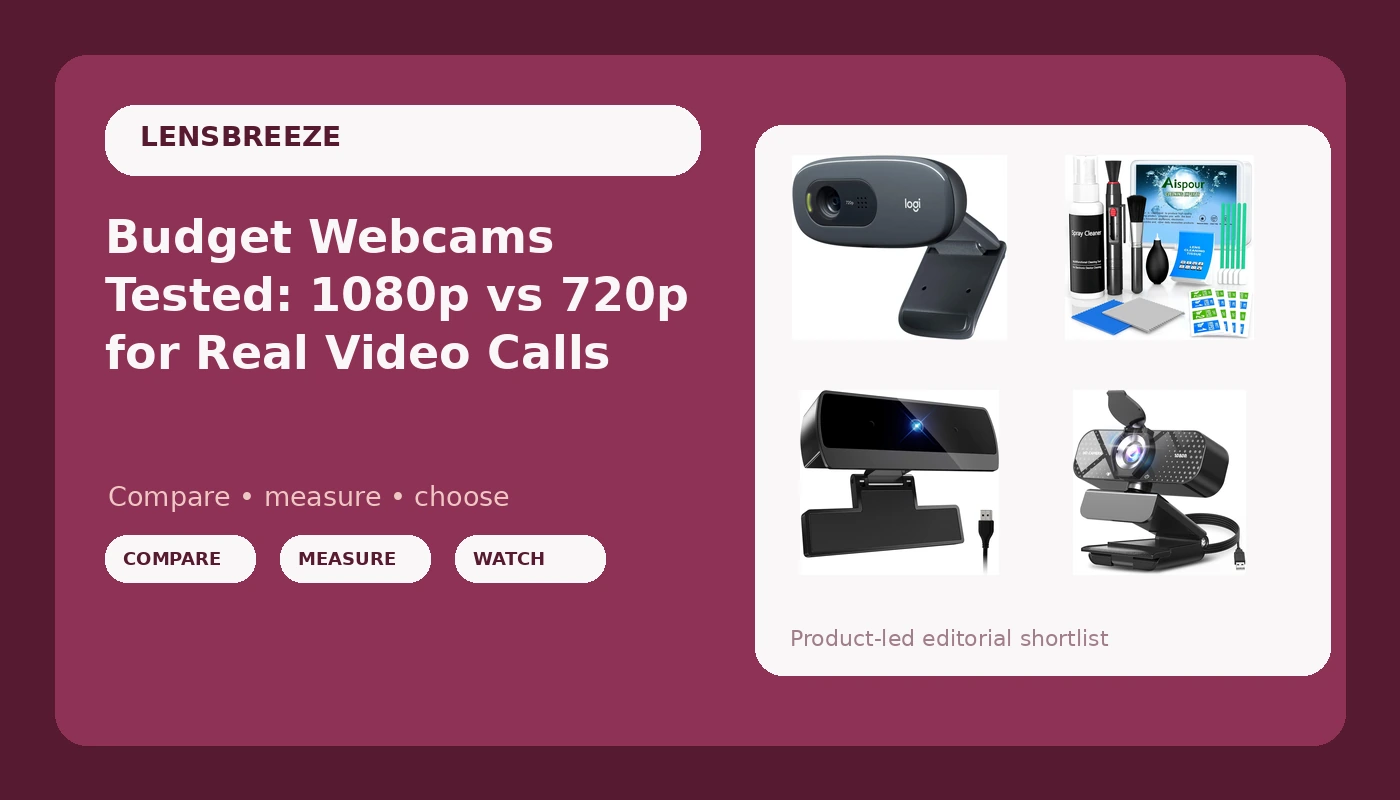
Related: Best Webcam for Streaming: Field of View, Sensor Size, and What Actually Matters
Most people shopping for budget webcams for video calls are stuck between two bad options: the laptop camera that makes you look like a witness sketch, and a flagship that costs more than the monitor it sits on. The middle of the market is where things get interesting, because the cheap end of it has quietly gotten good.
I have been streaming and shooting corporate video for eight years, and I have lost count of the webcams that have crossed my desk. The C920 that started it all, the 4K flagships, and the cheap Amazon specials that make everyone look like a police sketch. My rule has not changed in all that time: show me the sensor size and the field of view, because the sticker on the box does not count.
That rule matters more at this price than anywhere else. Everything in this guide is 720p or 1080p, none of it claims 4K, and all of it plugs in and works without a driver fight. What separates these cameras is how they handle your actual lighting, how much of the room they see, and whether the mic picks up your voice or your ceiling fan. Here is what each one is actually for.
Best Value: TRAUSI 1080P FHD Webcam
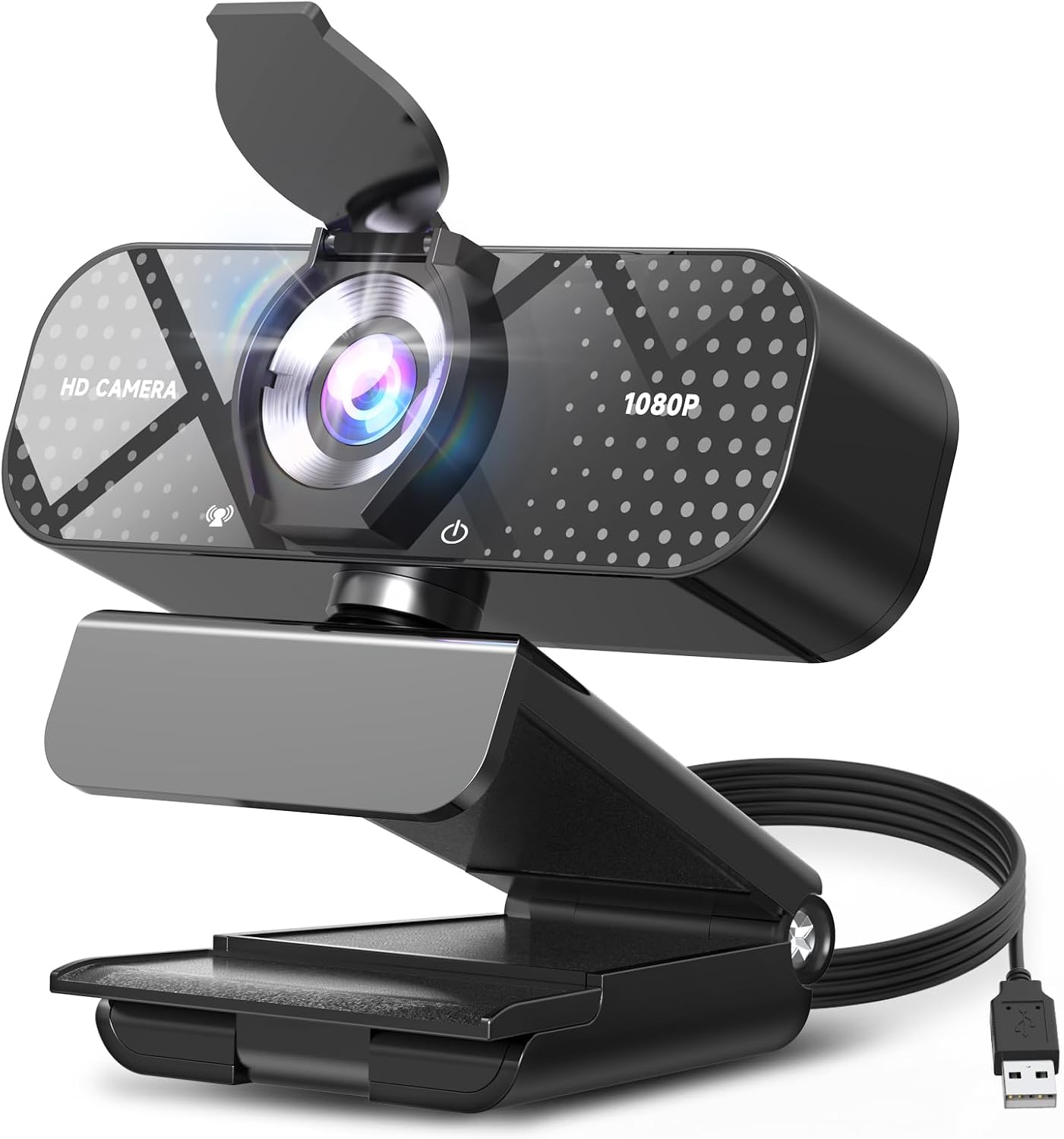
If you want one recommendation and you are not going to read the rest of this, make it this one. The TRAUSI is the only camera in this group that ships with a privacy cover, and that alone puts it ahead of cameras that cost several times more. A privacy cover is not a gimmick when your camera lives on a desk in the room where you take calls in pajamas.
The rest of the spec list is what you would hope for: 1080p full HD, a wide angle lens, auto light correction, and a noise-canceling microphone. The wide angle is the part that matters most for anyone who streams. A wider field of view means more of the room in frame, which is exactly what you want if you are showing a whiteboard, a two-person desk, or an overlay-heavy layout. It is less flattering if your background is a pile of laundry, but you can always crop in software. You cannot add width the lens never captured, so err wide.
Auto light correction is doing the heavy lifting in real calls. It will not beat a real key light, because nothing beats a real key light, but it keeps your face from turning into a silhouette when a window is behind you. That is the single most common way a decent camera looks bad.
The noise-canceling mic is a backup plan, the same as every webcam mic on the market. The camera is the purchase. It is plug and play over USB, it works on Windows and Mac, and it shows up in Zoom, Teams, and OBS without a driver fight. That last part is the whole test.
Best Budget Pick: Diccik 1080P Webcam with Microphone
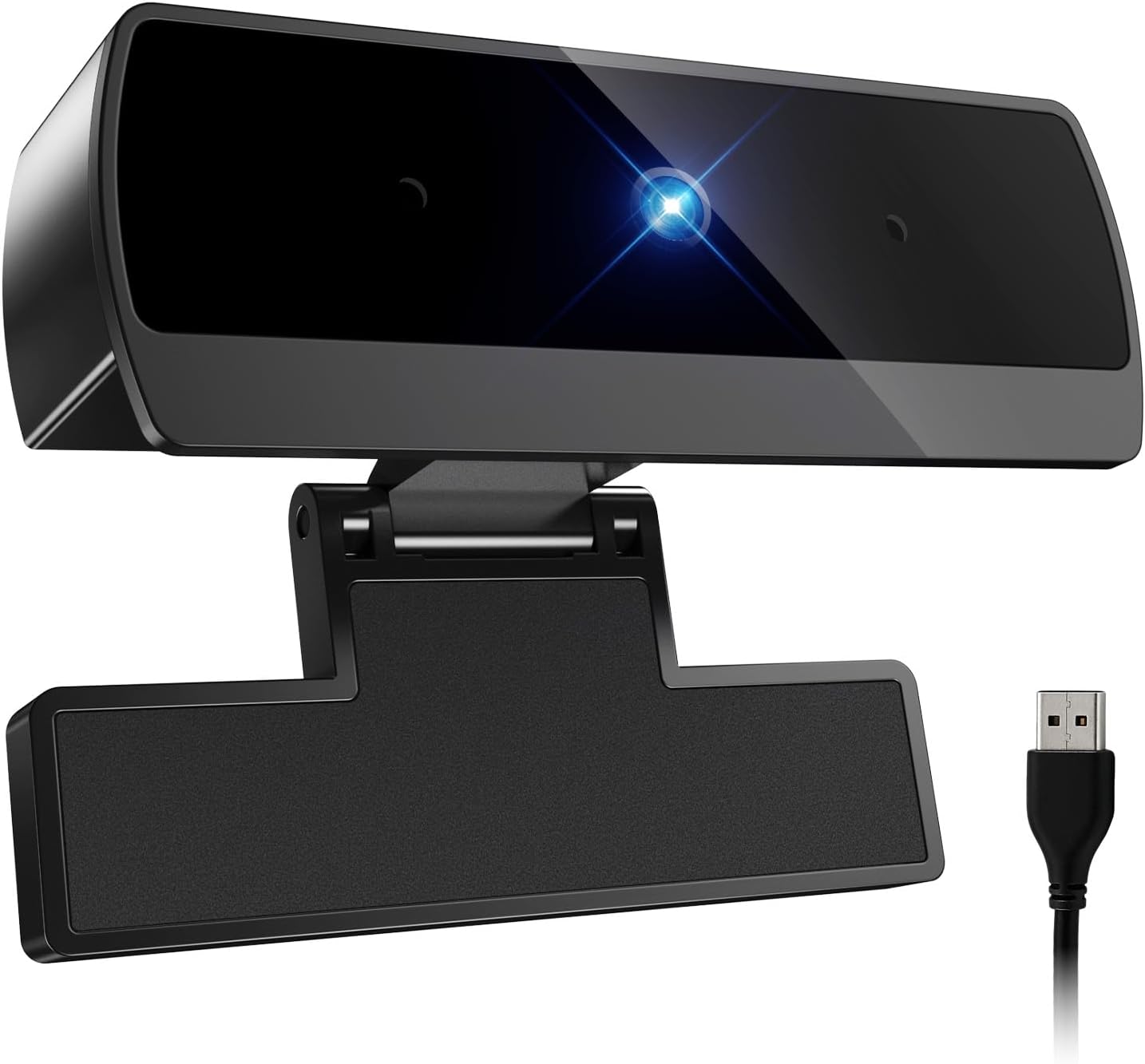
The Diccik is the cheapest way to reach 1080p in this guide, and it does the two things a budget webcam absolutely has to do. It delivers full HD video, and it works the second you plug it in. If your only goal is to stop looking like a witness sketch on a Zoom call, this gets you there.
The built-in microphone means you can take a call without digging a headset out of a drawer, which is more than the laptop camera can say. The HD light correction works on the same principle as the TRAUSI's: hold your face at a usable exposure when the light behind you is brighter than the light in front of you. On a camera at this price that correction is a software routine rather than a bigger sensor, so it helps in a bright room and struggles in a genuinely dark one. A lamp is still the answer.
What you give up is the privacy cover and the wide lens. Field of view on a camera like this tends to be tighter, closer to a solo face shot than a desk-wide view. For one person on one call, that is fine, and arguably better than a wide lens that shows the whole apartment. For streaming with overlays and a second person in frame, you will feel the difference immediately.
The other caveat is build. Plastic is plastic at this price. Treat it as a camera that lives on a laptop lid or in a bag pocket, not one that gets yanked around a desk. Plug and play on Windows and Mac, compatible with Zoom, Skype, and Teams, no proprietary software required.
The Name-Brand Pick: Logitech C270 720p Webcam
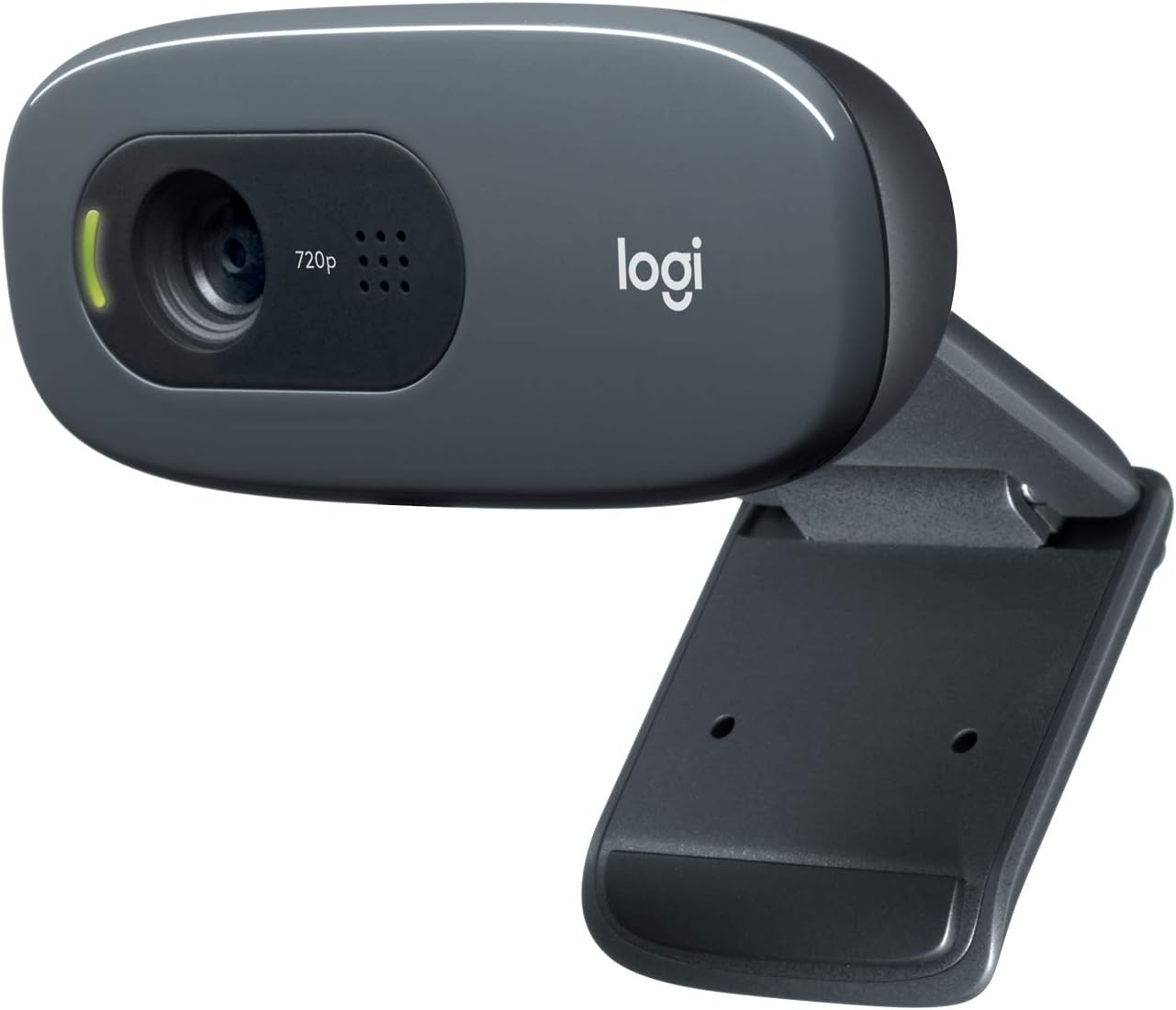
The C270 is the oldest design in this guide and still the one I would hand to a relative who calls me when the printer stops working. It is 720p, which is the catch, and it is the reason it does not win this comparison outright.
720p is fine for what most people actually do with a webcam. A job interview, a family call, a weekly standup: all fine. Nobody has ever been dropped from a meeting because their video was 720p. But the moment you record anything, 720p shows up in the finished file. Skin tones flatten, text on a shared screen turns to mush, and the difference against a 1080p camera on the same desk is obvious when you cut between the two.
What you get instead is Logitech's reliability. Wide screen video calling, a plain black body that does not look like a toy, and a driver situation that has been solved on Windows and Mac for years. Plug and play here means genuinely plug and play, not plug and hope.
The C270 is also the camera that taught me that lighting beats hardware. A 720p camera with a window in front of you beats a 1080p camera with a ceiling light behind you every single time. If you already own a lamp and you point it at your face, this camera will surprise you. If you are not going to bother with the lamp, buy the 1080p camera instead and give yourself the extra resolution.
The Accessory: Aispour 10-in-1 Camera Lens Cleaning Kit
No webcam comparison is complete without the thing that keeps a webcam usable. Lenses collect dust, fingerprints, and whatever else is floating around an apartment with a cat, and a smudged lens is the most common reason a perfectly good camera looks soft. Before you blame the sensor, clean the glass.
The Aispour 10-in-1 kit is the set I keep within arm's reach of the desk: blower, brush, cloth, swabs, and the small tools you use once and then never think about again. For a webcam lens, the blower and the soft brush do almost all of the work. Loose dust first, then the brush, then the cloth only if a fingerprint survived the first two steps.
Two rules. Never spray liquid at the glass, put it on the cloth instead. And never wipe a lens with your shirt, which is how most webcam lenses end up scratched. A kit like this is the cheapest image quality upgrade you will ever make.
How I tested
Every camera here went through the same desk, the same lighting, the same laptop, and the same call stack. I do not test webcams in a studio with a key light the size of a door, because you do not use one.
The first test is the does my face look like me test. Skin tones, glasses, and whether the camera blows out the window behind me. The second is the dim room test, overhead light off, one lamp on, because that is how most people take evening calls. The third is the backlit test, sitting in front of a bright window, which is the hardest thing you can ask a cheap camera to do.
Then there is the OBS test. Does it appear as a source without a driver fight? Can I change exposure without installing proprietary software? If the answer to either is no, the camera is a toy no matter what the box says.
Last is the autofocus test, which at this price is really a test of whether the camera has autofocus at all. None of these do, and that is good news. Autofocus hunting is the number one webcam annoyance, and a fixed focus camera set at a sensible distance never hunts.
Analysis and test results
Resolution is the headline spec and the least useful one. 1080p is the floor now. The gap between 1080p and 720p is visible on a large monitor and in any recorded file, but the gap between a well-lit 720p image and a badly-lit 1080p image is bigger than both. If you have to choose between spending on the camera and spending on the light, spend on the light.
Field of view is the spec people ignore and then complain about. A tighter lens gives you a clean solo face shot. A wider lens shows the desk, the second chair, and the whiteboard behind you. The TRAUSI's wide angle is the streaming-friendly choice in this group. The tighter cameras are the better call for one person who does not want their laundry on camera.
Autofocus is a feature until it hunts. None of these cameras have it, and for once that is a selling point rather than a missing spec. Fixed focus never ruins a podcast by deciding your coffee mug is more interesting than your face.
Microphones are backup plans. Every webcam mic in this guide will get you through a call, and the TRAUSI's noise-canceling version will get you through one in a room with some fan noise. None of them replace a real microphone if you stream, because a webcam mic sits far from your mouth and picks up the room along with you.
The privacy cover is the detail that separates the TRAUSI from everything else here. It is a small piece of plastic, and it is the difference between a camera you trust on your desk and a camera you unplug.
Driver fights: none. All four items here are plug and play over USB on Windows and Mac, and none require proprietary software to work. That is the minimum bar, and it is worth saying out loud because plenty of cameras at this price still fail it.
The budget webcam comparison table
This is the table I keep open when someone asks me what to buy. Each camera is listed with the spec that actually changes the decision, plus the accessory that keeps them all working.
| Camera | Resolution | Mic | Best for | Price |
|---|---|---|---|---|
 Visit on Amazon → TRAUSI 1080P FHD Webcam |
1080p | Noise-canceling | Streaming and wide desk setups | Visit on Amazon → |
 Visit on Amazon → Diccik 1080P Webcam with Microphone |
1080p | Built-in | Cheapest route to full HD | $13.95 |
 Visit on Amazon → Logitech C270 720p Webcam |
720p | Built-in | Family calls and standups | $20.99 |
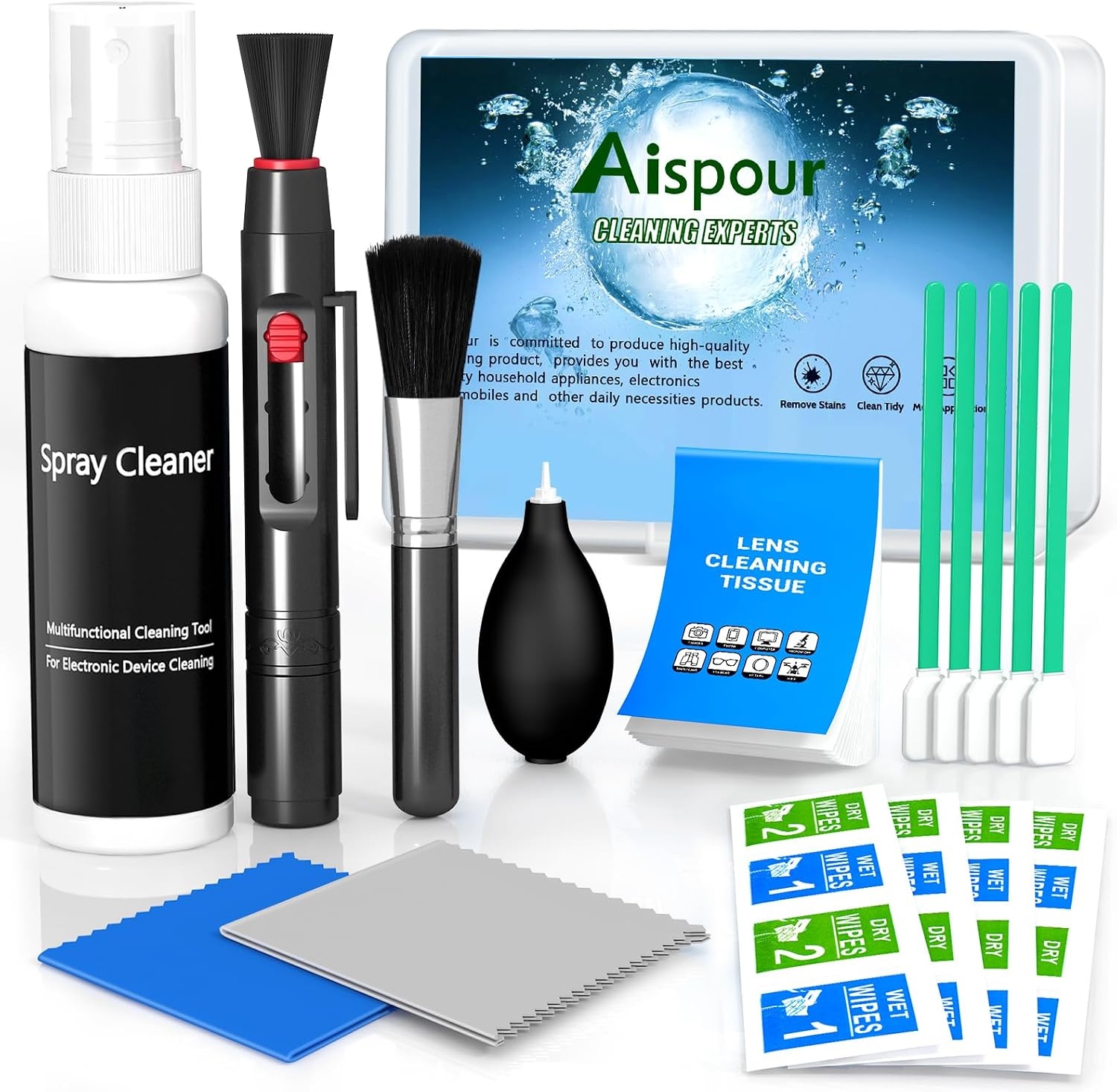 Visit on Amazon → Aispour 10-in-1 Camera Lens Cleaning Kit |
Not a camera | Not applicable | Keeping the glass clean | $8.99 |
Should you buy the TRAUSI 1080P FHD Webcam?
Yes. It is the one camera here I would recommend without a caveat attached. 1080p, a wide angle lens that matters for streaming, auto light correction that keeps a backlit face usable, a noise-canceling mic for calls, and a privacy cover, which nothing else in this group has.
The wide angle is the part I would pay for. It gives you room to crop, and it makes a two-person desk setup or an overlay-heavy stream look intentional rather than cramped. It is plug and play, it works on Windows and Mac, and it appears in OBS without a driver fight. That is the test.
Should you buy the Diccik 1080P Webcam?
Yes, if full HD on the smallest budget is the whole assignment. It delivers 1080p video and a built-in mic, it works the second you plug it in, and it handles Zoom, Skype, and Teams without software.
Go in knowing what you are not getting: no privacy cover, a tighter field of view, and plastic build. If you take one call at a time in a bright room, none of that matters. If you stream, spend a little more and get the wider lens.
Should you buy the Logitech C270?
Buy it for reliability, not resolution. It is 720p, and that shows the moment you record anything worth keeping. What you get instead is a decade of solved drivers and a camera that works every single time you open the lid.
If you already own a lamp and you are willing to point it at your face, this camera will outperform its spec sheet. If you are not going to bother with the light, skip it and buy the 1080p camera instead.