Buying a webcam in 2026 means sorting through a spec sheet that oversells. Every listing shouts 4K, every product photo shows a bright, sharp face, and almost none of them tell you how the camera behaves in a dim room at 11 p.m. That gap is the whole problem: resolution is the easiest thing to advertise and the least useful thing to judge on its own. This guide covers the best webcams for streaming and video calls across the range, from a 720p plug-and-play starter to two 4K models with very different jobs, plus the desk light that often improves bad video more than a new camera does. Every product here is a real, currently listed model matched to its own Amazon page, and every claim below comes from what the manufacturer lists rather than from a lab bench I do not have.
Related: Best Budget Webcams for Small Home Offices
Quick answer
The Logitech MX Brio Ultra HD 4K Webcam with Noise Reducing Microphones, AI-Enhanced Image Quality, Privacy Protector and USB-C Connection - Graphite is the strongest fit for a main streaming or meeting camera because it is the most fully equipped model in this group: 4K capture, a built-in privacy protector, USB-C connection, and noise reducing microphones in a single package. Choose the OBSBOT Meet 2-4K Webcam for PC with 1/2" Sensor, AI Framing & Autofocus instead when you want 4K and a physically larger 1/2 inch sensor for less money, and choose the OBSBOT Tiny 2 Lite 4K Webcam for PC, AI Tracking PTZ Streaming Camera when the camera needs to follow you around the room.
Webcams and video lighting worth comparing
These six products cover the three decisions that actually matter in a streaming or work-from-home setup: how much resolution and sensor you are paying for, whether the camera can frame or follow you on its own, and whether the light in the room is doing its job. They are grouped by role rather than by price, because a cheap camera in good light beats an expensive camera in a dark corner.
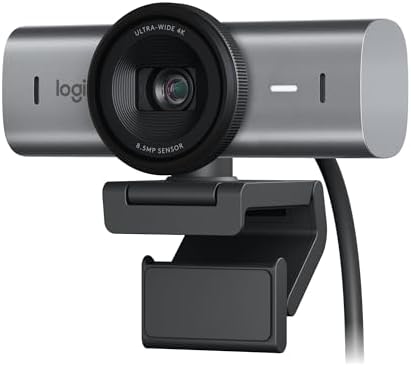
Logitech MX Brio Ultra HD 4K Webcam with Noise Reducing Microphones, AI-Enhanced Image Quality, Privacy Protector and USB-C Connection - Graphite
Logitech's 4K Ultra HD webcam with AI-enhanced image quality, noise reducing microphones, an integrated privacy protector, and a USB-C connection, finished in graphite. The most feature-complete option here for a main streaming or meeting camera.
Visit on Amazon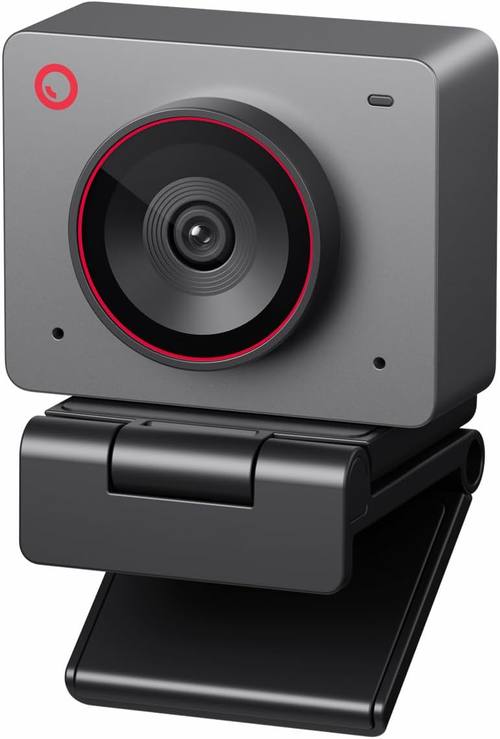
OBSBOT Meet 2-4K Webcam for PC with 1/2" Sensor, AI Framing & Autofocus
A 4K webcam built around a 1/2 inch sensor, with AI framing and autofocus. The larger sensor and the automatic framing make it the interesting middle option for anyone who wants 4K without flagship money.
Visit on Amazon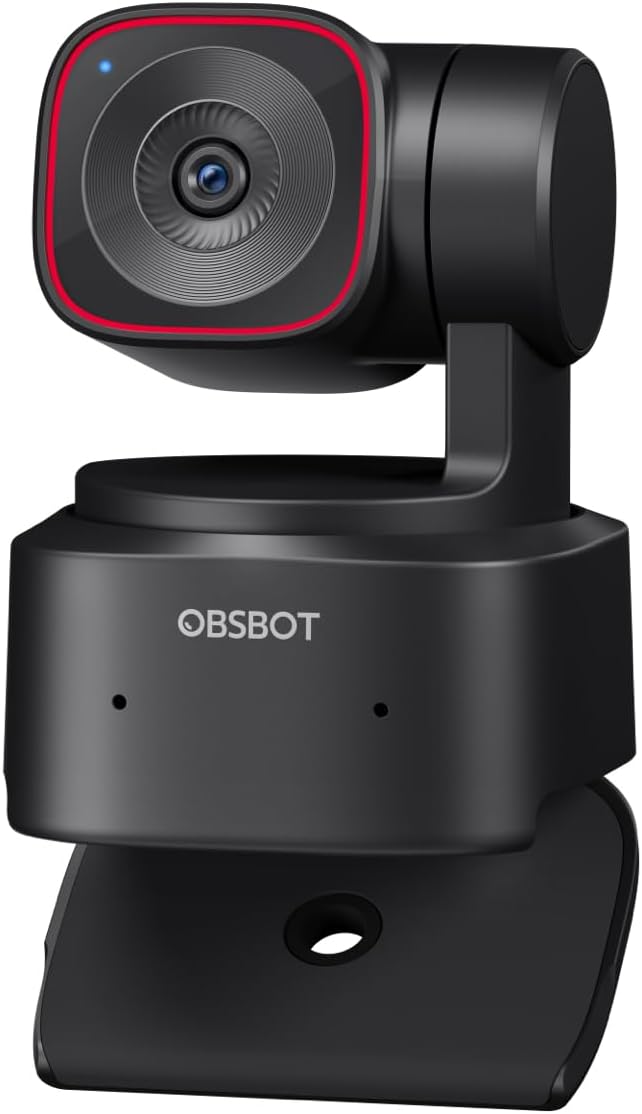
OBSBOT Tiny 2 Lite 4K Webcam for PC, AI Tracking PTZ Streaming Camera
A 4K webcam with AI tracking and a PTZ head that pans, tilts, and zooms, so the camera can follow a presenter around the room. Suited to streaming, teaching, and demos where you do not sit still.
Visit on Amazon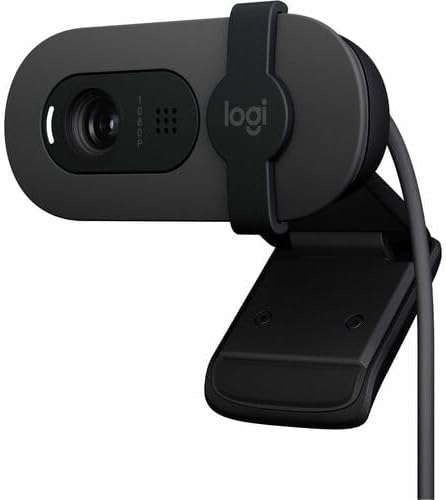
Logitech 960001580 Brio 100 1080p Full HD Webcam (Graphite) (Renewed)
Check current Amazon price
A renewed 1080p Full HD webcam in graphite. A low-cost route into 1080p capture for calls and basic streaming, with the usual caveats that come with buying renewed stock.
Visit on Amazon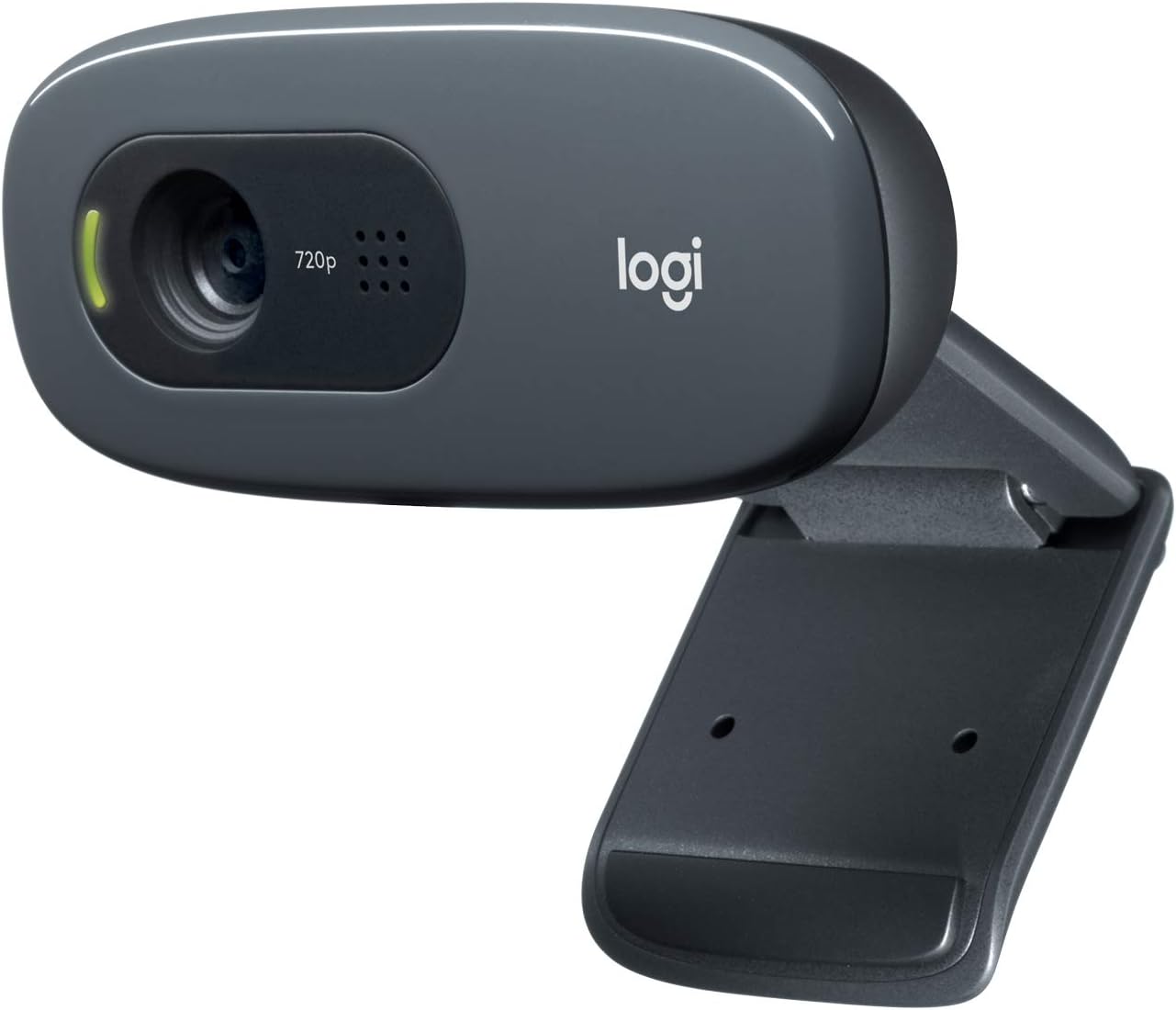
Logitech C270 720p Webcam Plug-and-Play Wide Screen Video Calling - Black
A 720p webcam built for plug-and-play wide screen video calling. The simplest option in this group: no setup ritual, no feature list to learn, just a basic camera for calls.
Visit on Amazon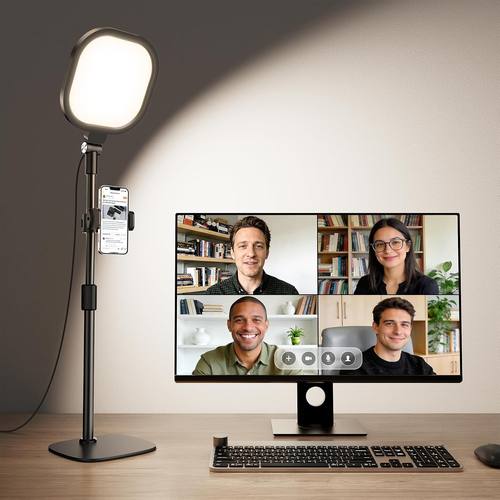
Zoom Lighting for Computer, Adjustable Desk Lighting for Video Calls, 30 Light Modes Video Conference Light, Desk Ring Light with Stand for Webcam, Meetings, Live Stream, Home Office. CRI 97.8
An adjustable desk light for video calls with 30 light modes and a listed CRI of 97.8, on a stand that sits alongside a webcam. Not a camera, but frequently the bigger upgrade.
Visit on AmazonPrices and availability may change. Check the retailer for current details.
How these products were compared
This guide compares resolution and sensor size, connection type and driver behavior, autofocus and framing behavior, built-in microphone and privacy features, and how well each option fits a desk setup with lighting. Product names, images, and retailer links are matched by ASIN so that every card points to the product shown.
None of the notes here come from a lab test. They describe what each manufacturer lists and what those features mean in a real setup; where a claim is not supported by the product data, this guide leaves it out. Do not treat a feature name as proof of performance. A 4K label on a small sensor is still a small sensor, and a ring light with 30 modes is still a light you have to position.
How to choose the right webcam
Start with the sensor, not the resolution number. Resolution tells you how many pixels get recorded; the sensor tells you how much light those pixels get to work with. That is why the 1/2 inch sensor listed on the OBSBOT Meet 2 is worth reading closely: it is a specific, checkable specification rather than a marketing adjective, and it is the kind of detail that separates a camera that holds up in a dim office from one that goes soft and noisy the moment the sun sets. The Logitech C270 records at 720p, the renewed Logitech Brio 100 records at 1080p Full HD, and both 4K models record at 4K Ultra HD. Those are the tiers. What you pay for above 1080p is headroom for cropping and re-framing, not a magic improvement in how your face looks.
Then think about behavior. A camera that reframes itself, like the AI framing on the Meet 2 or the AI tracking and PTZ movement on the Tiny 2 Lite, solves a specific problem: you move, and the frame follows. If you sit still for calls and streams, that feature is decoration. If you present, demo, or teach while standing, it is the difference between a usable recording and a wasted one. Check the field of view next, because a wide angle that captures your whole desk also captures your laundry. Then confirm the connection: the MX Brio uses USB-C, and you want to know before you buy whether that matches the ports on your machine. If you are outfitting a small office rather than a stream, the best budget webcams for small home offices roundup goes deeper on the cheap end of this ladder.
Autofocus deserves its own line because it is the most common source of frustration in a webcam. Autofocus that locks on and stays there is invisible; autofocus that hunts is a distraction you will notice on every recording. When a listing mentions autofocus, ask what happens when you lean out of frame and back, or when someone walks behind you. Finally, treat lighting as part of the camera decision rather than an afterthought. A desk light with adjustable output and a high color rendering index, like the one listed here at 30 light modes and a CRI of 97.8, changes how every camera in this guide renders skin, and it is often the cheaper half of a two-part upgrade.
Logitech MX Brio Ultra HD 4K Webcam with Noise Reducing Microphones, AI-Enhanced Image Quality, Privacy Protector and USB-C Connection - Graphite
The MX Brio is the top pick because it bundles the things you would otherwise buy separately. It records at 4K Ultra HD, it uses USB-C rather than an older connector, it includes a built-in privacy protector so you can physically close the lens, and it lists noise reducing microphones, which matters if you would rather not add a separate mic on day one. The AI-enhanced image quality claim is the vaguest item on that list, so weigh it accordingly: the concrete advantages are the resolution, the connection, the shutter, and the microphones.
The trade-off is that you are paying for the complete package rather than for any single spec. If your priority is sensor size per dollar, the OBSBOT Meet 2 lists a 1/2 inch sensor for less. If your priority is a camera that moves, the Tiny 2 Lite does something the MX Brio does not. The MX Brio's case is that you plug in one USB-C cable and you have 4K, privacy, and audio covered, with no second purchase required.
Alternatives to consider
The OBSBOT Meet 2-4K Webcam for PC with 1/2" Sensor, AI Framing & Autofocus is better suited to someone who wants 4K capture and a larger sensor without the flagship price, while the OBSBOT Tiny 2 Lite 4K Webcam for PC, AI Tracking PTZ Streaming Camera is a stronger fit when the camera has to follow you: its AI tracking and PTZ head are aimed squarely at presenters, teachers, and streamers who move around.
The Logitech 960001580 Brio 100 1080p Full HD Webcam (Graphite) (Renewed), the Logitech C270 720p Webcam Plug-and-Play Wide Screen Video Calling - Black, and the Zoom Lighting for Computer, Adjustable Desk Lighting for Video Calls, 30 Light Modes Video Conference Light, Desk Ring Light with Stand for Webcam, Meetings, Live Stream, Home Office. CRI 97.8 cover the other end of the problem. The renewed Brio 100 is the cheap path to 1080p, the C270 is the cheap path to simply having a camera that works for calls, and the desk light is the upgrade that improves every one of the cameras above without replacing any of them.
Day-to-day use and maintenance
Once a camera is mounted, most of the daily friction comes from three places: the cable, the software, and the lens. Use a USB-C or USB-A cable that matches the camera's connection and route it so it is not bearing the camera's weight, because a cable that tugs on the mount will slowly tilt your framing. If the camera is on a monitor, check that the mount does not block the screen or slide when you adjust the display height. Keep the lens clean with a dry microfiber cloth, and use the privacy protector when the camera is idle so dust stays off the glass.
On the software side, the practical test is whether the camera behaves in your streaming application without a driver fight. Set your resolution, frame rate, and field of view once, then confirm the settings persist after a reboot rather than resetting to defaults every session. For the desk light, position it so it lights your face rather than shining into the lens, and adjust intensity before you adjust the camera, since a small lighting change usually does more than a resolution change. Point the light away from the lens and avoid staring into it at close range, especially at higher brightness settings, and check the manufacturer's care instructions for anything specific to your model.
Buying checklist
- Measure your desk and monitor clearance, including where the mount sits and how far the light stand reaches.
- Choose resolution based on normal use rather than an occasional edge case; 1080p covers most calls and streams.
- Check the sensor specification, since it matters more in low light than the resolution number.
- Confirm that the exact model includes the features you need, such as a privacy protector or USB-C connection.
- Decide whether you need AI framing or tracking at all, or whether you sit still enough to skip it.
- Read the cleaning and maintenance instructions, especially for renewed products.
- Verify the current retailer price, availability, and return terms before ordering.
Final recommendation
Choose the Logitech MX Brio Ultra HD 4K Webcam with Noise Reducing Microphones, AI-Enhanced Image Quality, Privacy Protector and USB-C Connection - Graphite when you want one camera that covers 4K capture, a privacy shutter, USB-C, and built-in microphones without a second purchase. Choose the OBSBOT Meet 2-4K Webcam for PC with 1/2" Sensor, AI Framing & Autofocus when the listed 1/2 inch sensor and lower cost matter more than the extra features, or the OBSBOT Tiny 2 Lite 4K Webcam for PC, AI Tracking PTZ Streaming Camera when you need the camera to follow you. Choose the Logitech 960001580 Brio 100 1080p Full HD Webcam (Graphite) (Renewed) or the Logitech C270 720p Webcam Plug-and-Play Wide Screen Video Calling - Black when budget is the deciding factor. Whatever camera you pick, put the Zoom Lighting for Computer, Adjustable Desk Lighting for Video Calls, 30 Light Modes Video Conference Light, Desk Ring Light with Stand for Webcam, Meetings, Live Stream, Home Office. CRI 97.8 on the list early, because light is the variable you can actually control.