If you have ever watched a webcam feed where the face is a flat gray smudge and the wall behind it is a bright glowing rectangle, you already know the problem. Webcams are small sensors in a small housing, and they do their best work when the light on your face is soft, steady, and in front of you rather than behind you. That is why the hunt for the best affordable continuous output lighting is really a hunt for consistency: a light that stays on, holds a color temperature, and does not flicker while you are mid-sentence.
Continuous output means the light is always on rather than a brief flash, which is exactly what a webcam needs, because the camera is reading the scene many times a second. It also means you can judge the result before you hit record, since the preview shows you what the sensor sees. The six products below all sit in that affordable band and they solve the problem in noticeably different ways: a purpose-built streaming light, a high output bi-color panel, a wide clip-on desk bar, and a few small monitor-mounted lights.
Related: Best webcams for streaming
Quick answer
The Logitech for Creators Litra Glow Premium LED Streaming Light - Graphite is the strongest fit for most desk setups because it starts life as a dedicated streaming light rather than a converted lamp or a bare panel, which is the right starting point when your subject is one face at a monitor. Choose the NEEWER FS150B LED Video Light with 2.4G/APP Control, 130W Bi Color instead when you want a room-scale key light with wireless and app control and you have a stand to put it on.
Best affordable continuous output lighting options worth comparing
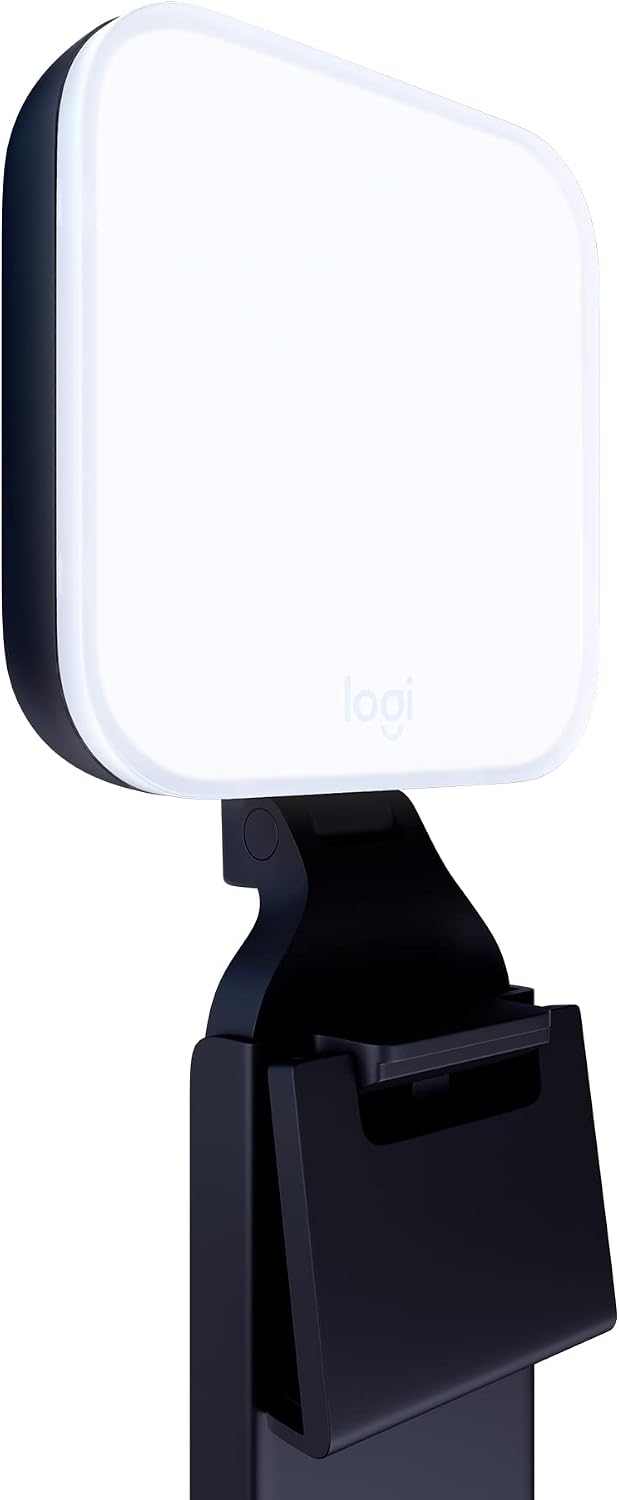
Logitech for Creators Litra Glow Premium LED Streaming Light - Graphite
A dedicated LED streaming light from Logitech's creator line, finished in graphite. The cleanest starting point when your subject is one face at a desk and you want a light built for that job rather than adapted to it.
Visit on Amazon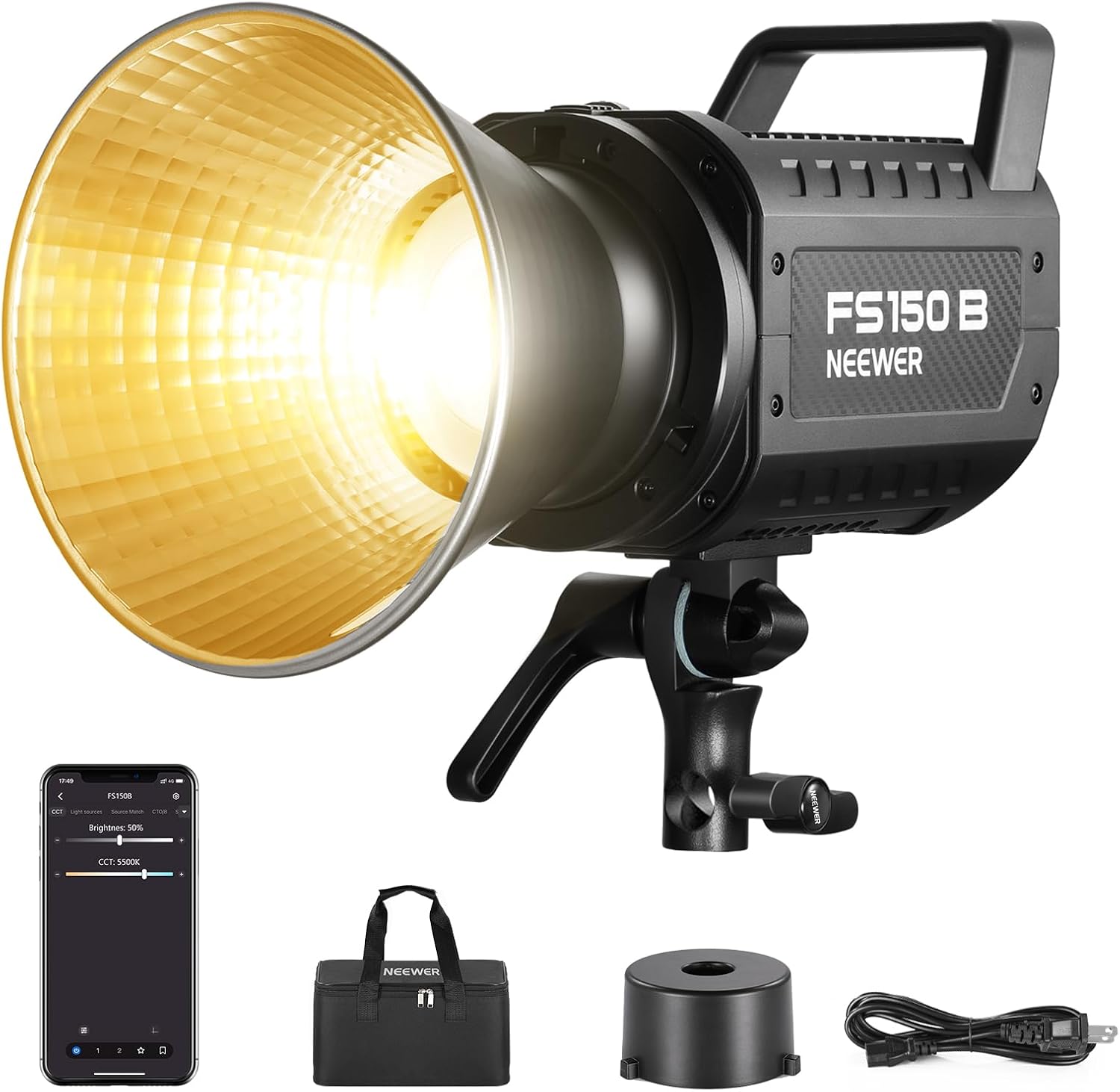
NEEWER FS150B LED Video Light with 2.4G/APP Control, 130W Bi Color
A 130W bi-color LED panel with 2.4G wireless and app control. High output for a room-scale key light, and a panel this size is normally mounted on a light stand rather than clipped to a monitor.
Visit on Amazon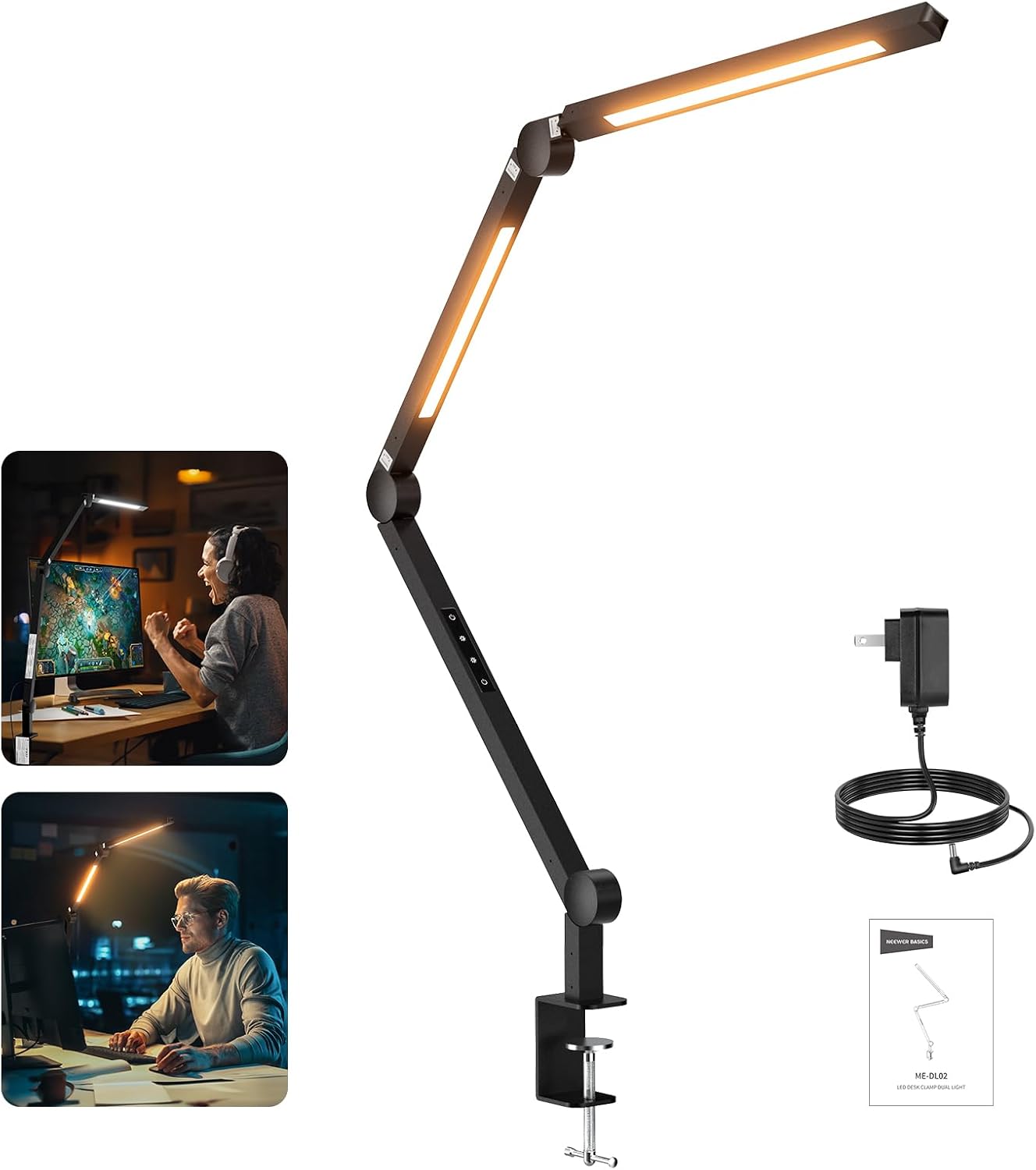
NEEWRE Basics 12W 42.5" Clip On LED Lamp with Dual Light Bar, CRI95+ Bi Color Aluminum Alloy Table Architect Light Dimmable for Home Office Monitor Computer Video Conference Desk Drafting, ME-DL02
A 42.5 inch clip-on dual light bar in aluminum alloy, dimmable and bi-color, with a stated CRI of 95 and above. It works as a desk lamp first and a wide, even video source second.
Visit on Amazon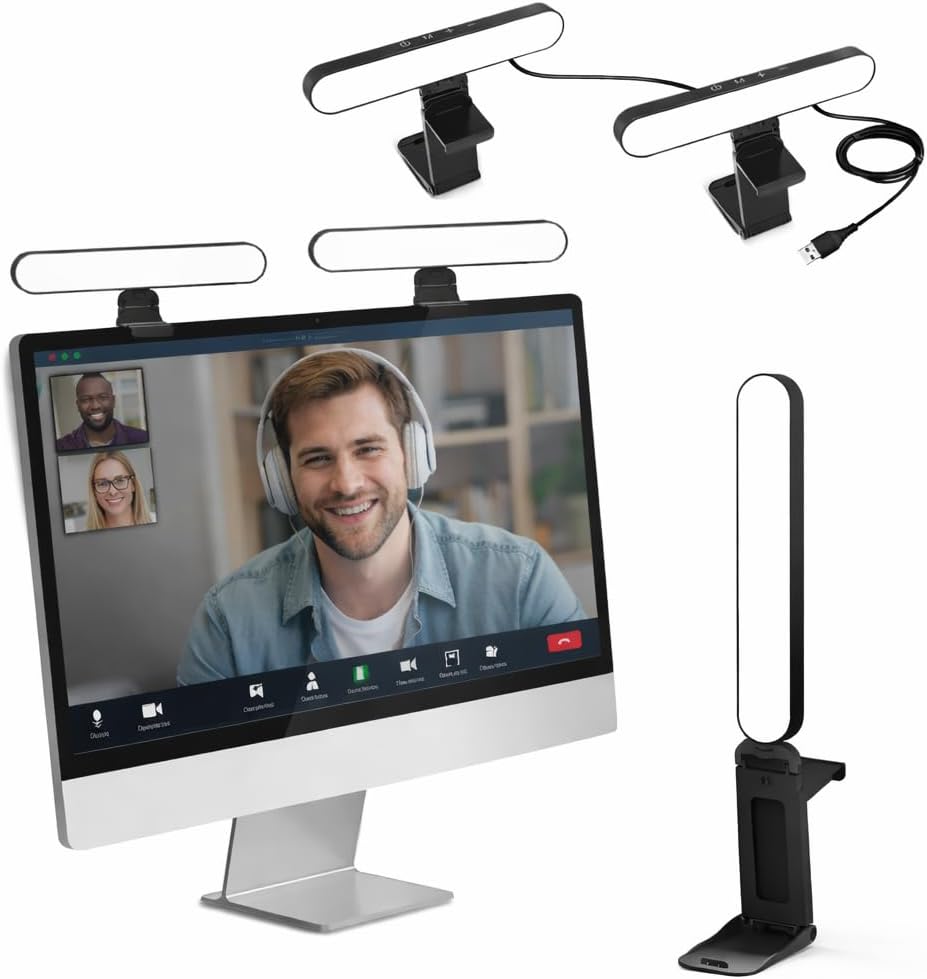
UBeesize Dual Webcam Light for Video Calls with Monitor Stand, 2-Pack
Two small webcam lights on a monitor stand, sold as a pair. The pair is the point: two modest sources placed left and right even out a face better than one bright source in the middle.
Visit on Amazon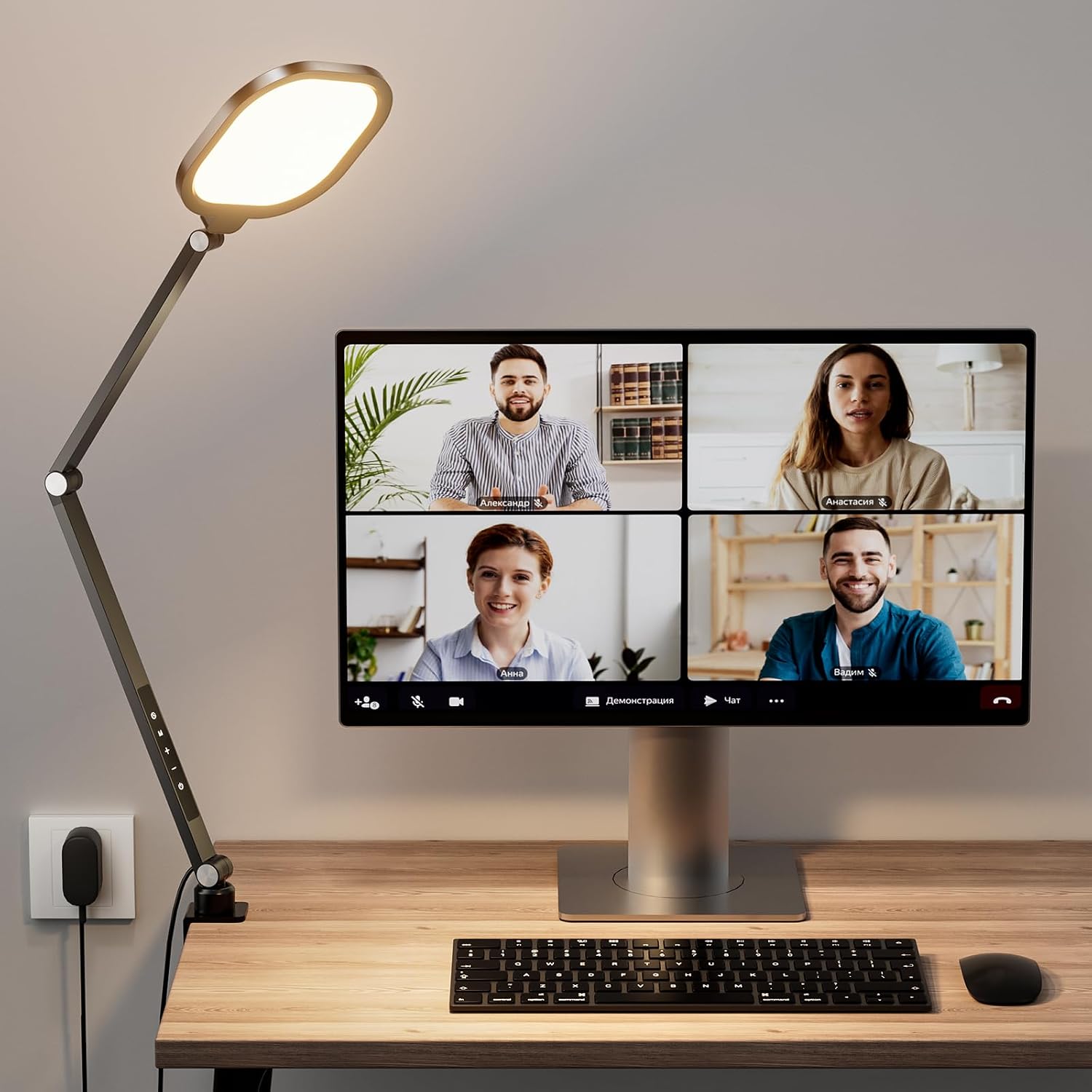
LitONES Video Conference Lighting for Computer, Webcam,Video Recording
A light positioned specifically for video conferencing and recording rather than for general desk work. A middle route between the small clip-on lights and a full panel.
Visit on Amazon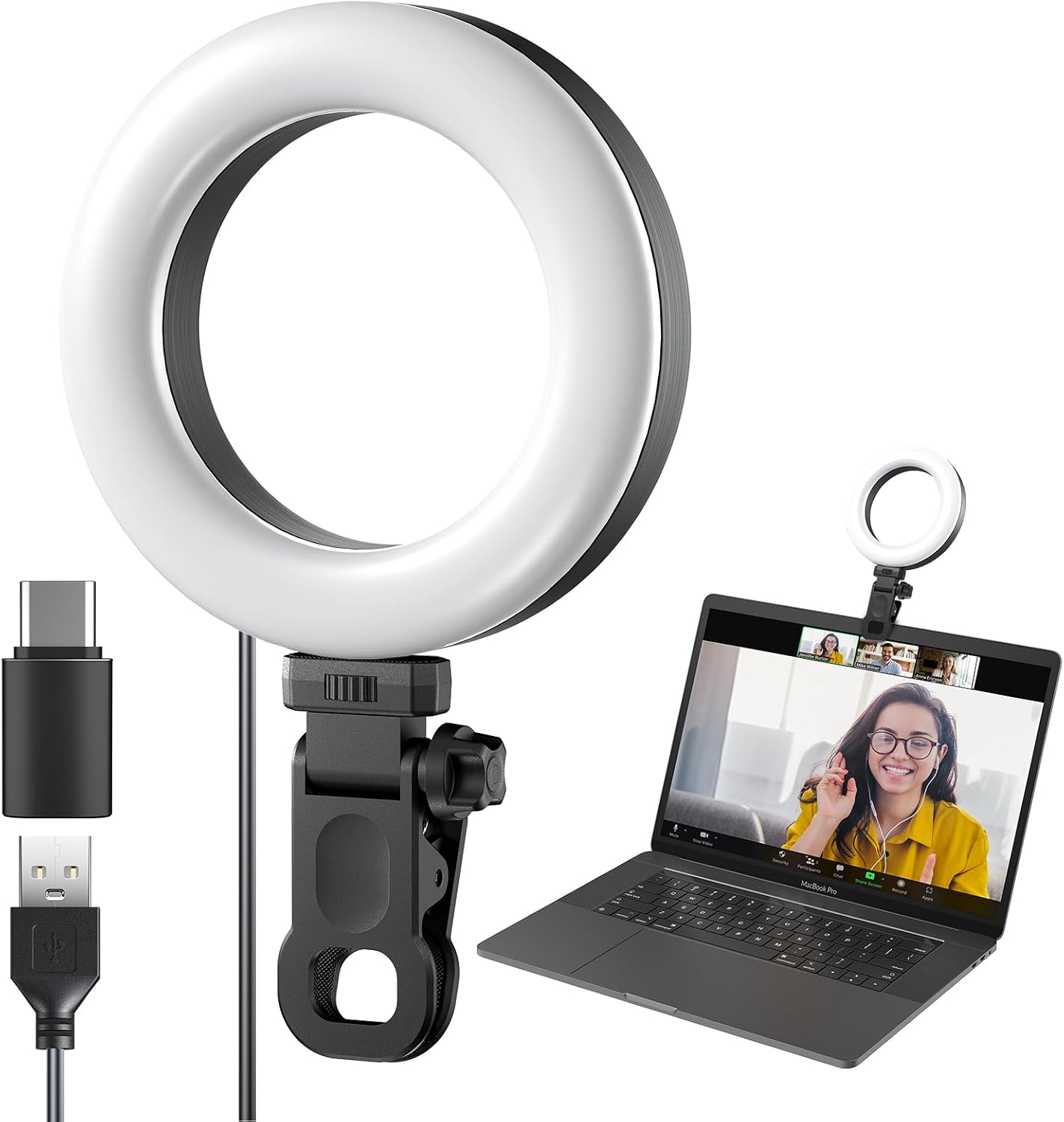
Ring Light Clip on Laptop Monitor, Webcam Light 10 Level Video Conference Lighting for Remote Working/Zoom Calls/Self Broadcasting/Live Streaming/Video Recording/TikTok
A clip-on ring light for a laptop lid with 10 brightness levels, aimed at remote work, Zoom calls, and streaming. The most portable option here, and the one that travels in a bag without complaint.
Visit on AmazonPrices and availability may change. Check the retailer for current details.
How these products were compared
This guide compares mounting and footprint, output and dimming range, color temperature control, coverage across a face, and stated color accuracy. The comparison is built from the specifications each listing states, not from a bench test, and nothing here should be read as a measured result. Product names, images, and retailer links are matched by product ID so that every card points to the product shown.
Mounting comes first because it decides whether you actually use the light. A clip-on light that fights your monitor bezel ends up in a drawer, while a panel with no stand in the box waits on a shelf for an accessory that never arrives. Output and dimming come next: a light that only has one bright setting is hard to live with in a small room, and a light that cannot go dim is worse at night than no light at all.
Color temperature control matters because your room is not neutral. If your ceiling bulbs are warm and your light is cool, your face carries two colors at once and the webcam will pick a side. Coverage is the fourth criterion, since a small source close to your face gives hard shadows and a wide source gives an even wash. Stated color accuracy is the last one, and only one product here publishes a CRI figure, which is worth noting rather than assuming across the group.
How to choose the right affordable continuous output lighting for your desk
Start with the form factor, because it decides almost everything else. A clip-on laptop light is the answer when you move between desks, kitchens, and hotel rooms, and you accept a smaller, harder source in exchange for portability. A monitor-mounted pair is the answer when you sit in one place and want light from two directions, which softens shadows without any diffuser. A wide clip-on bar is the answer when the same lamp has to light your keyboard, your notes, and your face in one go. A standalone panel is the answer when you want to shape light properly and you have the floor or desk space for a stand.
Then look at dimming and color temperature. A useful range beats a big maximum, especially in a small room where the light sits an arm's length away. Bi-color control, which the panel and the clip-on bar both advertise, lets you match the room instead of fighting it. If a listing gives only brightness steps and no temperature control, treat that as a desk lamp that happens to point at you.
Color accuracy deserves a sentence of its own. Only the NEEWRE Basics listing states a CRI of 95 and above, and a high CRI is what keeps skin from going gray or green under LED light. When a listing does not publish a CRI figure, you are choosing on form factor and control rather than on color quality.
Finally, think about what the camera sees in the frame. A ring light puts a circular catchlight in the eye, which some people love and others find distracting. A bar puts a long rectangular highlight in glasses, which can be worse. Angle the light slightly off axis and above eye level before you decide a light is wrong for you, and if the face still looks flat, the problem may be the camera rather than the lamp, which is where a guide to webcam field of view and framing helps.
Logitech for Creators Litra Glow Premium LED Streaming Light - Graphite
The Litra Glow is the top pick because it is the one product here that was designed and sold as a streaming light for creators rather than as a lamp or a video panel that happens to work for calls. That distinction sounds like marketing until you use the alternatives: office lamps are built to light paper, panels are built to light rooms, and the compromises show up on a face at webcam distance.
For the normal case, one person at a desk with a monitor, a camera, and a wall behind them, the streaming light is the shortest path to a usable image. It is a single, self-contained light from Logitech's creator line, finished in graphite, so it does not look like an office supply on the desk. The job it needs to do is simple: put steady, controllable light in front of the subject without making the setup look improvised.
The trade-off is scope. A purpose-built streaming light lights a face, not a room, so it is a poor choice if you also want to light a product shot, a two-person interview, or a wide background. If you need to confirm the dimming steps, the color temperature range, and how it mounts to your specific monitor, check the current listing before buying, because those details matter more than the shape of the housing. For a desk-only setup, none of that changes the recommendation.
Alternatives to consider
The NEEWER FS150B LED Video Light with 2.4G/APP Control, 130W Bi Color is better suited to a room-scale key light or a setup where the light is bounced or diffused, while the NEEWRE Basics 12W 42.5" Clip On LED Lamp with Dual Light Bar, CRI95+ Bi Color Aluminum Alloy Table Architect Light Dimmable for Home Office Monitor Computer Video Conference Desk Drafting, ME-DL02 is a stronger fit when you want one wide lamp to handle desk work and video both.
The UBeesize Dual Webcam Light for Video Calls with Monitor Stand, 2-Pack, the LitONES Video Conference Lighting for Computer, Webcam,Video Recording, and the Ring Light Clip on Laptop Monitor, Webcam Light 10 Level Video Conference Lighting for Remote Working/Zoom Calls/Self Broadcasting/Live Streaming/Video Recording/TikTok cover the small-light end of the group. The UBeesize pair wins when you want even fill from two sides, the LitONES unit sits between a clip light and a dedicated video lamp, and the clip-on ring light is the one to take traveling.
Day-to-day use and maintenance
Placement does more than any setting. Put the light in front of you, slightly above eye level and a little to one side, so the shadow falls away from the camera rather than across the nose. If your webcam sits on top of the monitor, the light should be near that height but not directly above it, or you get the same flat, top-down look as an overhead room light.
Match your light to the room before you match anything else. Set a bi-color light to the same warmth as your ceiling bulbs, then adjust brightness until your face is a stop or so brighter than the wall behind you. If your background is much brighter than your face, no affordable light will fix the exposure, and you should lower the background instead by turning off a lamp or closing a curtain.
Maintenance is mostly dust and cables. Wipe diffusers and light bars with a dry microfiber cloth rather than a wet one, and avoid solvent cleaners on aluminum housings. Give any clip-on light a quick check at the padding, since foam that has compressed will let the light sag and point somewhere new. Route cables so they do not pull on the mount, and never rest a light on a monitor's ventilation slots. If a light or its power supply runs hot enough that you notice it, unplug it and check the listing for the supported power adapter rather than substituting one.
Buying checklist
- Measure the gap between your monitor and the desk, and the depth of the monitor bezel, before choosing a clip.
- Choose the output range based on the room you actually sit in, not on the brightest number in the listing.
- Confirm that the exact model includes the color temperature control you want rather than brightness only.
- Check whether a stand, clamp, or power adapter is included, since panels often need a stand you already own.
- Read the cleaning and care instructions, especially for diffusers and aluminum housings.
- Verify the current retailer price, availability, and return terms before you commit.
Final recommendation
Choose the Logitech for Creators Litra Glow Premium LED Streaming Light - Graphite when you want one light, on one desk, aimed at one face, and you would rather buy a streaming light than adapt an office lamp. Choose the NEEWER FS150B LED Video Light with 2.4G/APP Control, 130W Bi Color when you are lighting a room, a set, or a two-person shot and you already have a stand. Choose the NEEWRE Basics 12W 42.5" Clip On LED Lamp with Dual Light Bar, CRI95+ Bi Color Aluminum Alloy Table Architect Light Dimmable for Home Office Monitor Computer Video Conference Desk Drafting, ME-DL02 when the lamp has to serve your desk during the day and your calls in the afternoon. For travel, the clip-on ring light is the one that fits in a bag. The best affordable continuous output lighting is the one you will actually leave switched on.